
Here’s some good news for fans of Ubiquiti’s NAS approach: The company today released the latest UniFi Drive 4 app, which powers all of its UNAS servers.
Unlike other NAS servers on the market that have their own full-scale Linux-based operating system, Ubiquit’s UNAS is the UniFi Drive app running on the company’s UniFi OS. As a result, each UNAS server is a single-app UniFi console that focuses primarily on storage, without additional standalone features such as a media streaming server or a surveillance system, which, by the way, is another UniFi app called Protect.
That said, UniFi Drive 4 will still be a storage-only app within the ecosystem, but with more features.
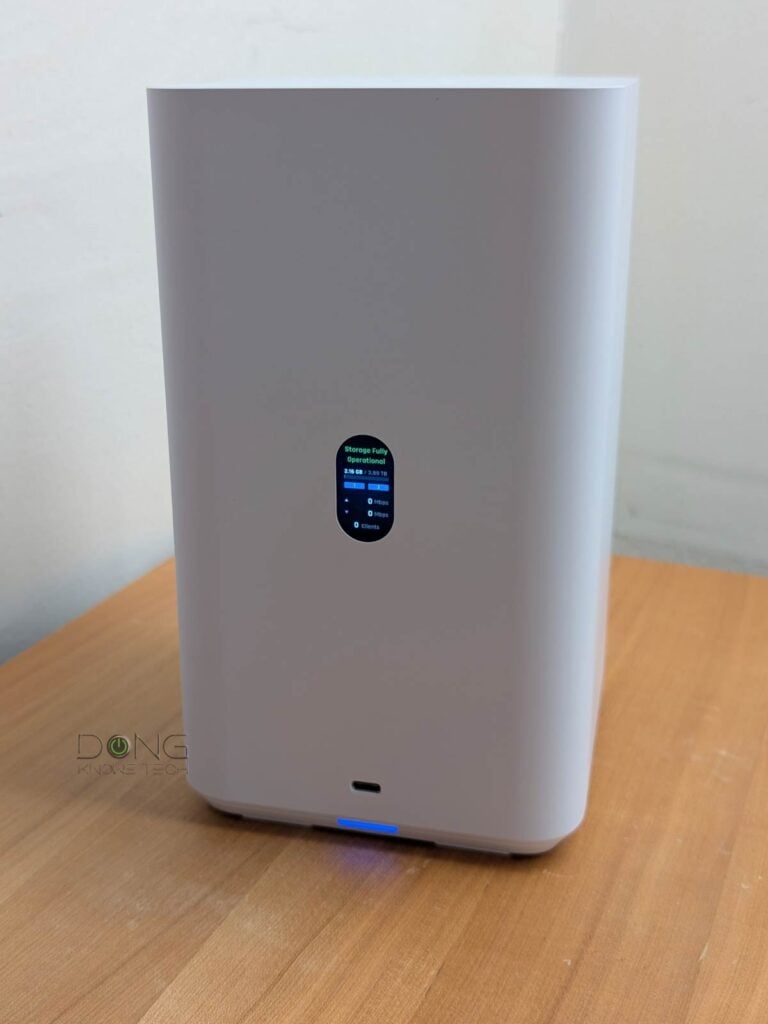
UniFi Drive 4: An incremental update
First released in October 2024, UniFi Drive is the newest among network-attached storage options. Since then, the young NAS approach has evolved relatively fast.
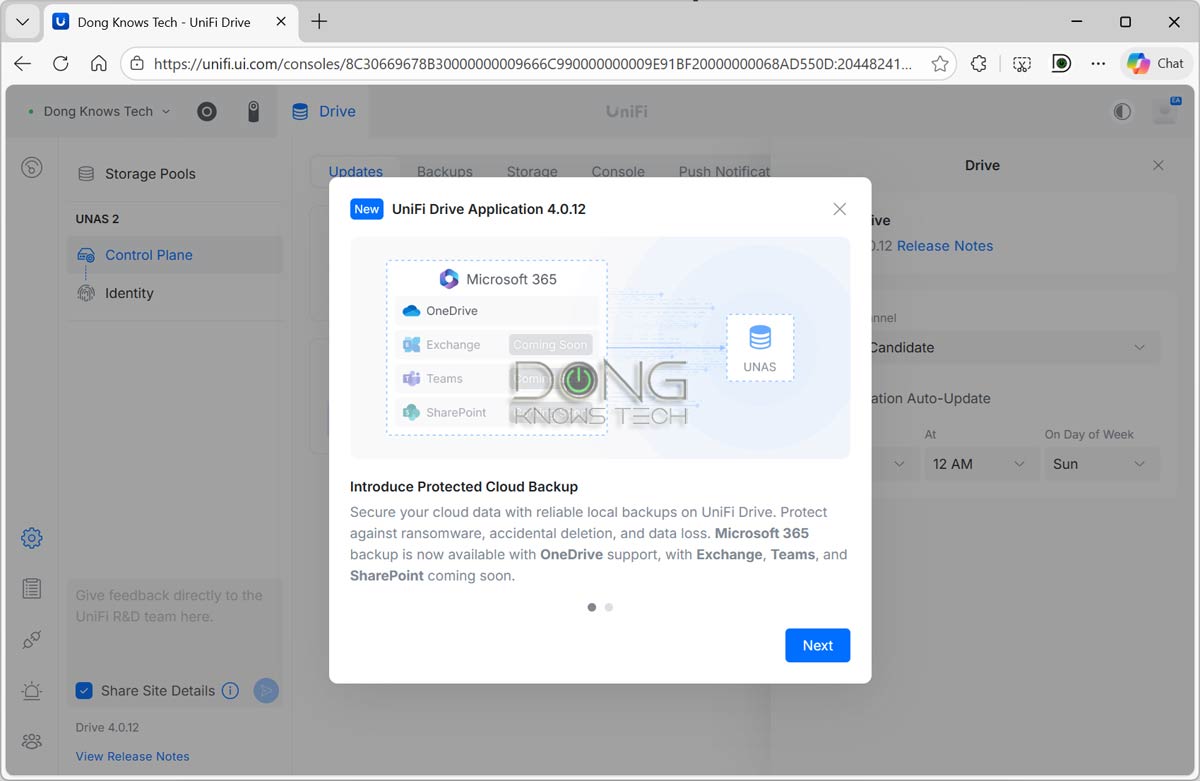
In July 2025, Ubiquiti released UniFi Drive 3, which added support for multiple RAID configurations, improved data protection, and better storage management, among other enhancements. The centerpiece of UniFi Drive 4 is support for Microsoft 365 Protected Cloud Backups, making UNAS a business-grade backup platform. Prior to this, Google Drive had already been supported.
That said, here’s the full list of UniFi Drive 4’s improvements and bug fixes:
- Improvements:
- Added support for Microsoft 365 OneDrive backups (excluding accounts operated by 21Vianet).
- Work or School accounts in Microsoft Entra ID tenants with appropriate permissions to access Azure resources are required.
- Added Health Monitor support for displaying drive status and running manual S.M.A.R.T. tests.
- Added visibility into authorization status for Google Drive, OneDrive, and Dropbox backup accounts.
- Added administrator usernames to System Logs.
- Improved the user experience for storage pool management.
- Improved the user experience for backup task creation and management.
- Bugfixes
- Fixed an issue where drives that were temporarily missing S.M.A.R.T. data could be incorrectly marked as “At Risk.”
- Fixed an issue where the SSD Cache RAID type did not update correctly after configuration changes were applied.
- Fixed an issue where deleting a storage pool could interrupt SMB connections on other pools.
- Fixed an issue where deactivating a shared drive did not properly revoke NFS export access.
- Fixed an issue where the M.2 SSD formatting option was incorrectly visible to non-console owners.
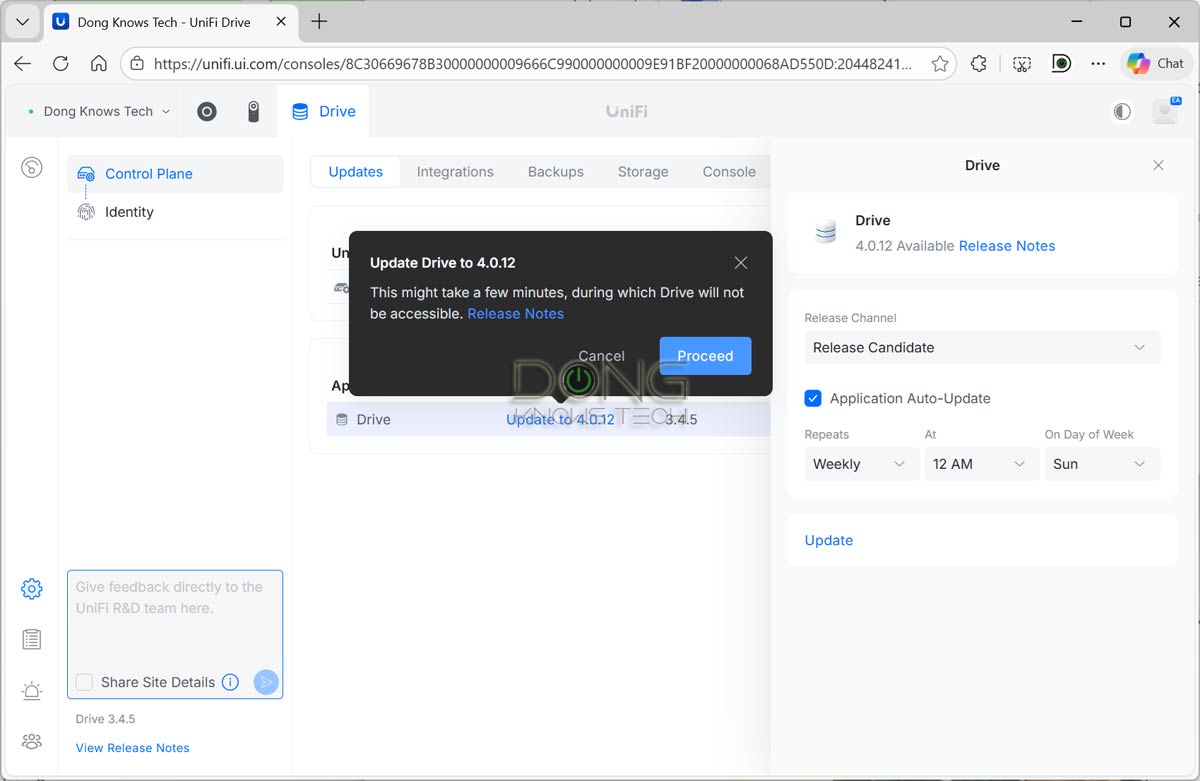
I updated my UNAS 2 to the UniFi Drive 4, and the process took less than five minutes. Aside from support for OneDrive, the new version includes an improved user interface, making managing the server a much better experience overall.
Generally, UNAS servers are for those who care only about network storage and want a simple server without features they don’t need. Within that perspective, UniFi Drive 4 can be an excellent update.
Availability and requirements
UniFi Drive 4, currently at the release candidate with version 4.0.12, requires UniFi OS version 4.4.11 or higher. The update is being rolled out in stages, meaning it might not be available in all region simultanenously. If you set your console to “Auto Update,” the update will eventually be applied to the server.


It’s a very nice looking NAS, but it’s a total idiot. It can store everything except recordings from its own UniFi camera system. Great, right?
You can use it as the backup for that but that’s the job of the Protect app as mentioned. I hear you, though.
Its like the proverb – the right hand doesn’t speak with the left one…
To be fair, it’s a bit like a hand and a foot in this case.
Considering the performance requirements of the UniFi Protect, network-based storage, whose bandwidth varies depending on many factors, such as switches and loads, is simply not reliable enough. You need direct internal storage, which is the case of any other video NVR, including Synology Surveillance Station.
We have gloves and shoes, which are not generally interchangeable, for a reason.