
Here’s some exciting news for fans of Wi-Fi 7 and UniFi hardware: The dream of fast Multi-Link Operation (a.k.a. STR MLO) is about to come true in a big way. In case you’re new: this development means your UniFi mesh system’s real-world performance will improve significantly.
Still confused? Let’s dig in!
STR MLO and what it’ll bring to Ubiquiti’s UniFi ecosystem
Multi-Link Operation is the most significant feature of Wi-Fi 7, allowing hardware to use multiple Wi-Fi bands to improve links between hardware units.
However, MLO can be complicated. Among other things, it comes in two main flavors: eMLSR MLO, which improves only link reliability by quickly switching between bands, and STR MLO, which also improves bandwidth by using all bands simultaneously.
Main MLO modes
- STR (Simultaneous Transmit and Receive) MLO: A multi-link technique that uses all available bands, though often the 5GHz and 6GHz, simultaneously to deliver higher throughput, lower latency, and improved reliability. This mode generally requires bulky hardware that consumes significant power and is only suitable for plugged-in hardware units, such as mesh points and purpose-built Wi-Fi 7 bridges/adapters. It’s likely that no battery-operated device will ever have built-in STR MLO.
- eMLSR (Enhanced Multi-Link Single Radio) MLO: A multi-link technique that dynamically switches among all available bands (2.4GHz, 5GHz, and 6GHz) to provide load balancing and lower latency. This mode does not increase data rates between connected devices but uses much less energy than STR MLO and is therefore widely implemented in standard receivers, including most internal Wi-Fi 7 adapters and their variants.
As you might have guessed, the latter is where the feature is truly exciting.
Up until early March 2026, only the former, eMLSR MLO, was widely available, and it proved underwhelming in real-world use because it doesn’t meaningfully increase bandwidth for either fronthaul (devices) or backhaul uplink in a mesh setup.
Tip
When you use multiple Wi-Fi access points—in a mesh Wi-Fi system or a combination of a Wi-Fi router and an extender—there are two types of connections: fronthaul and backhaul.
Fronthaul (or downlink) is the Wi-Fi signals broadcast outward to clients or to local area network (LAN) ports for wired devices. It’s what we generally expect from a Wi-Fi broadcaster.
Backhaul (a.k.a. backbone) or uplink, on the other hand, is the link between a Wi-Fi satellite unit and the network’s primary router, or between satellite units.
This link works behind the scenes to keep the hardware units together as a system. It also determines the ceiling bandwidth (and speed) of all devices connected to the particular Wi-Fi satellite unit.
At the satellite/extender unit, keep the following in mind about the connection used for the backhaul uplink, which is a Wi-Fi link (wireless) or a network port (wired):
- Hardware of Wi-Fi 6e, Wi-Fi 6, or Wi-Fi 5 standards always uses one of its bands (2.4GHz, 5GHz, or 6GHz) for the uplink. In this case:
- When a Wi-Fi band handles backhaul and fronthaul simultaneously, only half its bandwidth is available to either end.
- When a Wi-Fi band is used solely for backhauling, often available in tri-band hardware, the link is called a dedicated backhaul.
- Most Wi-Fi 7 satellite units can use multiple bands for the backhaul link thanks to the MLO feature.
For the best performance and reliability, network cables are recommended for the uplink or wired backhauling, an advantage of mesh Wi-Fi hardware with network ports. In this case, a Wi-Fi satellite unit can use its entire Wi-Fi bandwidth for the fronthaul.
For this reason, Ubiquiti purposely didn’t implement MLO in its hardware for the backhaul uplink. I complained about this in the review of the UX7 and the UDB Switch—neither has had MLO for uplink since launch.
All that’s about to change.
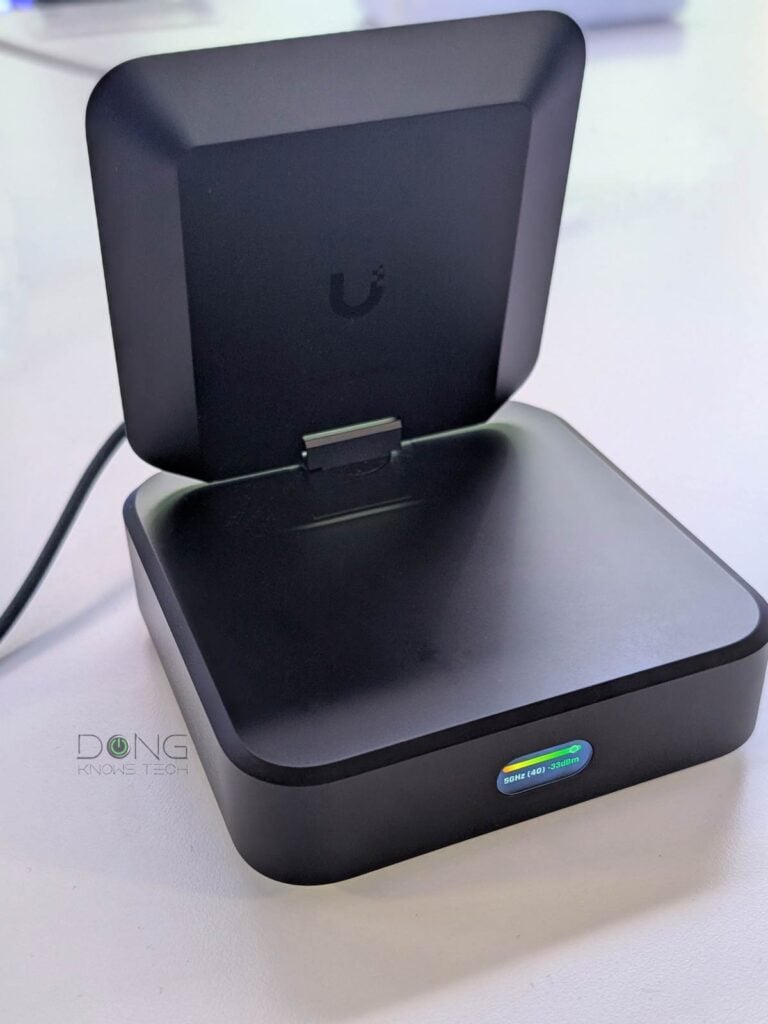
UniFi AireWire: First Wi-Fi 7 adapter with STR MLO
On March 19, 2026, Ubiquiti unveiled the UniFi AirWire (U-AirWire) USB Wi-Fi 7 adapter. While functionally it’s similar to other Wi-Fi 7 adapters on the market, such as the Netgear A9000, the new adapter is totally different: it’s much larger and the first to feature STR MLO.
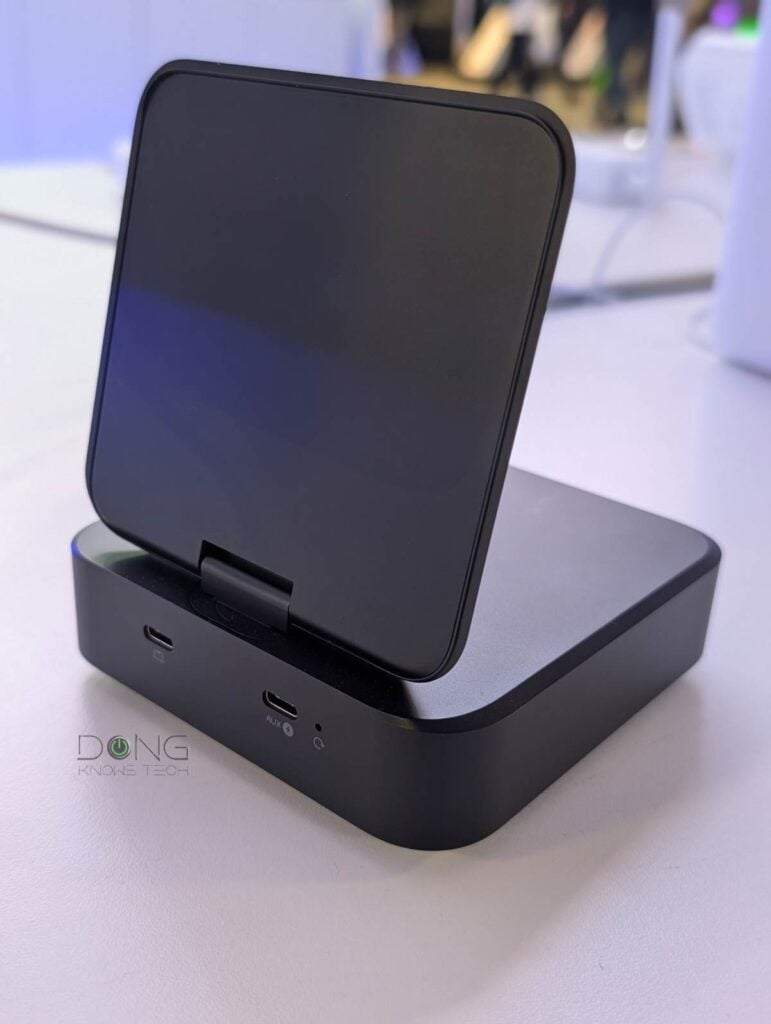
I’ll likely put the new adapter through its paces at some point, but it has to be large enough for STR MLO to work. In fact, like most bus-powered USB devices, the AirWire draws power from the host but also includes a second USB-C port to optionally draw additional power when needed to have enough 20W required for its top performance.
Ubiquiti says the AirWire can use both the 5GHz and 6GHz bands simultaneously to increase bandwdith and can deliver up to 5Gbps of real-world speed.
It’s worth noting, though, that the 5Gbps figure is based on the adapter’s USB Gen 2, which maxes out at 5Gbps. If it had a faster to-host connection, such as 10Gbps USB Gen 2×2, Thunderbolt, or a 10Gbps port, chances are it’ll have even higher real-world connection.
And that brings us back to the UX7 and UDB Switch.
STR MLO: Enabling UniFi wireless uplink
Although they look totally different, the new AirWire and the UDB Switch share the same Wi-Fi uplink. The difference is that the latter uses that link to share with up to 8 wired devices, rather than just a single device via a USB-C port. Most importantly, this switch comes with a 10Gbps port, meaning that with the help of STR MLO, it’ll likely support more real-world connections.
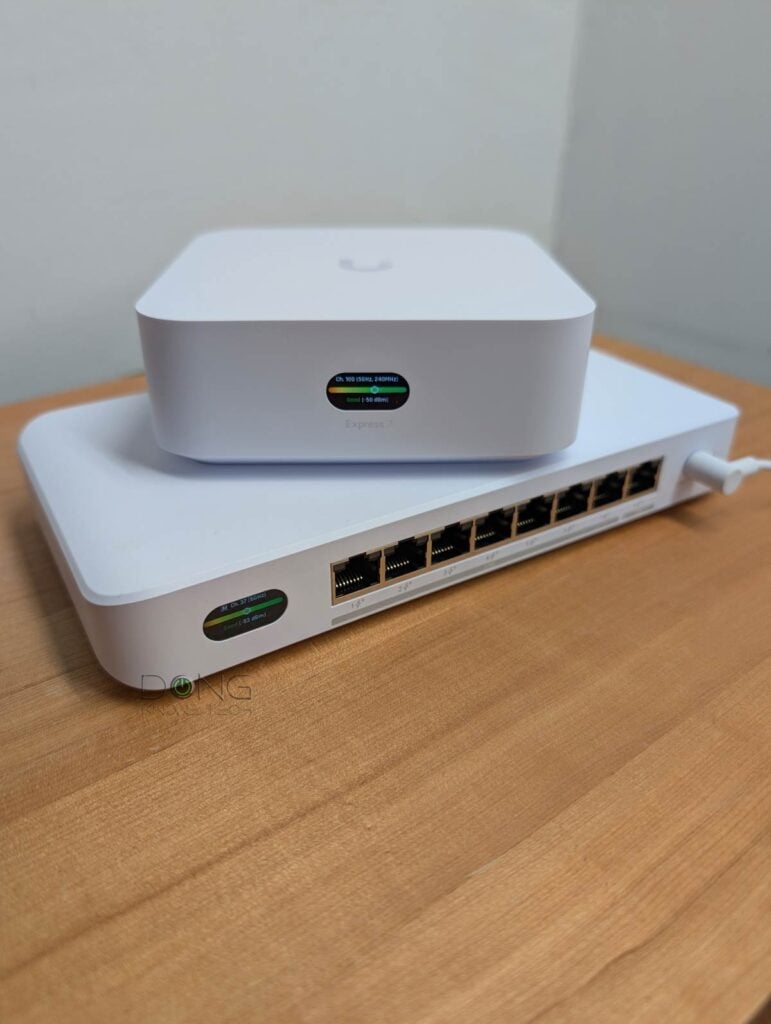
Similarly, the UX7, when operating in mesh mode, can also host a 10Gbps wired client via its WAN port. Additionally, it’ll be the first UniFi mesh point with STR MLO uplink.
And that means it’d make a lot of sense for users to get multiple UX7 units to build a robust home mesh system. I guess when STR MLO is available, it’ll likely be in multi-unit packs rather than as a single router, as it is currently.
Availability
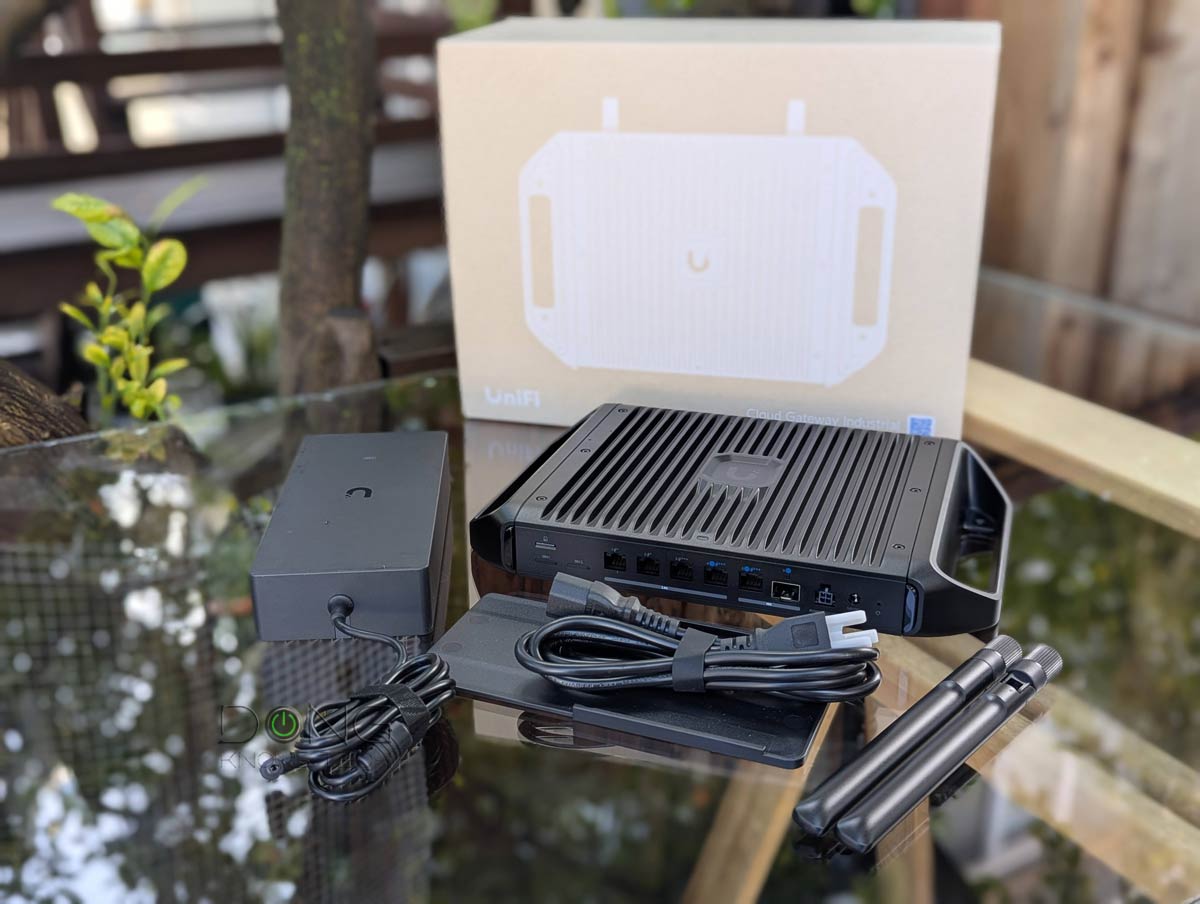
All the hardware mentioned above is available for you to bring home today. Below are the top five UniFi Cloud Gateways in case you want to make the switch.
Ubiquiti confirmed to me that STR MLO will soon be enabled via a firmware update in the US market for all of its tri-band Wi-Fi hardware, including existing access points. Check back for more.
Top 5 Best UniFi Cloud Gateways


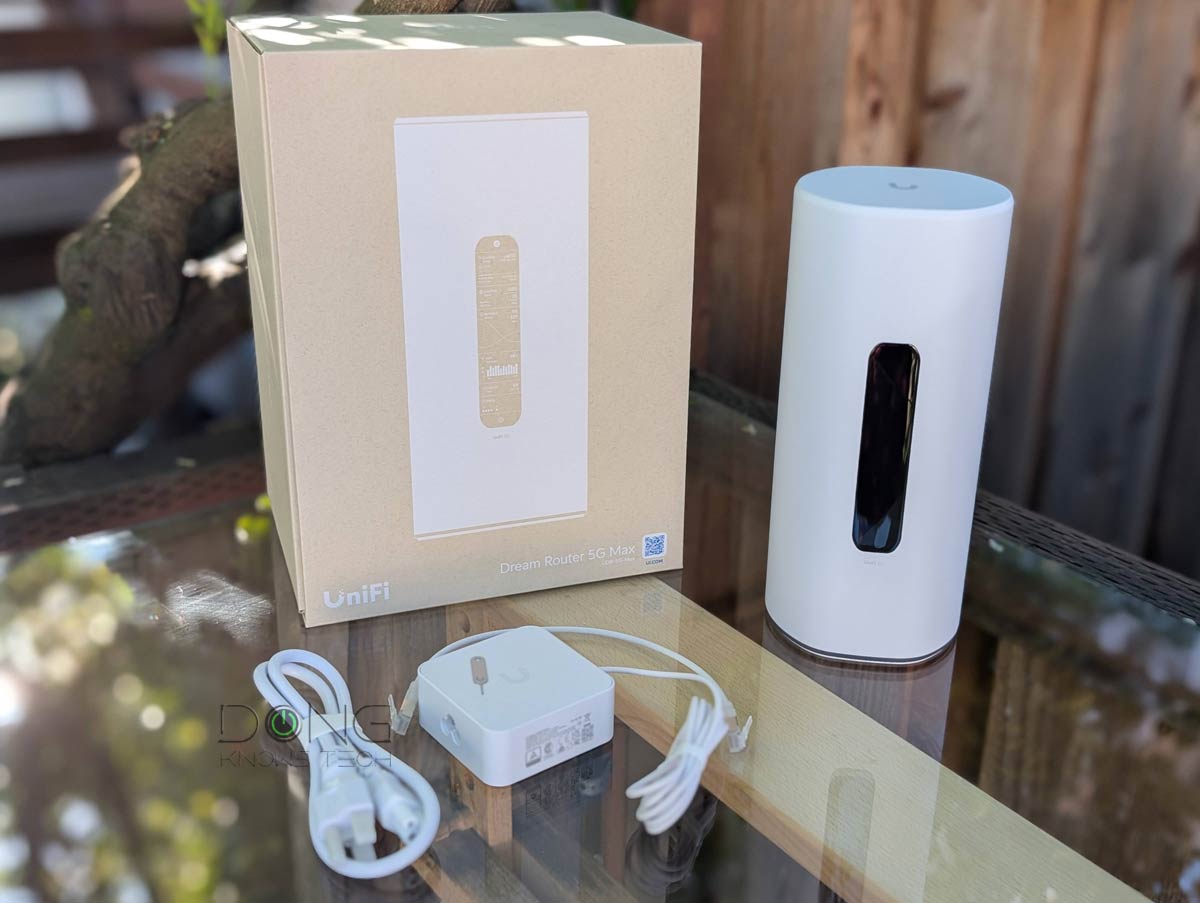
Check current prices at the Ubiquiti Store or on Amazon!


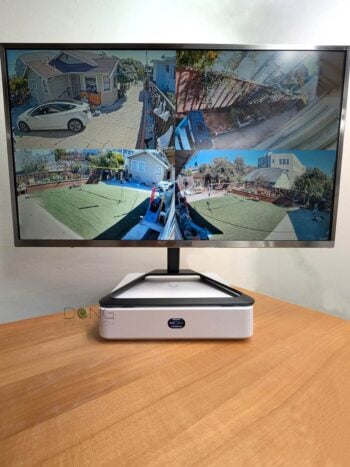

Comments are subject to approval, redaction, or removal. You're in the no-nonsense zone and that applies BOTH ways.
It's generally faster to get answers via site/page search. Your question/comment is one of many Dong Knows Tech receives daily.
Thank you!
(•) If you have subscription-related issues or represent a company/product mentioned here, please use the contact page or a PR channel.