
For those running a network with a UniFi Cloud Gateway, here’s some exciting news: Ubiquiti today announces the availability of UniFi Network 10.2. Despite the version number suggesting a minor incremental release, this update includes multiple significant improvements and new features across the board.
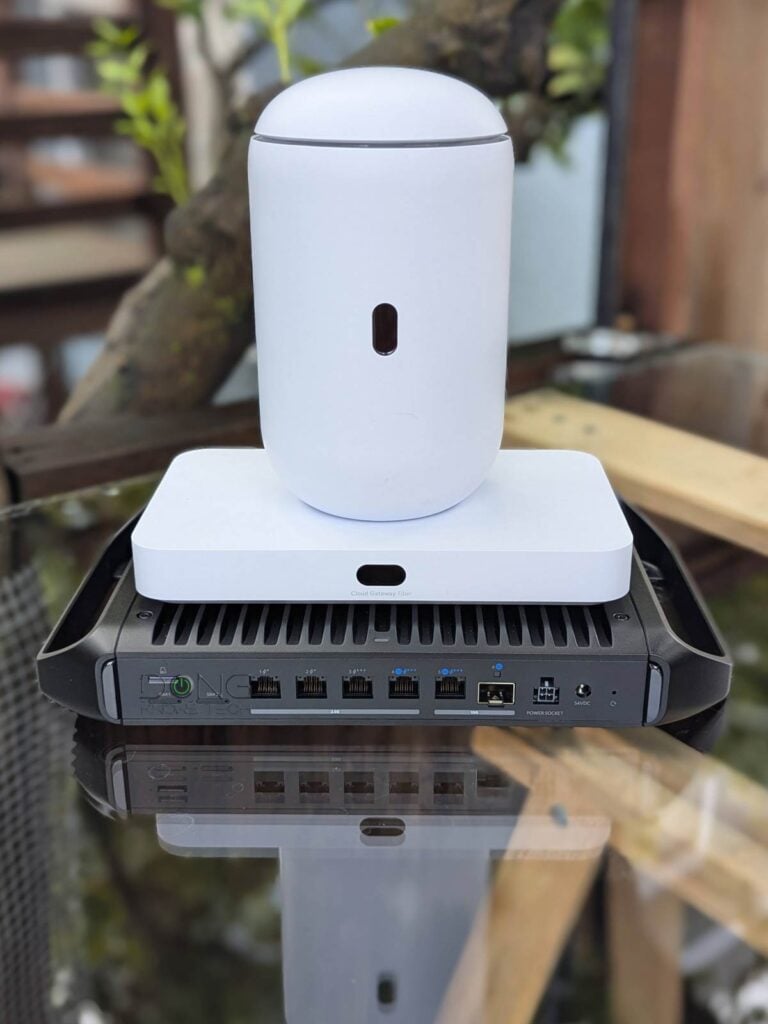
UniFi Network 10.2: Significant improvements in interface and management
UnFi Network 10.2’s new features will benefit both home and business users, and, in my opinion, the “coolest” improvement worth immediate mention is the new Infrastructure Topology view.
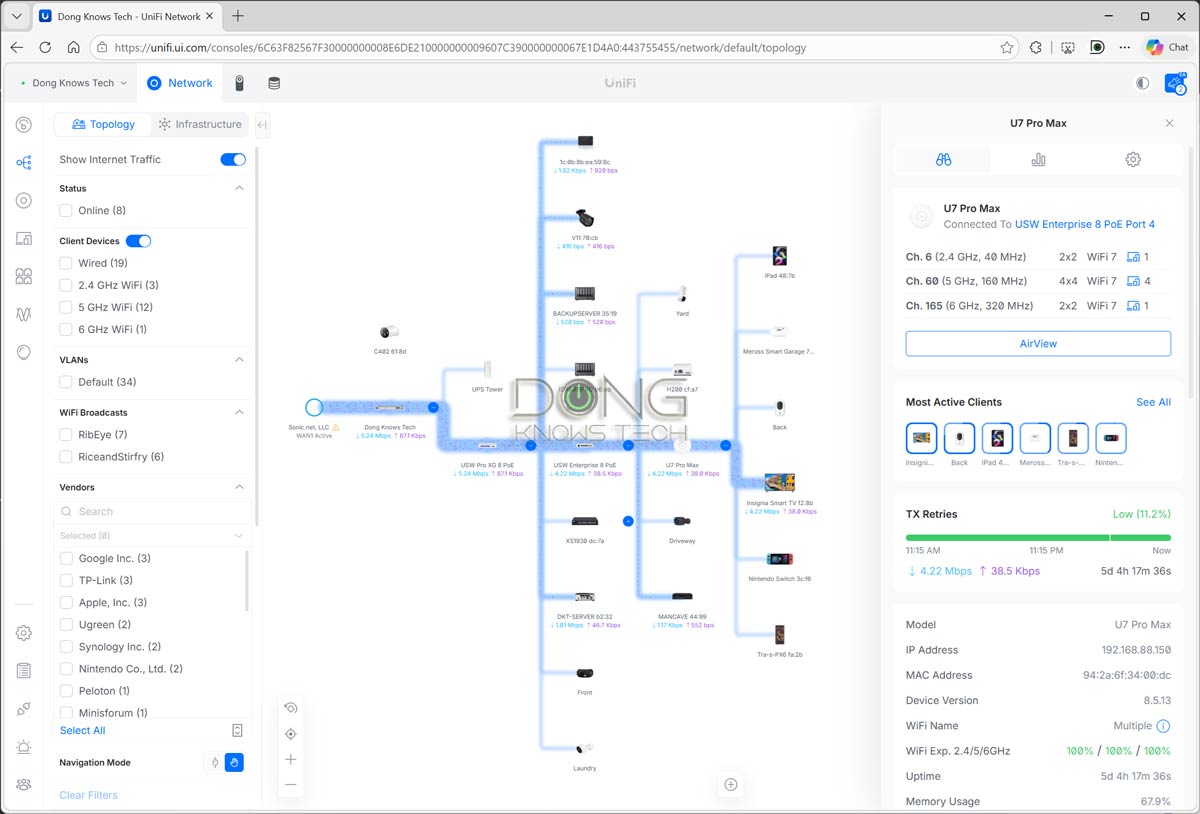
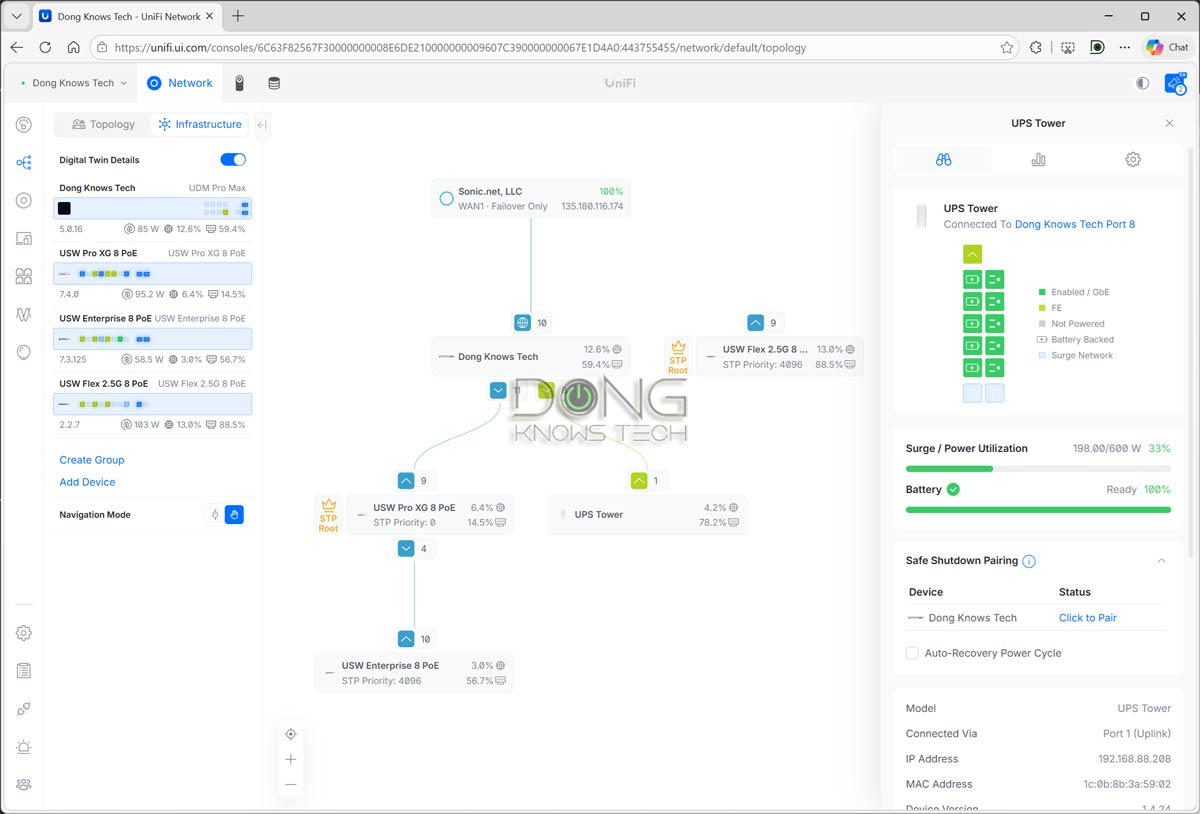
Prior to version 10.2, you could click the Topology section of the interface to view all connected devices in a clear, interactive, granular tree, including Internet traffic flow. The new version adds Infrastructure mode as a tab, featuring a Digital Twin Details experience that lets users quickly monitor critical links. As a result, any interruption can be tightly controlled with minimum disruption.
On top of that, the fact that this new feature’s interactive display is simply fun to look at doesn’t hurt.
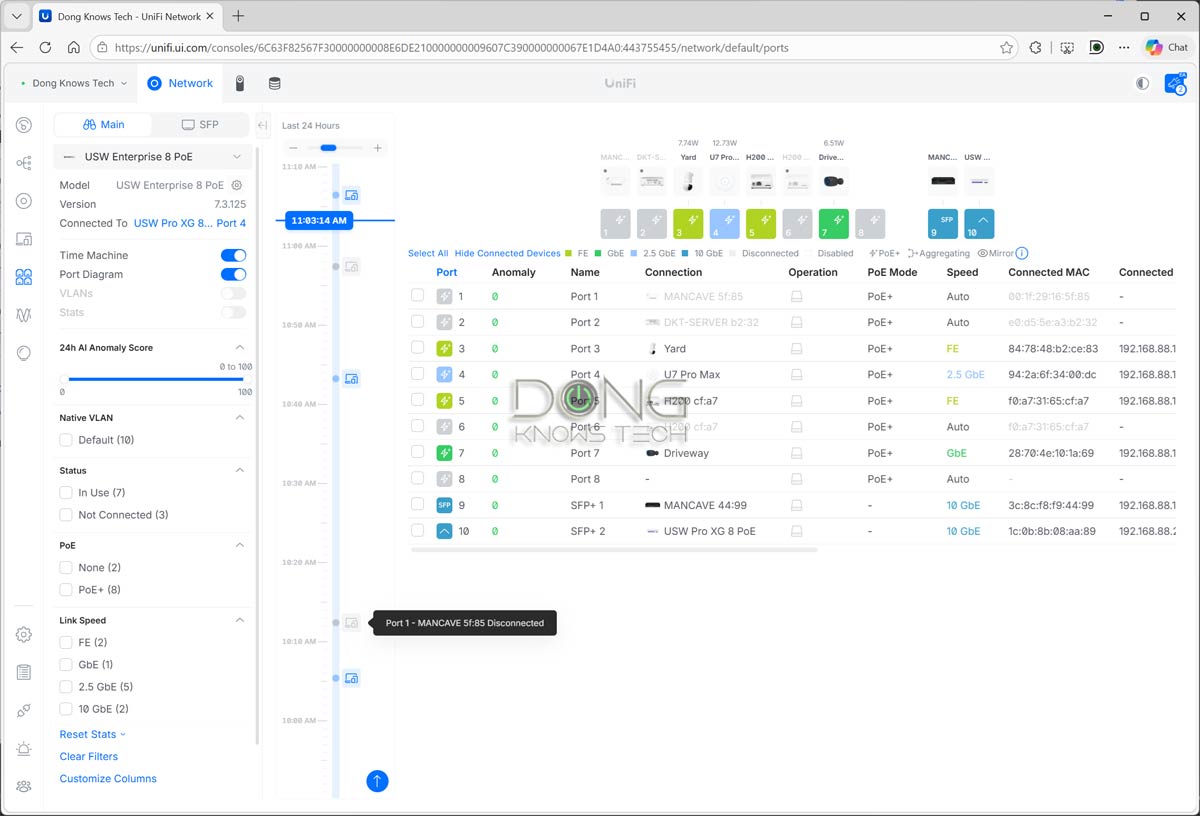
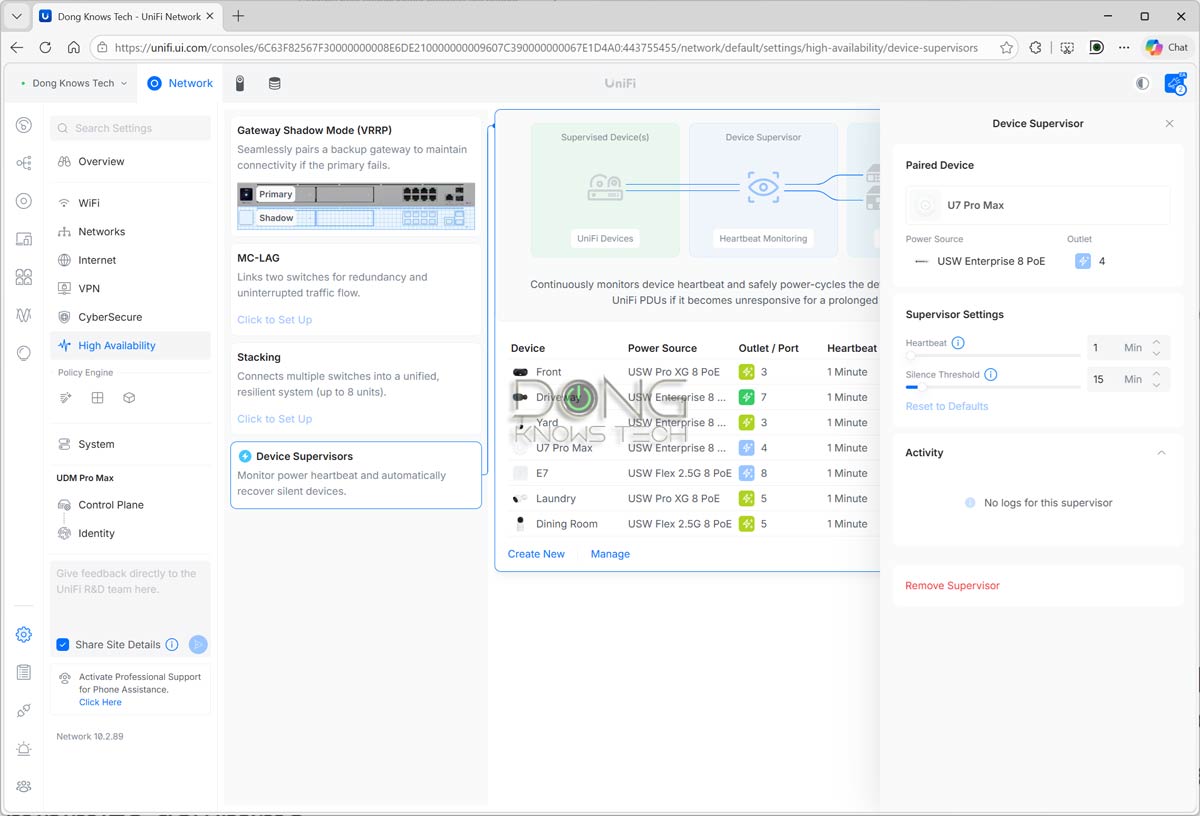
The second significant feature is Time Machine, available for any UniFi switch, including the one integrated within the Cloud Gateway. It offers a comprehensive historical visualization of the switch, so you can clearly see when and how a port’s state changes over time, such as when a particular device connects to or disconnects from the network. This capability is super helpful for figuring out when a particular disconnection or issue occurred within a large network.
Additionally, UniFi Network 10.2 adds support for Enhanced Open (OWE) security mode, which allows users to have a Wi-Fi SSID without a password, something not available with UniFi before. OWE automatically encrypts traffic to significantly improve privacy on open networks.
Finally, for advanced network administrators, UniFi Network 10.2 offers STP Edge Mode (a.k.a. PortFast) in switch port settings to better support certain IoT devices. It also allows you to roll back an application or device version update when applicable.
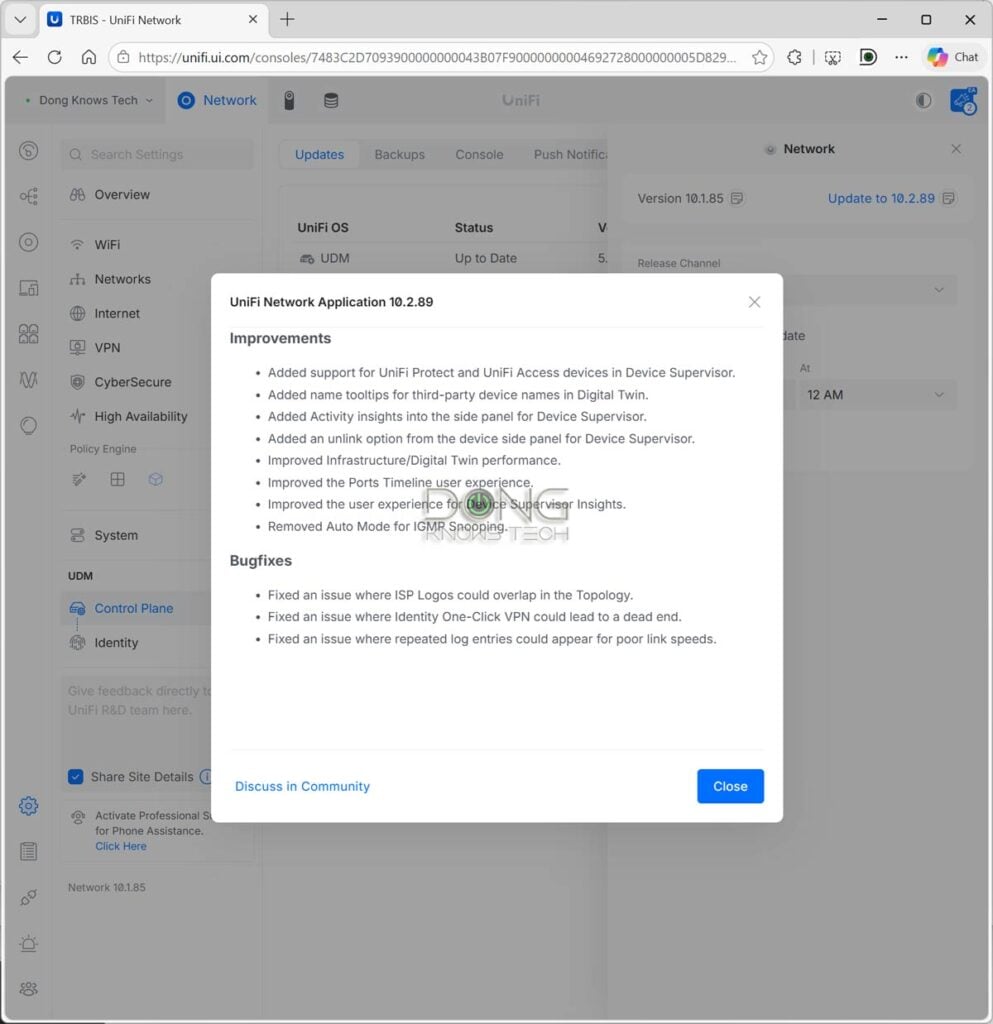
Update today
UniFi Network 10.2 is definitely a worthy and exciting update. That said, if you have a UniFi Cloud Gateway, there’s no reason not to get it.
Like usual, the release will roll out slowly, and it might take a few days to be available via the Official channel—your device will then automatically update to it if Auto Update is turned on. But if you want to get it today, change the Release Channel to “Early Access” or “Release Candidate”, and it’ll be available immediately for a manual upgrade, which took just a few minutes to finish in my trial.
New to UniFi? This primer post on UniFi Network will explain everything. After that, the top five consoles below will help you get the one that fits your needs.
Top 5 Best UniFi Cloud Gateways


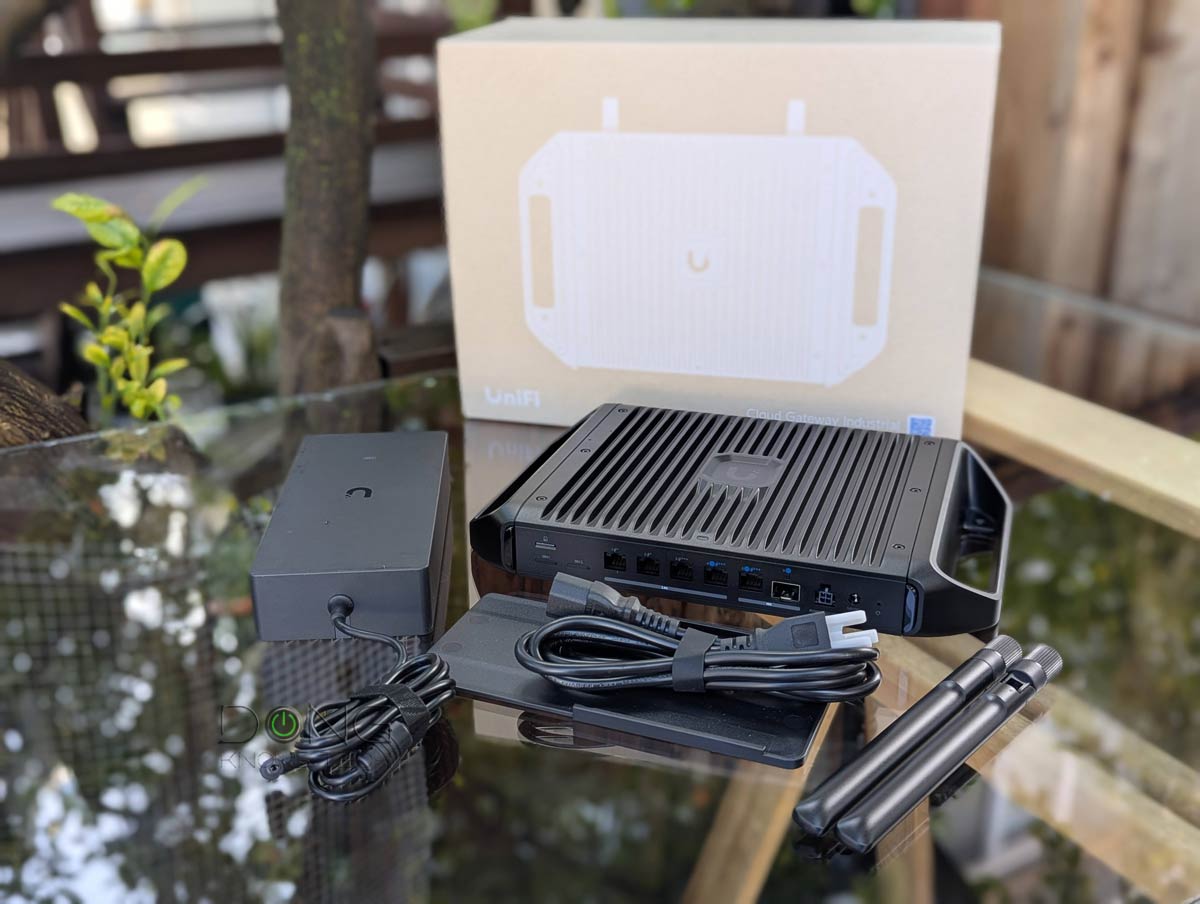
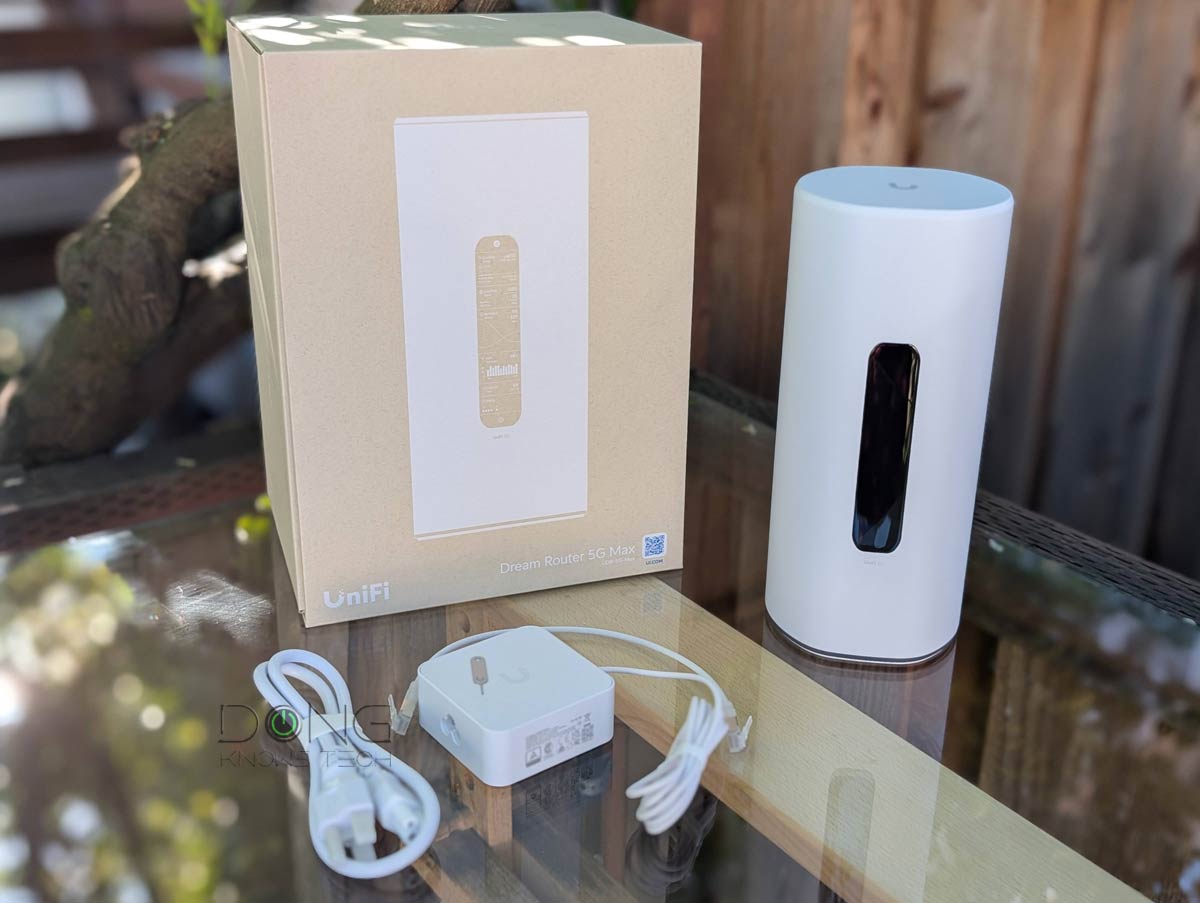
Check current prices at the Ubiquiti Store or on Amazon!


Comments are subject to approval, redaction, or removal. You're in the no-nonsense zone and that applies BOTH ways.
It's generally faster to get answers via site/page search. Your question/comment is one of many Dong Knows Tech receives daily.
Thank you!
(•) If you have subscription-related issues or represent a company/product mentioned here, please use the contact page or a PR channel.