
Below is the list of the current best dual-band Wi-Fi 7 mesh systems. These are hardware without the 6GHz band among those I’ve reviewed.
This list complements the top 5 list of dual-band Wi-Fi 7 routers, and some brands allow for combining multiple specific standalone routers into a single system.
If you want a three-band system, consider one of the top five “traditional” Wi-Fi 7 mesh systems instead.
Dong’s note: I first published this post on August 28, 2025, and last updated it on January 20, 2026, with the latest picks.
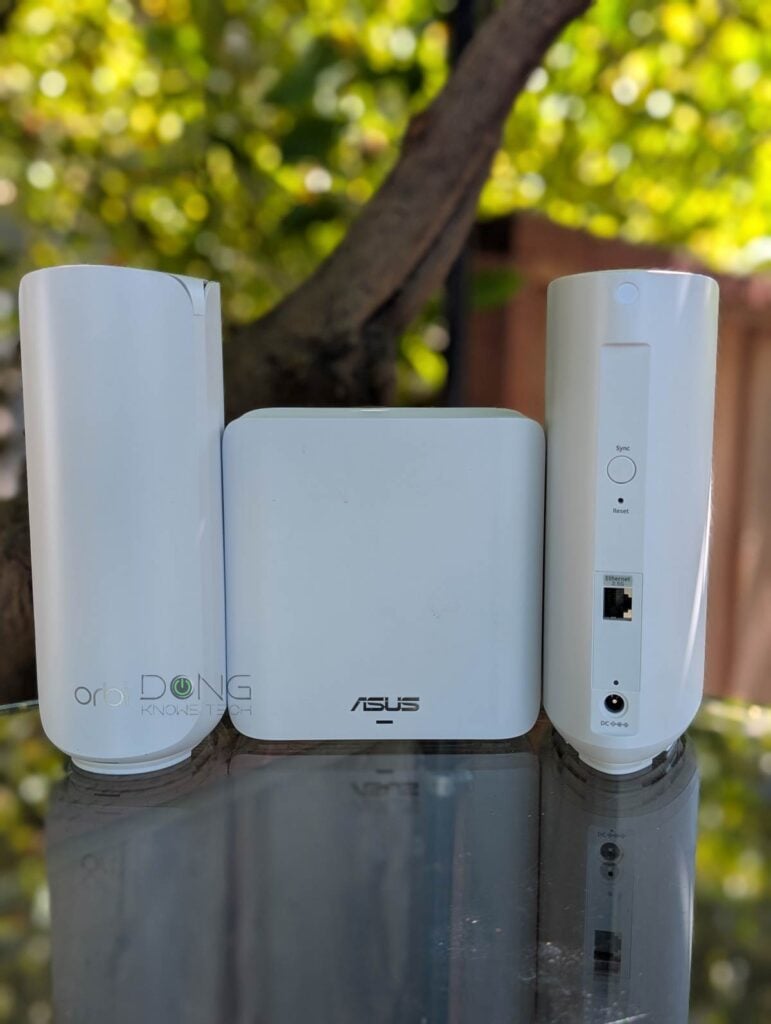
Five best dual-band Wi-Fi 7 mesh systems: The practical list
While the lack of the 6GHz band might be a shortcoming, it can also be beneficial. Among other things, this band has a limited range—the range-extending AFC feature is not widely available—and its availability varies globally.
How the 6GHz band is regulated around the world
The 6GHz band has a total width of 1200 MHz, ranging from 5.925 MHz to 7.125 MHz, and is divided into 59 channels of 20 MHz each. These channels are grouped to create “sub-bands,” which also vary from one region to another.
In the U.S., the FCC has designated four sub-bands across the entire 6GHz spectrum, including UNII-5, UNII-6, UNII-7, and UNII-8, for Wi-Fi use, though portions of the band may be reserved for other applications.
The E.U. Commission allows only the UNII-5 equivalent part of the frequency for Wi-Fi use, which is 480 MHz in width from 5925 MHz to 6425 MHz. Some other parts of the world are somewhere in between, with the UNII-5 portion adopted and the rest being considered. In the rest, this band may not even be available for Wi-Fi at all.
Generally, Wi-Fi 6E needs a 160MHz channel to deliver the best performance, and Wi-Fi 7 requires double that, 320MHz. Due to spectrum availability and other reasons, real-world hardware tends to use narrower channels in most cases.
Overall, the use of the 6GHz frequency is complicated and is the main reason a Wi-Fi broadcaster made for one region might not work in another.
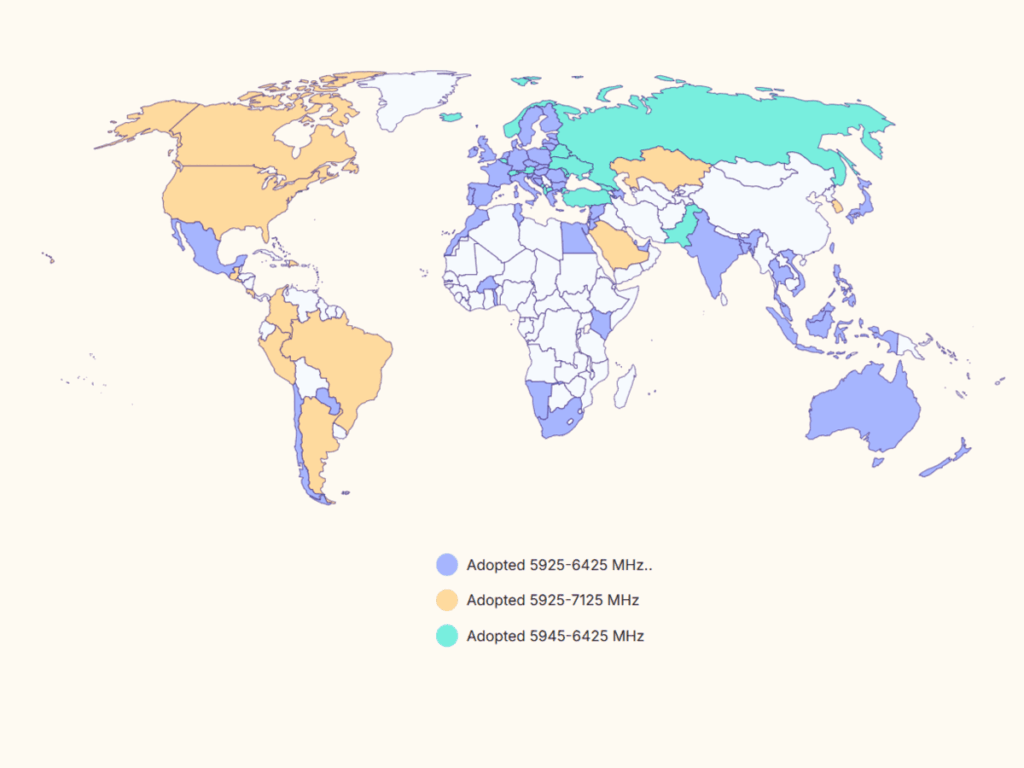
The table below shows its current adoption worldwide. The “Considering” portion is generally slated to be finalized eventually, though that varies from one region to another.
| Country | Adopted Spectrum |
|---|---|
| United States | 5925-7125 MHz (entire band including UNII5, UNII-6, UNII-7, and UNII-8) |
| Albania | 5945-6425 MHz (UNII-5) |
| Andorra | 5945-6425 MHz |
| Argentina | 5925-7125 MHz |
| Australia | 5925-6425 MHz |
| Austria | 5945-6425 MHz |
| Azerbaijan | 5925-6425 MHz |
| Bahrain | 5925-6425 MHz |
| Bangladesh | 5925-6425 MHz |
| Belarus | 5945-6425 MHz |
| 5945-6425 MHz | |
| Belgium | 5945-6425 MHz |
| Bosnia and Herzegovina | 5945-6425 MHz |
| Brazil | 5925-7125 MHz |
| Bulgaria | 5945-6425 MHz |
| Burkina Faso | 5945-6425 MHz |
| Canada | 5925-7125 MHz |
| Chile | 5925-6425 MHz |
| Colombia | 5925-7125 MHz |
| Costa Rica | 5925-7125 MHz |
| Croatia | 5945-6425 MHz |
| Cyprus | 5945-6425 MHz |
| Czech Republic | 5945-6425 MHz |
| Denmark | 5945-6425 MHz |
| Dominican Republic | 5925-7125 MHz |
| Egypt | 5925-6425 MHz |
| El Salvador | 5925-7125 MHz |
| Estonia | 5945-6425 MHz |
| European Union | 5945-6425 MHz |
| Faroe Islands | 5945-6425 MHz |
| Finland | 5945-6425 MHz |
| France | 5945-6425 MHz |
| Georgia | 5945-6425 MHz |
| Germany | 5945-6425 MHz |
| Gibraltar | 5945-6425 MHz |
| Greece | 5945-6425 MHz |
| Guatemala | 5925-7125 MHz |
| Honduras | 5925-7125 MHz |
| Hong Kong | 5925-6425 MHz |
| Hungary | 5925-6425 MHz |
| Iceland | 5945-6425 MHz |
| India | 5945-6425 MHz |
| Ireland | 5945-6425 MHz 6425-7125 MHz |
| Isle of Man | 5945-6425 MHz |
| Italy | 5945-6425 MHz |
| Japan | 5925-6425 MHz 6425-7125 MHz |
| Jordan | 5925-6425 MHz |
| Kazakhstan | 5925-7125 MHz |
| Kenya | 5925-6425 MHz |
| Latvia | 5925-6425 MHz |
| Liechtenstein | 5945-6425 MHz |
| Lithuania | 5945-6425 MHz |
| Luxembourg | 5945-6425 MHz |
| Macao | 5945-6425 MHz |
| Macedonia | 5945-6425 MHz |
| Malaysia | 5925-6425 MHz |
| Malta | 5925-6425 MHz |
| Mauritius | 5925-6425 MHz |
| Mexico | 5925-6425 MHz |
| Moldova | 5925-6425 MHz |
| Monaco | 5945-6425 MHz |
| Montenegro | 5945-6425 MHz |
| Morocco | 5925-6425 MHz |
| Namibia | 5925-6425 MHz |
| Netherlands | 5945-6425 MHz 6425-7125 MHz |
| New Zealand | 5925-6425 MHz |
| Norway | 5945-6425 MHz |
| Pakistan | 5945-6425 MHz |
| Paraguay | 5925-6425 MHz |
| Peru | 5925-7125 MHz |
| Philippines | 5925-7125 MHz |
| Poland | 5925-7125 MHz |
| Portugal | 5945-6425 MHz 6425-7125 MHz |
| Qatar | 5925-6425 MHz |
| Romania | 5925-6425 MHz |
| Russian Federation | 5925-6425 MHz |
| San Marino | 5925-6425 MHz |
| Saudi Arabia | 5925-7125 MHz |
| Singapore | 5925-6425 MHz |
| Slovakia | 5925-6425 MHz |
| Slovenia | 5925-6425 MHz |
| South Africa | 5925-6425 MHz |
| South Korea | 5925-7125 MHz |
| Spain | 5945-6425 MHz |
| Sweden | 5945-6425 MHz |
| Switzerland | 5945-6425 MHz |
| Thailand | 5925-6425 MHz |
| Togo | 5925-6425 MHz |
| Tunisia | 5925-6425 MHz |
| Turkey | 5925-6425 MHz |
| Ukraine | 5925-6425 MHz |
| United Arab Emirates | 5925-6425 MHz |
| United Kingdom | 5945-6425 MHz |
| Holy See (Vatican City State) | 5945-6425 MHz |
| Vietnam | 5945-6425 MHz |
Additionally, the 5GHz is the most popular band, and Wi-Fi 7 has improvements for all bands, including the MLO feature. If you’re in a situation where the 6GHz band is not available or needed, dual-band hardware is a sensible choice thanks to its affordability.
This list is sorted in the recommended order, with the best routers at the top—the numbers indicate the ranking.
Top 5 best dual-band Wi-Fi 7 mesh systems
 |  |  |  |  | |
| Name | Dual-Band UniFi Wi-Fi 7 System’s Rating | ASUS ZenWiFi BD5’s Rating | ASUS ZenWiFi BD4’s Rating | TP-Link Deco BE25 (Deco BE5000)’s Rating | NETGEAR Orbi 370 Series’ Rating |
| Price | – | – | – | – | – |
| Rating | |||||
| Description | |||||
| Statistics | |||||
| Buy this product |
1. Ubiquiti UniFi Network with dual-band access points (BE5000)

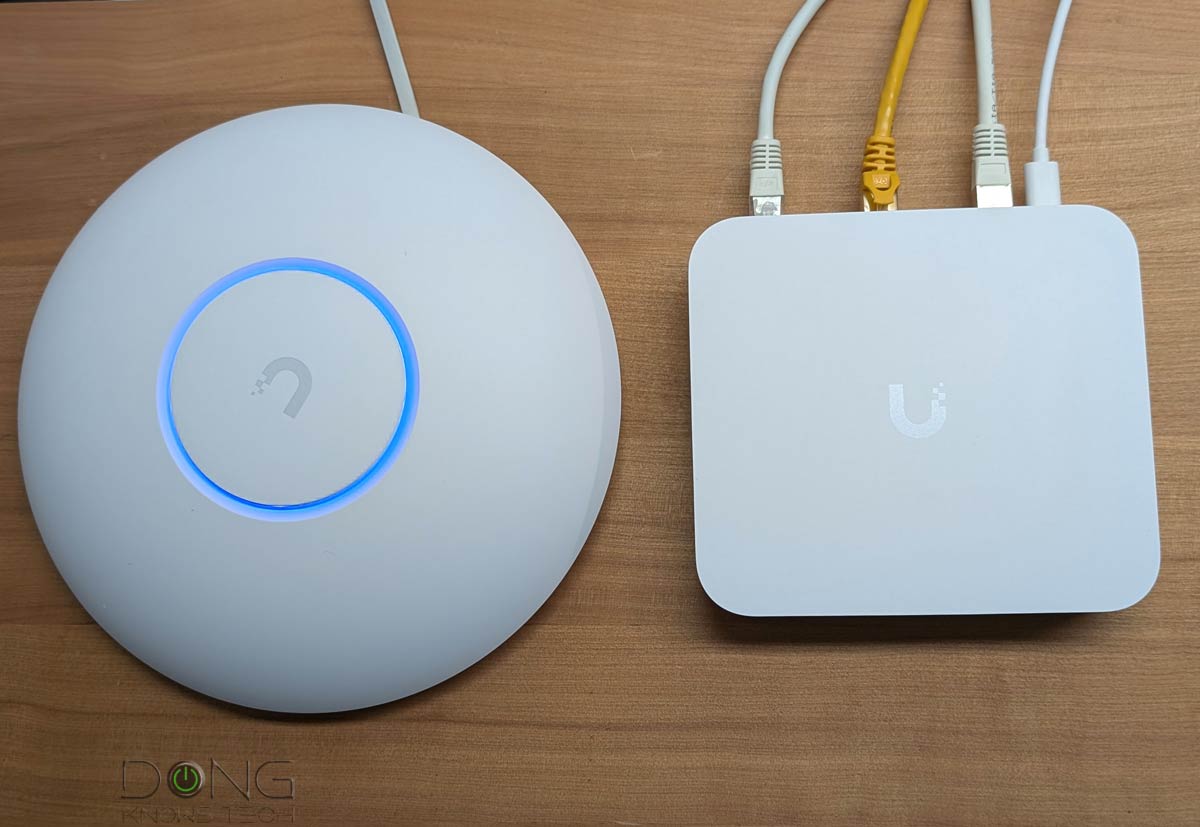
Unlike the other options on this list, a UniFi dual-band Wi-Fi system is not purpose-built. Instead, it’s a combo of a UniFi Network console (a.k.a “router”), preferably a non-Wi-Fi unit such as the UCG-Max, and one or more of dual-band UniFi Wi-Fi 7 access points.
On the dual-band front, Ubiquiti currently offers only three options: the U7 lite and its two in-wall and outdoor variants. You can get a few units of one, or a mix, to pair with a UniFi console and build a robust Wi-Fi system tailored to your coverage needs.
Dual-Band UniFi Wi-Fi 7 System's Rating
Pros
2.5Gbps or faster port grade with fast performance and reliability, with seamless support for UniFi hardware across multiple categories (Network, Protect, Talk, Access, etc.).
Tons of helpful networking features, a comprehensive web user interface, and a mobile app
Practical and aesthetically pleasing hardware design, no vendor account required
Cons
No AP mode as a system, limited access point options
Some helpful features (teleport VPN, automatic backup, convenient remote access, etc.) require a vendor-connected login account
2. ASUS ZenWiFi BD5 (BE5000)


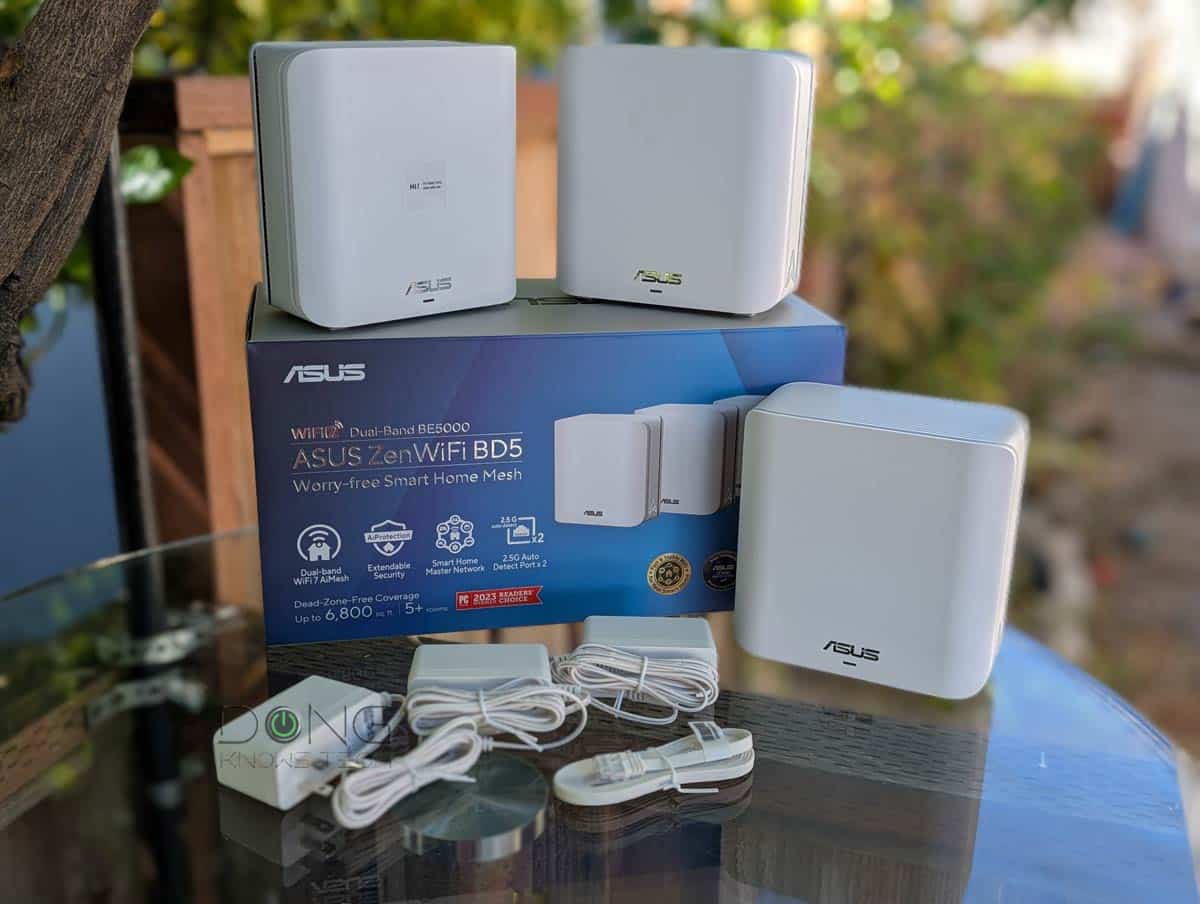
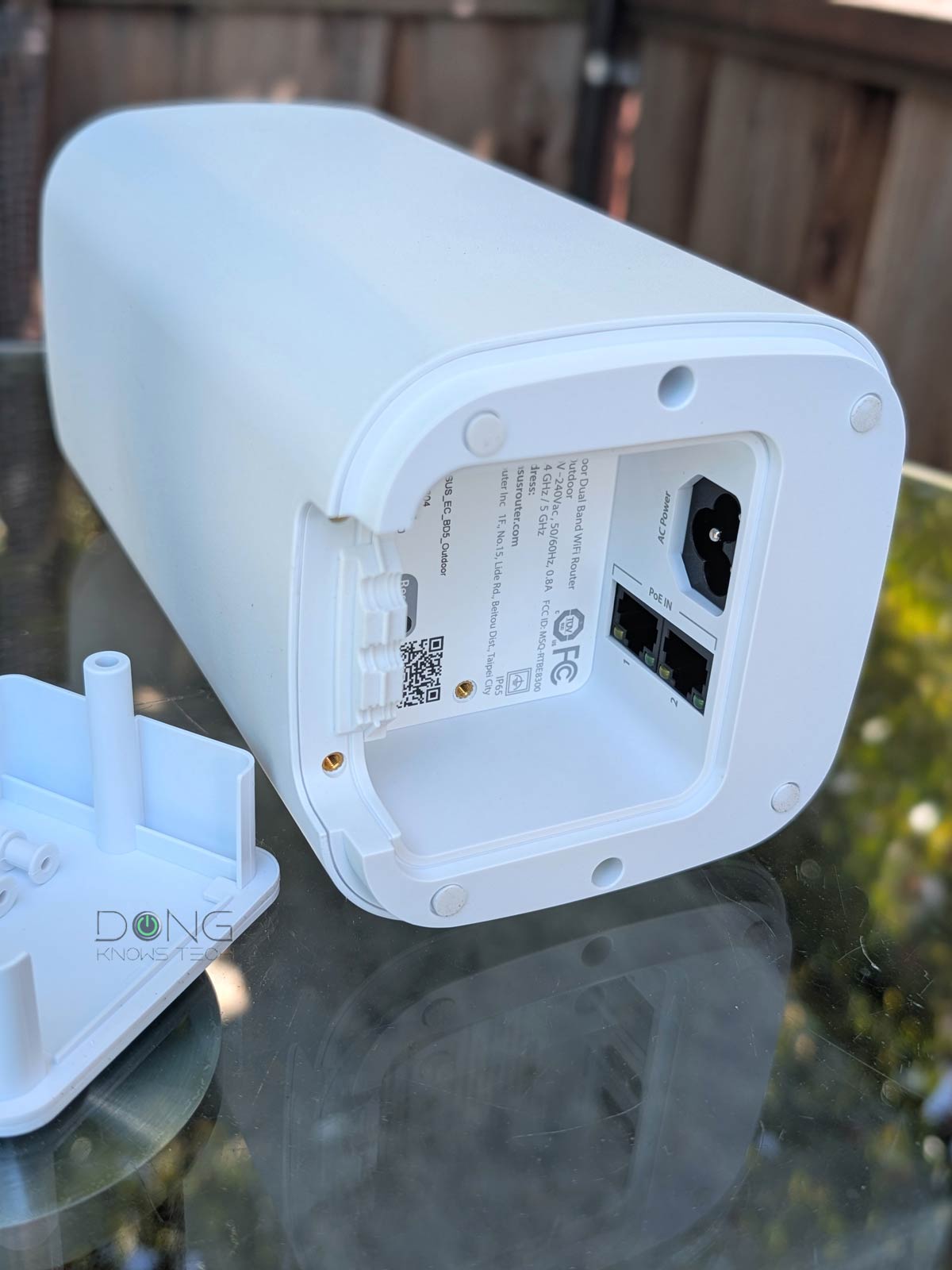
The ZenWiFi BD5 is available in a 2-pack or 3-pack, though you can also get individual routers to form a system—the hardware units are pre-synced when you get a pack.
With two auto-sensing 2.5Gbps ports and a PoE Outdoor option, the BD5 is the most flexible dual-band Wi-Fi 7 mesh system to date. It also has strong Gig+ real-world performance in a wireless backhaul setup and actual multi-Gigabit performance in a wired backhaul setup.
Tips
For optimal performance and features, it’s best to use the same hardware units (routers) when building an AiMesh system, especially one that features Wi-Fi 7 with Wi-Fi backhaul. That’s also the only way to use MLO as the backhaul link.
Alternatively, you can use multiple units of ASUS dual-band routers to build a Wi-Fi 7 mesh system, including.
In a wired backhaul setup, you generally can even mix any ASUS Wi-Fi 7 routers together to tailor the system to your needs.
ASUS ZenWiFi BD5's Rating
Pros
Dual-band Wi-Fi 7 and two 2.5Gbps ports with reliable Gig+ real-world performance and ample coverage
ASUSWRT 5.0 offers numerous customizations and free-for-life high-end features (VPN, Parental Controls, Online Protection, Smart Home Master, etc.).
Robust web user interface and helpful optional mobile app; easy-to-blend-in design
Compact, fanless design with an outdoor option
Cons
Only two network ports with mid-tier bandwidth specs and no 6GHz band
Can't take setting backup files of other Asus routers
Not wall-mount-ready
3. ASUS ZenWiFi BD4 (BE3600)
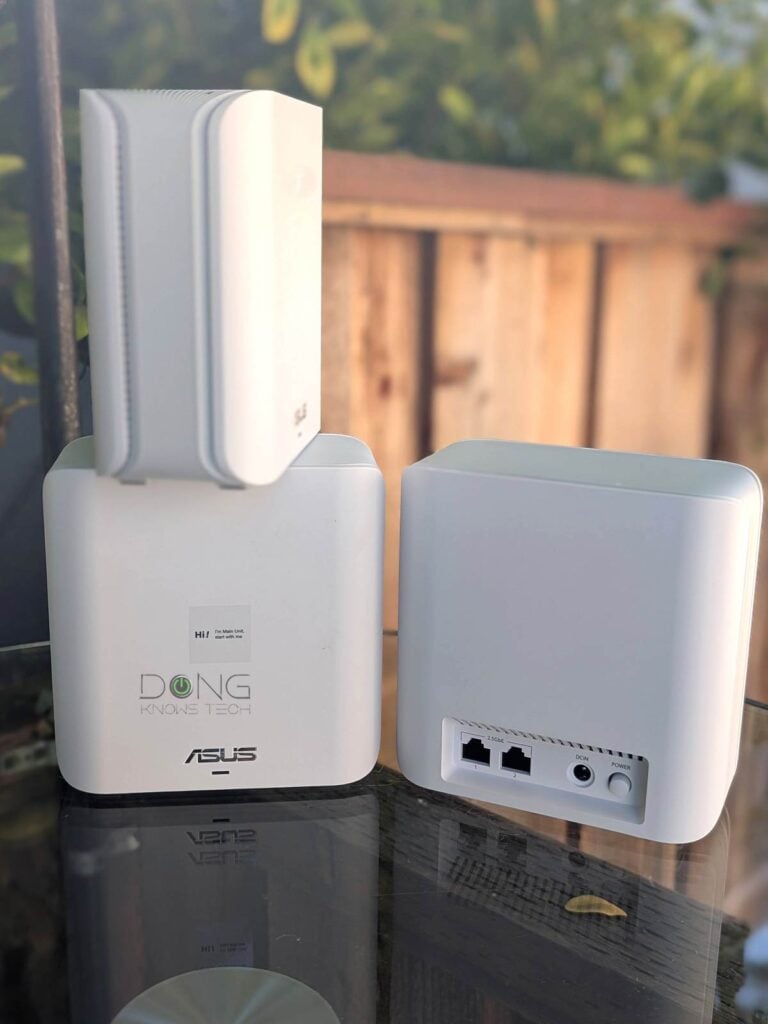
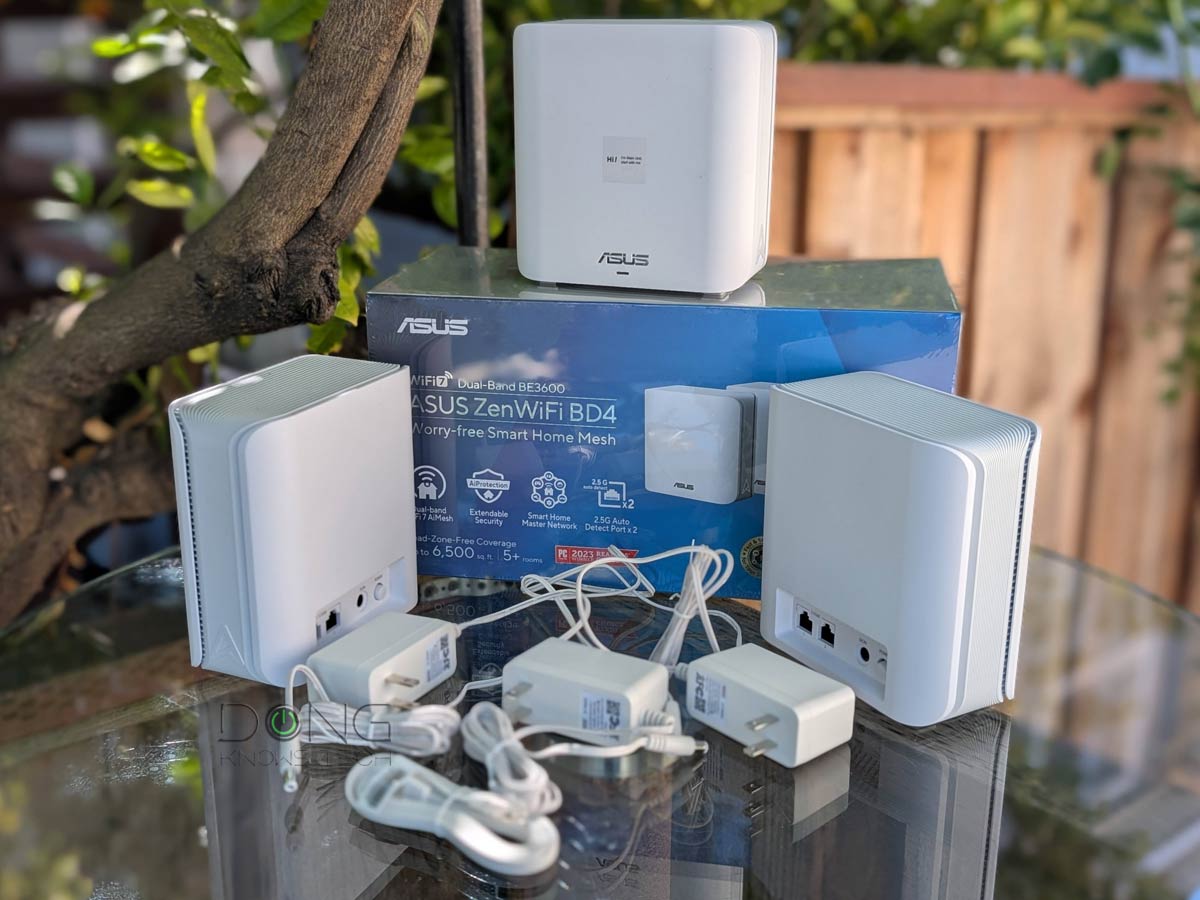
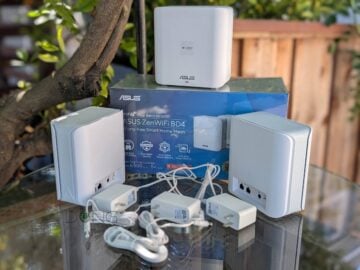
The ZenWiFi BD4 is the lower version of the ZenWiFi BD5 above, in that its Wi-Fi doesn’t support the 240MHz channel width. As a result, in a wireless backhaul setup, its performance will suffer due to the lack of a robust backhaul link. However, since the 240MHz channel width is not supported by any client, in a wired backhaul setup, this dual-band Wi-Fi system will deliver the same experience as the more expensive ZenWiFi BD5 above, making it an excellent deal.
ASUS ZenWiFi BD4's Rating
Pros
Dual-band Wi-Fi 7 with two 2.5Gbps ports and reliable performance, affordable
ASUSWRT 5.0 has lots of customizations and free-for-life high-end features (VPN, Parental Controls, Online Protection, Smart Home Master, etc.).
Robust web user interface and helpful optional mobile app; easy-to-blend-in design
Compact with no internal fan
Cons
Only two network ports; bare-minimum Wi-Fi 7 specs
Not wall-mount-ready
4. TP-Link Deco BE25 (BE5000)
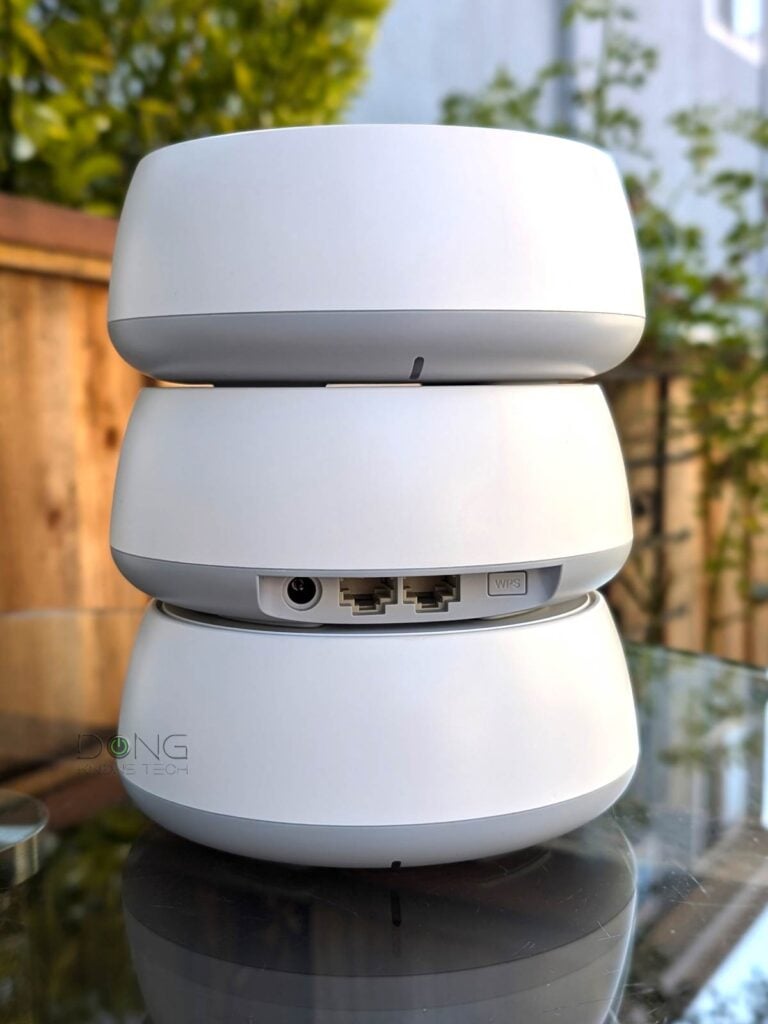
The Deco BE25 is the rival to the ZenWiFi BD5 above. The two share the same Wi-Fi specs and number of ports. Without a web user interface, it has fewer features and is therefore somewhat underwhelming in comparison. However, it makes up for that in the affordability and can deliver Gig+ real-world performance.
Speaking of affordability, you can also consider the lesser but mostly similar Deco BE23.
Note: Since late 2024, TP-Link has been subject to a potential US government ban due to national security concerns.
TP-Link Deco BE25 (Deco BE5000)'s Rating

Pros
Reliable Wi-Fi performance; dual 2.5Gbps ports with excellent wired backhauling
Super affordable for Wi-Fi 7 hardware; standard set of free networking and features
Compact, eye-catching, fanless design; easy to use
Cons
Short range, minimum Wi-Fi 7 specs with matching performance
Security+ and advanced Parental Controls require subscriptions.
TP-Link login account and mobile app required; no web-based management
5. Netgear Orbi 370 series (BE5000)


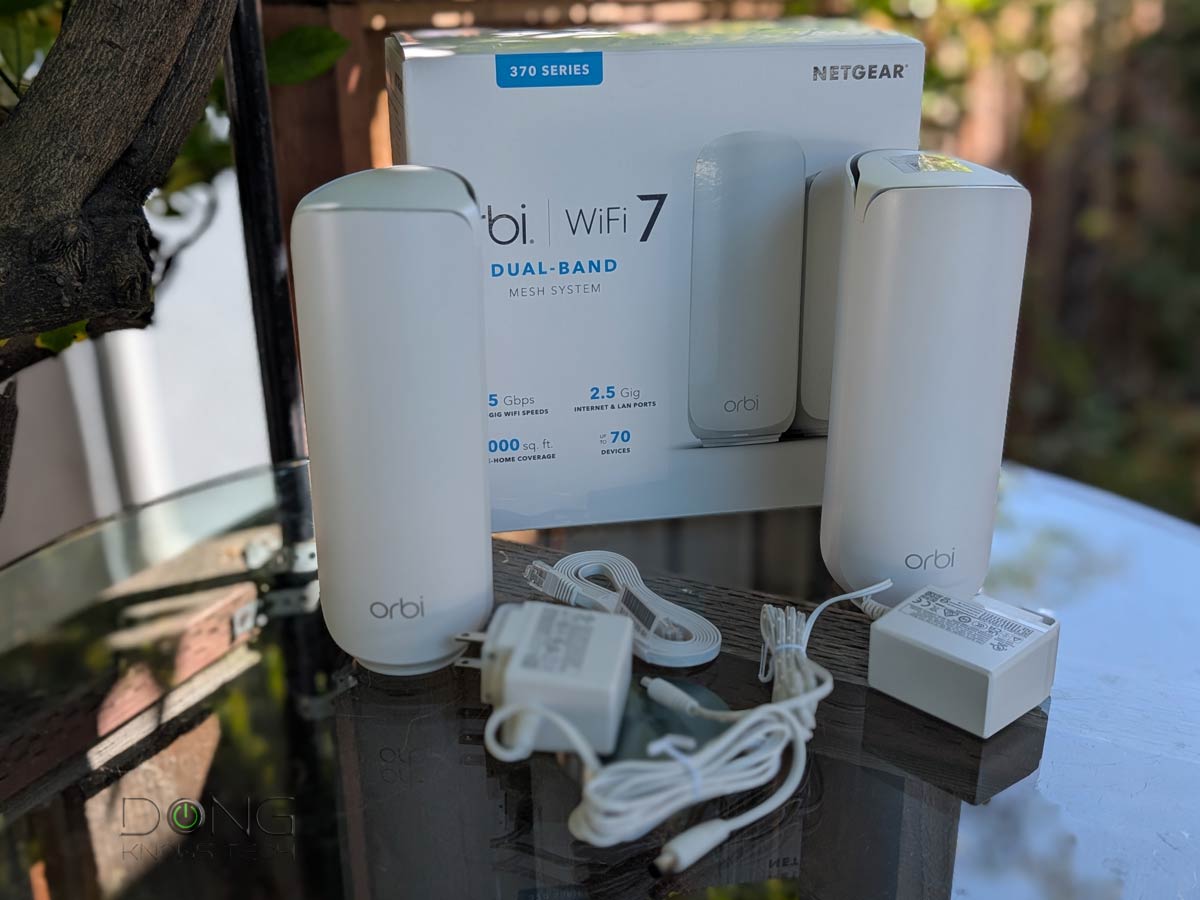
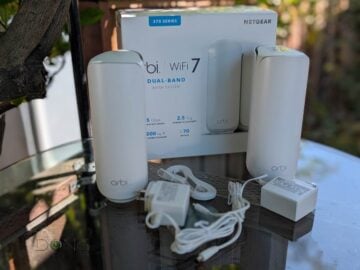
The NETGEAR Orbi 370 series shares similar hardware specs as the ASUS ZenWiFi BD5 and TP-Link Deco BE25 above, but, like all Orbi hardware, it comes with distinctive router and satellite units that can’t work interchangeably. That, plus the fact that there’s only one network port on the satellite, means it’s designed primarily as a wireless system. For that reason, it’s the least flexible hardware on this list, but if you’re looking for a reliable system in a home with modest bandwidth needs, this dual-band Wi-Fi 7 mesh system will work out well.
NETGEAR Orbi 370 Series' Rating
Pros
Wi-Fi 7 with entry-level Multi-Gig support, with reliable matching performance
Aesthetically pleasing, compact design, runs cool and quiet
Affordable compared to other Wi-Fi 7 Orbi sets
Cons
Web user interface is obscured in favor of the Orbi mobile app; limited in customization and settings
Basic features available in others for free require a monthly subscription.
Expensive compared to competing hardware of similar specs
The final thoughts
Dual-band Wi-Fi 7 mesh hardware is an effective and affordable approach. If your home is wired with network cable, it can deliver multi-Gigabit performance without digging a hole in your wallet.
On the other hand, if you must use them via wireless backhauling, expect Gigabit-class real-world rates at the satellite unit at best. In this case, maybe it’s a better idea to consider a full-band system.


My experience. Asus Zenwifi routers are amazing. I tried other routers at a similar price range and Asus proved to be most reliable. If you are someone like me with 100mbps or less speeds and a non-gaming family, just go with the BD4 or BD5 and you will not regret it.
Thanks for sharing, Sai. I’d be more generous and say anything 500Mbps or lower.
I noticed {…}’s news about computer tech about the Wi-Fi scam. I had read all. I’m puzzled about them. If it is true, should I have focus on Wi-Fi 6 for saving $$ than Wi-Fi 7?
Appreciate your best wisdom.
Thanks, James Cody
That seems sensational and clickbait, James. This post will explain that in detail. Make sure you follow the links in the post if more info is needed.