Sunday, September 6, 2026 • Welcome to the 100% Nonsense-Free Zone! • Log in
🛍️ Shop AMAZON! 🛒 Shop BEST BUY!

How I Managed to Build a Real Wi-Fi 7 Computer Only to Realize It Wasn’t Worth the Effort, for Now

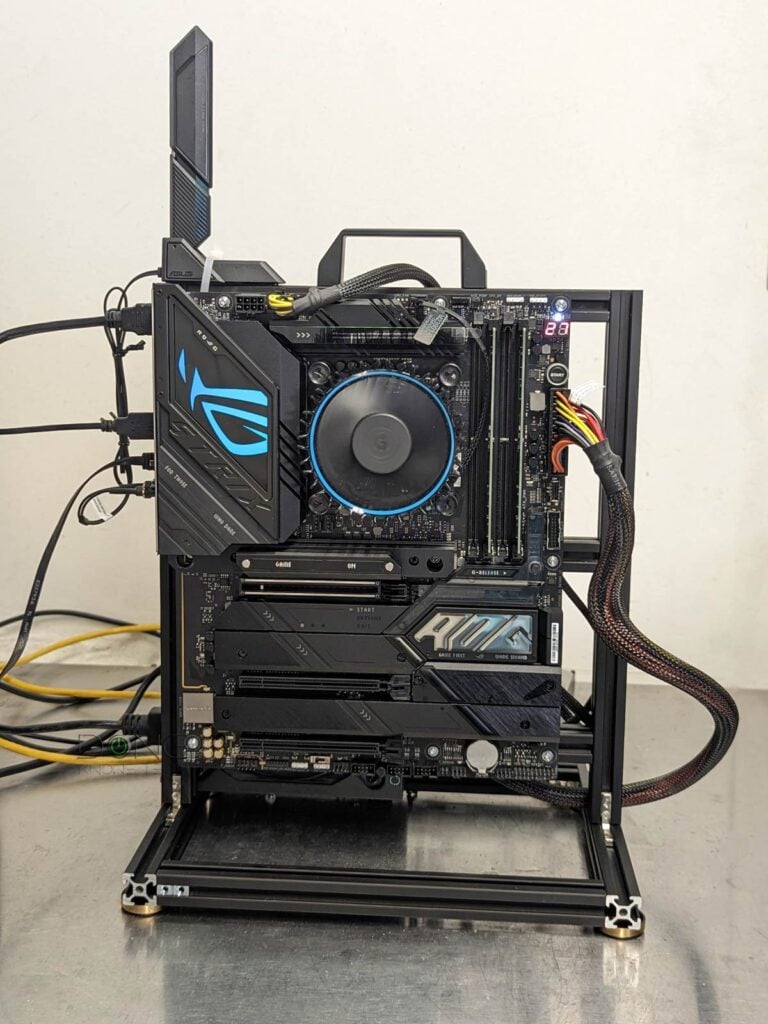
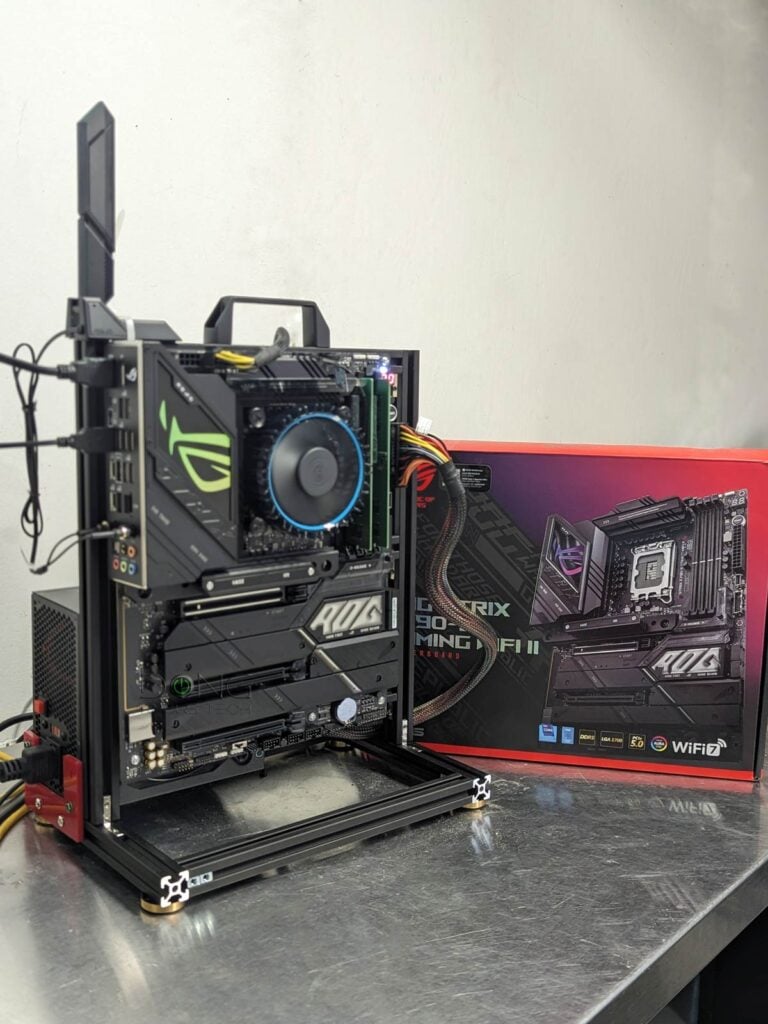
A Wi-Fi 7 computer based on the ROG Strix Z790 E II motherboard

For the official Wi-Fi performance numbers for reviews on this website, I generally need a computer-based client. So, for the latest Wi-Fi standard, I need a Wi-Fi 7 computer. Without one, there’s no real-world testing. Sure, some phones support the new wireless standard, and I have a few, including a … Continue Reading
Tesla Sentry Mode vs. Dashcam, Explained: How the Live Cam Makes All the Difference

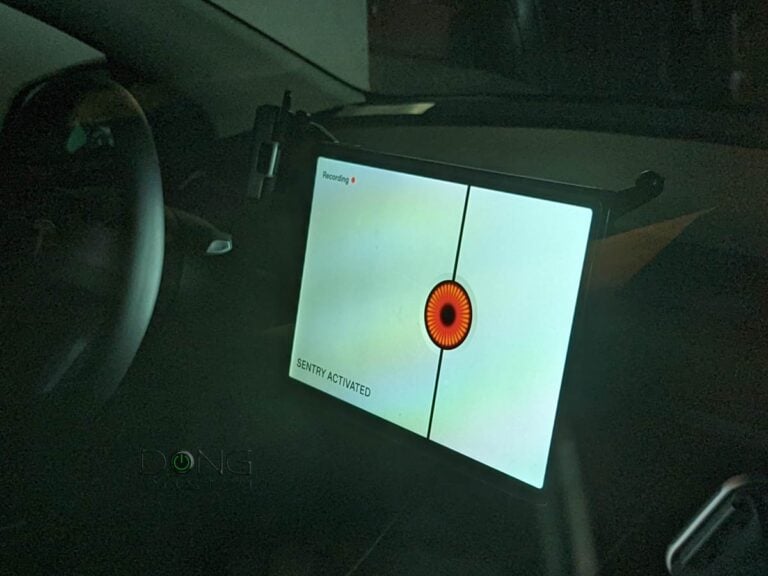
Tesla Sentry Activated Screen

Among the things I “love” about driving a Tesla, its Safety features—Sentry vs. Dashcam—rank right below the notorious Autopilot. I like the former enough to opt for the $9.99/month of Tesla Premium connection, although I had already successfully hooked the car to Comcast’s xfinitywifi public Wi-Fi network. If you wonder … Continue Reading
NAS Security: How to use a Synology to Protect Data against Attacks and Accidents

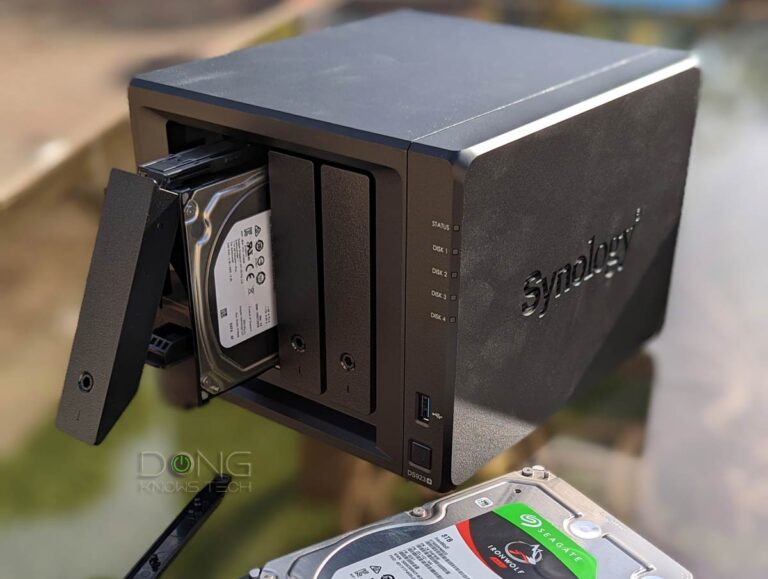
Synology DS923 NAS Server Drive Installed

This post will explain NAS security—you’ll know when to worry and when not to—and offer tips on securing your server’s data against hacking attempts and accidental or malicious deletion/alteration. This applies to those with a NAS server. So, get yourself one if you haven’t. I’d recommend a Synology. I used … Continue Reading

Which Synology NAS to Buy: A Quick Guide on Picking a Real Storage Server

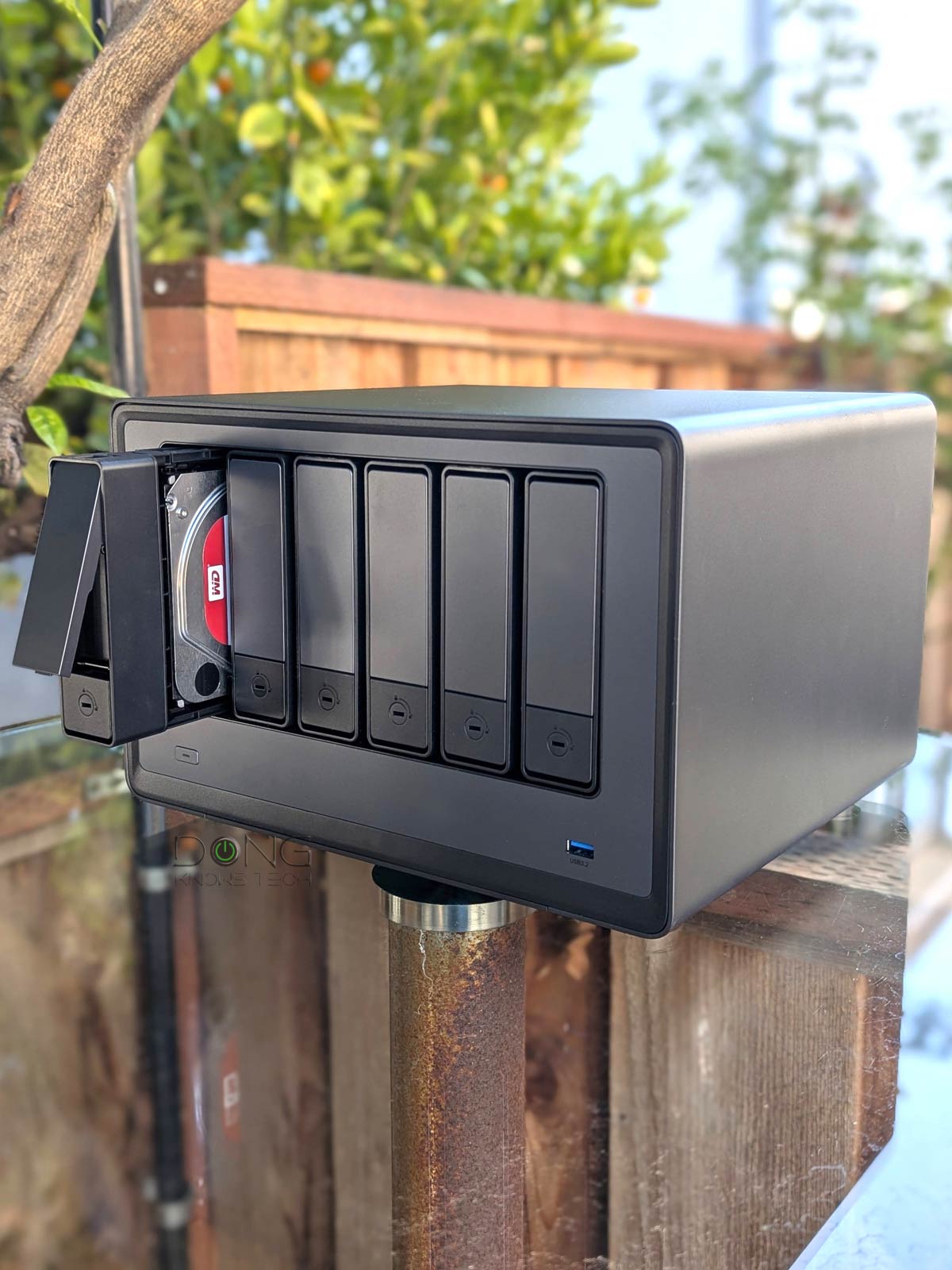
Synology NAS Severs

If you have read my primer post on network-attached storage (NAS) servers, it’s pretty clear that I’ve unapologetically picked Synology as my go-to brand. While there are many NAS makers, after almost two decades of extensive experience, I’ve concluded that Synology is the best long-term investment if you’re serious about … Continue Reading
Light
Dark