
Since its first availability in the US in 2018, 5G NR has slowly become the wireless solution for those living in areas without traditional land-based broadband infrastructure, namely cable or fiber-optic. And even if you already have an excellent cable plan, 5G can also be a backup for high availability.
This post includes the list of the five best 5G routers and add-on modems I’ve reviewed that you can bring home today.
Dong’s note: I first published this regularly updated piece on May 12, 2026, and last updated it on May 25, 2026, with the latest picks.
Best 5G routers and add-Ons: 2026’s current top 5 options to consider
Generally, you can share a single cellular (5G) connection with multiple Wi-Fi devices by turning on your smartphone’s personal hotspot feature or by tethering the phone to a computer.
However, all devices mentioned here are routers with built-in 5G modems or add-on modems designed to add cellular features to an entire network. The list below is sorted by rating, with the highest at the top. However, depending on what you need or want, any of them can be the best applicable solution.
Top 5 best 5G routers and add-ons
 |  |  |  |  | |
| Name | Ubiquiti UniFi Dream Router 5G Max (UDR-5G-Max)'s Rating | Ubiquiti UniFi 5G Max (U5G-Max)'s Rating | NETGEAR Nighthawk 5G M7's Rating | Ubiquiti UniFi 5G Backup (U5G)'s Rating | D-Link G530's Rating |
| Price | – | – | – | – | – |
| Rating | |||||
| Description | |||||
| Statistics | |||||
| Buy this product |
1. Ubiquiti UniFi Dream Router 5G Max
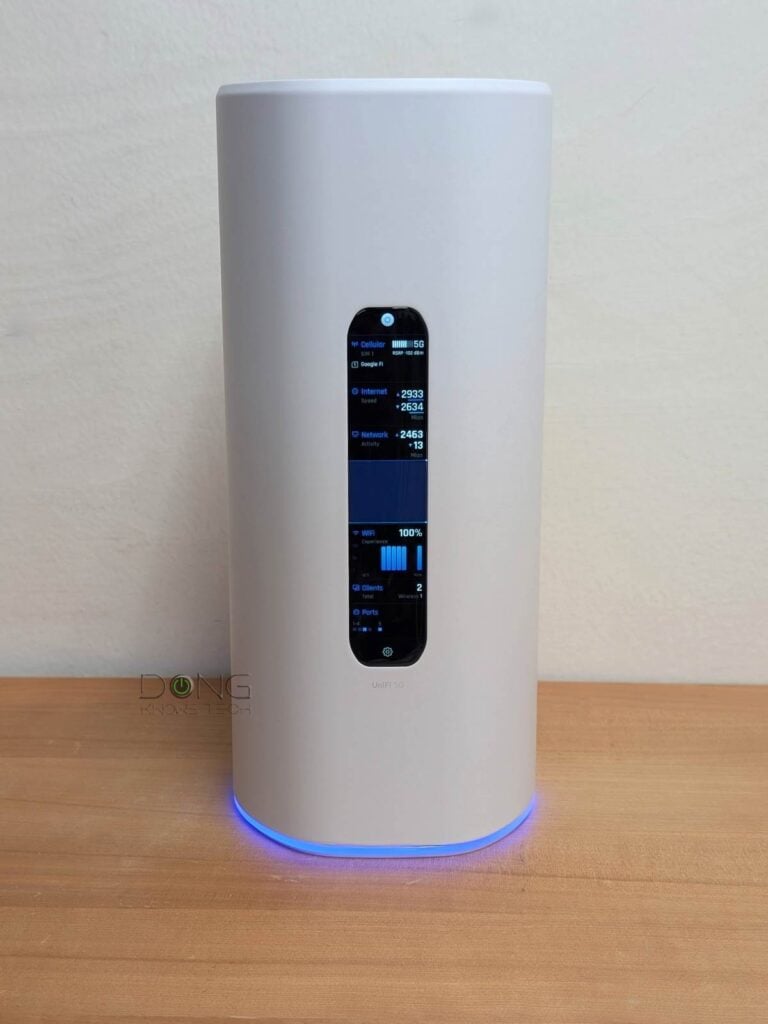
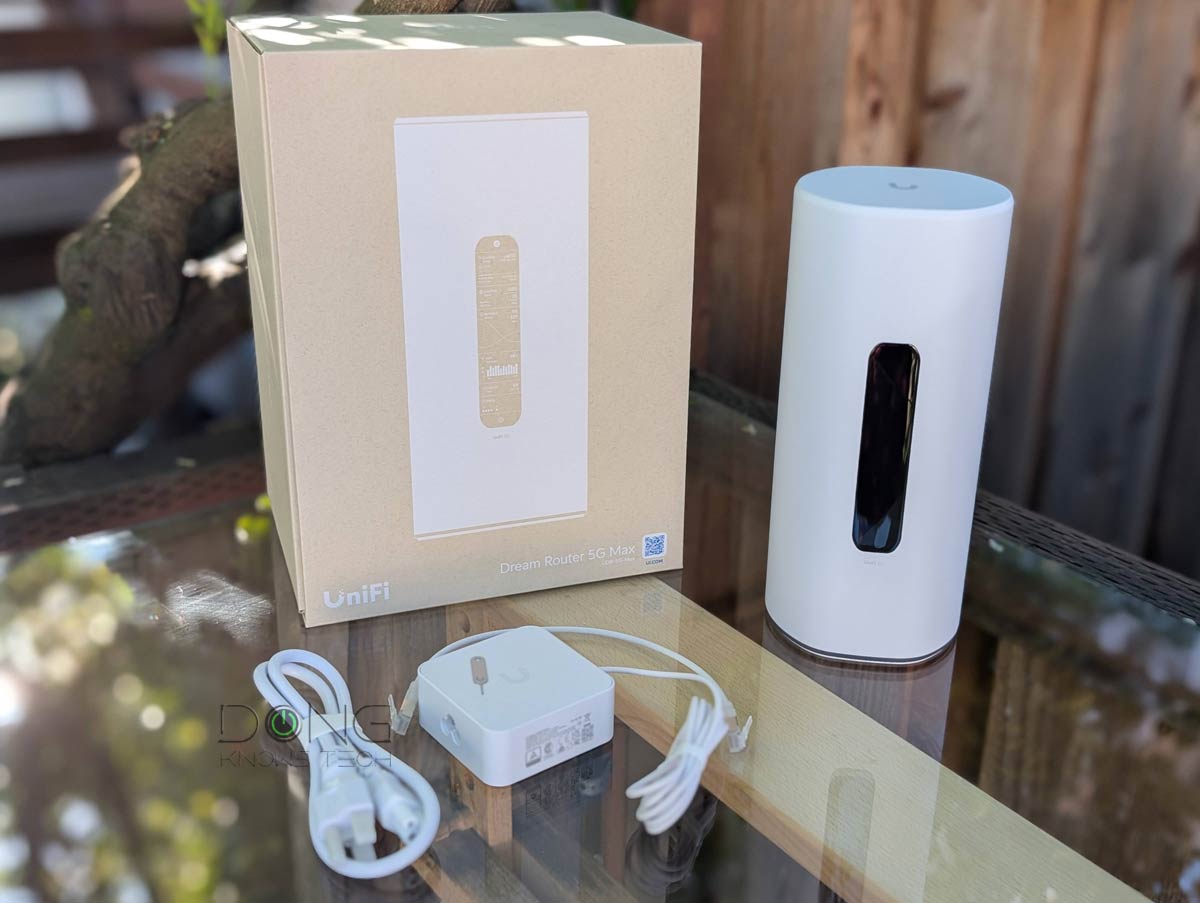
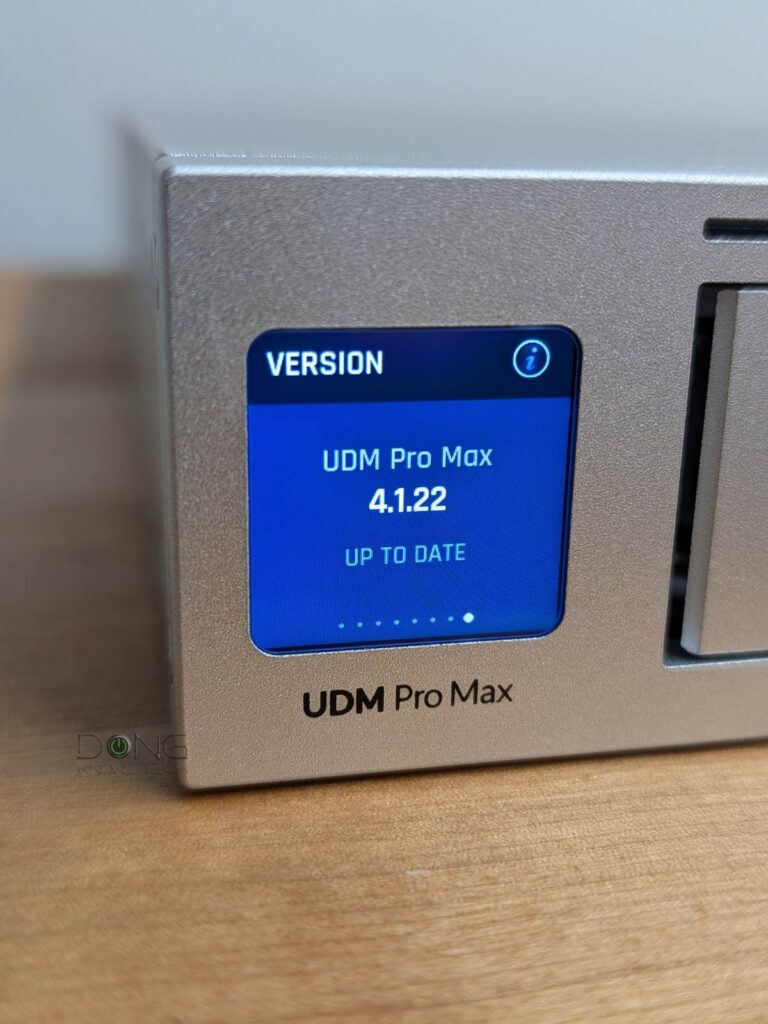
The UDR 5G Max is the most comprehensive standalone Wi-Fi 7 router with advanced 5G NR support. It comes with two Nano SIM slots and can handle two SIMs simultaneously, including one eSIM. It’s also the only one on this list that is mesh-ready: you can use it to host a robust Wi-Fi system by adding more UniFi access points.
In other words, the UDR 5G Max is the perfect device for those wanting to build a network from scratch with 5G in mind.
Ubiquiti UniFi Dream Router 5G Max (UDR-5G-Max)'s Rating
Pros
Excellent performance and lots of features for homes and business environments, including UniFi mesh and built-in UNVR
One SFP+ and four 2.5GbE Multi-Gig ports with a built-in 5G cellular modem that supports dual-SIM
Comprehensive web-based user interface and optional mobile app—neither requires a login account.
Compact and beautiful design, comparatively affordable, quiet operator
Cons
No 2nd 10Gbps ports, single low-power PoE port
Not wall-mount-ready, internal fan
No external antenna option for cellular, 2.4GHz performance could use some improvement
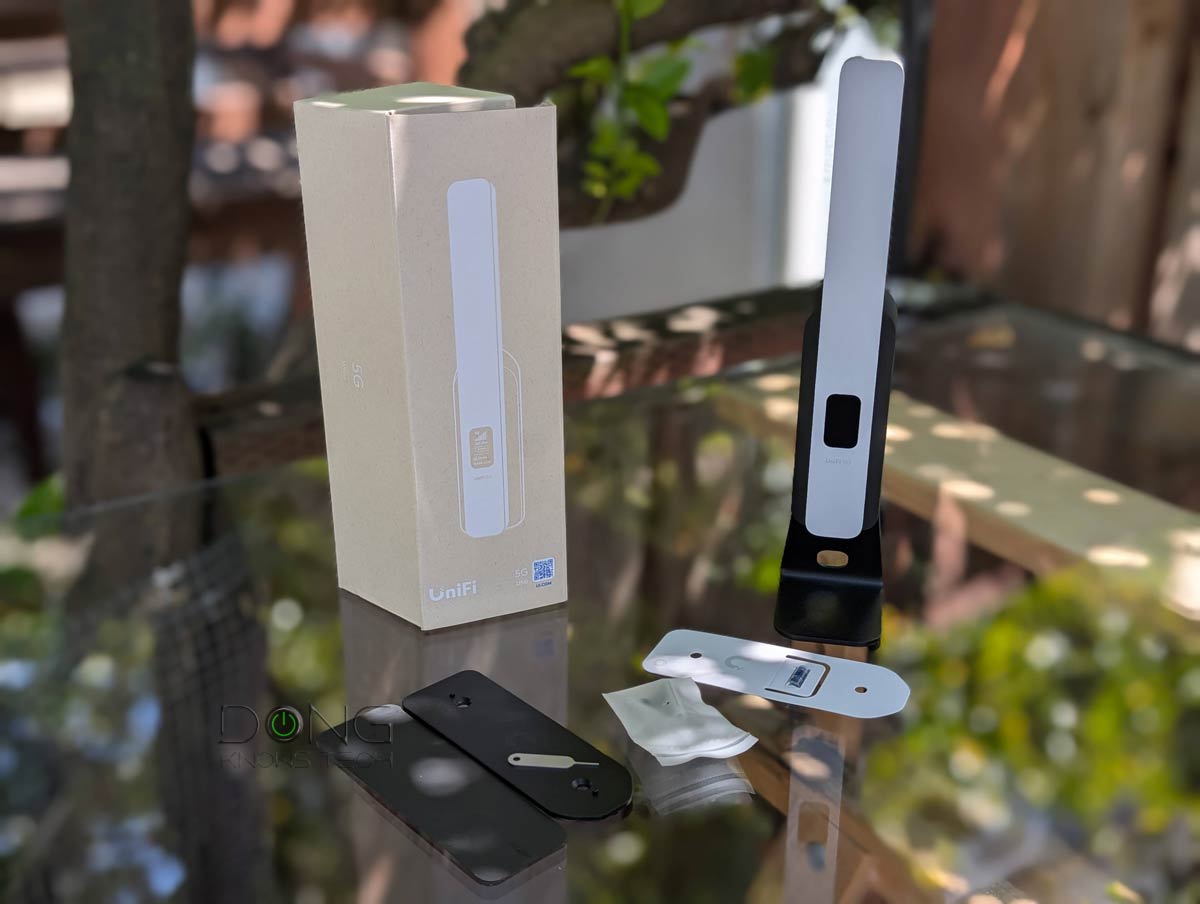
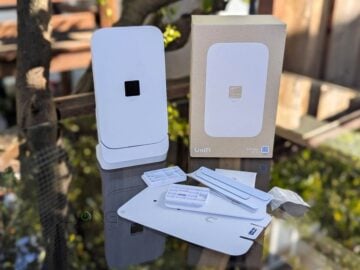
2. Ubiquiti UniFi 5G Max
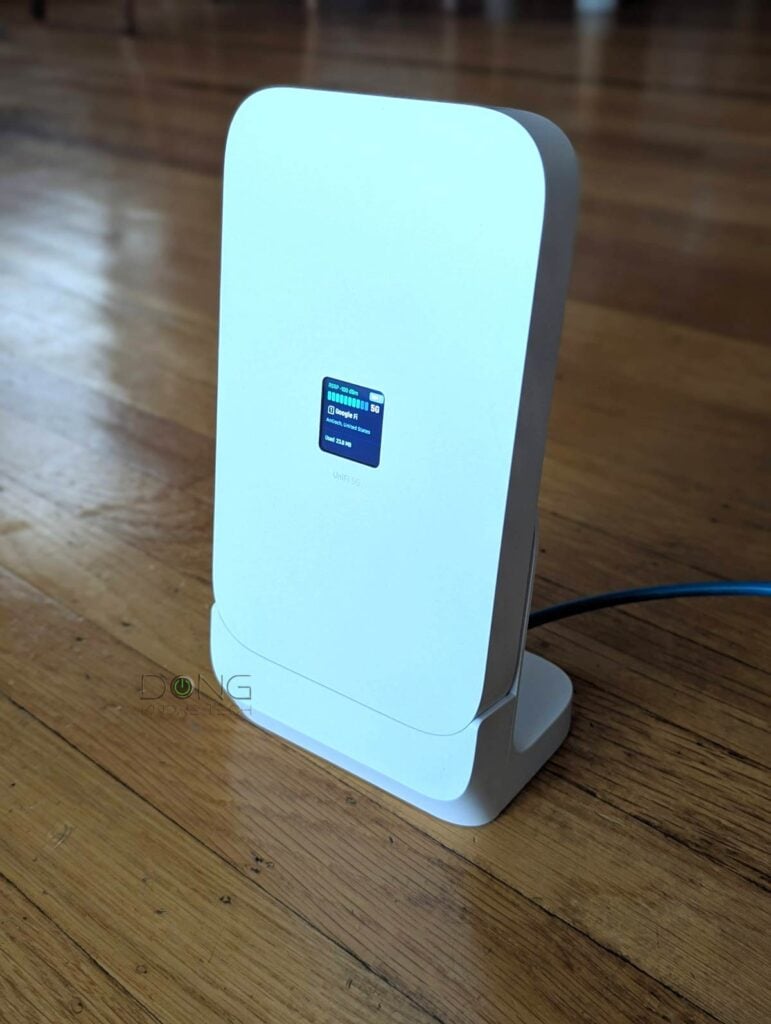
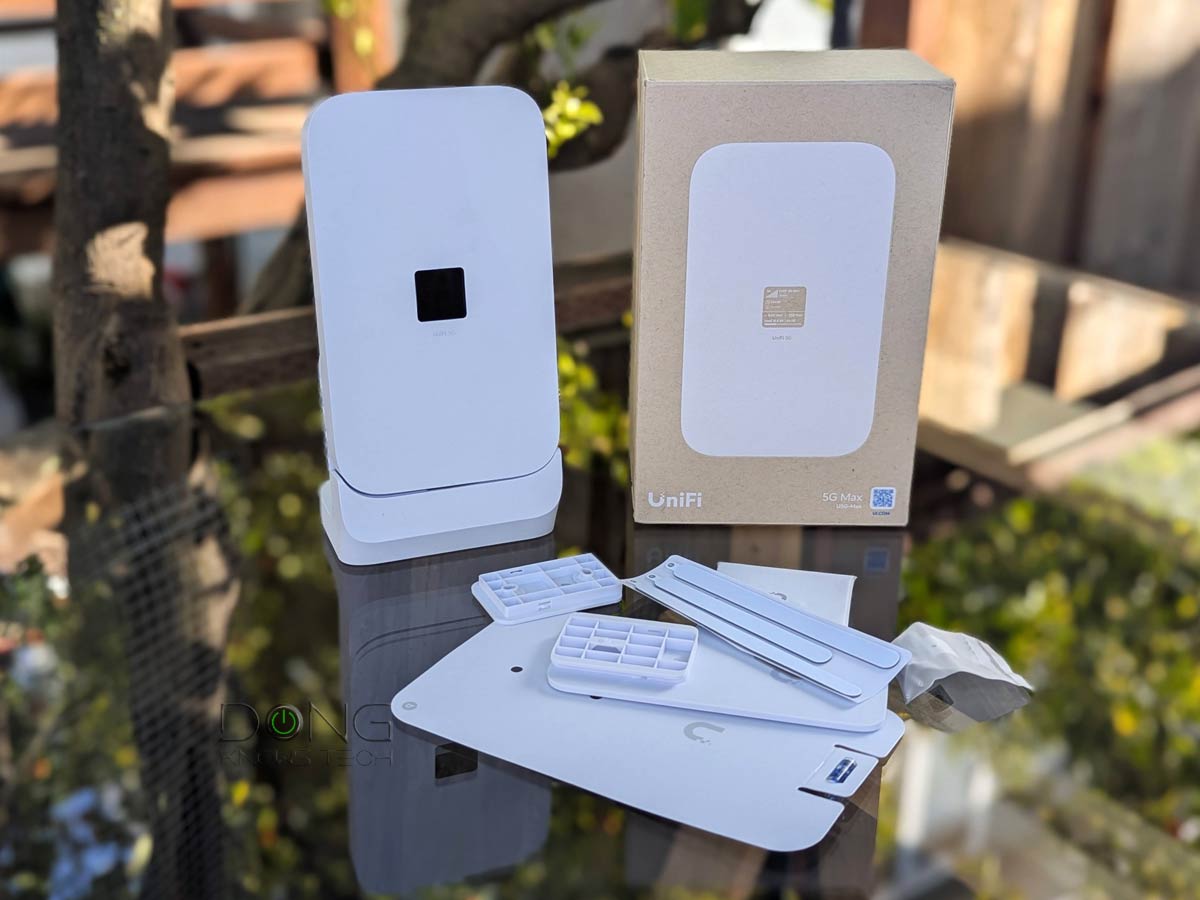
The 5G Max is currently the best 5G NR add-on modem. Designed for a UniFi network, it’s powered via a 2.5Gbps PoE connection with enough power to deliver a multi-Gigabit cellular connection as a backup or primary Internet source for the network. It supports dual-SIM with two Nana slots and one eSIM.
The U5G Max is the best option for those who already have a UniFi network powered by a UniFi Cloud Gateway and now want to add 5G support.
Ubiquiti UniFi 5G Max (U5G-Max)'s Rating
Pros
Excellent hardware design with reliable and fast cellular performance as backup or primary WAN source
Fast 2.5Gbps PoE-in port to offer flexible hardware placement
Useful accessories included, dual-SIM with eSIM support, plug-and-play
Cons
No local web user interface to support a non-UniFi router
Bulky
A bit pricey
3. NETGEAR Nighthawk 5G M7
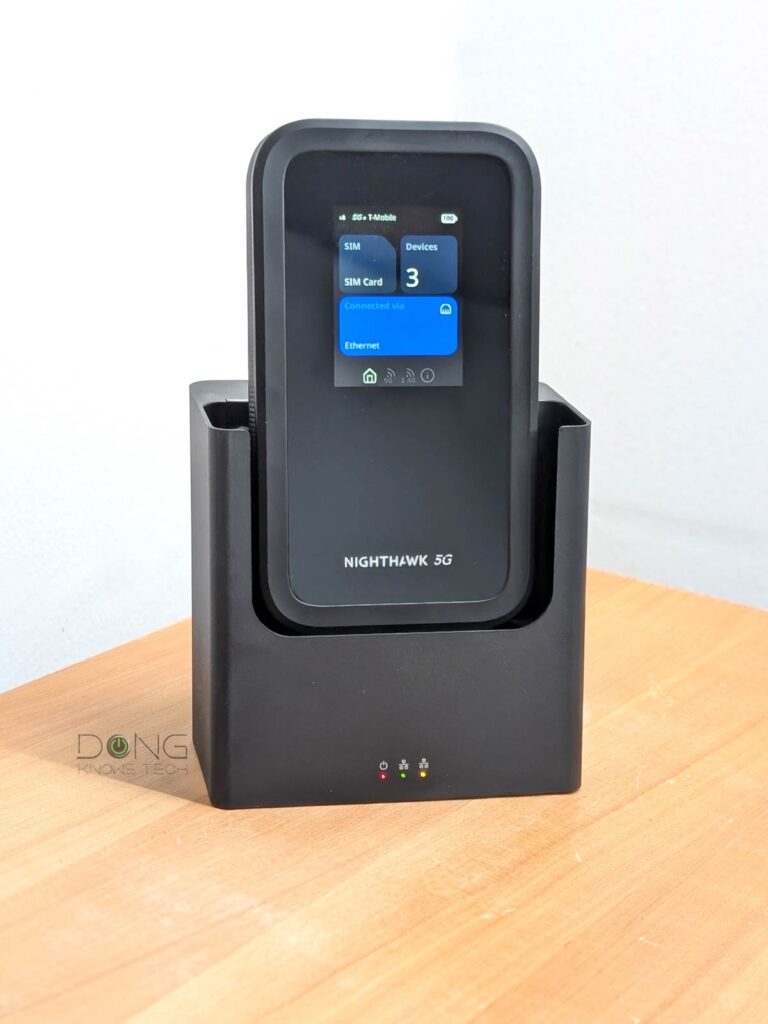
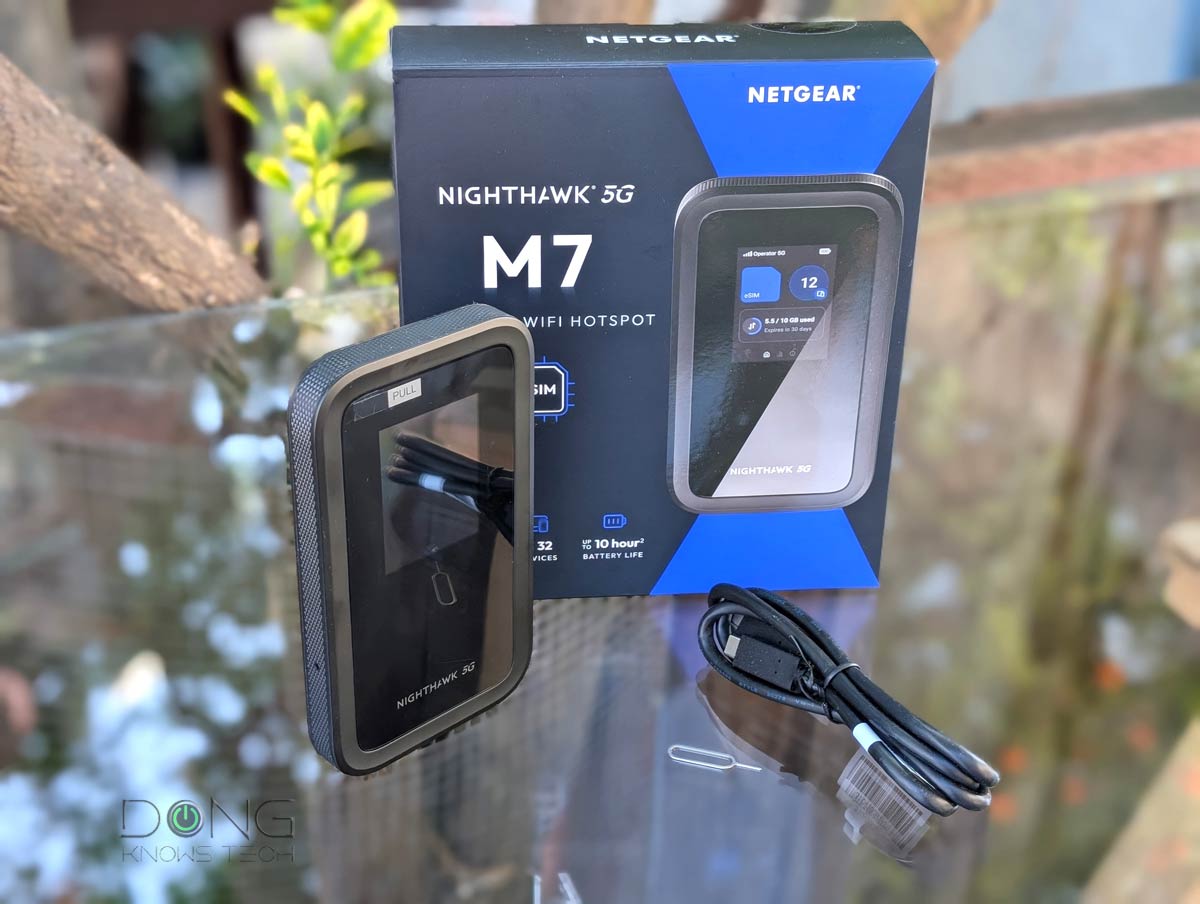
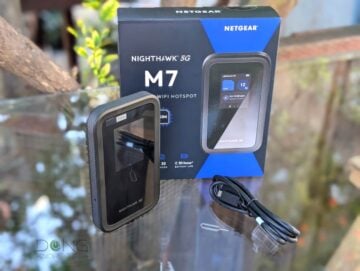
The Nighthawk 5G M7 is not a simple 5G travel router. It’s the first of its kind to integrate with an e-SIM marketplace, allowing travelers to quickly get data plans on the go around the world by managing and switching between seven eSIMs and physical SIM cards.
Alternatively, you can consider the unlocked Nighthawk M6 Pro, which is faster but lacks e-SIM support and is much more expensive.
NETGEAR Nighthawk 5G M7's Rating
Pros
Strong cellular support, including NETGEAR's eSIM marketplace
Unlocked, flexible, and versatile in handling Internet sources
Excellent NETGEAR mobile app and a robust web user interface
Cons
Expensive with modest Wi-Fi performance, no support for VPN server or client
No integrated network port, Wi-Fi network restarts when applying many changes or switching between Internet sources
Charger and accessories not included, a bit bulky, no USB-based storage or external antenna option
The ASUS RP-BE58 is a low-cost and modest dual-band Wi-Fi 7 extender. It can work with any existing network but is best paired with a dual-band ASUS Wi-Fi 7 router.
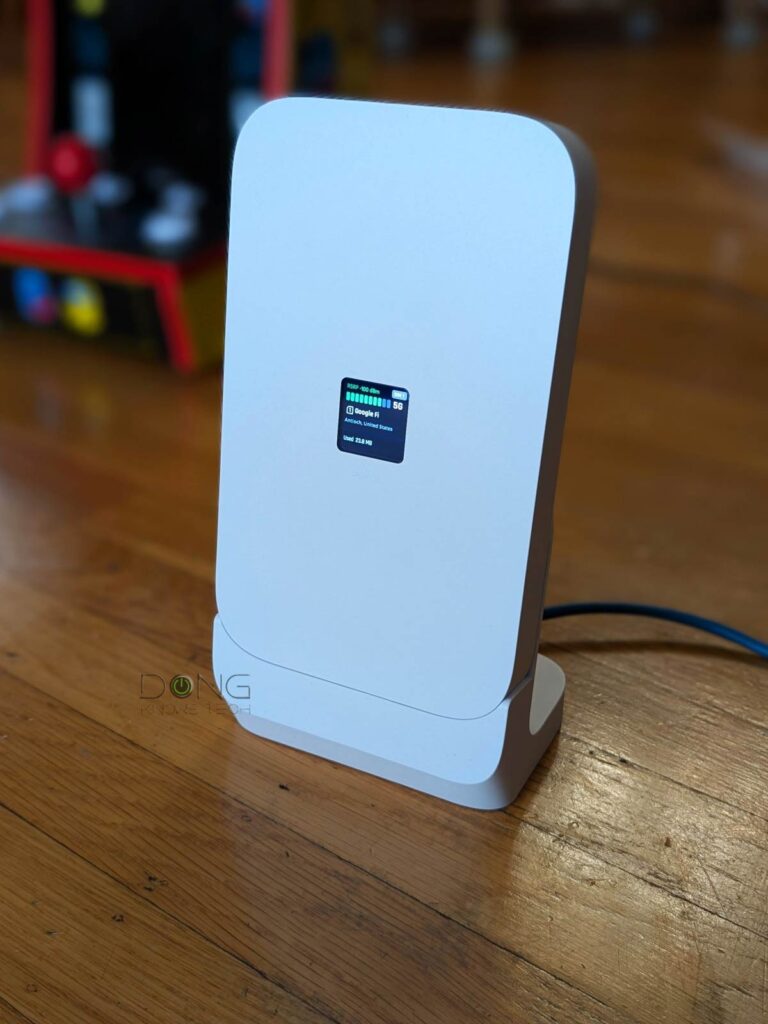
4. Ubiquiti U5G Backup
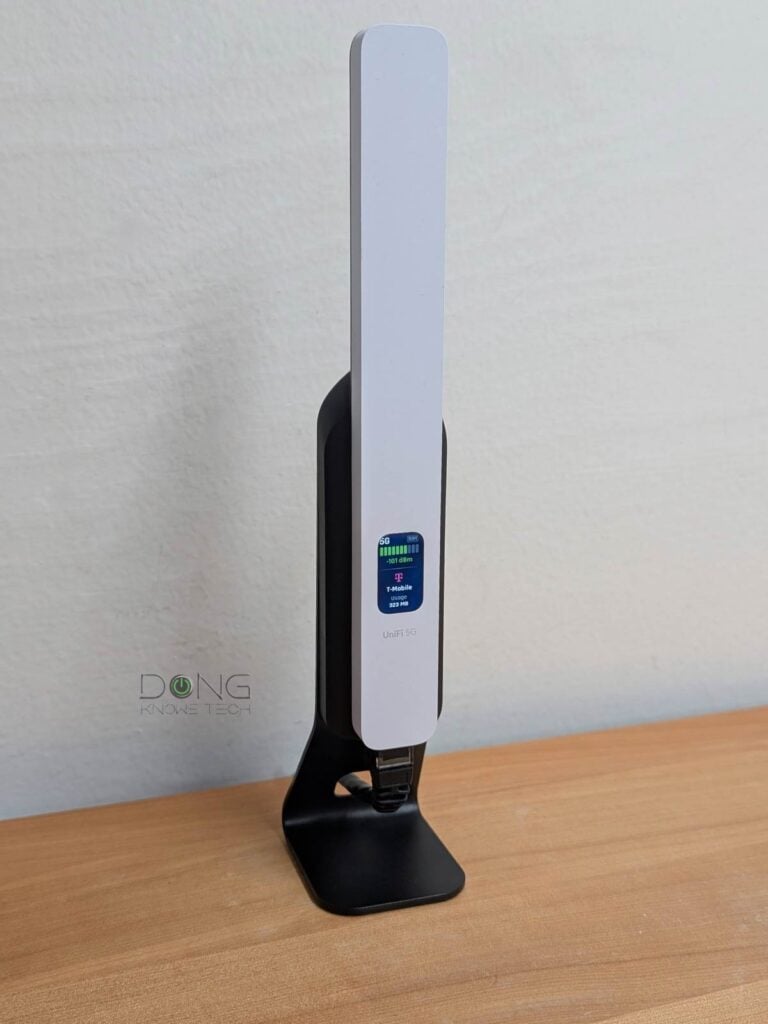
Similar to the UniFi 5G Max above, the UniFi 5G Backup is a PoE 5G modem that adds cellular reception to an existing network powered by a UniFi “router”. As the name suggests, though, it’s more of a backup device than one that can deliver top 5G speeds, since it features RedCap 5G specs. In return, it’s extremely compact, and the sub-$100 price tag never hurts.
Ubiquiti UniFi 5G Backup (U5G)'s Rating

Pros
Affordable with excellent 5G cellular support with seamless integration into a UniFi network
Built-in Nano SIM slot with eSIM option
Convenient and compact design with mounting accessories included
Cons
RedCap 5G specs with modest real-world cellular performance
No dual-SIM capability
No third-party router support
5. D-Link G530


The D-Link G650 is a standard Wi-Fi 6 router with a built-in 5G NR modem. It can host a physical Nano SIM to use as the primary or backup Internet connection.
D-Link G530's Rating

Pros
Built-in 5G modem with a dual-WAN failover option
Reliable mid-tier Wi-Fi 6 performance with good coverage
Standard web user interface with a decent set of network settings and features
Cons
Only two Gigabit ports; bad cellular reception; no support for external cellular antennas
Too large to be a mobile router; no battery option
Expensive
The final thoughts
As mentioned, none of the 5G devices above is the absolute best as a one-size-fits-all. Follow their full review to make sure it fits your network and cellular needs before getting one.



Comments are subject to approval, redaction, or removal. You're in the no-nonsense zone and that applies BOTH ways.
It's generally faster to get answers via site/page search. Your question/comment is one of many Dong Knows Tech receives daily.
Thank you!
(•) If you have subscription-related issues or represent a company/product mentioned here, please use the contact page or a PR channel.