
The SANDISK Extreme PRO (V3), first launched in February, is Sandisk’s second USB4-enabled portable SSD, after the SanDisk Extreme PRO with USB4 that came out last year. As such, it’s very similar in terms of performance. However, in a way, it’s a new drive entirely.
Here’s the bottom line: If you’re in the market for a non-compromising portable SSD and have a computer that features USB4 or Thunderbolt 4, the new SANDISK Extreme Pro is an excellent buy. That’s if you can afford its current stiff street pricing, around $500 and $1000 for the 2TB and 4TB, respectively.
Unprecedentedly high storage costs have been common in the past few years due to the massive storage and memory demand of the Artificial Intelligence industry.
On the other hand, if you’re happy with USB 3.2 Gen 2 (10Gbps) or slower speeds, any of the older versions will work out just fine, likely at much lower costs.
SANDISK Extreme PRO (V3)'s Rating
Pros
Top real-world performance in all USB standards, including USB4 (Thunderbolt 4)
Rugged, compact, and convenient design
Universally supported
Cons
Write performance could be better
Pricey
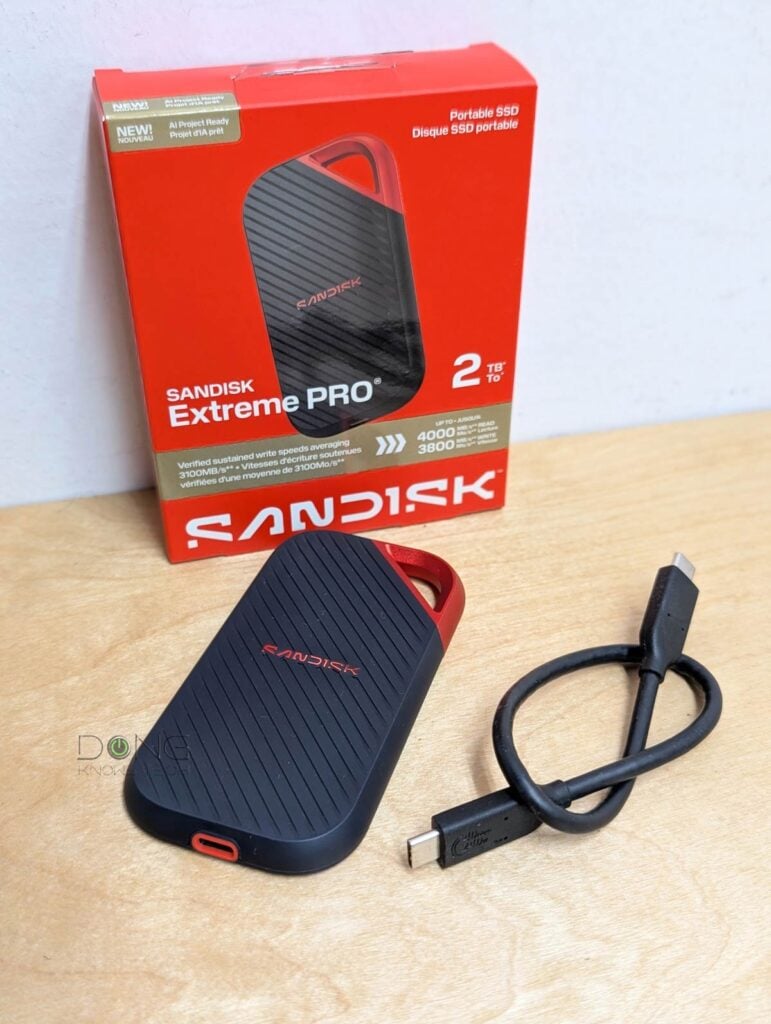
SANDISK Extreme PRO (V3): A familiar USB-C drive with top-notch performance
As mentioned, the SANDISK Extreme PRO is both familiar and completely new:
It’s the 2026 namesake of the 2019 original and the very first from Sandisk to carry the SANDISK brand that marked the milestone when Sandisk re-became an independent flash storage company, after the split from Western Digital (which had acquired it in late 2015).
Tip
In March 2025, Western Digital (WD) split off SanDisk as a separate company, which now goes by “Sandisk”. The move means WD retains all hard platter-based products (hard drives), including those with “SanDisk” in their model names. Similarly, Sandisk takes over all NAND-based products—SSDs, memory cards, and so on—including those bearing “WD” in their model names. In January 2026, Sandisk introduced “SANDISK Optimus” as the new brand for its NVMe SSDs, including existing WD Black and WD Blue NVMe drives.
Prior to this, there have been three variants in the Extreme PRO portable SSD lineup released in 2019 (V1), 2020 (V2), and 2025 (with USB4).
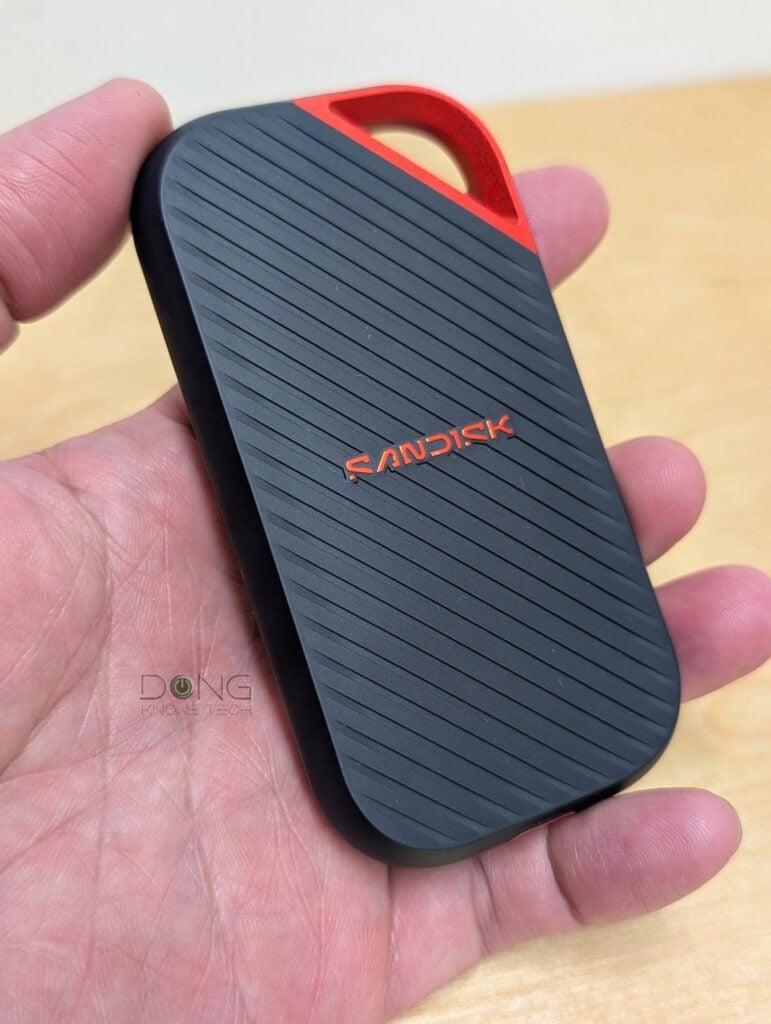
Over the years, the lineage has retained the rugged design that is a flat rectangular black/orange box with rounded corners, a built-in lanyard hole for users to hook it to a key fob or a backpack, and a USB-C port on one side for both power and data.
What has changed over the year is the minor capitalization of the word “sandisk”, the physical size at times, and most importantly, the USB connection standard, which translates into real-world performance.
On this front, this 2026 version is the latest with the new “SANDISK” branding, the top-tier USB4 connection speed, and the compact design similar to the original 2019 version.
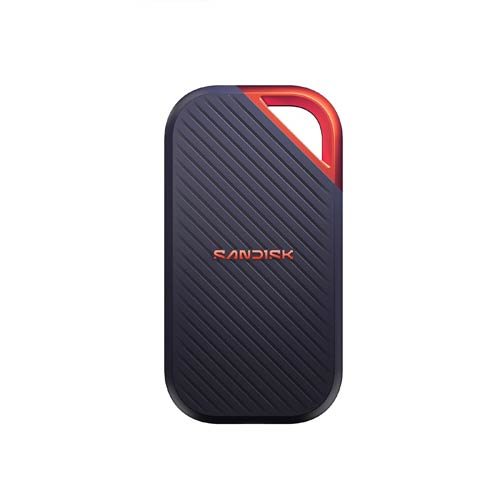
The table below compares the hardware specs of this Extreme PRO lineup.
Hardware specifications
 | 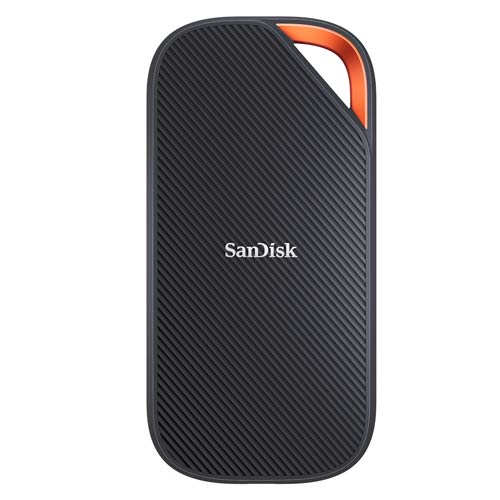 | 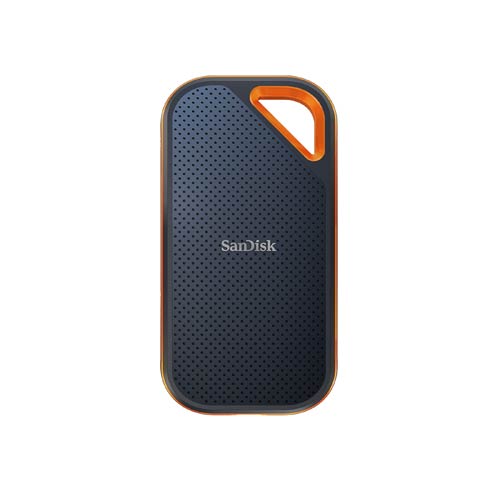 |  | |
|---|---|---|---|---|
| SANDISK Extreme PRO (V3) | SanDisk Extreme PRO with USB4 | SanDisk Extreme PRO (V2) | SanDisk Extreme PRO (V1) | |
| Release Year | 2026 | 2025 | 2020 | 2019 |
| Hardware Vendor | Sandisk | Western Digital | ||
| Capacity | 2TB, 4TB, 8TB | 2TB, 4TB | 1TB, 2TB, 4TB | 500GB, 1TB, 2TB |
| Internal Storage | PCIe Gen 4 4×4 NVMe SSD | PCIe Gen 3 4×4 NVMe SSD | ||
| Dimensions | 4.34 x 2.26 x 0.4 in (11.03 x 5.73 x 1.02 cm) | 5.51 x 2.7 x 0.47 in (14 x 6.86 x 1.19 cm) | 4.34 x 2.26 x 0.4 in (11.03 x 5.73 x 1.02 cm) | |
| Weight | 2.11 oz (60 g) | 6.08 oz (172.37 g) | 1.38 oz (38.9g) | |
| Copy Speed (estimated) | Read: Up to 4000 MB/s Write: Up to 3800 MB/s | Up to 3700 MB/s | Up to 2000 MB/s | Up to 1050 MB/s |
| Interface | USB4 Gen 3×2 (40Gbps) Type-C | USB 3.2 Gen 2×2 (20Gbps) Type-C | USB 3.1 Gen 2 (10 Gbps) with USB-C | |
| Compatibility (supported peripheral standards) | Thunderbolt 4, Thunderbolt 3, USB 2.0 and newer | |||
| Design | Rectangle with rounded corners and built-in ring for lanyard | |||
| Ruggedness | IP65 | IP55 | ||
| Security | 256-bit AES hardware encryption | None | ||
| Power | USB bus-powered via a USB-C port | |||
| Package Content | Portable Drive USB-C cable | Portable Drive USB-C cable USB-A to USB-C cable | ||
| Warranty | 5-year | |||
| US Launch Price (current street prices) | $687.99 (2TB) $1,374.99 (4TB) TBD (8TB) | $279.99 (2TB) 429.99 (4TB) | $169.99 (1TB) $249.99 (2TB) $399.99 (4TB) | $119.99 (500GB) $199.99 (1TB) $369.99 (2TB) |
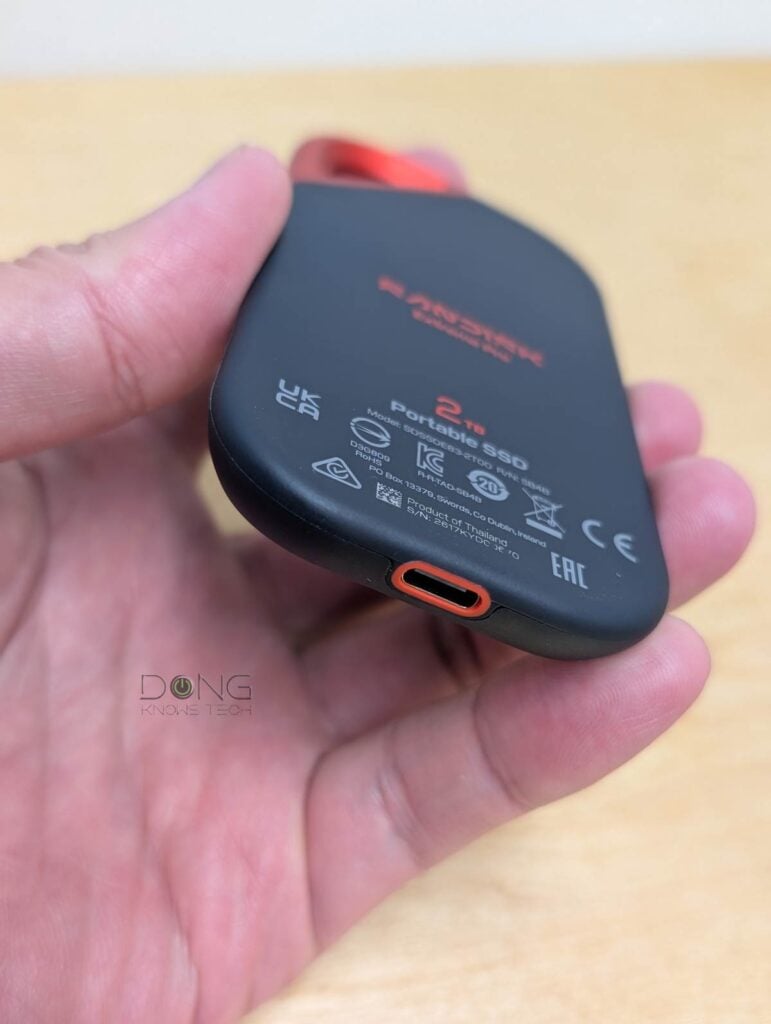
A rugged, compact, frill-free portable SSD
Out of the box, the SANDISK Extreme PRO (V3) is identical to the previous model in physical size, with the only difference being the lanyard ring that now comes in orange.
The new drive is palm-sized, compact, and super light. Its chassis is made of a non-slip, matte silicone shell with grooves on top that contribute to a firm grip but can be a dust trap.
The drive is rated IP65 in ruggedness, meaning it can withstand splashes, rain, and spills and survive drops from up to a 2-meter (6.5-ft) height.
On the inside, the SANDISK Extreme PRO (V3) is the first in the lineup to feature 256-bit AES hardware encryption. Out of the box, it’s preformatted in exFAT, allowing it to work across platforms. It contains no software but is designed to work with SANDISK Mobile App (Android and iOS) and SANDISK Desktop App (Windows and Mac) backup software.
Neither is necessary, but I tried out the SANDISK Desktop App, and it proved to be very similar to Windows’ built-in File History. Note that if you want to use the drive with Mac’s Time Machine, you’ll first need to reformat it into the computer’s native file system.
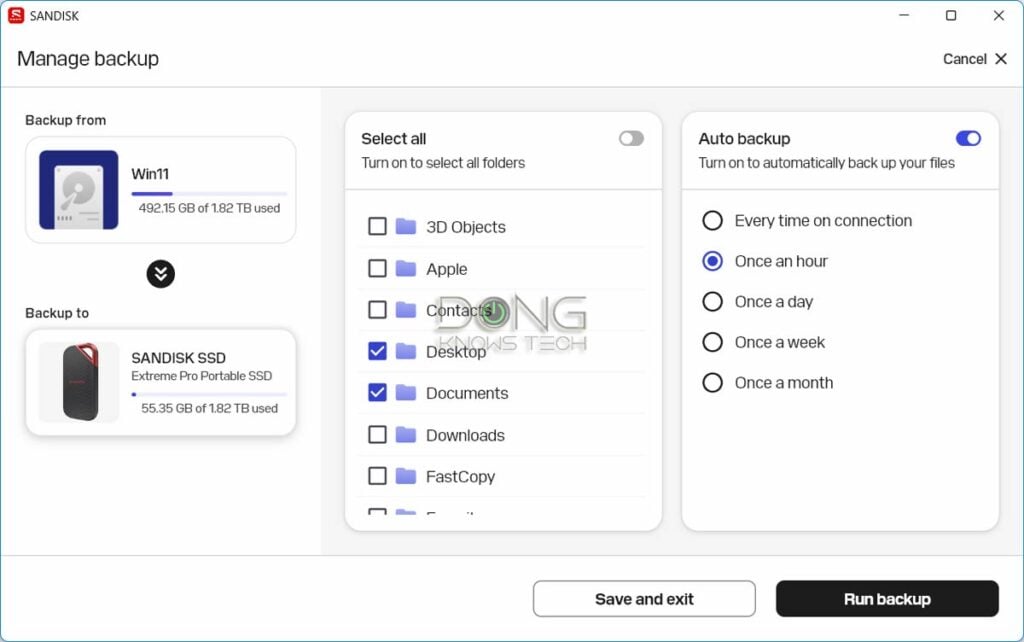
Other than that, the SANDISK Extreme PRO (V3) proved to be plug-and-play. Connect it to a host machine’s USB-C port, and it’ll immediately become available as an external storage source. And the host’s USB-C port also determines how fast it performs, depending on the port’s supported USB standard.
And that brings us to the most important: performance.
SanDisk Extreme PRO with USB4: Top performance
I tested the 2TB version of the SANDISK Extreme PRO (V3) for almost a week using all USB standards ranging from USB 2.0 to USB4, and it didn’t disappoint, though the drive offered a similar experience compared to the SanDisk Extreme PRO with USB4.
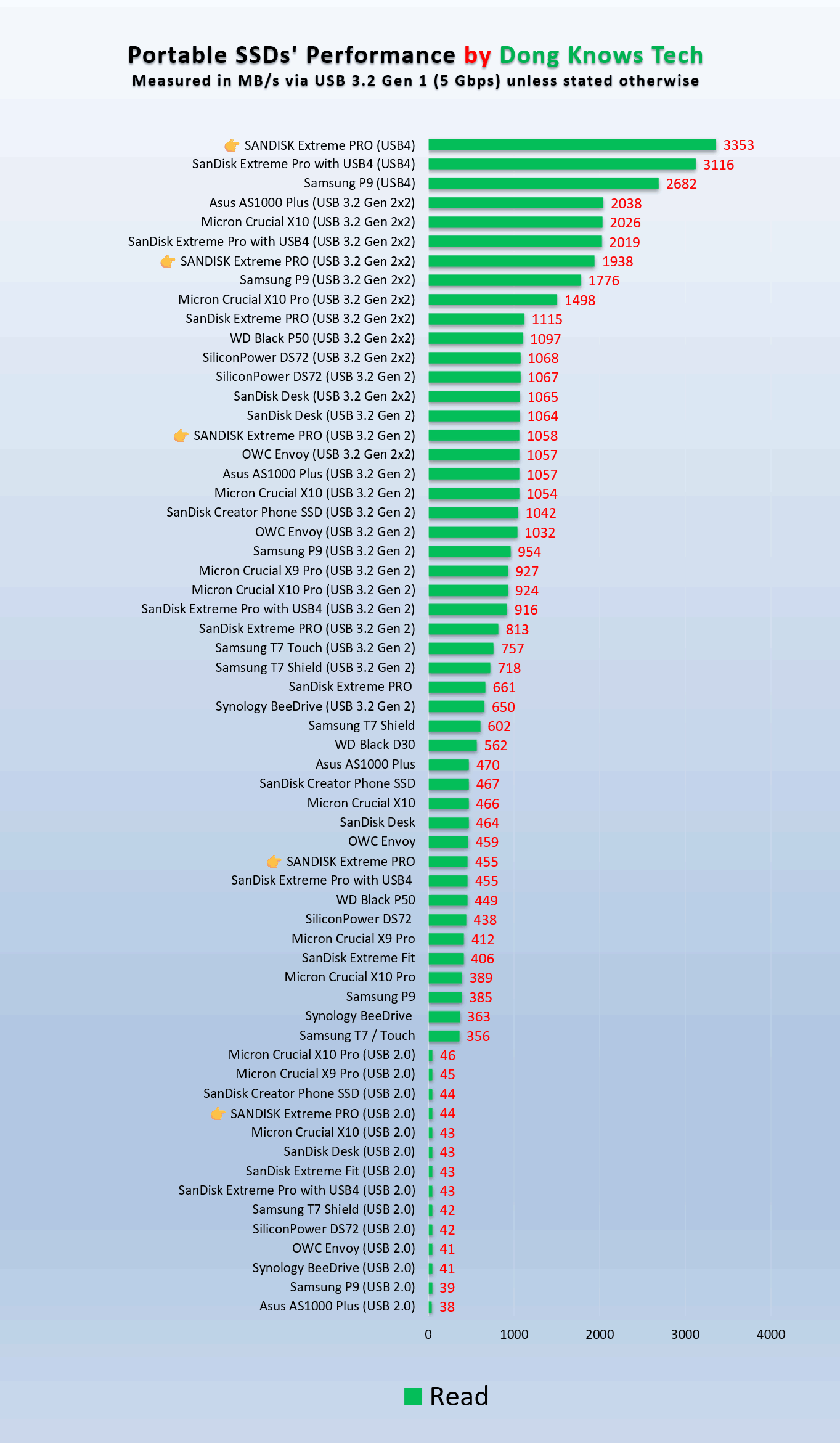
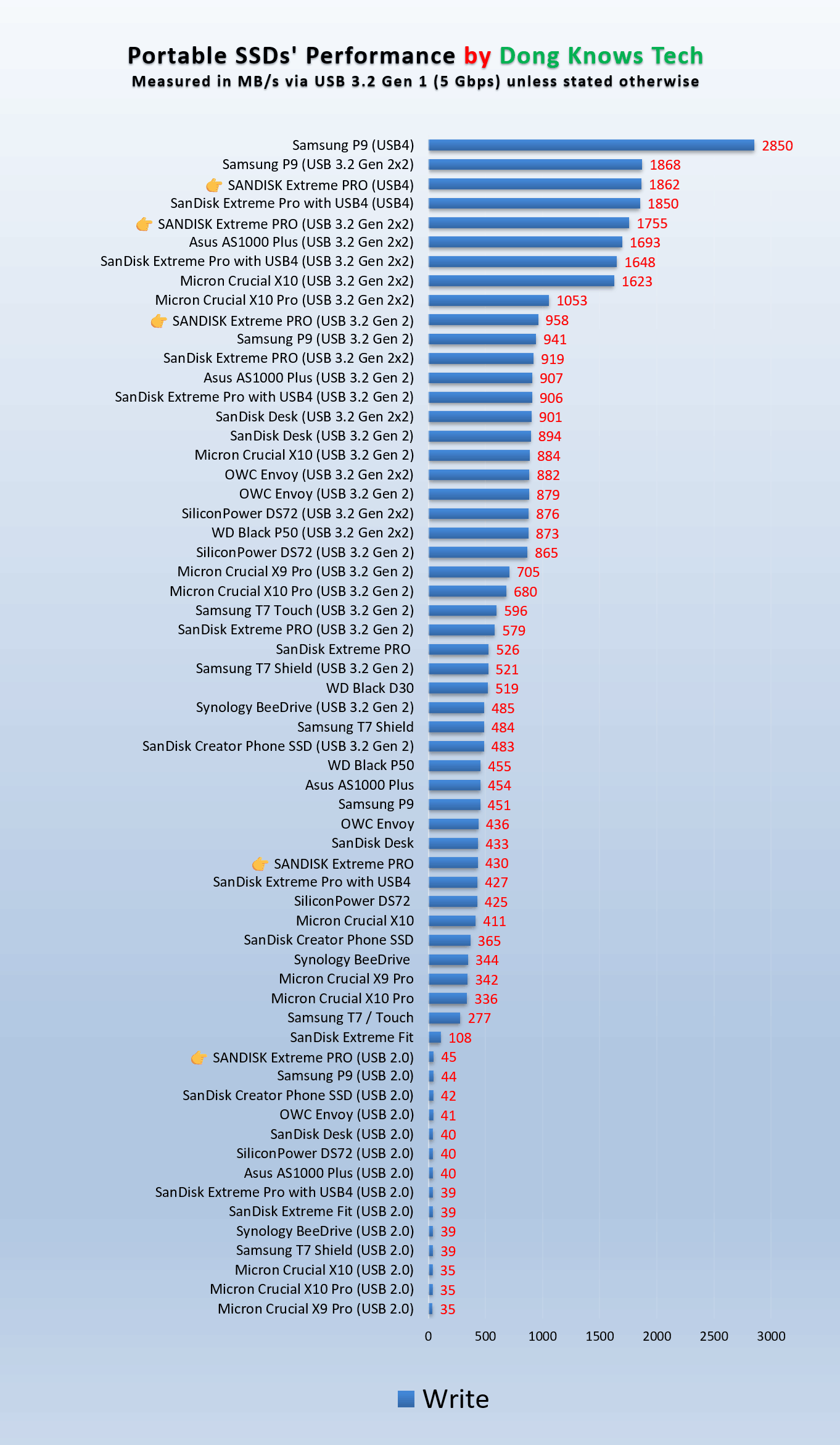
The new drive was faster than its older cousin and registered sustained real-world read speed of In read speed, with sustained rates of almost 3400 MB/s, the fastest to date for all USB portable SSDs. Its write speed was less impressive, topping at almost 2900 MB/s, and second to the Samsung P9.
The new drive did well with older USB standards, too, as shown on the chart. Most importantly, the drive’s performance remained the same even when I copied a large file of over 200GB.
Other than that, the SANDISK Extreme PRO (V3) ran cool even during extended operation.
Conclusion
While not entirely new in terms of performance or design, the SANDISK Extreme PRO (V3) proved to be a true USB4 portable SSD, and the fact that it’s also the first with “SANDISK” in the name, plus the 5-year warranty, means you can count on the new brand, especially now that Micron has retired its competing Crucial family.


Comments are subject to approval, redaction, or removal. You're in the no-nonsense zone and that applies BOTH ways.
It's generally faster to get answers via site/page search. Your question/comment is one of many Dong Knows Tech receives daily.
Thank you!
(•) If you have subscription-related issues or represent a company/product mentioned here, please use the contact page or a PR channel.