
The SANDISK NAS 600, unveiled in August as part of Sandisk’s new storage portfolio that also includes the SANDISK NAS 800, is the first SATA solid-state drive (SSD) I’ve reviewed in half a decade. Before this, I thought that the Samsung 870 EVO would be the last SSD of this type to be released for consumers.
Well, I was wrong, and the SANDISK NAS 600 proved to be an excellent new SSD of the dated SATA connection standard.
Here’s the bottom line: If you’re looking for a fast, reliable SATA SSD for your NAS server or your computer, the SANDISK NAS 600 is an excellent option worthy of its currently high prices caused by the massive memory demand of the Artificial Intelligence industry. Get one or a couple today!
SANDISK NAS 600's Rating
Pros
Fast and reliable performance
Frill-free and straightforward with relatively high endurance
5-year warranty
Cons
Expensive
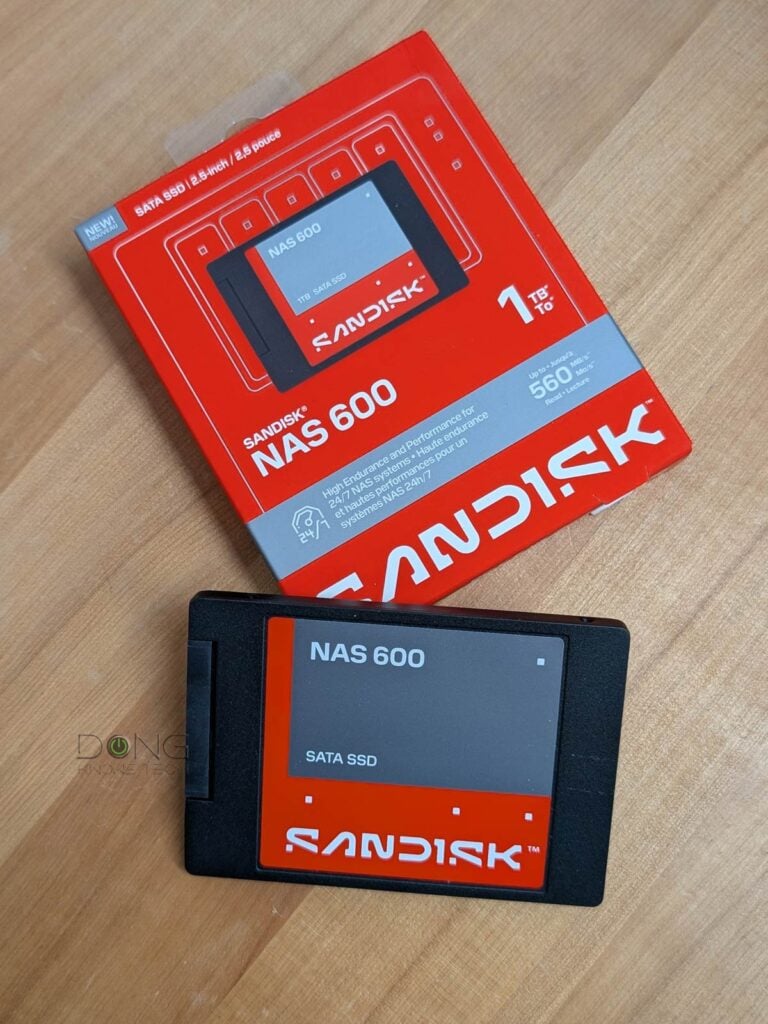
SANDISK NAS 600: An excellent SATA SSD
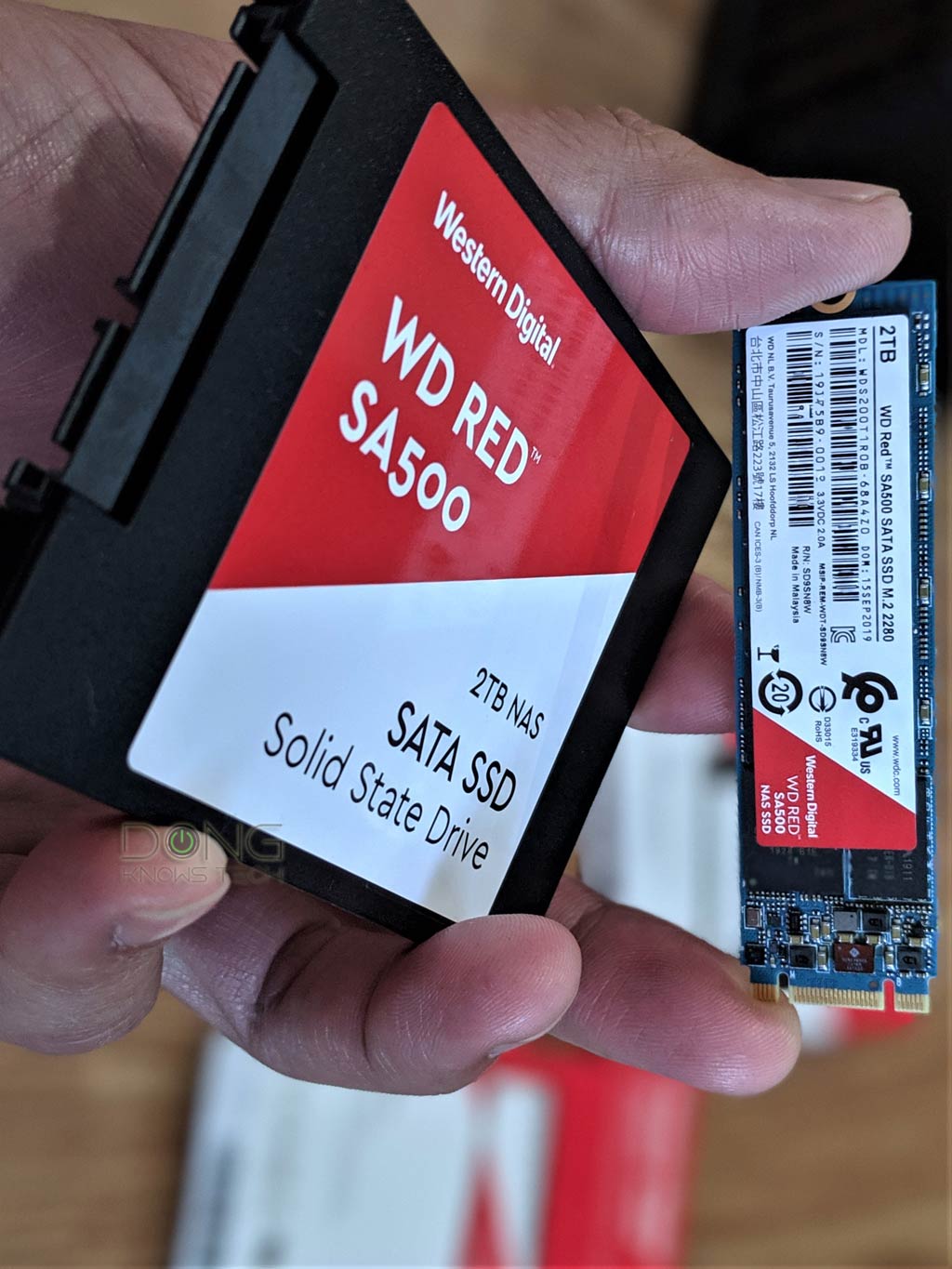
The SANDISK NAS 600 is not the first SATA SSD made for NAS servers. In fact, it’s somewhat of a replacement for the WD Red SA500 that came out in 2019, which would make sense considering Sandisk is now an all-flash storage maker that handles all flash-based drives previously carrying the WD branding.
Tip
In March 2025, Western Digital (WD) split off SanDisk as a separate company, which now goes by “Sandisk”. The move means WD retains all hard platter-based products (hard drives), including those with “SanDisk” in their model names. Similarly, Sandisk takes over all NAND-based products—SSDs, memory cards, and so on—including those bearing “WD” in their model names. In January 2026, Sandisk introduced “SANDISK Optimus” as the new brand for its NVMe SSDs, including existing WD Black and WD Blue NVMe drives.
In any case, the two are very similar, as you’ll note in the table of hardware specs below, as that’s generally the case for last-generation SATA SSDs: they all share the SATA 3 standard, which tops out at 6Gbps of bandwidth (750 MB/s).
While 6Gbps is modest compared to NVMe SSDs, which can be over 10 times faster, it’s fast enough in most cases, especially in NAS servers where the bottleneck is often the network ports.
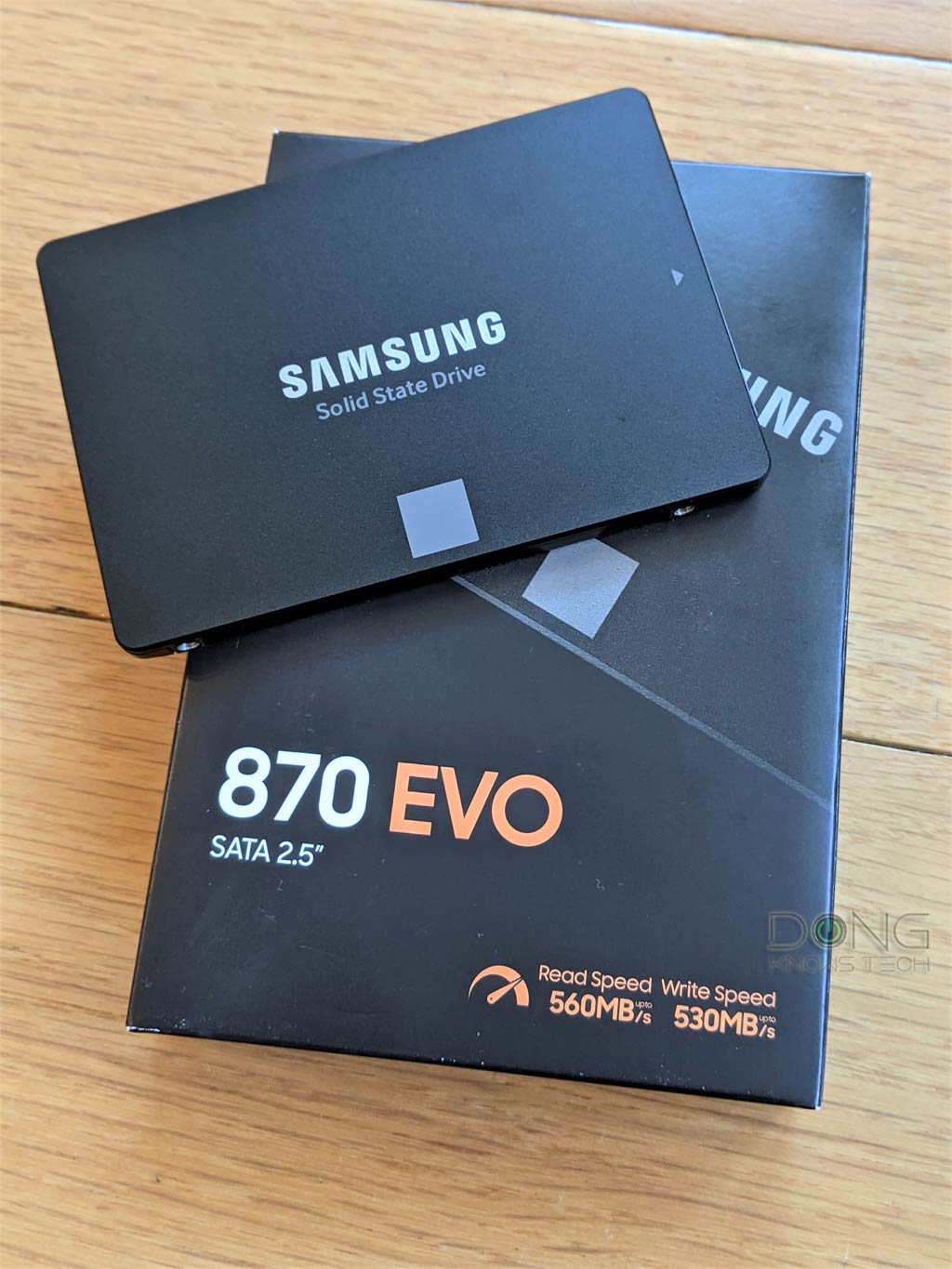
The table below compares the hardware specs of the SANDISK NAS 600 to the WD Red SA500 and the Samsung SSD 870 Evo, which was the last standard SATA SSD released for general consumers.
Hardware specifications: SANDISK NAS 600 vs. WD Red SA500 vs. Samsung 870 EVO
 |  |  | |
|---|---|---|---|
| SANDISK NAS 600 | WD Red SA500 | Samsung 870 EVO | |
| Capacity | 500GB, 1TB, 2TB, 4TB | 250GB, 1TB, 2TB, 4TB | |
| Interface | SATA 6 Gbps | ||
| Form Factor | 2.5-inch | 2.5-inch or M.2 | 2.5-inch |
| Storage Memory | SANDISK TLC 3D NAND | Western Digital 3D NAND | Samsung V-NAND 3-bit MLC (TLC) |
| Controller | Undisclosed | Samsung MJX Controller | |
| DRAM | No | LPDDR4: 512MB (250GB/500GB) 1GB (1TB) 2GB (2TB) 4GB (4TB) | |
| SLC Cache | Yes | ||
| Sequential Read | Up to 560 MB/s | ||
| Sequential Write | 500GB: 505 MB/s 1TB, 2TB: 515 MB/s 4TB: 520 MB/s | 500GB, 1TB: 530 MB/s 2TB, 4TB: 520MB/s | Up to 530 MB/s |
| 4KB Random Read | 500GB: 74K IOPS 1TB, 2TB: 87K IOPS 4TB: 86K IOPS | 500GB, 1TB: 95K IOPS 2TB, 4TB: 87K IOPS | Up to 98K IOPS |
| 4KB Random Write | 500GB: 74K IOPS 1TB: 75K IOPS 2TB: 76K IOPS 4TB: 77K IOPS | 500GB, 1TB: 85K IOPS 2TB, 4TB: 83K IOPS | Up to 88K IOPS |
| Management Software | SanDisk Dashboard | Samsung Magician | |
| Endurance (Total Bytes Written) | 500GB: 350 TBW 1TB: 600 TBW 2TB: 1300 TBW 4TB: 2500 TBW | 150TBW (250GB) 300TBW (500GB) 600TBW (1TB) 1,200TBW (2TB) 2,400TBW (4TB) | |
| U.S Launch MSRP (At Launch) | $224.99 (500GB) $349.99 (1TB) $624.99 (2TB) $1,249.99 (4TB) | $82.99 (500GB) $142.99 (1TB) $282.99 (2TB) $579.99 (4TB) | $49.99 (250GB) $79.99 (500GB) $139.99 (1TB) $269.99 (2TB) $529.99 (4TB) |
| Warranty | 5-year | ||
SANDISK NAS 600: A frill-free straightforward 2.5-inch solid-state drive
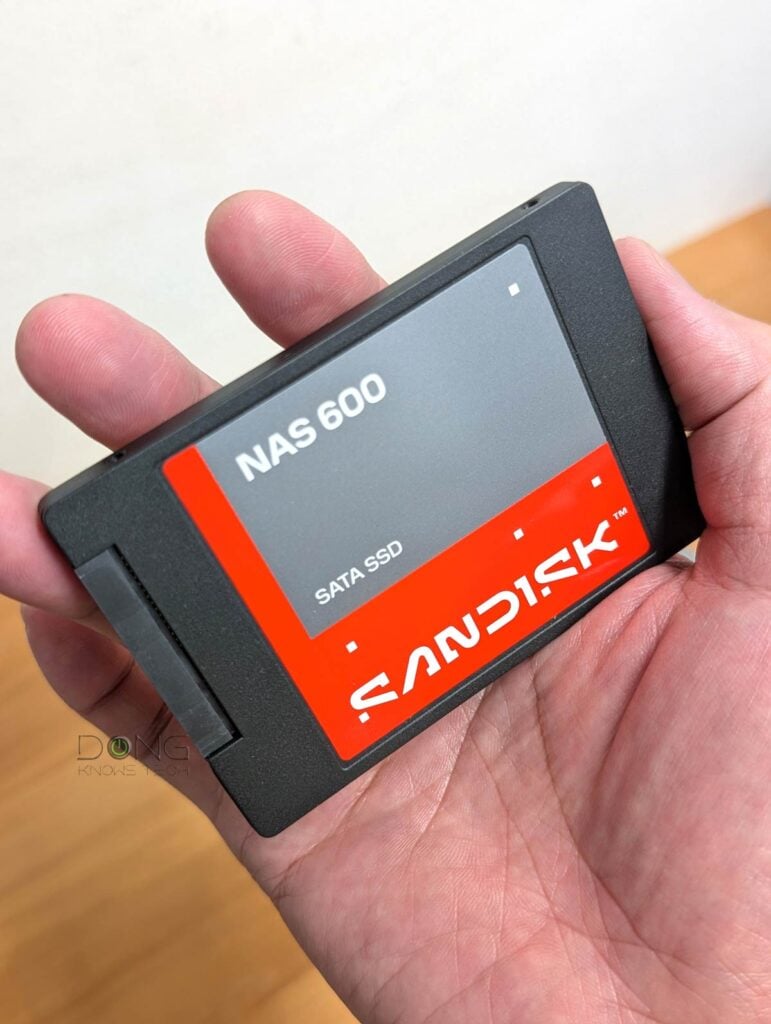
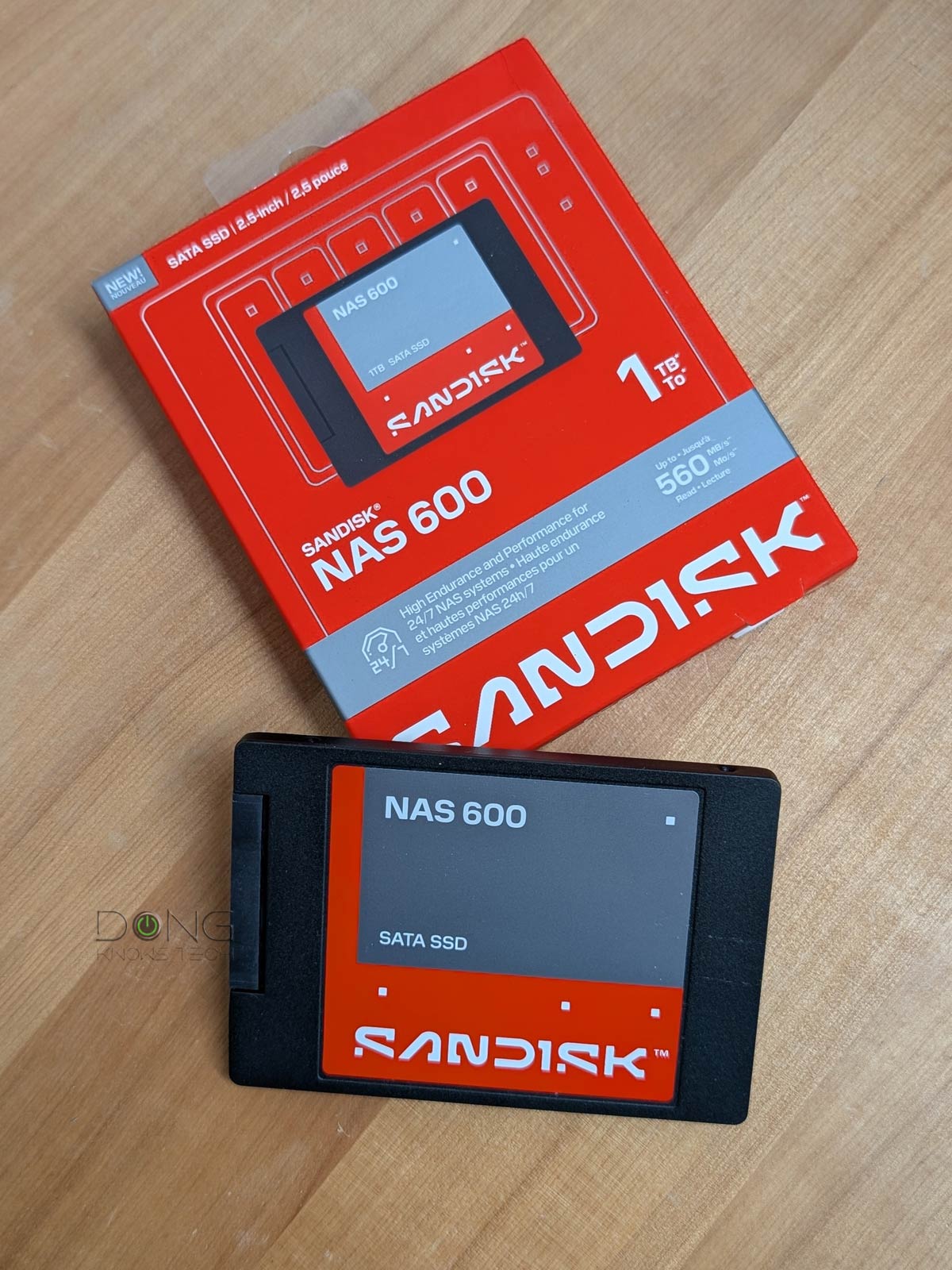
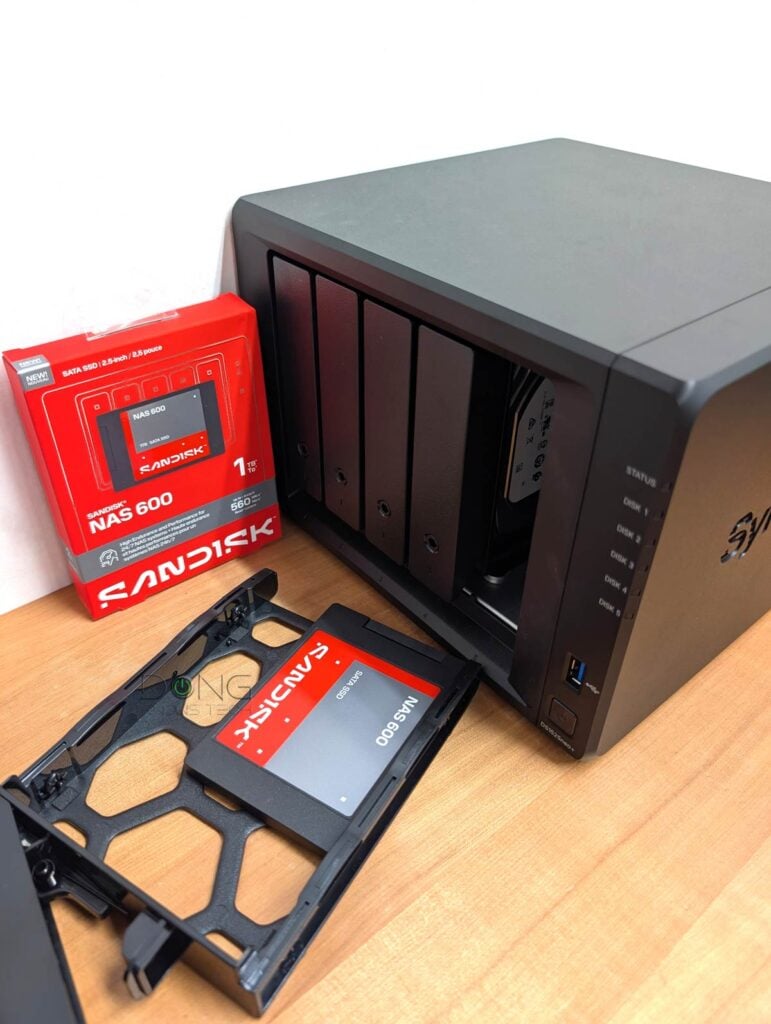
As shown in the table above, the SANDISK NAS 600 is a standard 2.5-inch drive. Out of the box, it comes in the typical shape of an internal drive designed for the older generation of laptops that still use hard drives as their internal storage.
On one end, it comes with a SATA port, allowing it to fit into any application that can accommodate a standard hard drive, be it a 2.5-inch or 3.5-inch design.
While most computers have an M.2 slot for an NVMe SSD these days, the SATA connection is still popular to host a secondary drive for backup or data. And of course, all NAS servers have plenty of SATA drive bays. And that’s where the SANDISK NAS 600 fits in.
As a NAS drive, the SANDISK comes with slightly higher endurance compared to a typical consumer-grade SATA drive, which is about 600 TBW per TB. The fact that Sandisk backs it up with a 5-year warranty means the company stands behind its longevity.
Other than that, the new SSD is straightforward to use just like any other SATA drive: install it into a host, and it’s ready to go. You can also use multiple units to build a RAID with it, making it a good choice for those wanting to build a flash-only volume for a NAS server.
When used on a Windows computer, though, the SANDISK NAS 600 is supported by Sandisk’s dashboard software, which is a great tool to monitor its condition, perform some tests, or manage its firmware.


I tried the new drive in multiple applications, including a couple of NAS servers, and it worked without any issues in all cases—it can work as a storage volume or caching.
SANDISK NAS 600: Excellent performance for a SATA SSD
It tested a couple of 1TB SANDISK NAS 600 units for over a month in multiple applications and was happy with it. As a SATA drive, its performance can’t compare to NVMe SSDs, which are popular on computers and even some NAS servers, but it was plenty fast for its performance grade as shown in the charts.
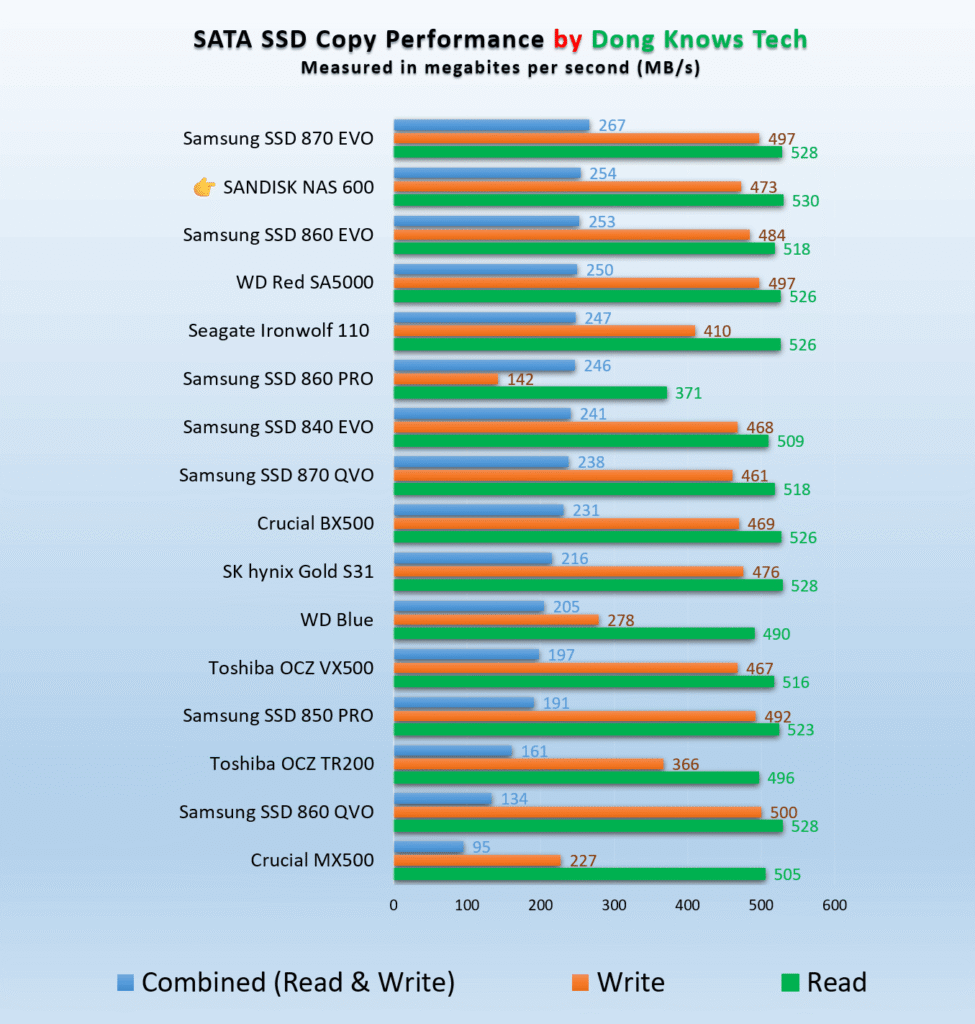
Most impressively, in intensive sequential (copy) tests that involve simultaneous writing and reading, it averages over 250 MB/s, currently the second fastest. In reading, at 530 MB/s, it’s the fastest to date, slightly edging out the WD Red SA500 it replaces. It’s worth noting that the drive’s performance remained the same even in heavy operation, where I move hundreds of gigabytes of data at a time.
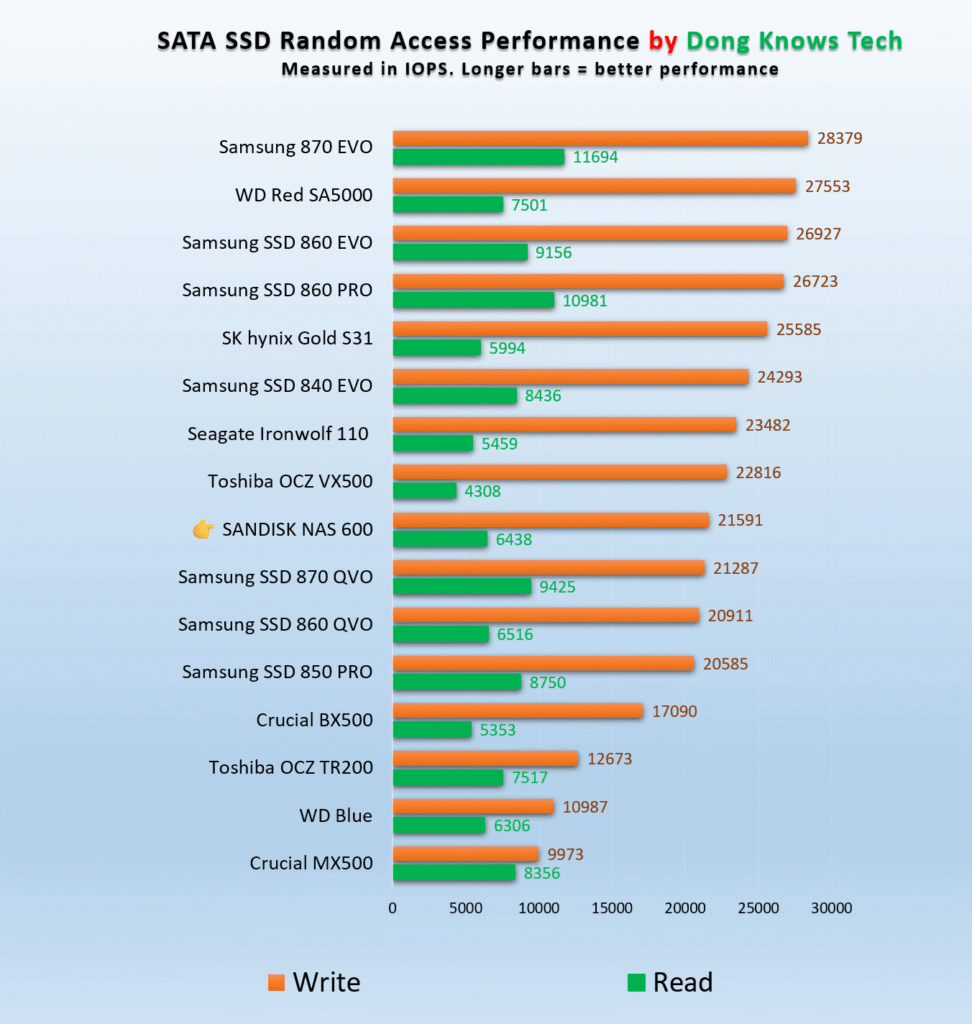
The drive’s random access performance wasn’t as impressive, but it was plenty fast, averaging the middle of the pack.
Other than that, the SANDISK NAS 600 proved to be a cool operator, with its temperature averaging around 950F (350C) even during heavy operation. Overall, regardless of the application I put it through, the SANDISK NAS 600 proved to be up to the challenge. It’s a genuinely fast and reliable SATA SSD.
Conclusion
The SANDISK NAS 600 is a testament that SATA SSDs haven’t become “obsolete”. While NVMe drives are much faster, the popular use of internal SATA connections inside desktop computers and NAS servers means this type of storage is still a valuable way to add more capacity in applications where top performance is not a must.
Looking to improve your NAS performance beyond traditional hard drives or put a backup drive inside your top-tier desktop? Check out the SANDISK NAS 600 today! Or wait until its price, like everything else, comes down to a manageable level.



Comments are subject to approval, redaction, or removal. You're in the no-nonsense zone and that applies BOTH ways.
It's generally faster to get answers via site/page search. Your question/comment is one of many Dong Knows Tech receives daily.
Thank you!
(•) If you have subscription-related issues or represent a company/product mentioned here, please use the contact page or a PR channel.