
It’s time to update your Synology NAS servers again!
Today, less than a month after the previous security patches, Synology announced the release of its critical security updates for multiple products following nginx’s recent release of its patch for the NGINX2Root vulnerabilities.
nginx and NGINX2Root
nginx (short for “engine-x”) is a popular open-source HTTP web server used in many applications. The NGINX2Root is a collection of five critical vulnerabilities, recently made public by security research team Xint.
These vulnerabilities may allow an unauthenticated attacker to execute commands on an affected nginx server with HTTP/2 enabled and can be patched immediately. They are so critical that Xint only disclosed them after nginx had already released the security patches with NGINX Open Source 1.31.9.
In many cases, application-specific security patches are needed to make sure the devices are safe, which brings us to Synology’s latest updates.
Synology’s updates against NGINX2Root
Synology said that its new updates also fixed a “previously undisclosed critical vulnerability” in its DSM NAS operating system’s OAuth API, which is a method of authentication for third-party access.
The NAS maker added that, so far, no exploitation of these vulnerabilities has been observed. Still, to keep your systems protected, it recommends that users install the updates as soon as possible.
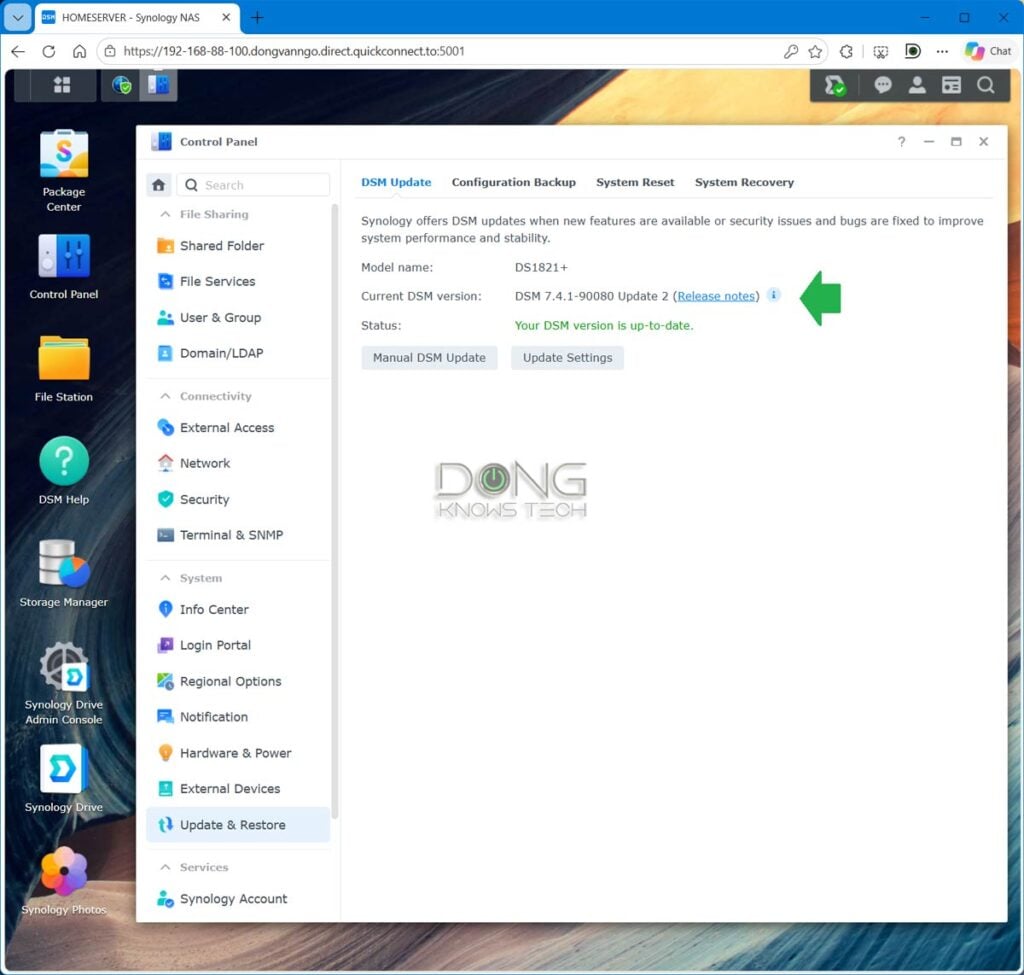
The new security update is available to servers running DiskStation Manager (DSM) versions 7.4 and 7.3. Specifically, DSM 7.4 is patched with build number 7.4.1-90080-2 (or later) and DSM 7.3 with build number 7.3.2-86009-6 (or later)
Both of the versions above are scheduled to be pushed to existing systems with Auto-update turned on starting today, though users can log in to the servers’ interface to apply the update manually.
Synology says updates for certain older versions of DSM, including select end-of-life builds, are scheduled for upcoming releases. To keep tabs on these, users can follow Synology’s two security advisories, Synology-SA-26:20 and Synology-SA-26:21.


Right: Steps to disable the OAuth Service.
How to mitigate on legacy Synology servers
In the meantime, those who can’t upgrade right away can apply the following temporary mitigation to avoid the negative effects of NGINX2Root:
- Disable HTTP/2 under Control Panel > Network > Connectivity.
- Deactivate the OAuth Service package.
Both of these can be done quickly via the server’s web-based user interface, as shown in the screenshots above.



Comments are subject to approval, redaction, or removal. You're in the no-nonsense zone and that applies BOTH ways.
It's generally faster to get answers via site/page search. Your question/comment is one of many Dong Knows Tech receives daily.
Thank you!
(•) If you have subscription-related issues or represent a company/product mentioned here, please use the contact page or a PR channel.