
At a glance, the new U7 Mesh (model U7-Mesh) access point (AP) that Ubiquiti announced today is very much the outdoor version of the U7 Lite. It’s a dual-band Wi-Fi 7 AP made to withstand the elements.
Looking more closely, though, it’s a unique mesh unit designed to greatly extend the reach of a UniFi Network. Hardware-wise, it’s comparable to the ASUS ZenWiFi BD5 Outdoor.
Here’s the bottom line: If you have an existing UniFi Wi-Fi network and need to extend coverage to an outdoor area, even one over a vast distance, the U7 Mesh will make life easy and well worth its $199 price tag. Get one today!
Ubiquiti UniFi U7 Mesh's Rating
Pros
Compact and rugged design with reliable performance and exceptionally extended backhaul range
Seamless integration with a UniFi Cloud Gateway, as an access point or a mesh unit, to deliver a robust Wi-Fi system with advanced and useful features
Simple to set up and manage, fanless design, low PoE power draw, runs relatively cool, 2.5Gbps PoE injector included
Cons
Modest dual-band Wi-Fi 7 specs with only Gigabit-class real-world rates
A UniFi network is required to deliver the full potential
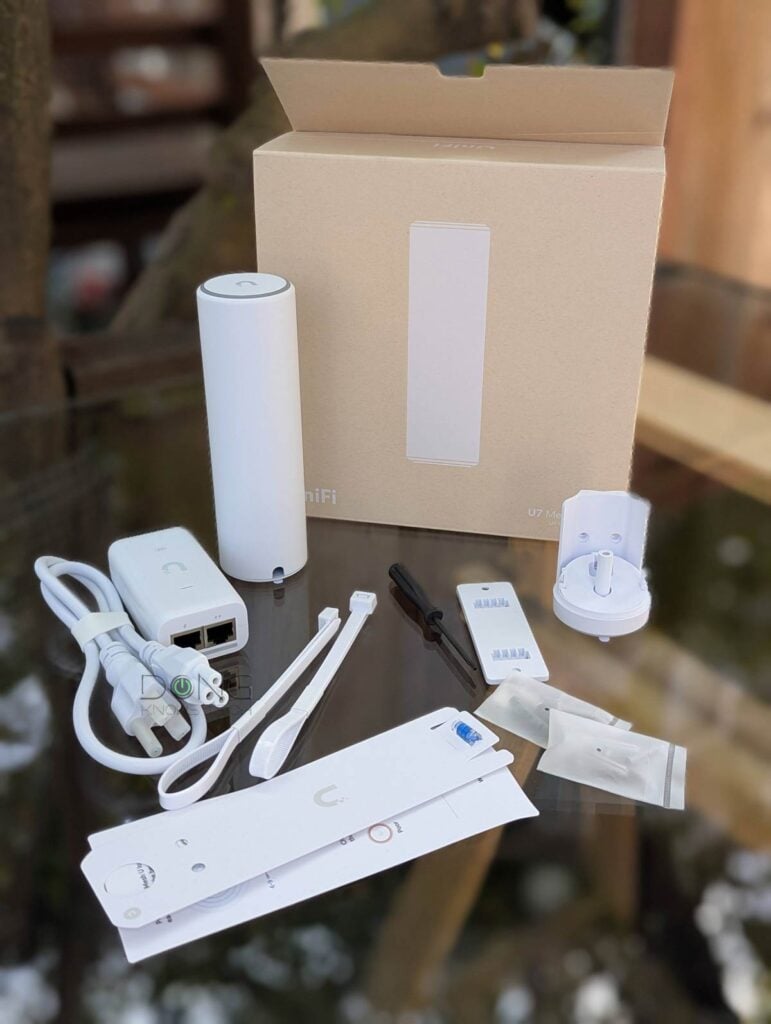
Ubiquiti U7 Mesh: Much more than a typical dual-band PoE access point
When it comes to setting up a Wi-Fi network, I’d always recommend wired backhaul. It’s the only way to get the best, most reliable performance.
Backhaul in a nutshell
When you use multiple Wi-Fi access points—in a mesh Wi-Fi system or a combination of a Wi-Fi router and an extender—there are two types of connections: fronthaul and backhaul.
Fronthaul (or downlink) is the Wi-Fi signals broadcast outward to clients or to local area network (LAN) ports for wired devices. It’s what we generally expect from a Wi-Fi broadcaster.
Backhaul (a.k.a. backbone) or uplink, on the other hand, is the link between a Wi-Fi satellite unit and the network’s primary router, or between satellite units.
This link works behind the scenes to keep the hardware units together as a system. It also determines the ceiling bandwidth (and speed) of all devices connected to the particular Wi-Fi satellite unit.
At the satellite/extender unit, keep the following in mind about the connection used for the backhaul uplink, which is a Wi-Fi link (wireless) or a network port (wired):
- Hardware of Wi-Fi 6e, Wi-Fi 6, or Wi-Fi 5 standards always uses one of its bands (2.4GHz, 5GHz, or 6GHz) for the uplink. In this case:
- When a Wi-Fi band handles backhaul and fronthaul simultaneously, only half its bandwidth is available to either end.
- When a Wi-Fi band is used solely for backhauling, often available in tri-band hardware, the link is called a dedicated backhaul.
- Most Wi-Fi 7 satellite units can use multiple bands for the backhaul link thanks to the MLO feature.
For the best performance and reliability, network cables are recommended for the uplink or wired backhauling, an advantage of mesh Wi-Fi hardware with network ports. In this case, a Wi-Fi satellite unit can use its entire Wi-Fi bandwidth for the fronthaul.
So, as you can imagine, it’s sort of pointless not to use a PoE access point—one that draws power via a connected network cable—via wired backhauling, as you already need that network cable to power the hardware.
That’s especially relevant for most UniFi access points: they use PoE as the sole power method, and generally do not include a PoE injector (a.k.a. PoE power adapter).
And all that wired uplink has made total sense until today.
U7 Mesh: An emphasis on wireless uplink
The U7 Mesh is the first UniFi access point I’ve known made specifically with wireless uplink (a.k.a. “mesh”) in mind, for a couple of reasons.


First, while it’s still a PoE access point, with a single 2.5Gbps PoE port as its only power source, it includes a PoE adapter that draws power from a standard wall socket. As a result, you can use it in a fully mesh configuration without spending extra for a standard injector.
Most significantly, the U7 Mesh features a second set of internal directional antennas to connect to the main UniFi Wi-Fi network (namely, the “parent” mesh node), which, per Ubiquiti, increases the maximum backhaul range by up to three times, or about 550 feet (165 meters) in an outdoor setting.
If you don’t mind running a long network cable, the U7 Mesh still performs best via wired backhaul, as is the case with all PoE APs. (With a low 13W max power draw, it’ll work with any PoE switch or injector, though a 2.5Gbps downlink port is required for best performance.) However, the included injector makes it mesh-ready out of the box, and the directional antennas make it truly mesh-focused.
Ubiquiti U7 Mesh vs. U7-Lite vs. ZenWiFi BD5 Outdoor: Hardware specifications
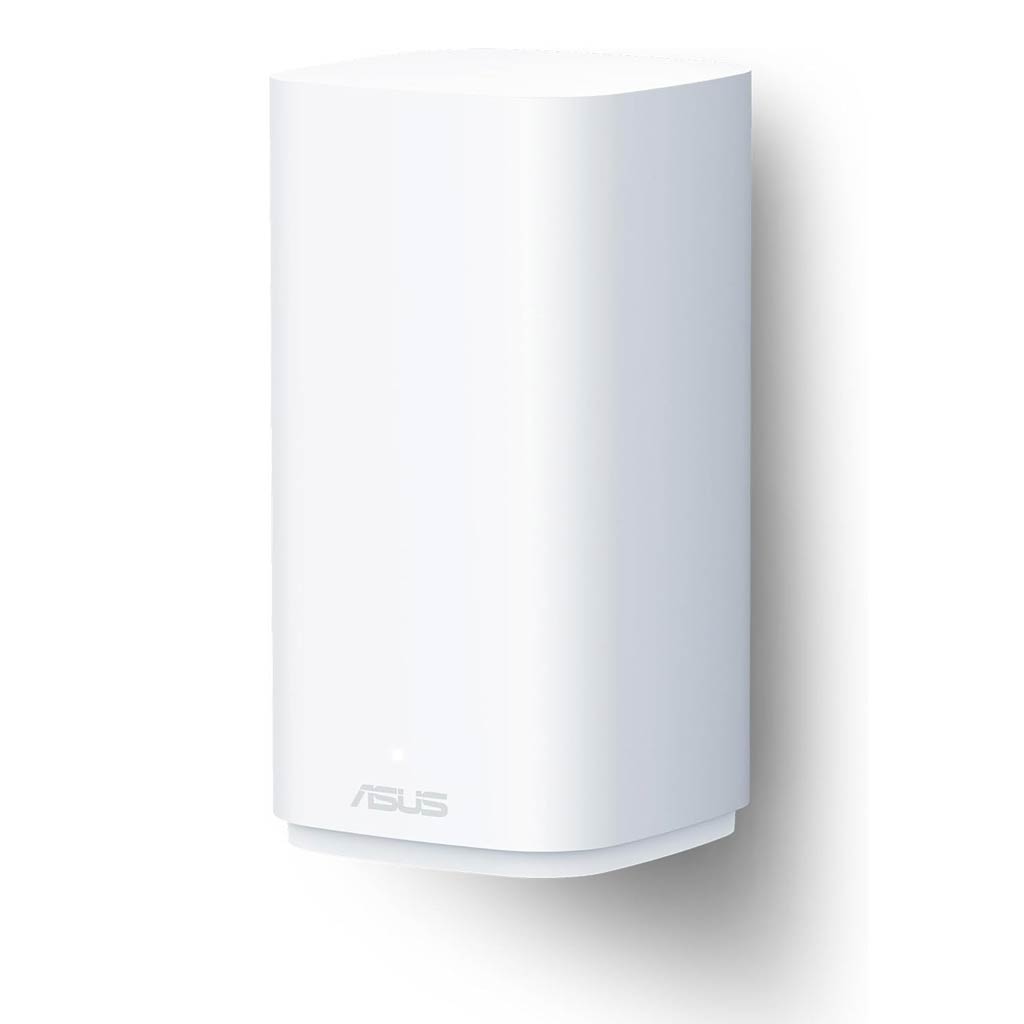
In terms of power options and hardware specs, among the other dual-band Wi-Fi 7 access points I’ve covered, the U7 Mesh is somewhat a rival to the ZenWiFi BD5 Outdoor, which can also be powered via a standard wall socket.
The two represent AiMesh and UniFi mesh, respectively. However, the U7 Mesh’s extended wireless backhaul range is clearly unique.
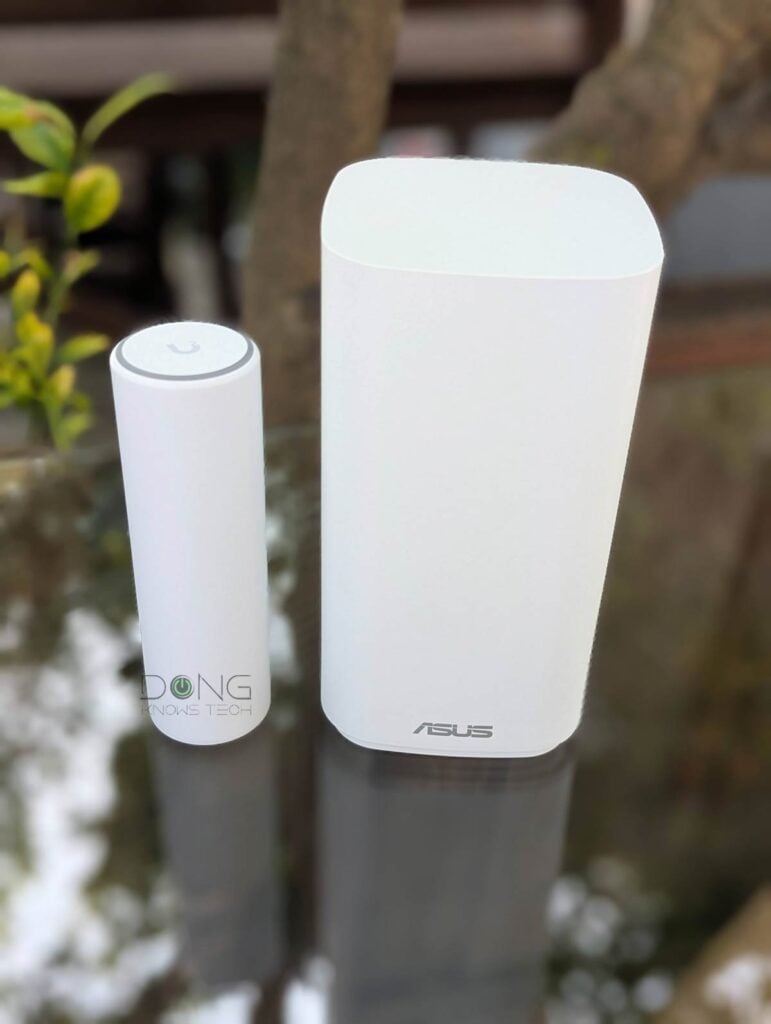
The table below shows their hardware specifications and those of the U7-Lite for reference.
 |  |  | |
|---|---|---|---|
| Model | U7 Mesh | U7-Lite | ASUS ZenWiFi BD5 |
| Wi-Fi Bandwidth | Dual-band BE5000 | ||
| 1st Band 2.4GHz (channel width) | 2×2 BE: Up to 688Mbps (20/40MHz) | ||
| 2nd Band 5GHz (channel width) | 2×2 BE: Up to 4.3Gbps (20/40/80/160/240MHz) | ||
| 3rd Band 6GHz (channel width) | None | ||
| Dedicated Spectral Scanning Radio | No | Yes | |
| Backward Compatibility | 802.11ax/ac/n/g/a/b | ||
| Max Concurrent Clients | 200+ | undisclosed | |
| Max SSIDs | 8 per band | 5 | |
| Max TX Power | 2.4GHz: 23 dBm 5GHz: 24 dBm | undisclosed | |
| Antenna Gain | 2.4GHz: 3 dBi 5GHz fronthaul: 6 dBi (omnidirectional) 5GHz bakchaul: 10 dBi (directional) | 2.4GHz: 4 dBi 5GHz: 5 dBi | undisclosed |
| Multi-Link Operation (MLO) | Yes | ||
| Automated Frequency Coordination (AFC) | n/a | ||
| Real-Time Spectral Analysis | Yes | No | |
| Wi-Fi Coverage (vendor claim) | 1,500 ft² (140 m²) | 1,750 ft² (160 m²) | 2500 ft² (232 m²) |
| Power over Ethernet (PoE) | 802.3af (PoE) | ||
| Powering Method | PoE | PoE or Power port (adapter included) | |
| Injector included | Yes (2.5Gbps PoE) | No | |
| Max Power Draw | 13W | 15W | |
| Internal Cooling Fan | No | ||
| Uplink Network Port | 1x 2.5GBASE-T (PoE-in) | ||
| LAN port | None | 1x 2.5Gbps | |
| Security | WPA, WPA2, WPA3 | ||
| Local Web-based Management | No (as a standalone AP) | Yes | |
| Cloud-Management | Yes (free via Dynamic DNS or via a UI account) | Yes (free via Dynamic DNS) | |
| Mobile App | UniFi | ASUS Router | |
| Mode | Access Point, Mesh Point | Router (AiMesh Router), AiMesh Satellite, Access Point, Repeater | |
| Dimensions | Ø.19 x 6.3″ (Ø48.5 x 159 mm) | Ø6.8 x 1.3″ (Ø171.5 x 33 mm) | 5.51 x 2.75 x 5.51 in (140 x 70 x 140 mm) |
| Weight (with mounting accessories) | 18 oz (313 g) | 11 oz (313 g) | 1.15 lbs (520 g) |
| Ambient Operating Temperature | -30 to 60° C (-22 to 140° F) | -30 to 40° C (-22 to 104° F) | undisclosed |
| LED | Color-changing (white/blue) ring LED | Color-changing LED | |
| US Launch Price (Compare prices and detailed specs!) | $199 | $99 | $199.99 |


A straightforward, petite, and versatile Wi-Fi 7 mesh point
Out of the box, the U7 Mesh surprised me with how small it is, taking the shape of a 6″ tube of the same diameter as a bench press bar—similar to the previous Wi-Fi 6 U6 Mesh.
In any case, the new access point looks great and will easily pass what I often called the “spouse approval” hurdle: chances are, nobody will complain about the way it fits in a room. Not that this is important, as you might mount it outside anyway.
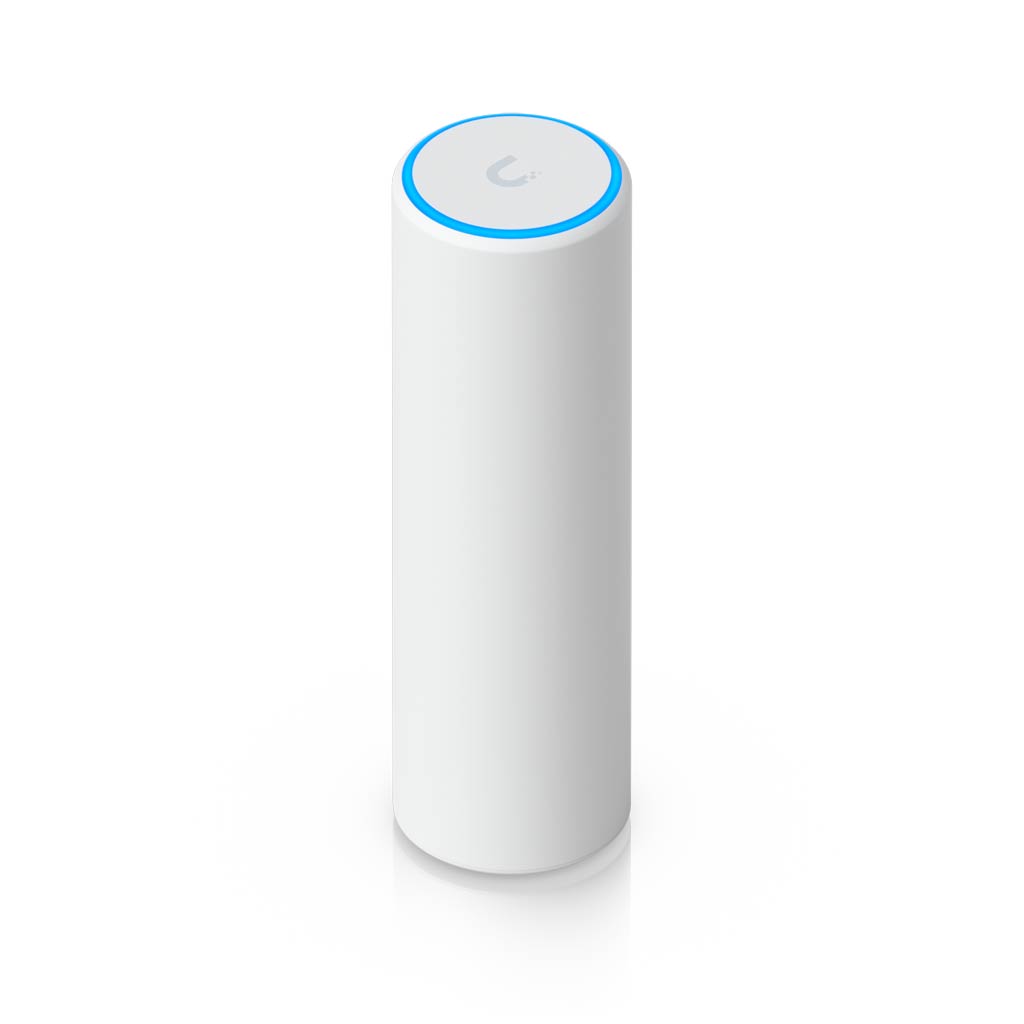
On top, it features a signature color-changing LED ring that indicates its status: flashing colors indicate getting connected/adopted or firmware updates, solid blue indicates AP mode (wired backhauling), and solid green indicates mesh mode (wireless backhauling).
On the underside, in a recessed area covered by its indoor base, it features a single 2.5Gbps PoE-in port for straightforward hardware installation.


Specifically, mount the hardware and place it where you like, then plug a network cable into the port, and you’re almost done. (For outdoor use, the AP comes with a weatherproof base and mounting accessories.)
Now, plug the other end of the network cable into a PoE switch, and the AP is ready to operate via the wired backhaul uplink, as with all standalone access points. Alternatively, you can use the included PoE injector. In this case, apart from connecting the injector to a wall socket, you have two options:
- Connect the injector to your router (or switch) using another network cable to enable wired backhauling. Or
- Use the injector without a second network cable. Now it works only as a power adapter, and the access point has mesh as its only uplink option (wireless backhaul).
It’s important to note that, like all UniFi access points, when used with a wired uplink (#1), the U7 Mesh can operate as a standard access point: You can use it with any existing network, including those hosted by a third-party router.
To use it as a mesh point (#2), however, you must connect it to a Wi-Fi-enabled UniFi network, one powered by a UniFi Cloud Gateway. That’s because the mesh function of a UniFi access point is only available when you use multiple UniFi access points together, including one integrated within a Wi-Fi-enabled Cloud Gateway.
As mentioned above, the U7 Mesh comes with directional antennas for the bakchaul link. As a result, you can place it much farther from the main UniFi network than other UniFi APs without this feature.
For this to work best, all you need to do is make sure it’s in the main access point’s line of sight, though you can use the UniFi mobile app to determine the best uplink conditions.
This unique capability makes the U7 Mesh an excellent solution for extending coverage across a large property, such as a campus, a ranch, or a hotel complex.
Familiar and simple adoption process, standard UniFi features
Besides the new hardware design, on the inside, the U7 Mesh i shares the same setup process and standard features as any other UniFi access points, as it is part of Ubiquiti’s Outdoor category.
Tip
Ubiquiti has a few categories of Wi-Fi access points, including:
- Flagship: These are high-performance, ceiling-mounted access points.
- Outdoor: Weatherproof APs that can be mounted to poles outside or conveniently placed on a surface indoors.
- Enterprise: Top-capacity APs with 1,000+ client support, long-range 6 GHz performance, and 10 GbE PoE connectivity with native high-availability architecture for critical enterprise environments.
- Wall: These are sleek APs that plug directly into a wall outlet for meshed connectivity or transform an Ethernet drop into an AP.
- Mega Capacity: APs that are designed for stadiums or amphitheaters with a very high density of connected devices.
- Bridging: Devices that serve as a high-performance network bridge without the wire.
A UniFi access point can belong to multiple categories. The E7 Audience, for example, is an enterprise outdoor access point with mega capacity.
As a result, the U7 Mesh is similar to the rest of the UniFi family with a straightforward setup process.
Aside from the hardware connection and placement mentioned above, you can handle the U7 Mesh access point the same way you handle any UniFi device, as I detailed in this post.
Keep the following in mind:
- As mentioned above, the U7 Mesh can work with any third-party router as a standalone access point with wired backhauling. In this case, you must use the UniFi mobile app to set it up and manage it. In this case, it offers limited Wi-Fi configuration options and no mesh capability.
- As a UniFi access point, the U7 Mesh is designed to operate best with a UniFi Cloud Gateway. In this case, whether you use a wired or wireless uplink, once plugged into power and placed near an existing UniFi access point, it’ll be quickly recognized via the gateway’s web-based user interface or the UniFi mobile app and can be “adopted” with a single tap or click. After that, users can manage it through the console’s interface, as it’s now part of a UniFi system with full in-depth access to radio and SSID customization.
Like other UniFi access points, the U7 Mesh has up to 8 SSIDs per band and also supports Wi-Fi 7’s MLO feature, and you can customize each SSID to the max. It’s worth noting that, as with all UniFi access points, you need to customize its bands to get the best performance. By default, the AP would use the UniFi Cloud Gateway’s pre-set Wi-Fi settings, which often prioritize reliability and compatibility.
Ubiquiti U7 Mesh: Excellent performance despite modest specs
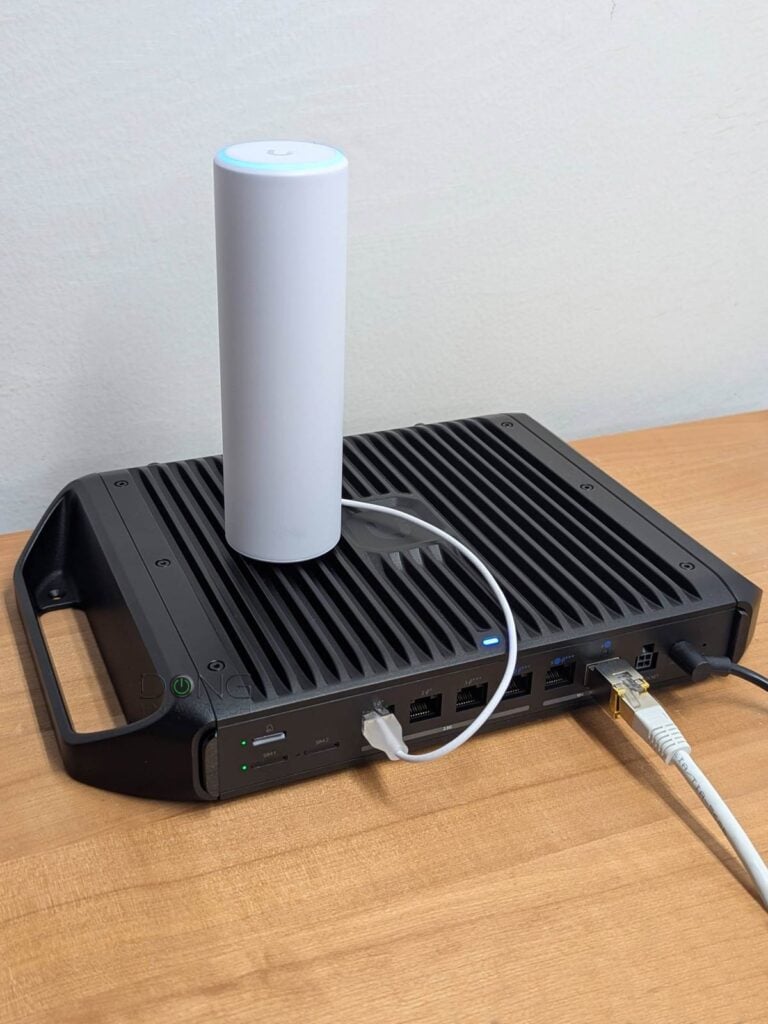
I tested the U7 Mesh over an extended period with the UCG-Industrial, which shares the same Wi-Fi specs as the host, and the two worked really well together.
It’s worth noting, though, that you can use the U7 Mesh with any other UniFi Cloud Gateway and any other UniFi Wi-Fi 7 access point, including tri-band units, and it’ll work the same. Per my experience, UniFi generally has an excellent handle on mixed hardware.
Considering the modest Wi-Fi specs and the compact design, I didn’t expect the U7 Mesh to shatter any performance record, and it didn’t. However, as a tiny piece of a Wi-Fi device, it still proved to be a pleasant surprise.


Flexible mesh vs. wired uplink
The U7 Mesh is flexible regarding uplink. Specifically, I first tested it as a standalone access point (wired uplink) and then removed it to set it up as a mesh unit (wireless uplink). To my pleasant surprise, it can switch between the two automatically.
So, if you’re using it as a mesh point via the included PoE injector and want to switch to a wired uplink, all you have to do is unplug it from the injector and plug it into a PoE port on the switch (or your UniFi Cloud Gateway). Upon booting up, the system will recognize it based on the current uplink type, saving you from having to reset it and re-adopt it.
Excellent performance as a (modest) mesh unit
As for real-world performance, I tested the U7 Mesh with both wired and wireless uplinks, and it performed well in both cases.
It’s worth noting that, despite support for the 240MHz channel width, which is not supported by any existing clients, the access point generally operates at 160MHz and lower channel widths for the front haul.
Judging from my experience with real-world performance, it seems the 240 MHz channel width was used on the backhaul link, though there was no way to confirm.


As for sustained data rates, when working via a wired uplink, the U7 Mesh wasn’t slow but proved modest according to its hardware specs. At close range, it can deliver slightly over 1Gbps, falling into the low Gig+ range. Farther out, I generally got sub-Gigabit sustained rates as shown in the charts.
In mesh mode via a wireless backhaul, the U7 Mesh performed much better than expected, with sustained performance remaining noticeably more than half that of when it was working via a wired uplink—something incredibly impressive, given that the access point had to use its Wi-Fi bandwidth for both backhaul and fronthaul simultaneously.


In terms of coverage, when tested indoors, the U7 Mesh matched the U7-Lite and what Ubiquiti claims. It’s not easy to put Wi-Fi coverage in numbers, but generally, when placed at the center, you can expect the U7 Mesh to cover approximately 1,500 ft² (139 m²) on its own—your mileage may vary.
As mentioned above, in an outdoor environment, you can expect its backhaul range to be significantly improved. My testing environment doesn’t allow me to test the U7 Mesh’s backhaul range to its full potential—550 feet is a really long distance, not to mention wiring for outdoor coverage can be a major undertaking. However, given the impressive wireless-uplink performance above and my successful anecdotal range tests, I’m confident to take Ubiquiti’s word on this front.
The U7 Mesh seems to have no internal fan and remained silent during my trial. It did become quite warm to the touch, but not as hot as the other UniFi access points I’ve tested. The AP also passed my day-long stress test without any disconnection.
Conclusion
From the name, the Ubiquiti U7 Mesh seems to be a niche dual-band Wi-Fi 7 access point—similar to how the ZenWiFi BD5 Outdoor is made as a similarly-specced outdoor option for the AiMesh ecosystem—and thanks to the directional uplink antennas, it’s indeed unique.
However, in reality, it’s a perfect way to extend any UniFi network, both indoors and outdoors, via wired or mesh uplink. The fact that it comes with a PoE power adapter and features an extended backhaul range only means it can fit all scenarios right out of the box.
If you already have a UniFi Cloud Gateway and need to add or significantly extend Wi-Fi reach, consider it today! In fact, you can get a few units to form an extensive Wi-Fi coverage if necessary.
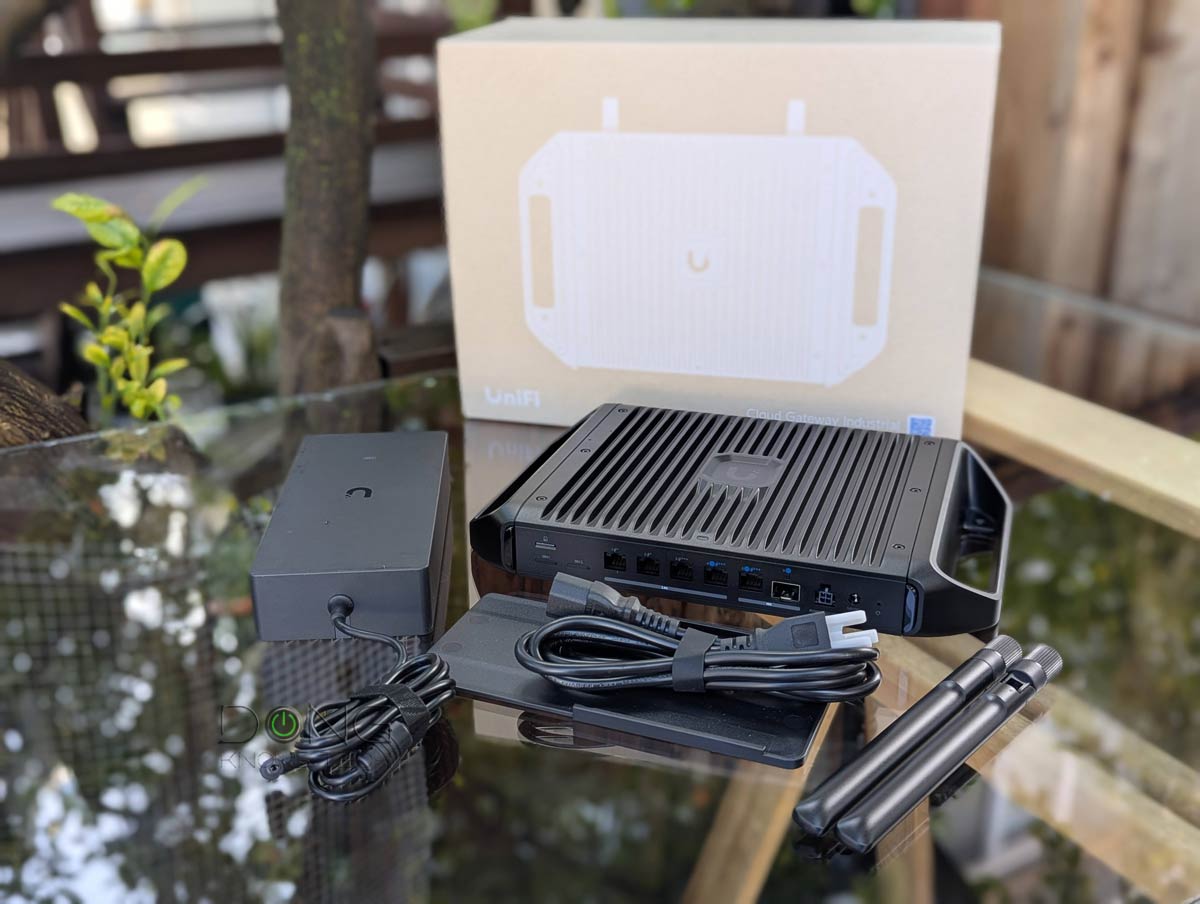
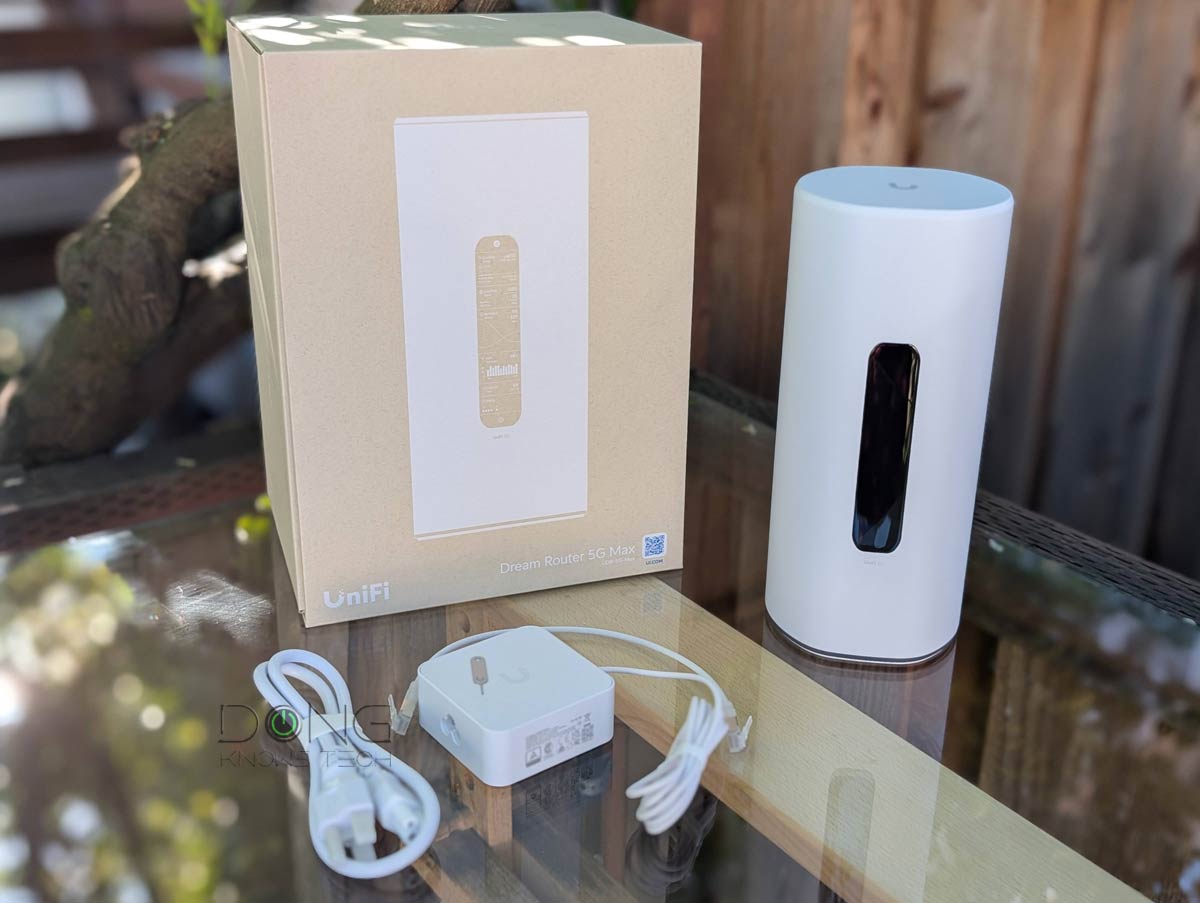
Looking to start your home or business network with UniFi? Below are the top five Cloud Gateways that fit different scenarios.
Top 5 Best UniFi Cloud Gateways


Check current prices at the Ubiquiti Store or on Amazon!


Comments are subject to approval, redaction, or removal. You're in the no-nonsense zone and that applies BOTH ways.
It's generally faster to get answers via site/page search. Your question/comment is one of many Dong Knows Tech receives daily.
Thank you!
(•) If you have subscription-related issues or represent a company/product mentioned here, please use the contact page or a PR channel.