
Ubiquiti today announced the availability of its UniFi Cloud Storage (UCS) for those needing to do off-site backups for data on their UniFi Drive NAS servers or UniFi Protect UNVR.
The new service comes with a one-tier pricing of $5 per month per terabyte, with the option to scale up one terabyte at a time depending on the storage needs. Interestingly, the cost is almost $2 lower than if you buy it directly from Backblaze, which powers UniFi Cloud Storage.
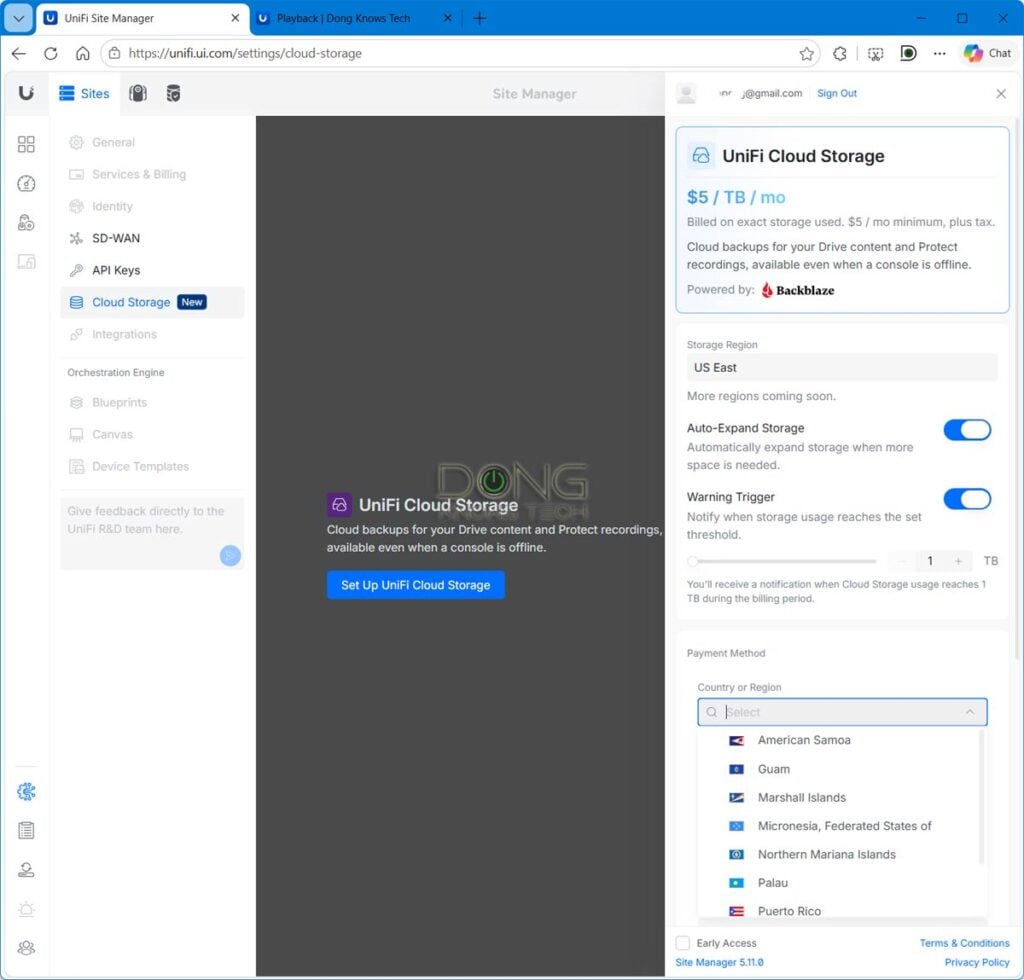
UniFi Cloud Storage: A more robust off-site backup destination
To activate UniFi Cloud Storage, you need to have a UI account. After that, go to UniFi Site Manager, choose Settings > Cloud Storage to set it up.
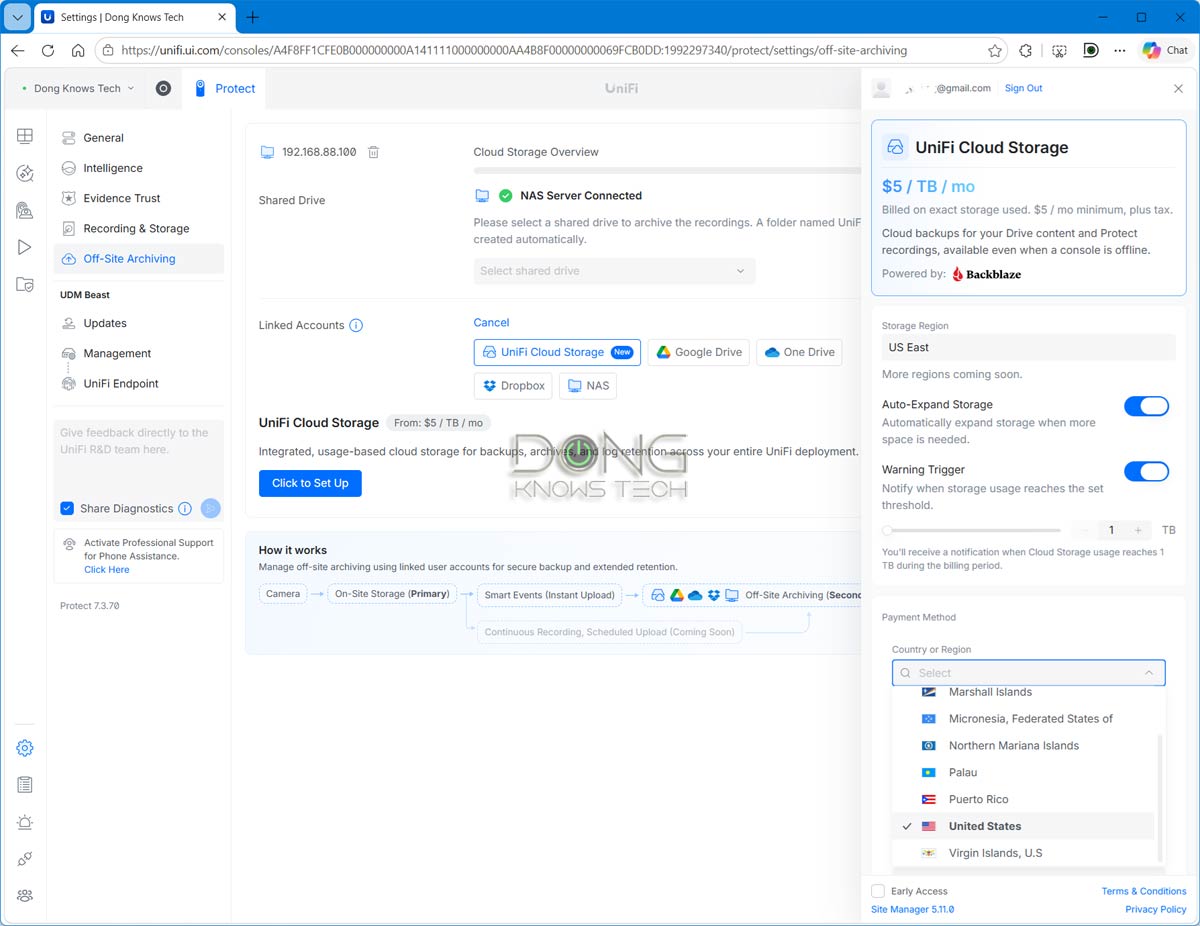
Once activated, UniFi Cloud Storage will become an online storage option for all sites that are part of the UI account. For the UniFi Drive, it’s a destination for backup tasks, and for UniFi Protect, it’s part of the Off-site Archiving options.
Alternatively, the new online storage service is also available when using the backup or archiving function of the two applications, which is generally the way anyone with a single UniFi Cloud Gateway, UNAS, or UNVR would access it.
A UniFi-ready low-cost storage option
For UniFi Drive, which is the app that controls Ubiquiti’s UNAS servers, UniFi Cloud Storage is a straightforward backup destination for those wanting to complete the 3-2-1 backup strategy.
The 3-2-1 backup strategy
In data backups, there’s a minimum 3-2-1 rule: You should keep at least three copies of your data using at least two types of storage devices, one of which must be offsite.
Specifically, here are the steps to use UniFi Cloud Storage with a UNAS server:
- Open UniFi Drive in the question’s user interface and go to Backup Tasks
- Create a new Offsite Backup task for the source drives or folders to back up.
- Choose UniFi Cloud Storage as the destination and apply the change.
And that’s it! From then on, the content of the selected source will be automatically synced.
For the UniFi Protect app, the step to use UniFi Cloud Storage is also straightforward but with a more storage-conscious implication. Still, the steps are simple enough:
- Open UniFi Protect’s user interface and go to Settings > Off-Site Archiving.
- Select UniFi Cloud Storage as the Archive Destination and enable Event Archiving.
- Open Configure and choose the Cameras and Detection Types to include.
From then on, the recordings of selected cameras and Detection Types will upload to UniFi Cloud Storage.
Here’s the significant part: The recordings are kept there in UniFi Cloud Storage even when they are removed from the UNVR’s local drive due to data retention rotation. In other words, this online storage option allows you to retain recordings beyond the capacity of the UNVR’s internal storage.
As online storage, UniFi Cloud Storage requires a fast Internet connection to be effective. Once the backup or archiving job is completed successfully, the content is available for users to access when the console is offline.
For storage management, Ubiquiti says users can quickly move between the Drive and Protect tabs to view their storage use and change the subscription settings accordingly.
A more robust playback option for Protect recordings
According to Ubiquiti, for UniFi Protect, UniFi Cloud Storage offers a much more robust option for viewing the recordings. Specifically, users can open Site Manager > Settings > Cloud Storage, pick Protect Recordings, and then choose between List view or Grid view using various filters, including:
- Time range: Between 1D, 3D, 1W, 2W, 1M, or All, or use the calendar control to select dates.
- Cameras: Filter by one or more cameras.
- Detection Types: Filter by the types shown, such as Person, Vehicle, Package, License Plate, Animal, or Face. Audio detection filters and an Archived Recording filter are also available.
In other words, viewing the Protect archive on UniFi Cloud Storage is similar to doing so using the Protect app itself with its native storage. This capability, the relatively low monthly cost, and the storage retention mentioned above make UniFi Cloud Storage a much better option than any existing third-party online storage services.
The takeaway
While not a must-have, Ubiquiti’s new UniFi Cloud Storage is a welcome online backup option for those using an UNAS server or, especially, a UniFi Network Video Recorder (UNVR) with a fast broadband connection.
During these times when storage is so expensive due to the massive demand of the AI industry, it can be an affordable and robust option for those wanting to keep their recordings well protected and accessible. For example, you can get a 500GB internal drive for your UNVR and then use UniFi Cloud Storage to extend the retention of the recordings with similar playback/monitoring options.
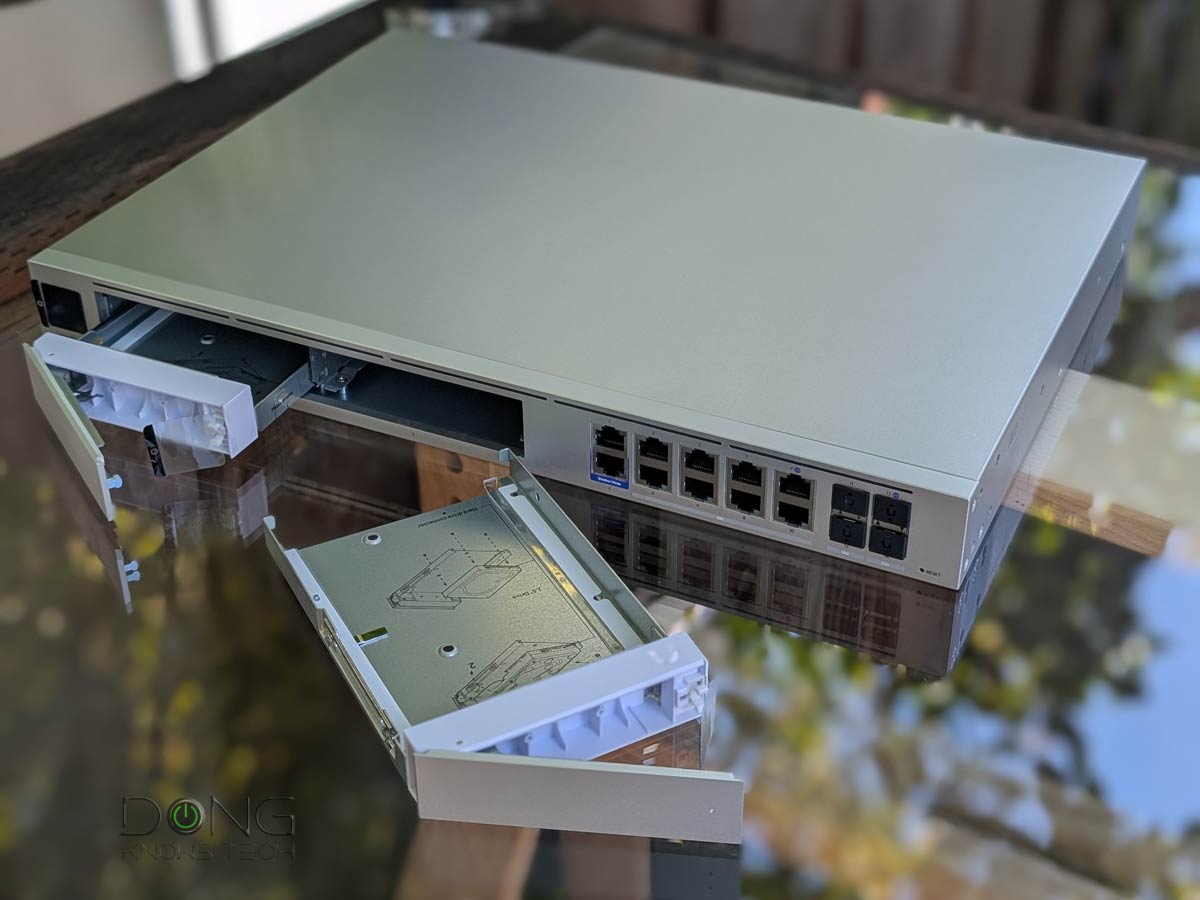
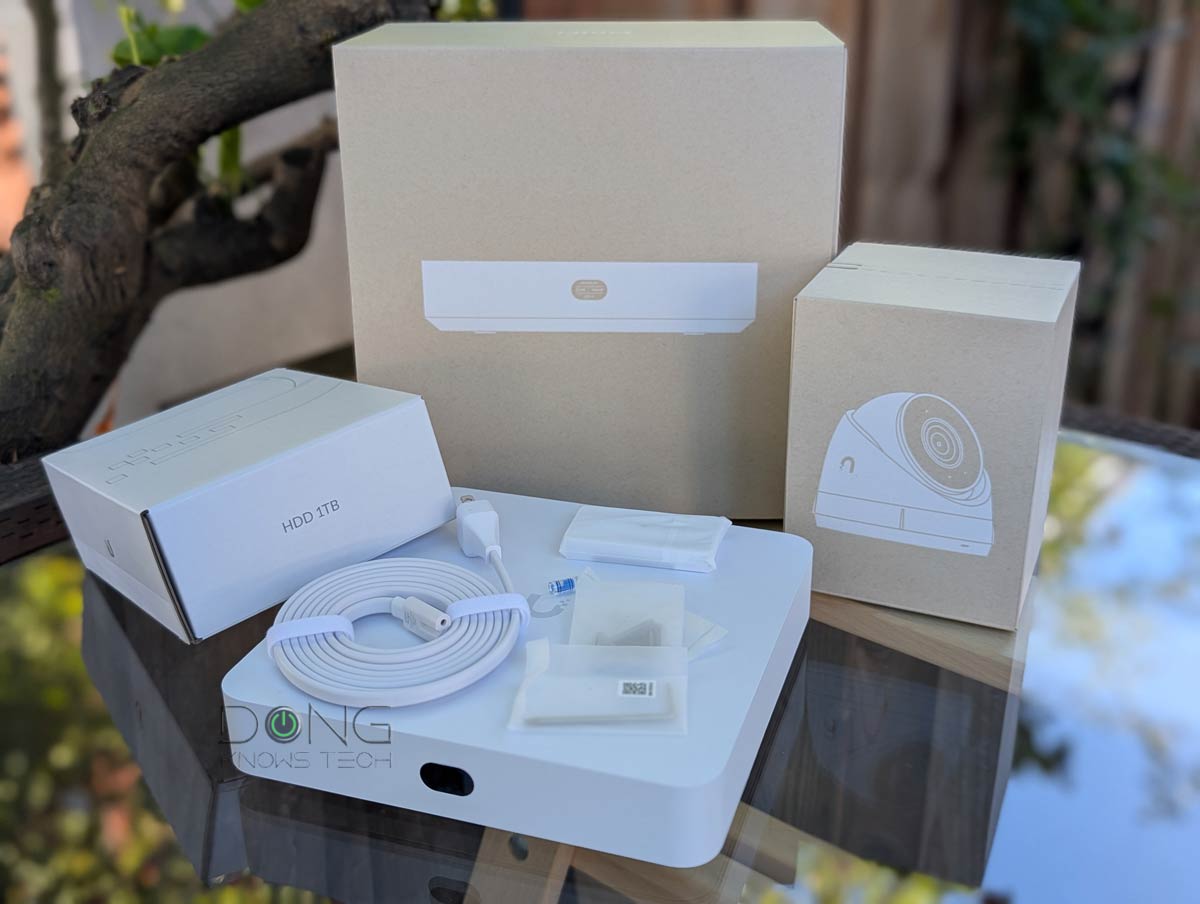
New to UniFi Protect? Below are the top five UNVRs you can bring home today.




Id love to get that plan – but I have data caps and that would kill mine and I’d have to pay Xfinity for going over.
I feel you, Wryker. I was on the same board a few years back until I moved to fiber-optic.