
Ubiquiti today released UniFi Network 10.6, an incremental version for the app that turns a UniFi Cloud Gateway into a router.
This release is quite small in terms of improvements and fixes, but it has one feature that makes life much easier for those with a large network—one with many connected clients of different types.
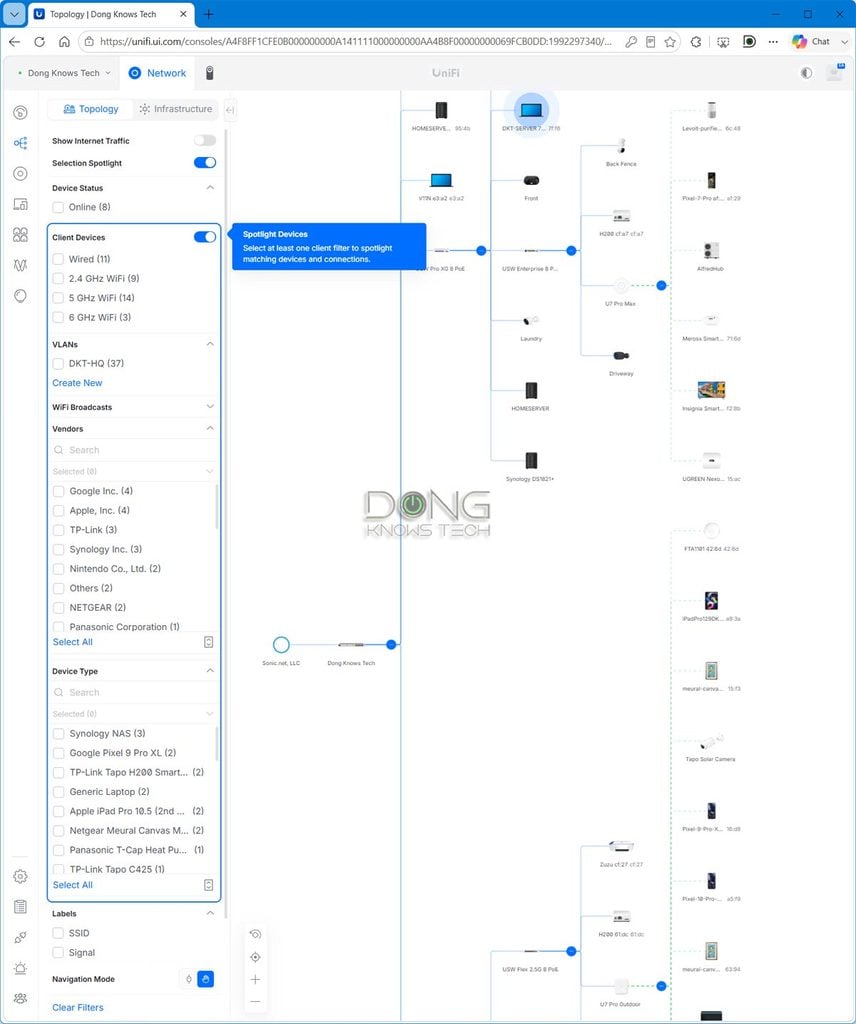
UniFi Network 10.6: Topology Spotlight for the win
Anyone who uses a UniFi “router” knows that it has an excellent Topology that shows connected clients in detailed, interactive network maps. An admin user can select a client and configure all applicable customizations and settings for it.
However, if you have a large network with a couple of dozen more clients, things can get daunting. If you zoom out to view all clients, they will become too small, and if you zoom in, some will be left outside of view.
This is where the new Topology Spotlight comes into play. It allows admin users to select specific sets of clients using various filters. Now Topology automatically collapses everything else, making the map much clearer. You can also use that to quickly find a particular client instead of having to scan through the entire map.
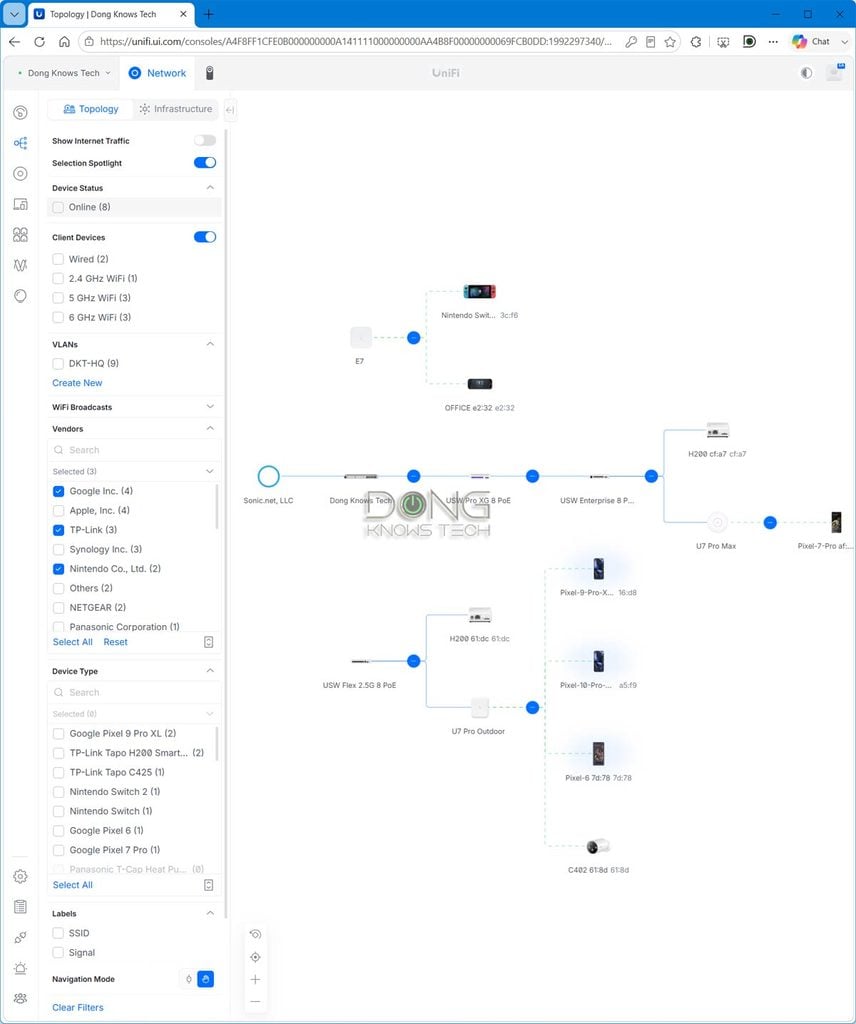
Apart from Topology Splot light, Network 10.6 also offers a few other improvements for advanced users.
For example, Time Machine, first introduced in Network 10.2 for the history of network ports, now supports Wi-Fi radios and lets you review usage metrics, configuration changes, and Wi-Fi events from the past 24 hours.
On the Wi-Fi front, Network 10.6 offers a new Nightly Channel AI Optimization feature with configurable radio selection and an improved optimization algorithm.
Additionally, for enterprise users, this version adds Drift Inspector to Blueprints in Site Manager and improves SafeOps features by expanding Test & Confirm support to VPN and Management networks.
The complete list of Network 10.6’s improvements and fixes is available here.
Top 5 Best non-Wi-Fi UniFi Cloud Gateways (UniFi routers)

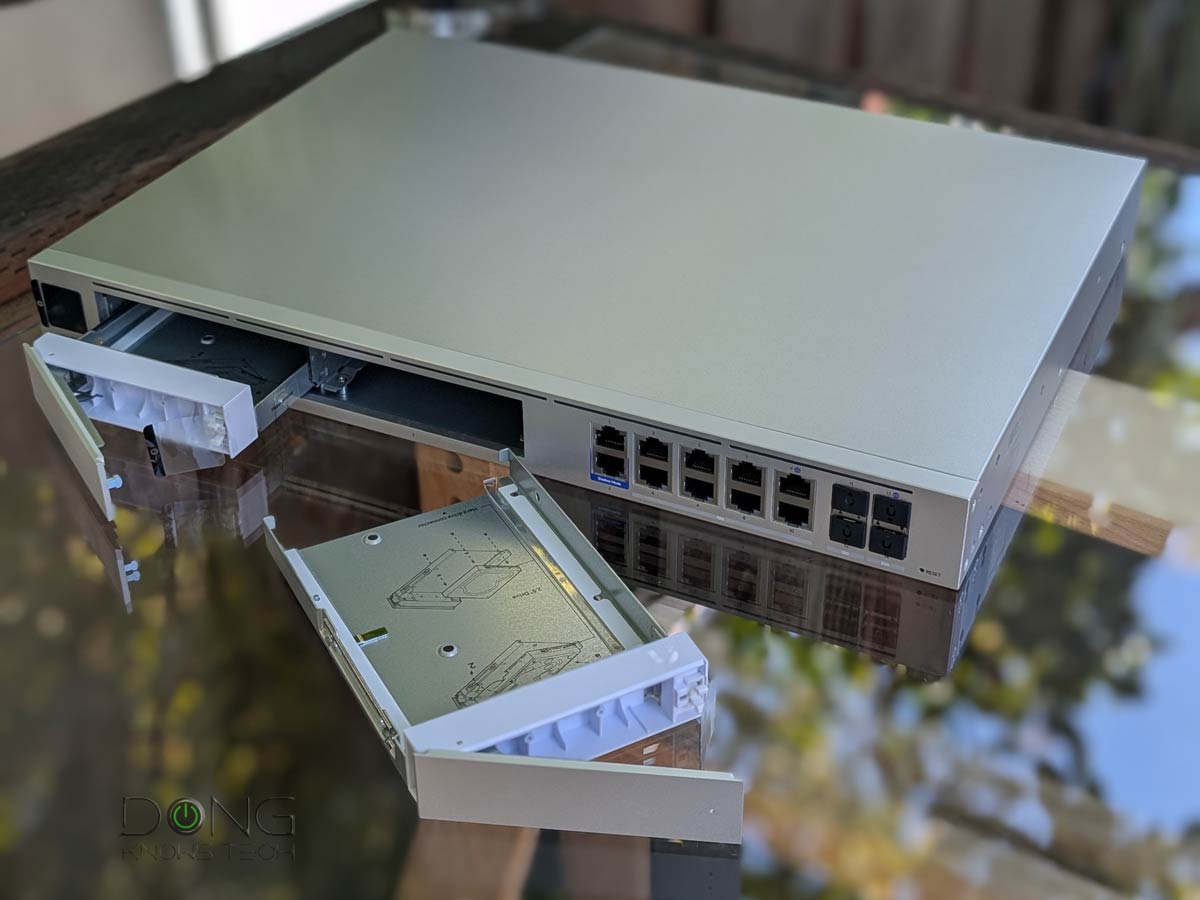


Best non-Wi-Fi UniFi Cloud Gateways at Ubiquiti Store or on Amazon!
Network 10.6: A quick update
Network 10.6 is currently at build 10.6.97, available in the Release Candidate channel, and will be in the Official channel in a day or two. It’s a free update to all UniFi Cloud Gateways.
I upgraded my UniFi Dream Machine Beast to the latest version, and the process took fewer than 5 minutes. After that, everything worked, and the Topology Spotlight proved to be super useful, not to mention fun to use. If you set your UniFi Cloud Gateways to auto-update, the new version will be applied within a day or two.
New to UniFi? This primer post on UniFi Network will explain everything. After that, the two lists of the best UniFi Cloud Gateways above (non-Wi-Fi) and below (Wi-Fi-integrated) will help you get the one that fits your needs.
Top 5 Best Wi-Fi UniFi Cloud Gateways (Wi-Fi UniFi routers)
 | 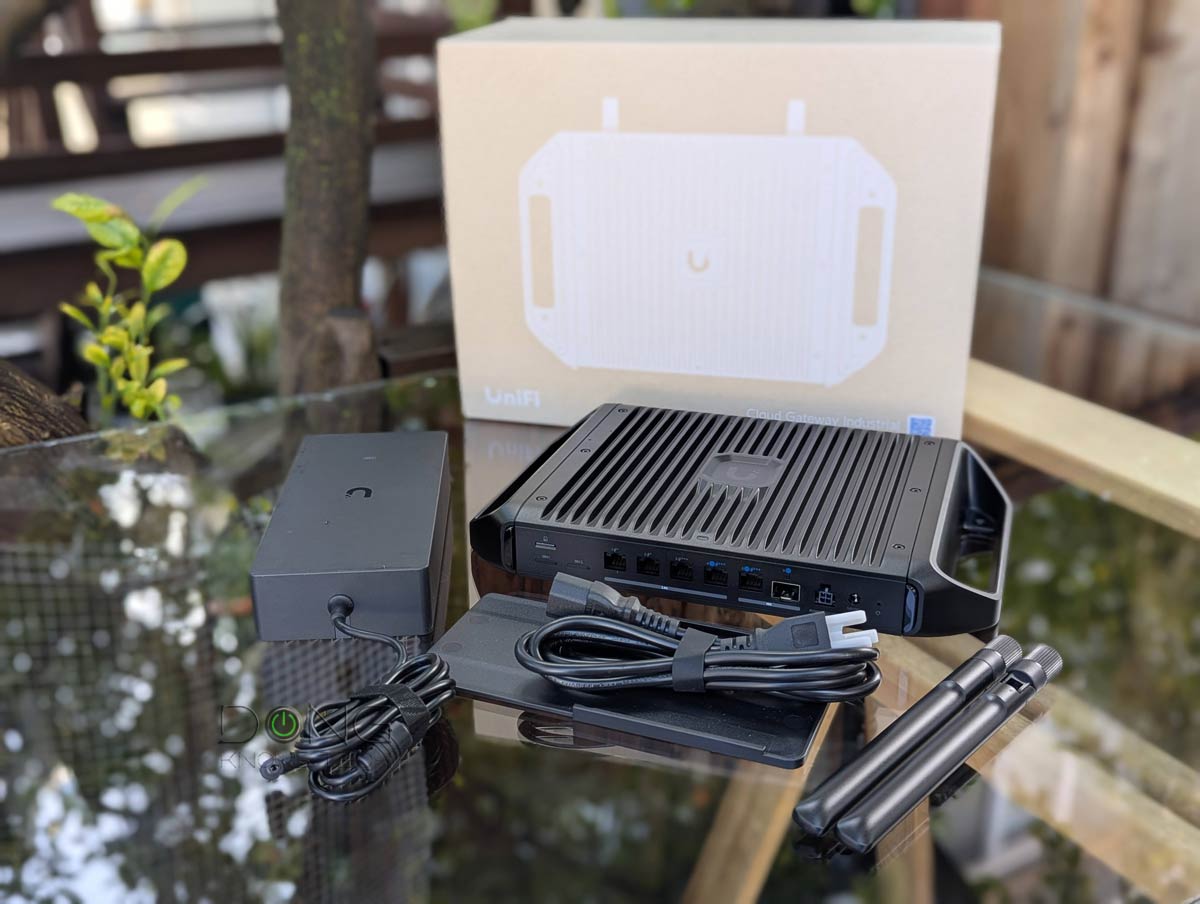 | 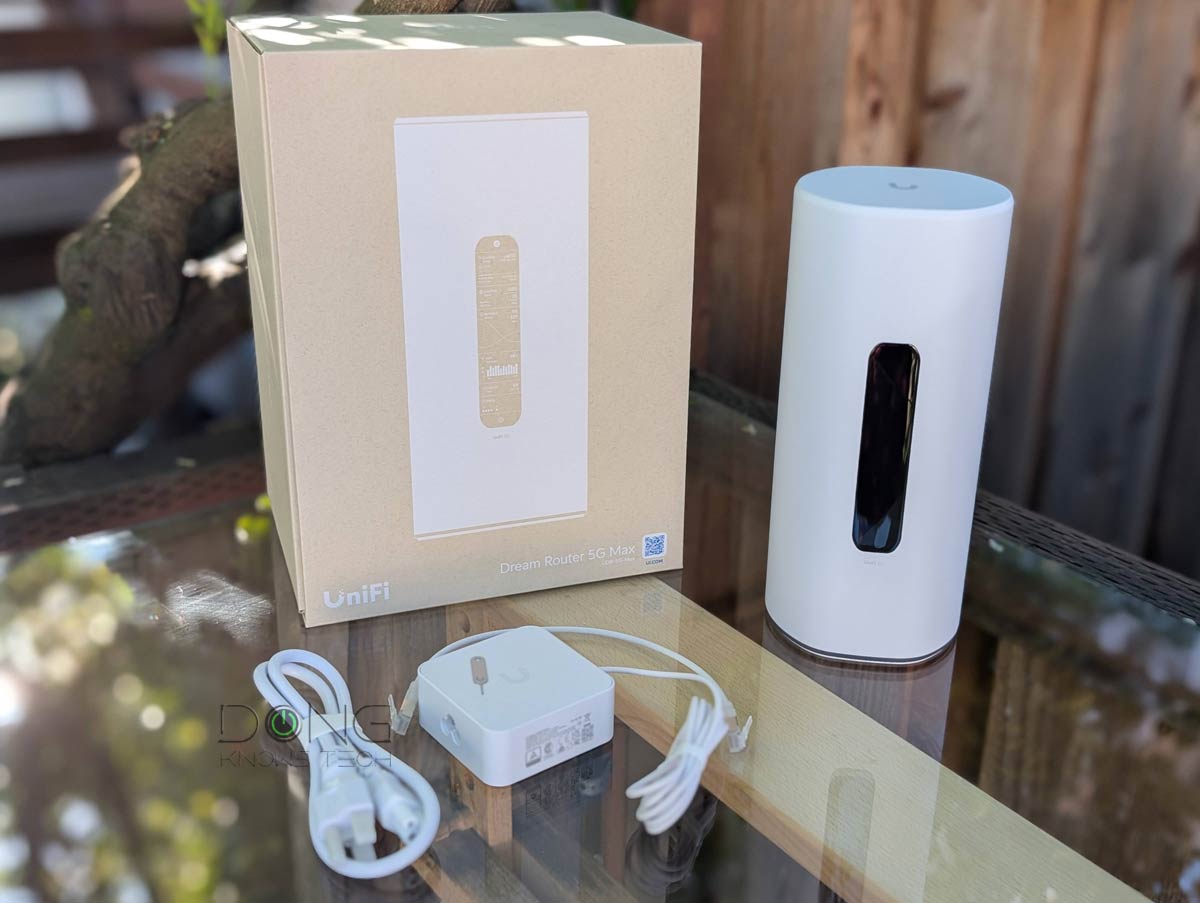 |  |  | |
| Name | Ubiquiti UniFi Dream Router 7 (UDR7)'s Rating | Ubiquiti UniFi Cloud Gateway Industrial (UCG-Industrial)'s Rating | Ubiquiti UniFi Dream Router 5G Max (UDR-5G-Max)'s Rating | Ubiquiti UniFi Express 7 (UX7)'s Rating | Ubiquiti UniFi Dream Router (UDR)'s Rating |
| Price | – | – | – | – | – |
| Rating | |||||
| Description | |||||
| Statistics | |||||
| Buy this product |
Check current prices at Ubiquiti Store or on Amazon!


Comments are subject to approval, redaction, or removal. You're in the no-nonsense zone and that applies BOTH ways.
It's generally faster to get answers via site/page search. Your question/comment is one of many Dong Knows Tech receives daily.
Thank you!
(•) If you have subscription-related issues or represent a company/product mentioned here, please use the contact page or a PR channel.