
ASUS is one of the most prolific networking vendors and has, over the years, released numerous models of standalone Wi-Fi routers and purpose-built mesh systems. This post includes the company’s top five in each category, along with their applicable alternatives.
All of these devices delivered excellent performance during my evaluation process and have panned out well in extensive real-world use, ranging from months to even years. Keep in mind, though, that like all ASUS routers, especially the Wi-Fi systems, these need to be configured properly to deliver the optimal experience.
Dong’s note: I first published this piece on Jul 17, 2026, and last updated it on August 24, 2026, with the latest picks.
I. Best ASUS Wi-Fi routers for 2026: The top five to start a network from scratch
Below are the best ASUS Wi-Fi routers for situations where a single Wi-Fi access point is enough. However, since all ASUS routers can function as part of a Wi-Fi system via the AiMesh feature, they are also a great way to build an initial network with the intention of scaling up Wi-Fi coverage later. In that case, keep the rules of mixing AiMesh hardware in mind.
This list is sorted by my real-world recommendation, with the highest at the top.
Top 5 best ASUS Wi-Fi routers
 |  |  |  |  | |
| Name | ASUS ROG Rapture GT-BE19000AI's Rating | ASUS ROG Strix GS-BE18000's Rating | ASUS RT-BE86U's Rating | ASUS RT-BE88U's Rating | ASUS RT-BE90U's Rating |
| Price | – | – | – | – | – |
| Rating | |||||
| Description | |||||
| Statistics | |||||
| Buy this product |
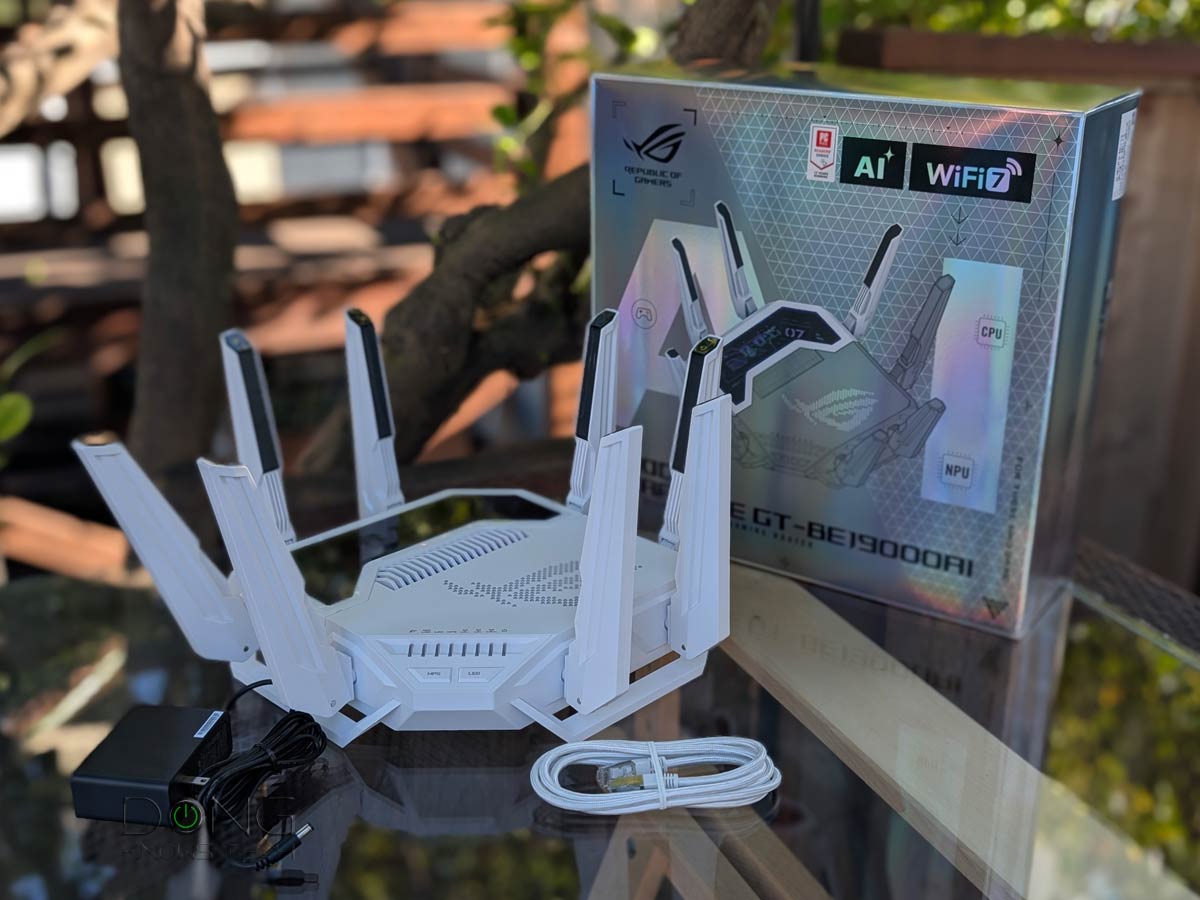
1. GT-BE19000AI

The GT-BE1900AI is unique in that it is the first AI-enabled Wi-Fi router. While that effort has turned out to be a bit subdued in real-world application, the router proved to be a powerful machine that offers multiple 10Gbps ports and everything Wi-Fi 7 has to offer, including the AFC feature. All in all, it will make any ASUS fan happy, as long as they can afford the high price tag.
Alternatively, you can consider the tri-band RT-BE96U or the quad-band GT-BE98 Pro, both of which share similar designs, Wi-Fi specs, and port grades.
ASUS ROG Rapture GT-BE19000AI's Rating
Pros
Top-tier Wi-Fi 7 with excellent real-world performance
Refined ASUSWRT 6.0 firmware with lots of free, in-depth, and valuable features and settings (advanced VPN, AiProtection online protection, Parental Control, adblocking, virtual SSDs, AI-enabled gaming-related features, and AiMesh)
Two 10Gbps and four 2.5Gbps Multi-Gig ports with WAN/LAN flexibility; supports Dual-WAN and LAN Link Aggregations
No vendor-required login account, silent performer, runs relatively cool
Cons
Bulky design, buggy and impractical Docker/AI support
Pricey, not wall-mount-ready
2. GS-BE18000
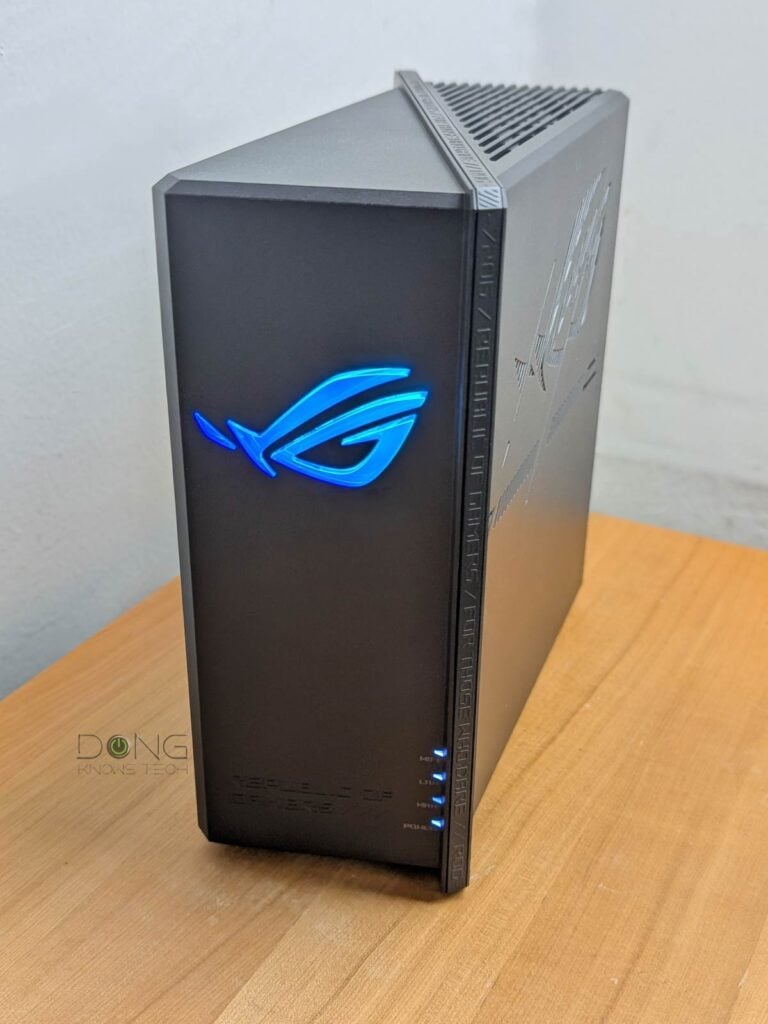
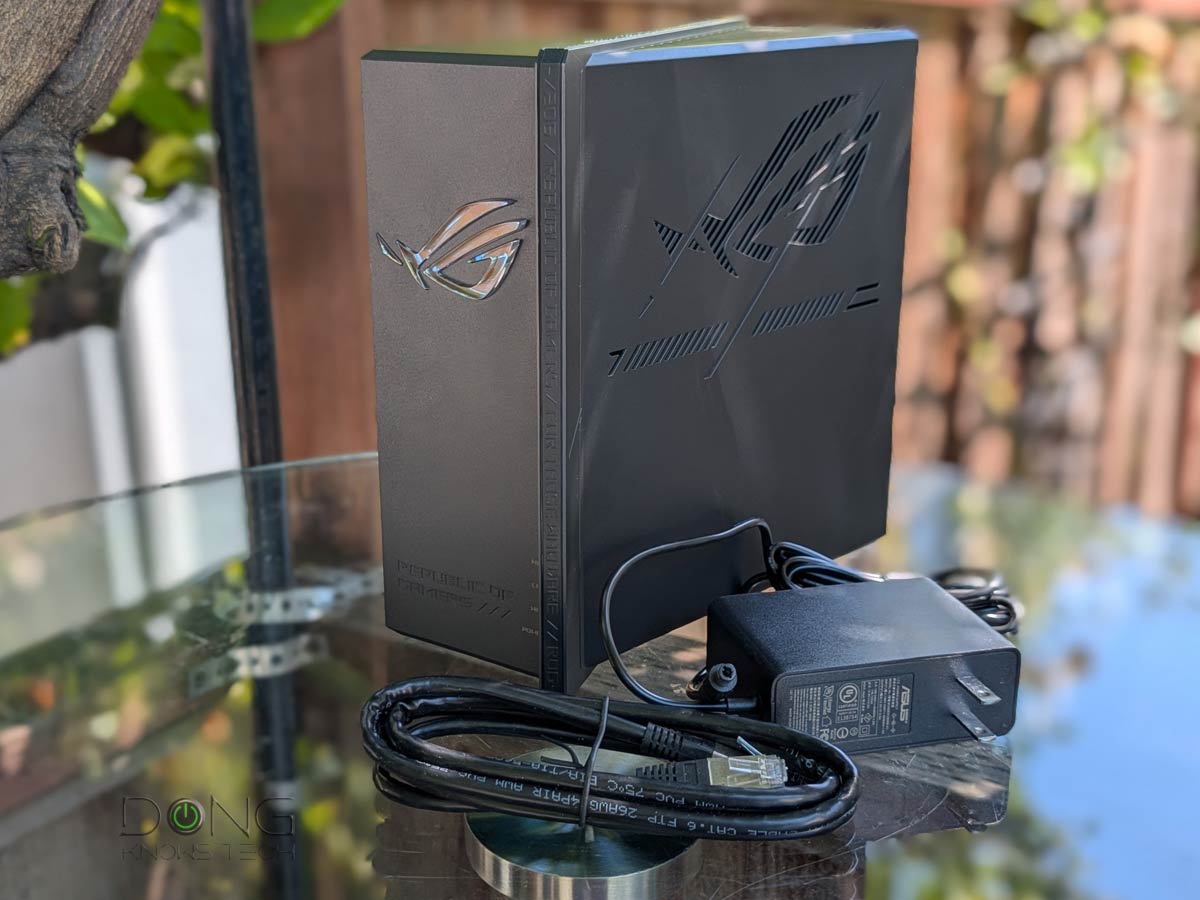
Like the GT-BE19000AI above, the GS-BE18000 is also a gaming router and the second in ASUS’s Wi-Fi 7 lineup to support AFC. The main reason it’s not #1 on this list is that it only features 2.5Gbps ports, all eight of them.
ASUS ROG Strix GS-BE18000's Rating
Pros
Excellent overall performance, eight 2.5Gbps ports, AiMesh-ready, official AFC support with extended 6GHz range
Lots of free, in-depth, and useful networking features and settings (VPN, AiProtection, Parental Control, Bandwidth monitoring, etc.)
No vendor-connected login account; fanless; runs cool and quiet
Cons
No 10Gbps port
AFC needs help from a supported client in getting precise GPS coordinates
NAS performance (when hosting a portable SSD) could be better
3. RT-BE86U

The RT-BE86U is part of ASUS’s long lineage, which began with the RT-AC86U. It’s a dual-band Wi-Fi 7 router—one without the 6GHz band. Apart from being a robust router, it’s also an excellent mini NAS server when hosting a portable SSD via its USB port.
ASUS RT-BE86U's Rating
Pros
Top-tier dual-band Wi-Fi with MLO support and excellent real-world performance
Tons of valuable features, including AiMesh 2.0, Gaming, Guest Network Pro, and VLAN
One 10Gbps and four 2.5Gbps flexible network ports with Dual-WAN and Link Aggregation support
Universal setting backup and restoration; open source firmware; fanless design
Relatively compact design, comparatively affordable
Cons
No 2nd 10Gbps port
Not wall-mount-ready
4. RT-BE88U
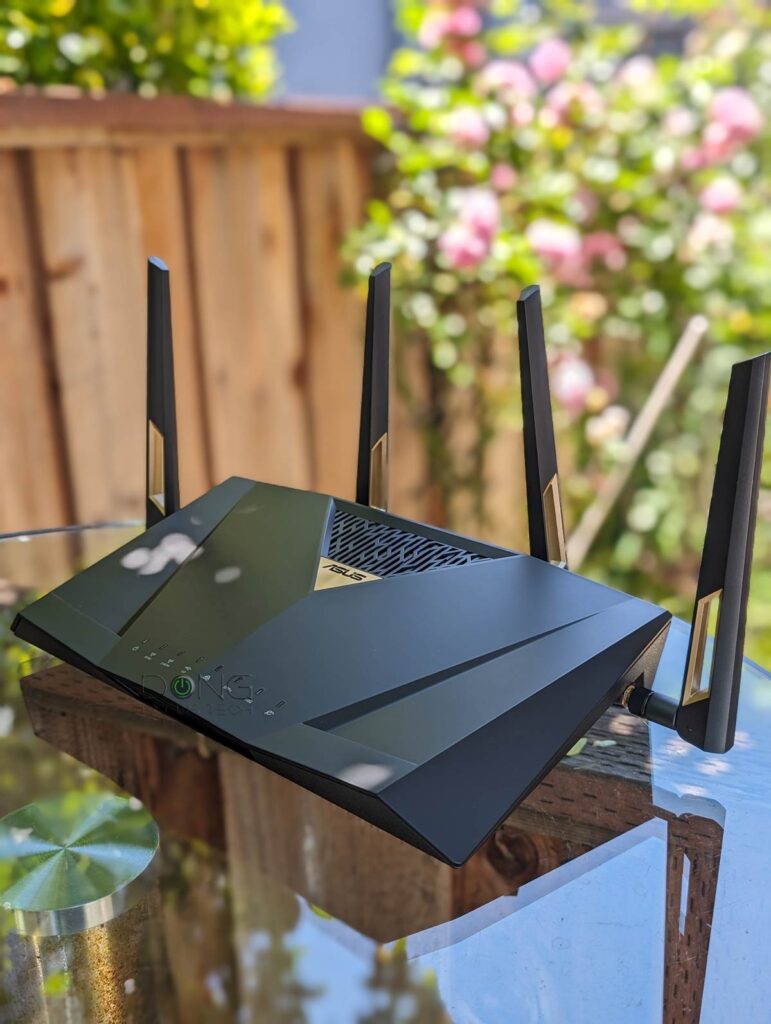
Like the RT-BE86U above, the RT-BE88U is also a dual-band Wi-Fi 7 router and the latest member of the 88x lineage. It’s a typical Wi-Fi router with plenty of ports and is excellent for anyone who doesn’t care about the 6GHz band.
ASUS RT-BE88U's Rating

Pros
Top-tier Wi-Fi 7 for 2.4GHz and 5GHz bands with 4K QAM and MLO support; excellent performance
Tons of valuable features, including AiMesh 2.0, Gaming, Guest Network, Pro, and VLAN
Ten built-in network ports, six of which are Multi-Gig ports and SFP+, with Dual-WAN and Link Aggregation support
Universal setting backup and restoration; open source firmware; fanless design
Comparatively affordable
Cons
No 6GHz band; no 2nd 10GBASE-T port
Not wall-mount-ready
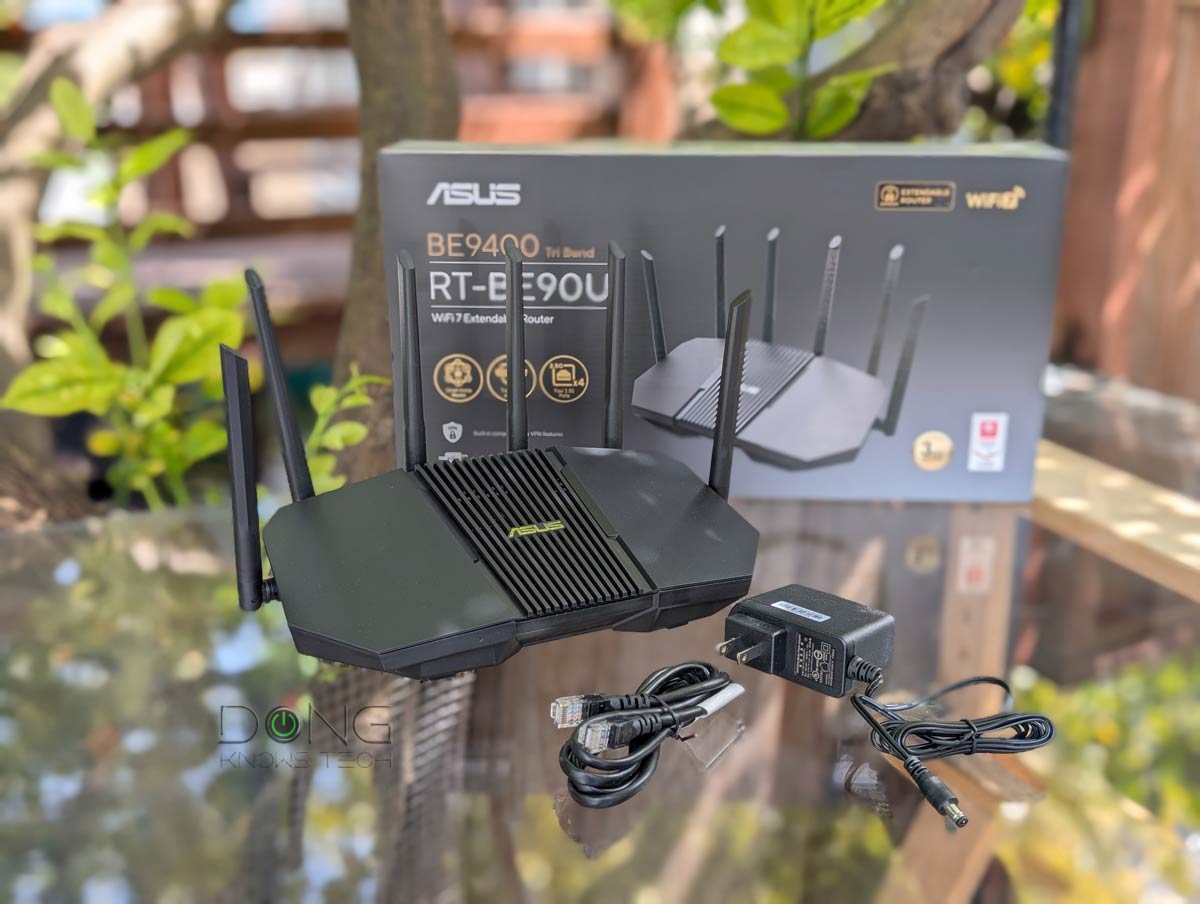
5. RT-BE90U
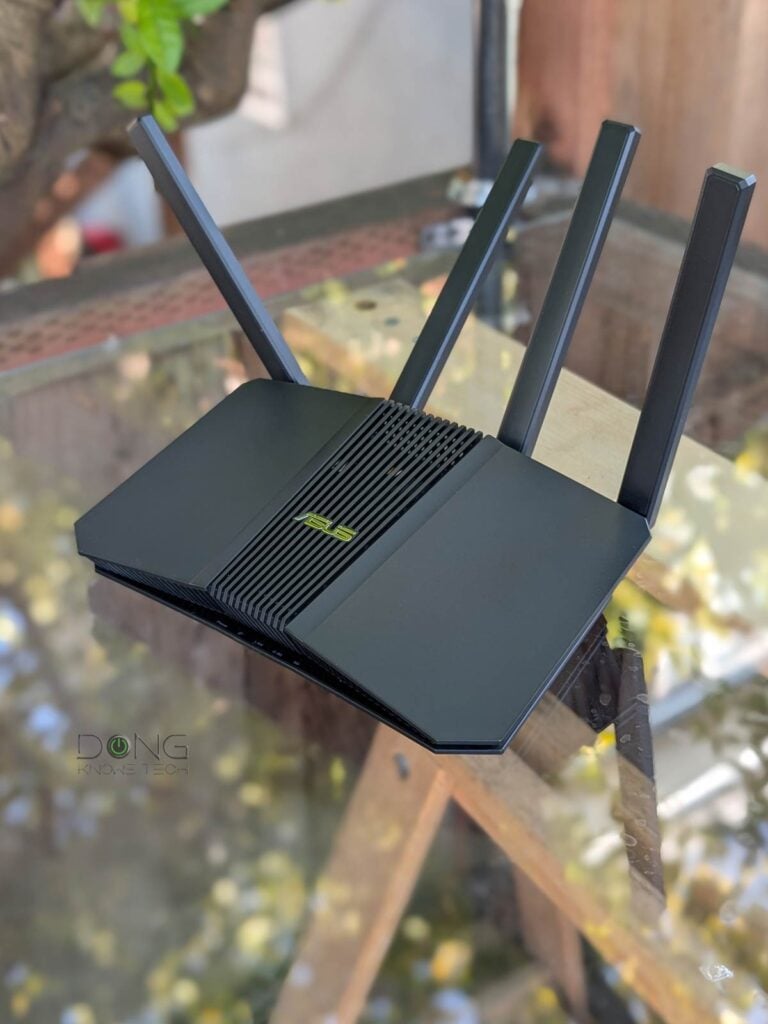
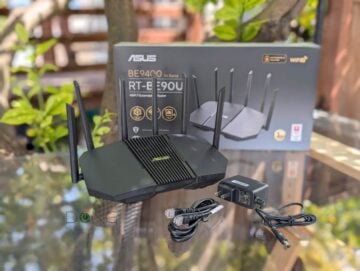
The RT-BE90U is the lesser version of the RT-BE92U, and it qualifies for this list thanks to the excellent combo of performance, features, and cost. It’s an excellent low-cost tri-band Wi-Fi 7 for a small home.
ASUS RT-BE90U's Rating
Pros
Five 2.5Gbps ports with fast close-range Wi-Fi performance.
A good set of Wi-Fi and networking features, including AiMesh, online protection, Parental Controls, and multiple virtual SSIDs (SDNs)
Flexible network ports with Dual-WAN support; good NAS performance when hosting a portable SSD
Practical, fanless, wall-mount-ready design; comparatively affordable
Cons
No 10Gbps port; no Link Aggregation
Mid-tier Wi-Fi specs with subdued performance over range
Stripped-down AiProtection
II. Best ASUS mesh systems for 2026: The top purpose-built options
Below are the current five best ASUS mesh systems for large areas or situations where you know you need more than one unit to deliver the desired coverage. Generally, a Wi-Fi backhaul works best via a wired backhaul, but when running a network cable is not an option, their support for MLO or UNII-4 will come in handy.
This list is also sorted by my real-world recommendation, with the highest at the top.
Top 5 best ASUS Wi-Fi systems
 |  |  |  |  | |
| Name | ASUS ZenWiFi BT10's Rating | ASUS ZenWiFi BQ16 Pro's Rating | ASUS ROG Rapture GT6's Rating | ASUS ZenWiFi BT8's Rating | ASUS ZenWiFi BD5's Rating |
| Price | – | – | – | – | – |
| Rating | |||||
| Description | |||||
| Statistics | |||||
| Buy this product |
1. ZenWiFi BT10

The ZenWiFi BT10 is ASUS’s top-tier tri-band Wi-Fi 7 mesh system and has proven to be an excellent option thanks to its 10Gbps wired or MLO wireless backhaul. It’s currently one of the best Wi-Fi 7 mesh systems.
ASUS ZenWiFi BT10's Rating

Pros
Tri-band Wi-Fi 7 with two 10Gbps ports and excellent performance
ASUSWRT 5.0 offers many customizations and free-for-life, high-end features (VPN, Parental Controls, Online Protection, Dual-WAN, Link Aggregation, Smart Home Master, etc.).
Robust web user interface and helpful optional mobile app; easy-to-blend-in design
Comparatively compact with no internal fan; runs cool and quiet
Cons
Only three network ports
No AFC (at launch); not wall-mount-ready
2. ZenWiFi BQ16 Pro
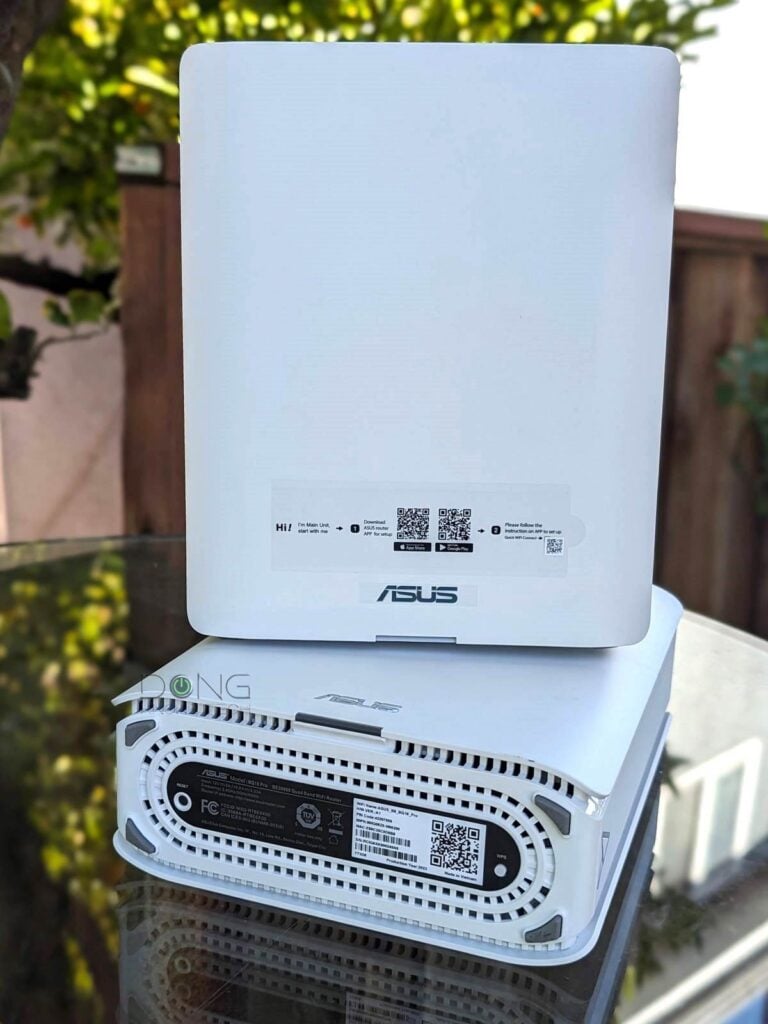
The ZenWiFi BQ16 Pro, also available as the ZenWiFi BE30000 variant, is a bit of an outlier, as it’s the only quad-band mesh system on this list and shares the same hardware specs as the GT-BE98 Pro above. Similarly, it’s an excellent choice for large homes with lots of Wi-Fi 7 clients.
ASUS ZenWiFi BQ16 Pro's Rating

Pros
Top quad-band Wi-Fi 7 specs with all features to deliver best-to-date real-world performance both in throughput and coverage; two 10Gbps Multi-Gig ports
The latest ASUSWRT 5.0 offers extensive customization and free-for-life high-end features (VPN, Parental Controls, Online Protection, Dual-WAN, Link Aggregation, Smart Home Master, etc.).
Robust web user interface and helpful optional mobile app; easy-to-blend-in design
Comparatively compact with no internal fan
Cons
Comparatively expensive; numerous settings require a lengthy restart to apply
Only two Multi-Gig ports; AFC still pending certification (by late 2025)
Not wall-mount-ready
3. ROG Rapture GT6

The ROG GT6 is the only Wi-Fi 6 hardware to make it here thanks to its uniqueness: it’s the only gaming mesh system from ASUS. Featuring the UNII-4 portion of the Wi-Fi 6 band, which can work as a reliable wireless backhaul, it’s one of the best Wi-Fi mesh systems on the market.
Alternatively, you can consider any of the other UNII-4-enabled systems from ASUS:
ASUS ROG Rapture GT6's Rating

Pros
Excellent Wi-Fi performance and coverage, UNII-4 support
Tons of useful features and settings, including built-in gaming features
AiMesh 2.0 full support, helpful mobile app, no login account required
Compact and good-looking, USB port
Cons
Single 2.5Gbps WAN-only port
Buggy (initial release) firmware
Slow network storage performance when hosting a USB portable drive; not wall-mount-ready
4. ZenWiFi BT8
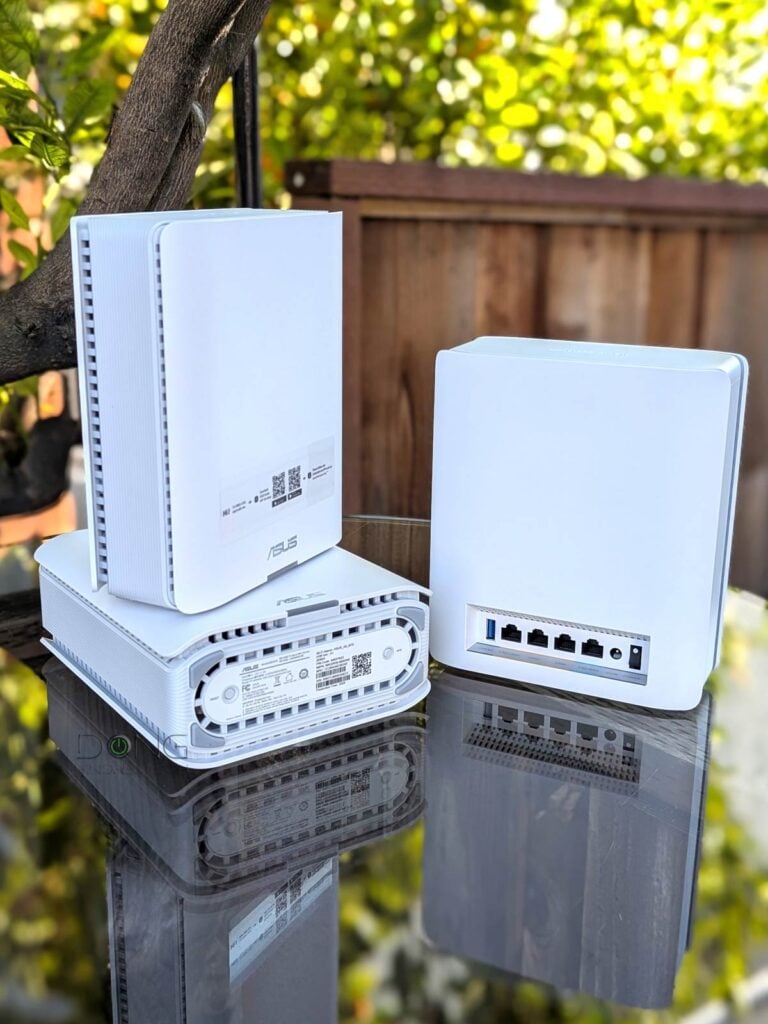
The ZenWiFi BT8 is a 2.5 Gbps version of the top-tier ZenWiFi BT10 above. For those with 2Gbps or slower broadband living in a large home, it’s an excellent buy.
ASUS ZenWiFi BT8's Rating

Pros
Tri-band Wi-Fi 7; two 2.5Gbps ports per unit; excellent overall performance
ASUSWRT 5.0 has lots of customizations and free-for-life high-end features (VPN, Parental Controls, Online Protection, Dual-WAN, Link Aggregation, Smart Home Master, etc.).
Robust web user interface and helpful optional mobile app; easy-to-blend-in design
Comparatively compact with no internal fan; runs cool and quiet
Cons
Only three network ports; entry-level Multi-Gig grade; terrible NAS performance when hosting an external USB drive
Not wall-mount-ready; slightly buggy interface and MLO
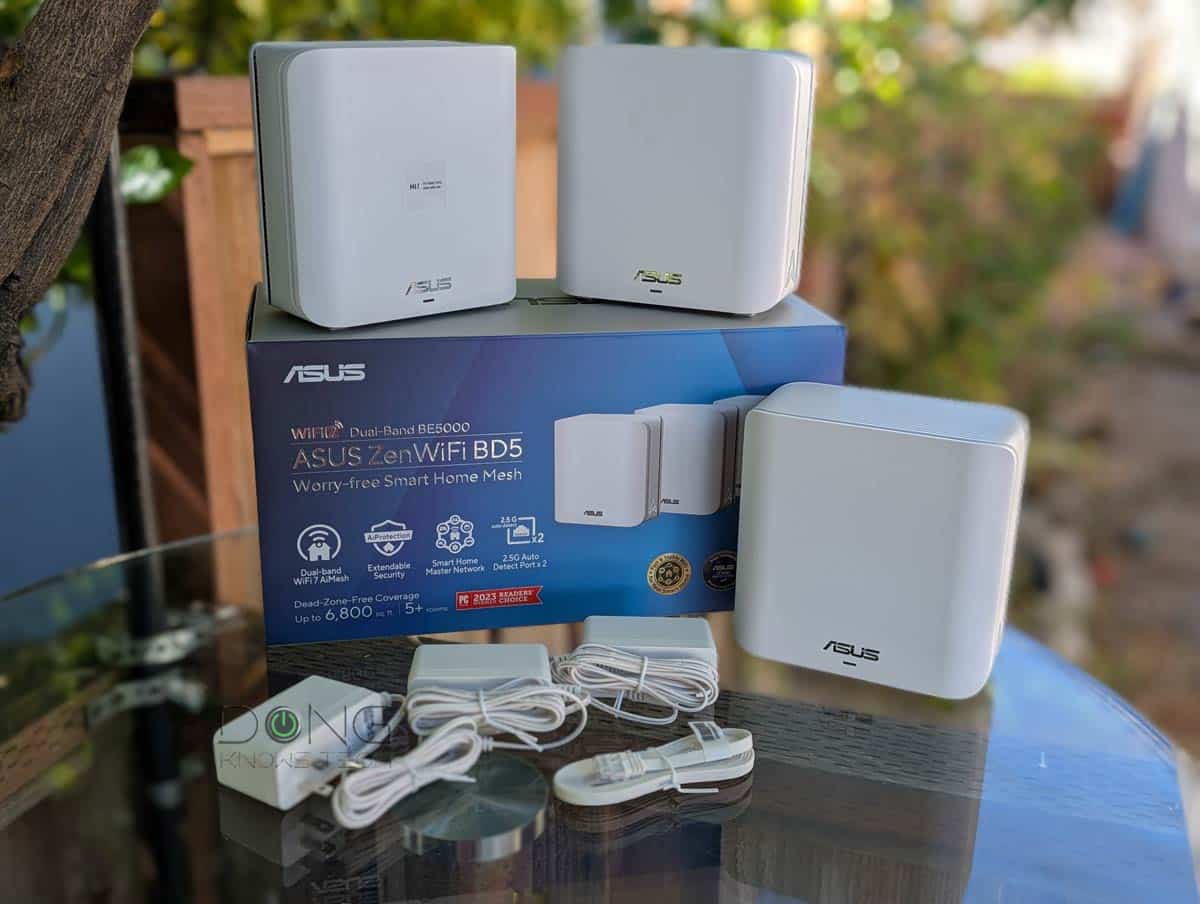
5. ZenWiFi BD5
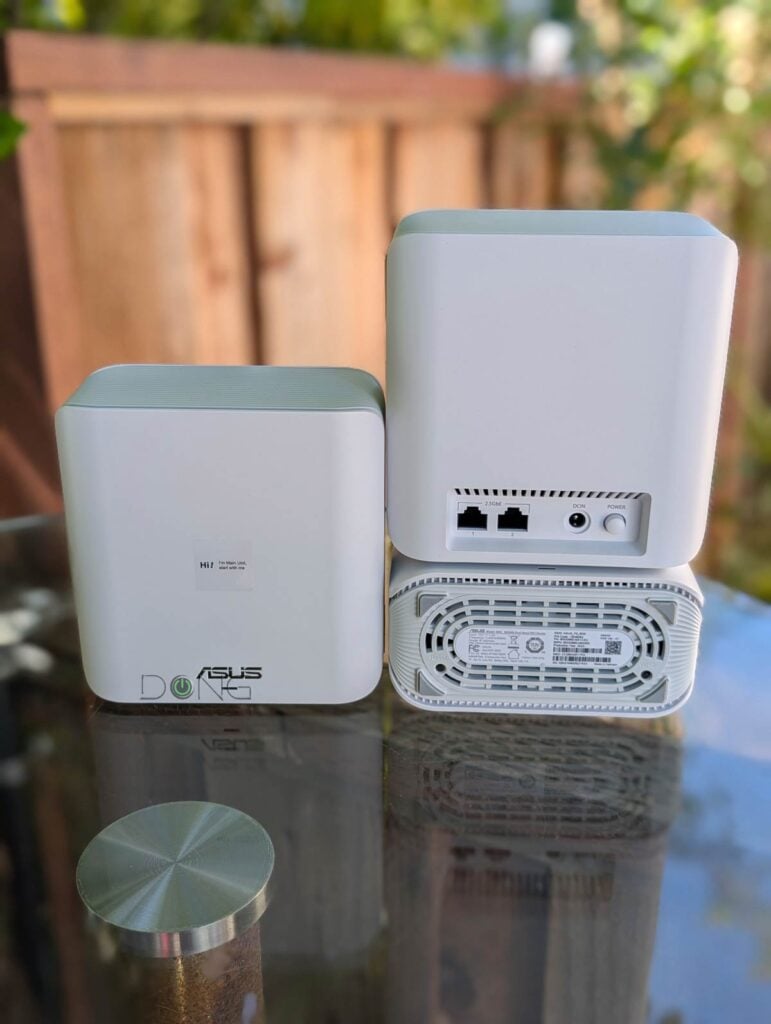
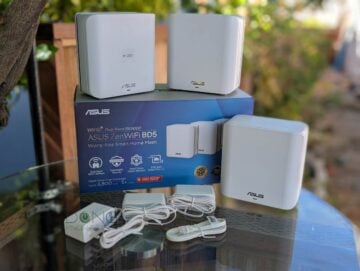
The ZenWiFi BD5 is a dual-band mesh system. As such, it’s an excellent buy for a large home with modest bandwidth and without the need for the 6GHz band, especially one wired with network cables.
ASUS ZenWiFi BD5's Rating
Pros
Dual-band Wi-Fi 7 and two 2.5Gbps ports with reliable Gig+ real-world performance and ample coverage
ASUSWRT 5.0 offers numerous customizations and free-for-life high-end features (VPN, Parental Controls, Online Protection, Smart Home Master, etc.).
Robust web user interface and helpful optional mobile app; easy-to-blend-in design
Compact, fanless design with an outdoor option
Cons
Only two network ports with mid-tier bandwidth specs and no 6GHz band
Can't take backup files of other Asus routers
Not wall-mount-ready
The final tips
If you’re new to ASUS hardware, keep in mind that these routers and mesh systems offer extensive customization and features. As a result, when configured incorrectly, things can go haywire. That said, as a rule:
- Avoid using the ASUS router mobile app during setup and opt for the web-based user interface instead.
- Keep most settings at their default settings unless you know what you’re doing.
Or follow this detailed guide.



Hello Dong. First, I just want to say how much I appreciate your reviews, and I’ve learned a lot from reading them. You were the reason I purchased an ASUS Zenwifi Pro XT12 3 node system. It’s performed wonderfully, and thanks again for the questions you answered from me in the past. I’m thinking about giving my mom my current Pro XT12 system as her mesh is old and we’re running into some intermittent issues. It is simply just time. I’m thinking about getting a 3 node ASUS ZenWiFi BQ16 Pro system as a replacement for myself. Based off what I’ve read, it appears that the BQ16 pro is currently the most advanced and capable mesh system from ASUS. I saw you state ~that the BT10 system is better in certain situations or something along those lines compared to the BQ16 pro. Could you please link me to that discussion? Thanks in advance!
Either will be better than what you have, John, though the real-world experience will depend on how fast your Internet speed is. The BQ16 Pro splits the 6 GHz band into two sub-bands to provide more theoretical bandwidth, but with Wi-Fi 7’s MLO, that extra band doesn’t add much. More on that in this post.
Thank you Dong.
‘AFC still pending certification (by late 2025)’ imo this needs updating.
Do you know if AsusWRT 6 is coming to BQ16?
AFC is a matter of certification, Alex, and I have little faith in the current FCC. I think the latest firmware will apply to all ASUS Wi-Fi 7 routers eventually and already to some. It’s unclear where the cutoff of version 6.