
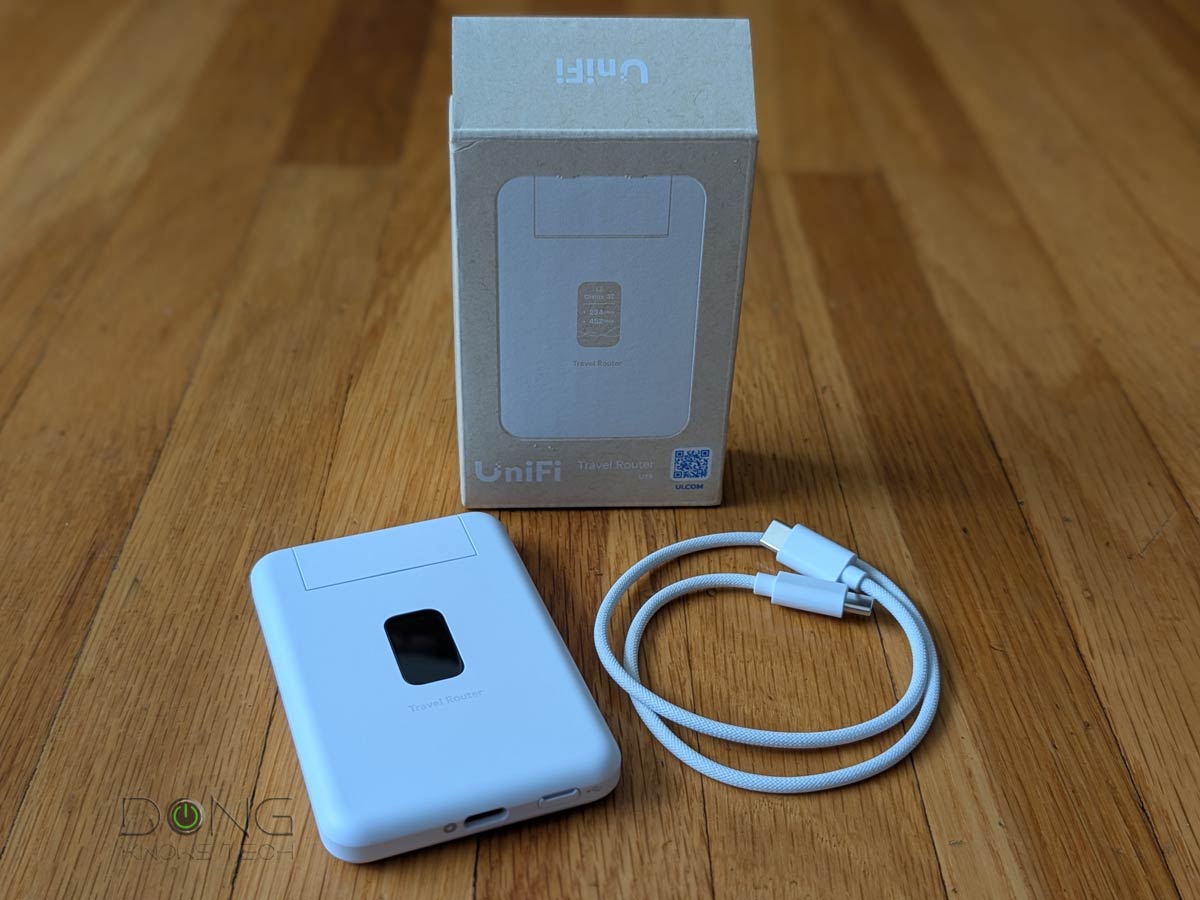
Ubiquiti today announced the availability of its UniFi Travel Router Long-Range (model UTR-LR). As the name suggests, it’s an upgrade to the original UTR that came out late last year: it’s a UTR with a significant boost in range.
In return, the UTR-LR is slightly thicker and a tad heavier.
Overall, if you can live with the dated Wi-Fi 5, I think it’s worth the extra $99 price tag, which is $20 more expensive than the UTR. You’ll likely come to the same conclusion after this quick preview.
Ubiquiti UniFi Travel Router Long-Range (UTR-LR)'s PRELIMINARY Assessment
Pros
Compact design with low-power USB PD requirement and cellular tethering support
Large external collapsible antennas with higher broadcast power for extended range; VPN client support, including Ubiquiti's Teleport to extend a UniFi network on the go
Fully integrated with the UniFi ecosystem with straightforward setup and management via the UniFi mobile app
Cons
Dated Wi-Fi 5 and Gigabit port with modest
No built-in cellular modem, SIM slot, or battery option
No local web-based user interface
Ubiquiti Travel Router Long-Range: Making the dated 802.11ac cool again
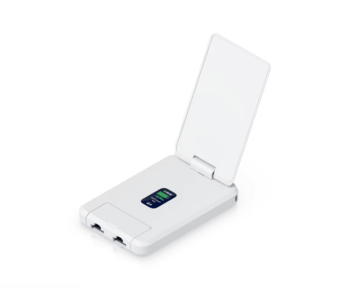
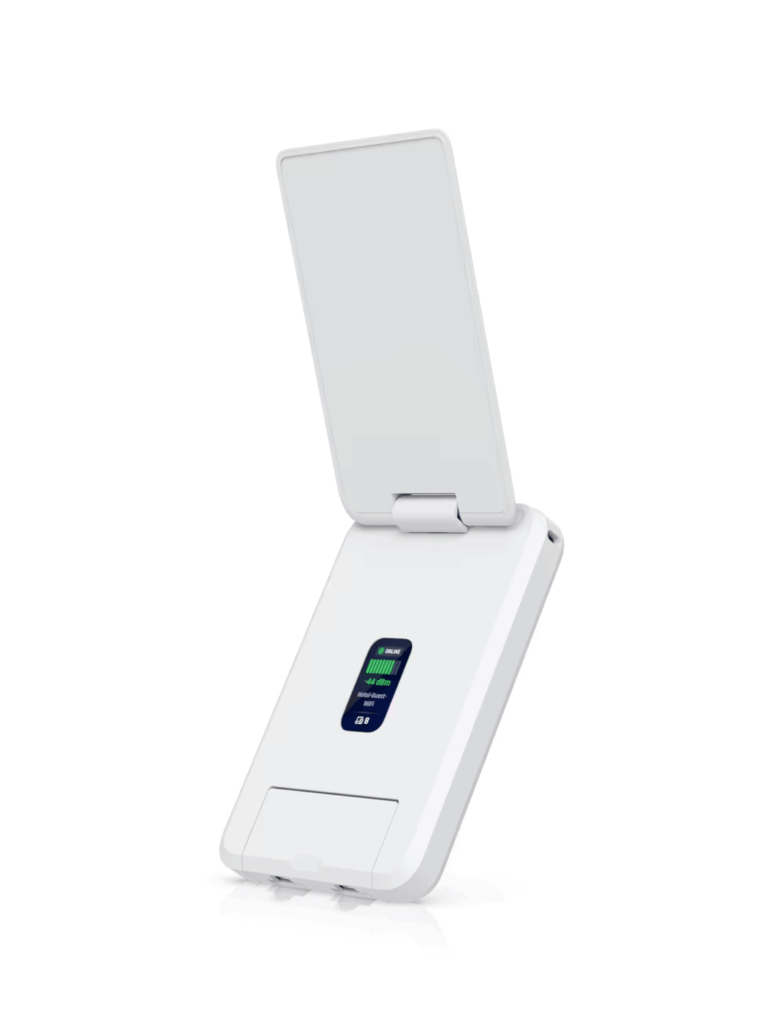
The Travel Router Long-Range is essentially the former UTR with a large, form-fitting, collapsible antenna on top, called “Super Antenna” by Ubiquiti.
Users can tilt this antenna up to 180 degrees to increase the router’s range. As a result, it can provide more extensive coverage and receive stronger Wi-Fi signals when operating in WISP mode than the UTR.
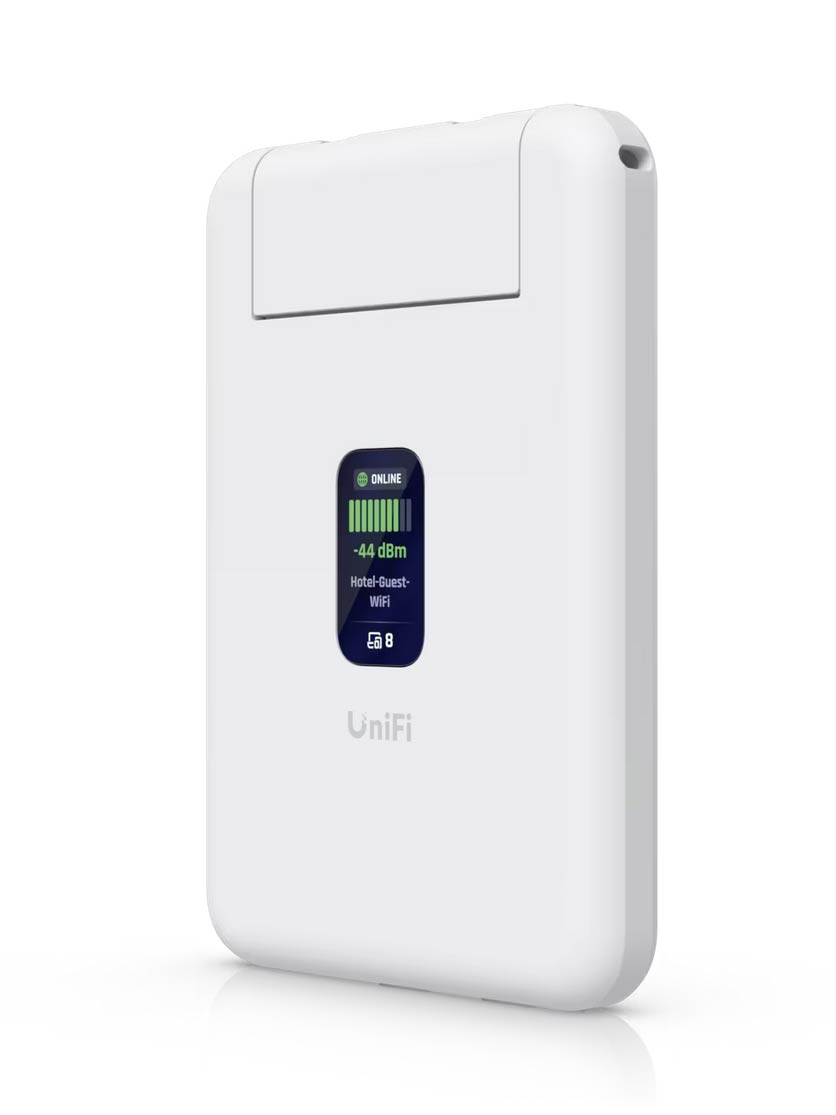
The extra part makes the UTR-LR a tad thicker, but overall it’s still a palm-sized device, compact enough to tuck into your pocket or luggage. Additionally, like the UTR, the UTR-LR also has a hole in one corner for a lanyard.
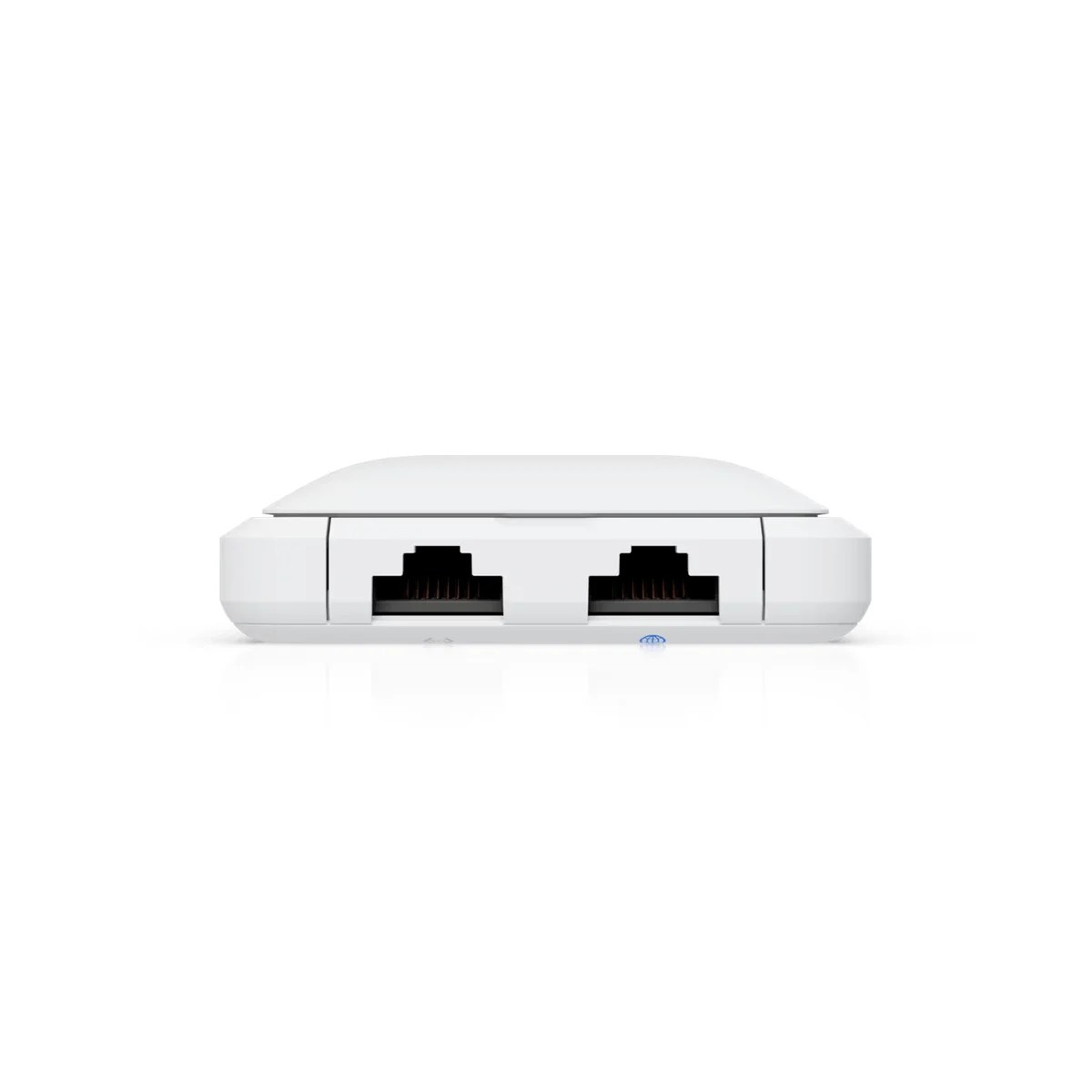
Other than that, the new travel router has the same hardware specs as the previous model. It comes with two Gigabit ports (one WAN and one LAN) and features dated dual-band, dual-stream (2×2) Wi-Fi 5 (802.11ac) on the inside, topping out at 866 Mbps on the 5 GHz band. Of course, you need to discount that number a great deal for real-world performance, as with the UTR.
It’s unclear how the added antenna will help in real-world usage, but design-wise, it’s pretty cool. When opened to a certain degree, it makes the UTR-LR look like a nostalgic flip phone, and that alone can be a conversation starter.
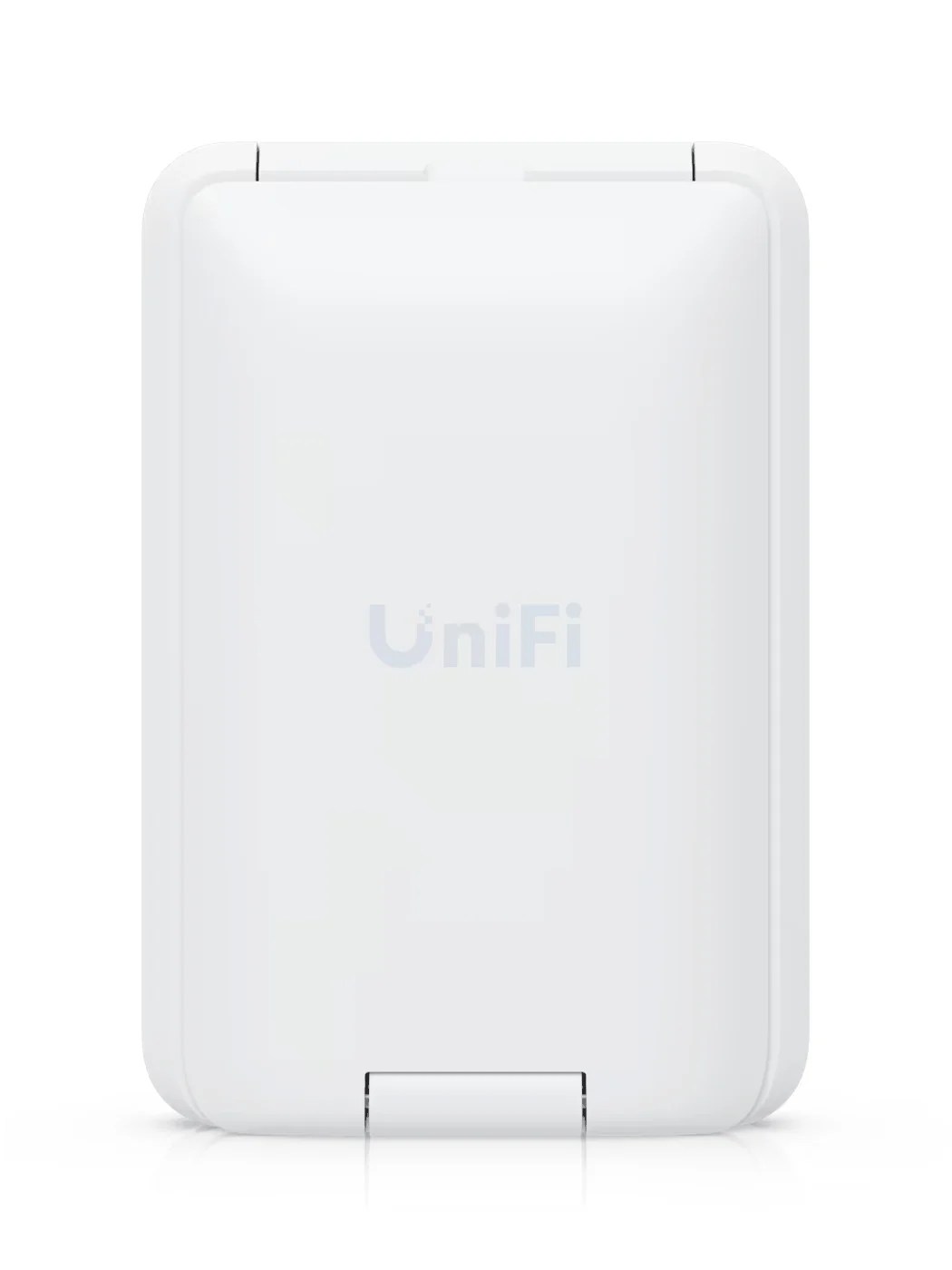
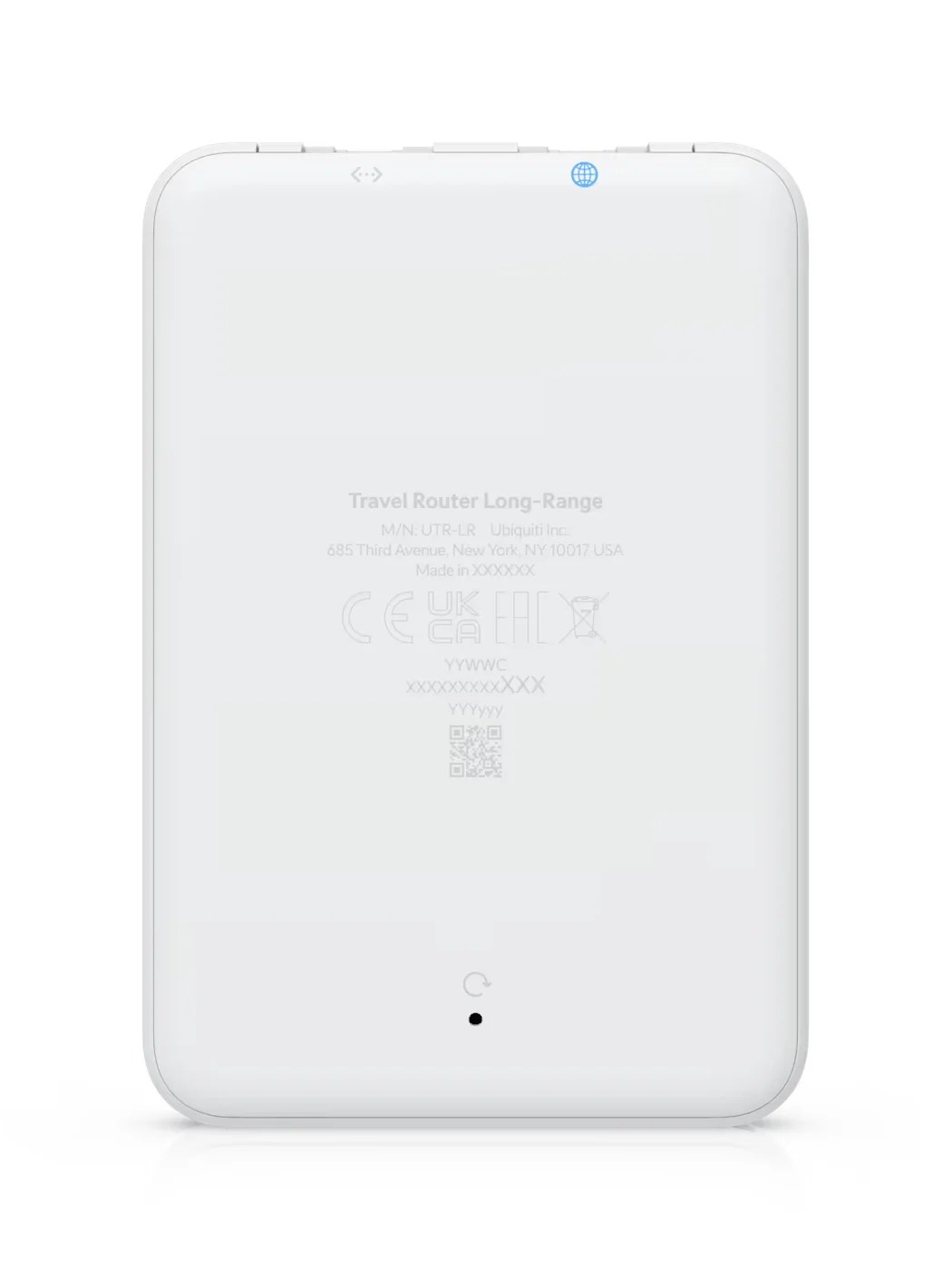
The table below shows the hardware specs of the new UTR-LR compared to those of the original UTR.
UniFi Travel Router Long-Range: Hardware specifications
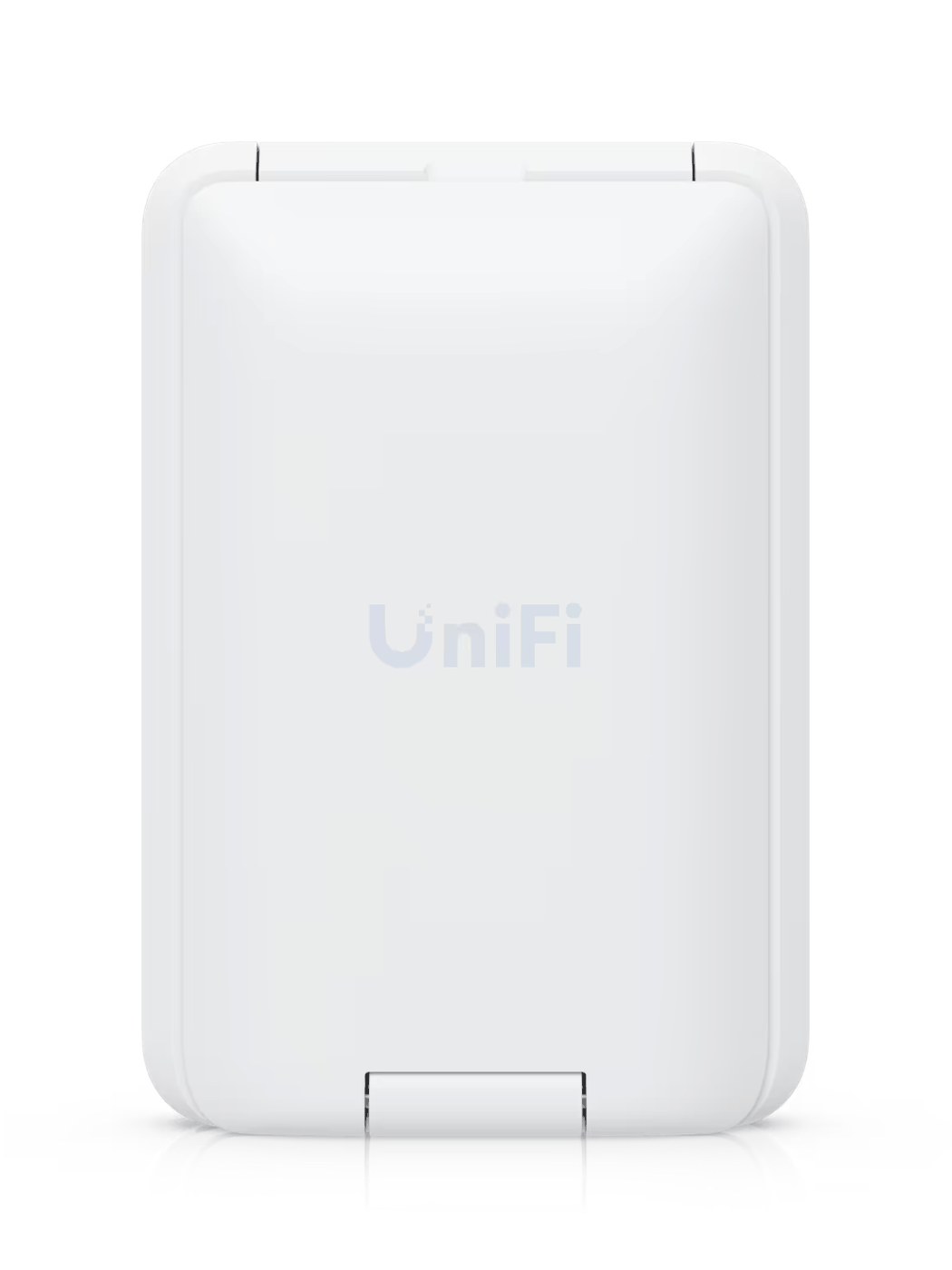 |  | |
|---|---|---|
| Full Name | UniFi Travel Router Long-Range | UniFi Travel Router |
| Model | UTR-LR | UTR |
| Operating Roles | Wi-Fi Router VPN Client WISP mode Tethering mode | |
| VPN (client only) | WireGuard Teleport | |
| Antenna | Embedded external WiFi antennas | 2x internal Wi-Fi antennas |
| Dimensions | 3.78 x 2.56 x 0.77 in (96 x 65 x 19.5 mm) | 3.8 x 2.6 x 0.5 in (96 x 65 x 12.5 mm) |
| Weight | 4.4 oz (126 g) | 3.1 oz (89 g) |
| Wi-Fi Bandwidth | Dual-band AC1200 | |
| 5GHz (channel width) | 2×2 Wi-Fi 5: Up to 866Mbps (20/40/80MHz) | |
| 2.4GHz (channel width) | 2×2 Wi-Fi 4: Up to 300Mbps (20/40MHz) | |
| MIMO | Yes | |
| Max. TX Power | 2.4GHz: 20 dBm 5GHz: 23 dBm | 2.4GHz: 13 dBm 5GHz: 15 dBm |
| Gigabit Port | 2 | |
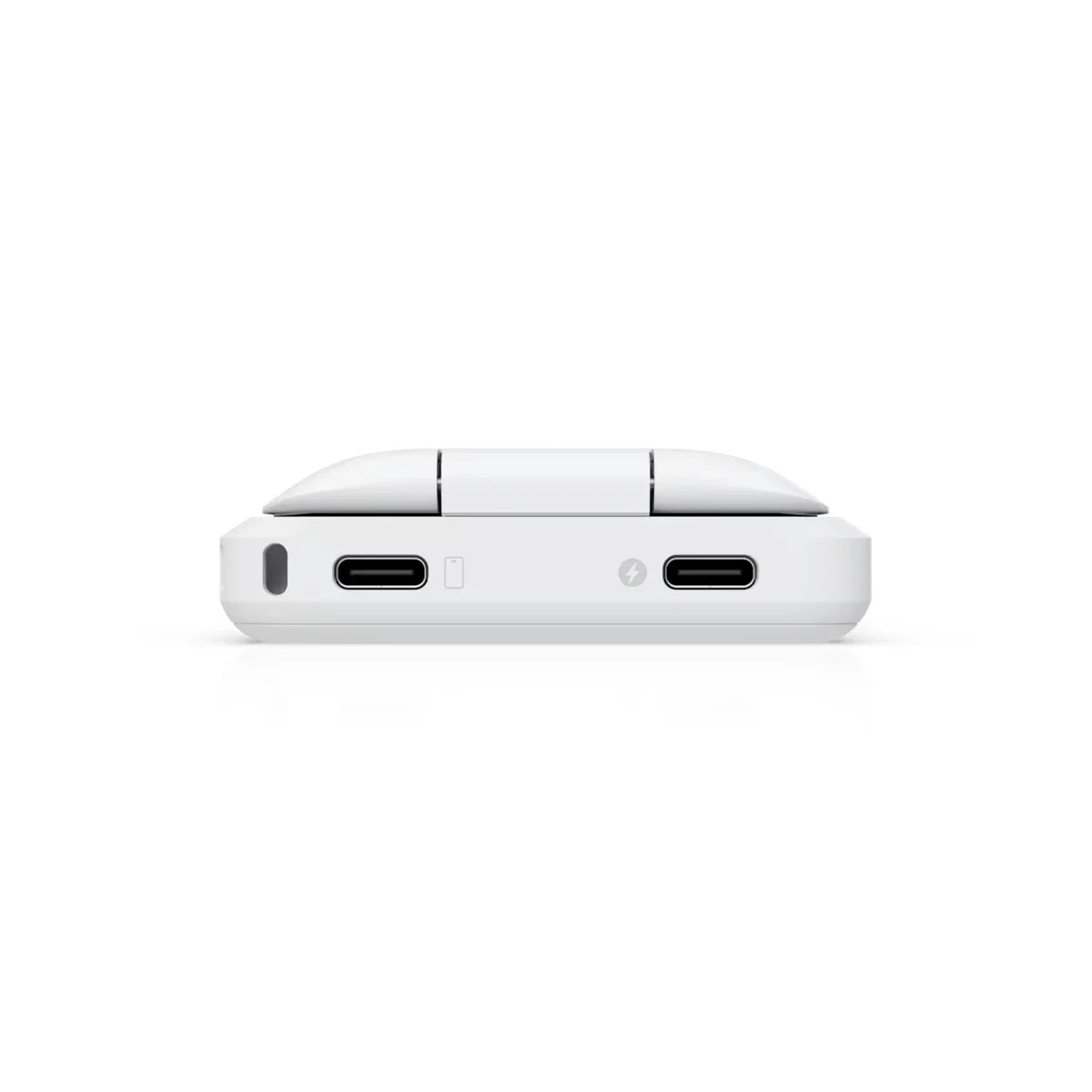
| Power Method | USB-C, 5V/2A PD (adapter not included) | |
| Max Power Consumption | 5W | |
| Tethering | Yes (via a 2nd USB-C port) | |
| SIM Slot | None | |
| Battery | None | |
| Notable Design | 1.14″ status display | |
| Release Date | August 28, 2026 | December 29, 2025 |
| US Launch Cost | $99 | $79 |
Higher broadcast power for the dated Wi-Fi 5
As shown in the table, the most significant difference between the new UTR-LR and the original UTR is that the former has noticeably higher broadcast power, almost double, thanks to the added “Super Antenna”.
That said, the promised extended range will likely pan out—about the same as that of a standard home router, judging from the dBm value. Still, given the Wi-Fi 5 specs, there’s likely no improvement in maximum real-world throughput. Based on my experience with the UTR, you’ll likely get no more than 500 Mbps out of this router.
To be clear, 500Mbps is plenty fast for most cases, especially when traveling.
Other than that, you can expect the UTR-LR to be the same as the UTR in all other aspects. Specifically, for Internet access, you can use it in the following ways:
- Via its WAN Gigabit port: This is the traditional way, where you plug in a network cable and the router works like any standard router.
- By hosting a cellular modem or mobile phone connected to its USB-C port (a.k.a. tethering).
- By connecting to an existing Wi-Fi network, such as a hotel’s or a public hotspot’s, in WISP mode.
Tip
WISP stands for Wireless Internet Service Provider. It’s an operating mode in which a supported router connects to the Internet via Wi-Fi and then shares that connection with multiple devices over its own Wi-Fi network. It works similarly to a Wi-Fi extender (or repeater) with two added elements:
- The WISP router’s Wi-Fi network is shielded from the existing Internet-providing Wi-Fi network to keep its connected clients safe and private.
- The WISP router can handle an incoming Internet-enabled Wi-Fi connection that requires a particular authentication method, such as a captive portal or a paid login account.
When you use a public Wi-Fi network or one with ambiguous security, WISP is recommended as it keeps devices connected to the router shielded from others on the public Wi-Fi network.
Most importantly, the UTR-LR can maintain all three above simultaneously, with only one active at a time and the other two serving as backups.
For setup and management, the router requires the UniFi mobile app (a Ubiquiti account is optional). In addition to serving as a standard travel router, the UTR-LR can also connect back home to a UniFi network via VPN. In this case, it can automatically replicate the home Wi-Fi network, effectively an extension of your home network that you can take with you on the go.
The takeaway
I’m in the process of getting a UniFi Travel Router Long-Range to test it in real-world use, and if it proves to be significant, I will update this into an in-depth review. In the meantime, if you want to have an idea of how this new router will work out, check out my take on the original UTR.
Overall, the UTR-LR is a straightforward travel router for those who expect no more than a few hundred Mbps of bandwidth on the go—it’s especially well-suited if you have a UniFi home network. After that, the extended range seems promising enough to justify the friendly $99 price tag.
If you want more, pick another among the top five below.
Top 5 best travel routers
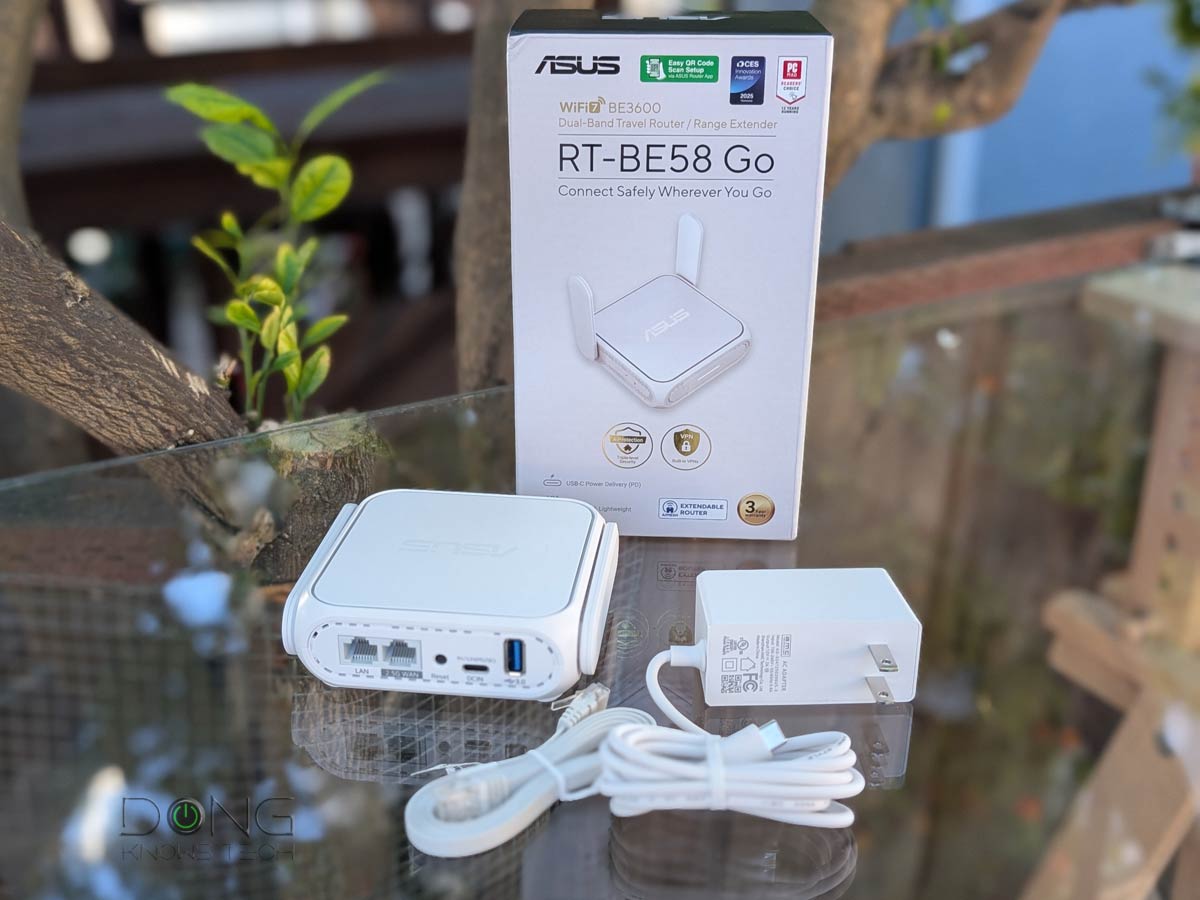 | 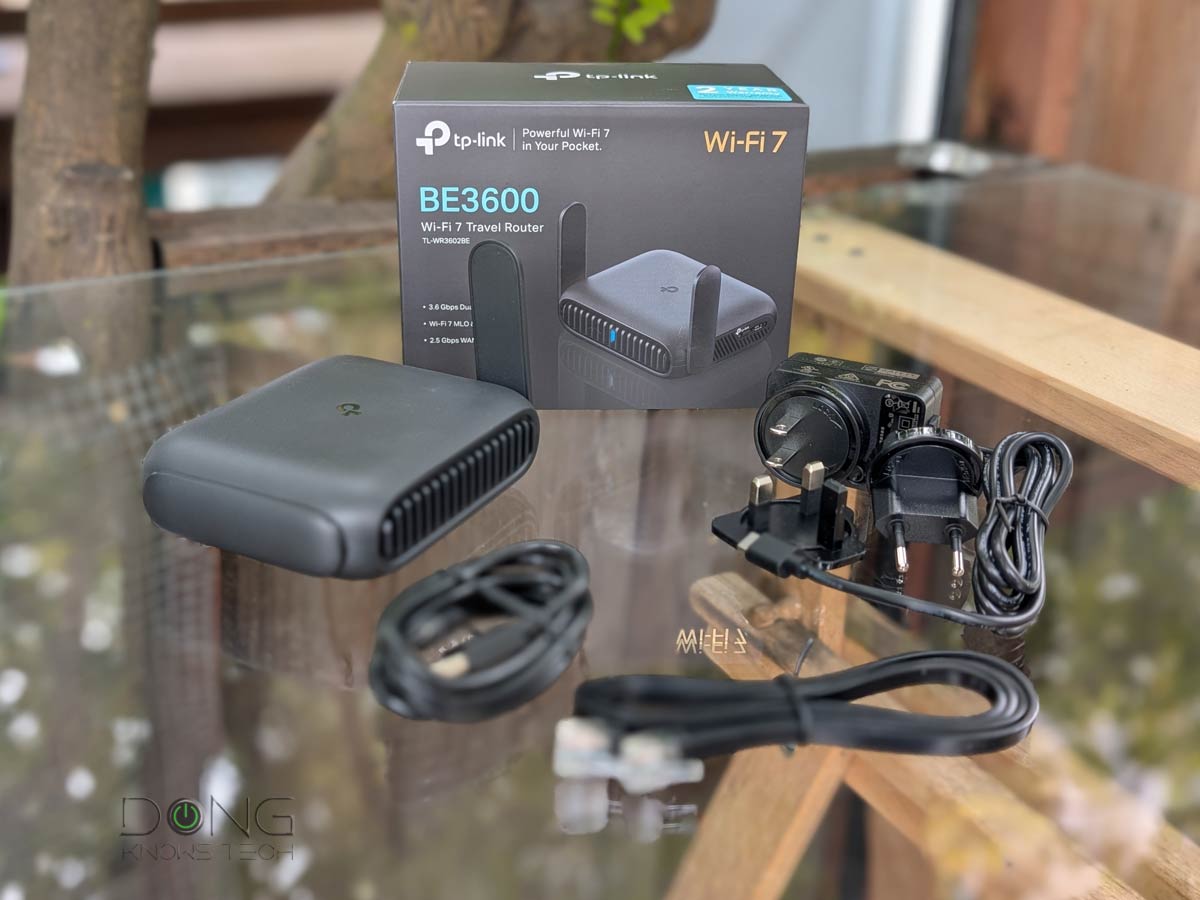 | 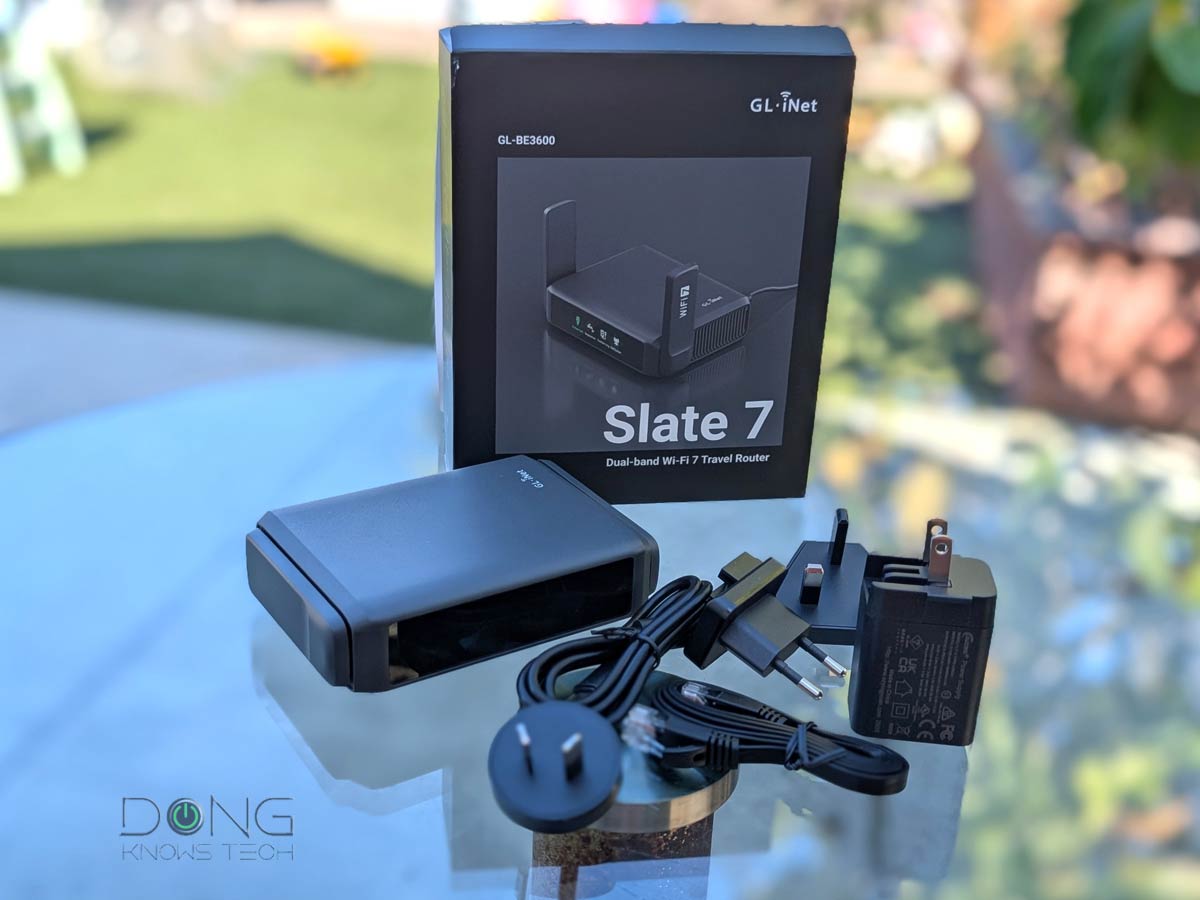 | 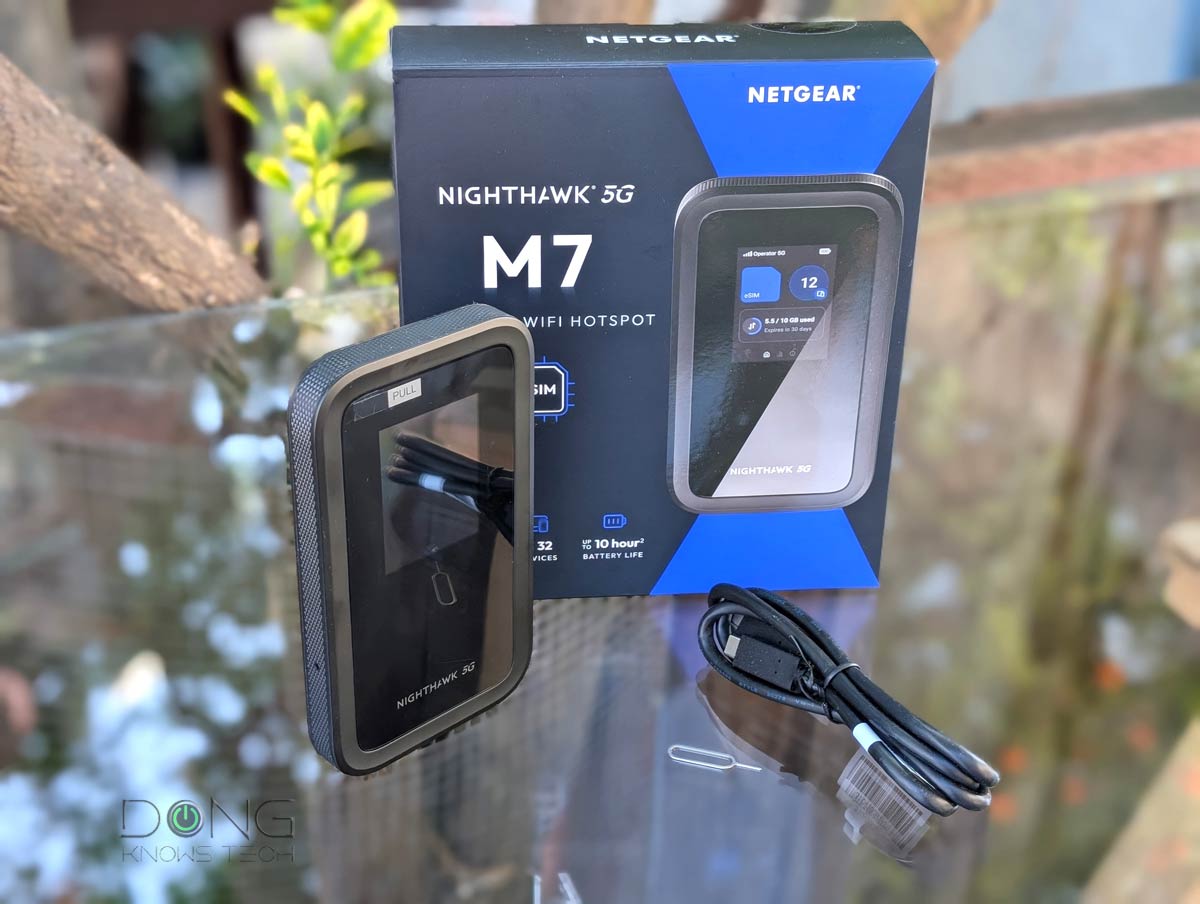 |  | |
| Name | ASUS RT-BE58 Go's Rating | TP-Link Roam 7 BE3600 (TL-WR3602BE)'s Rating | GL.iNet GL-BE3600 Slate 7's Rating | NETGEAR Nighthawk 5G M7's Rating | Ubiquiti UniFi Travel Router (UTR)'s Rating |
| Price | – | – | – | – | – |
| Rating | |||||
| Description | |||||
| Statistics | |||||
| Buy this product |


no mention of range -distant. which device has the long range? I bought a net gear version 5 years ago. Has technology improved,?
There’s no info on that yet, David, but generally, it’s likely about the same as a standard router, judging by its dBm value.