
Ubiquiti today released UniFi Network 10.5, an incremental version for its many UniFi Cloud Gateways (a.k.a. “routers”).
While the new release doesn’t have as many big improvements or features as the previous version, it has one thing that might be the game-changer for EU and Asian users: better support for PPPoE broadband.

UniFi Network 10.5: RFC4638 PPPoE, Safe Ops, better update management
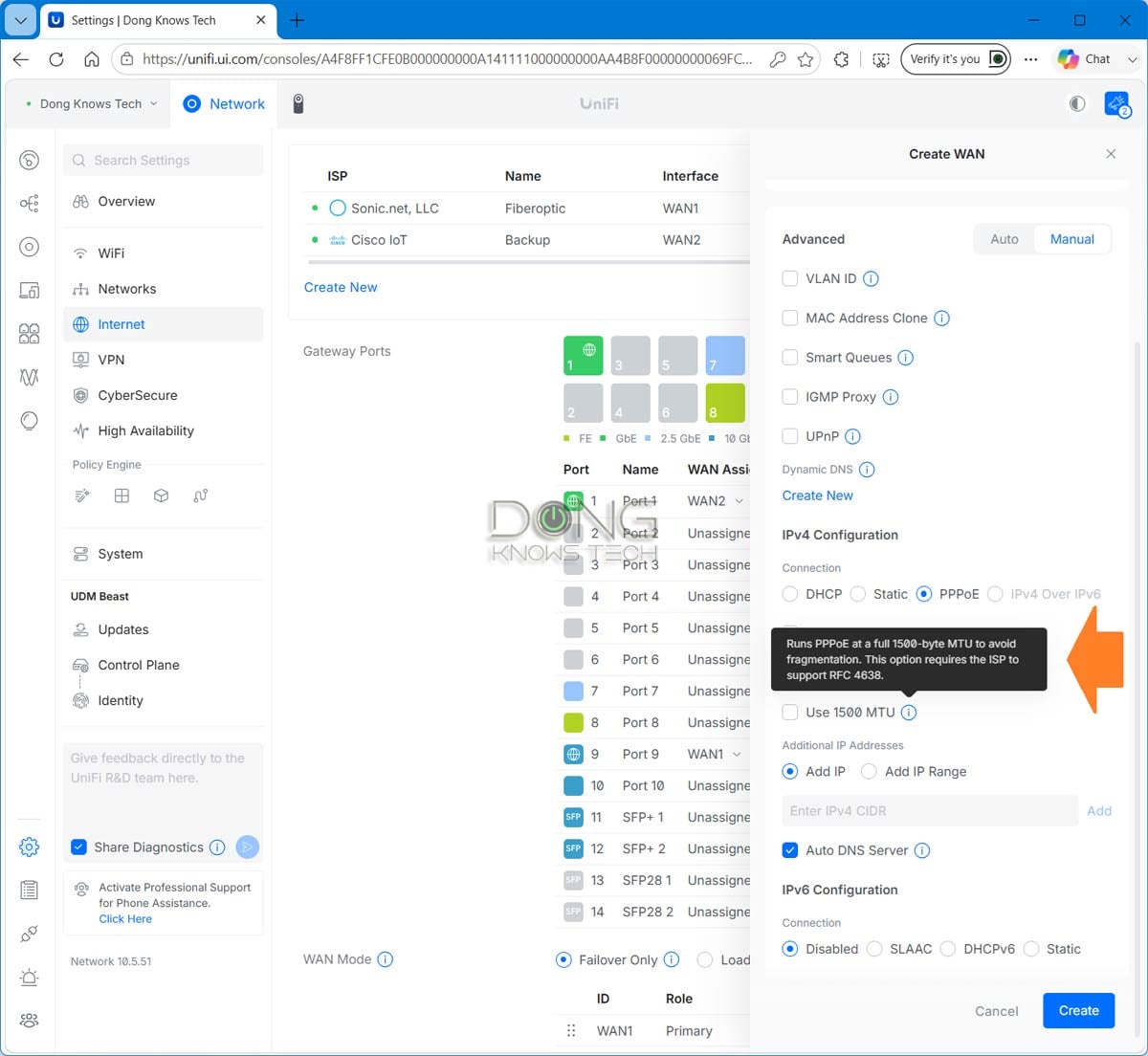
The new UniFi Network 10.5 now supports the Maximum Packet Size for a PPPoE connection, as defined in RFC 4638. This option, common in many PPPoE broadband services, means the router must use an MTU of 1500 bytes for the Internet connection to work optimally. In the previous UniFi Network version, the only option for a PPPoE connection was to enter a username and password.
Additionally, the new version introduces Safe Ops and Test & Commit, ensuring that admin users can test a new configuration before permanently confirming it. The system can also automatically roll back to a previous configuration if a change causes issues.
UniFi Network 10.5’s complete list of improvements and bug fixes
Below is the complete list of what the new UniFi Network 10.5 (currently available in build 10.5.51) brings.
Improvements
- Added SD-WAN Underlay support in Port Manager, allowing direct underlay connections between SD-WAN hubs for low-latency traffic when available.
- Configuration support will be available in a future Site Manager release.
- Added PPPoE 1500 MTU support.
- Added migration support from Suricata 6 to Suricata 8.
- Requires UniFi OS 5.1.20 or newer.
- The upgrade may take up to 1 hour after updating the Network Application.
- On consoles with high resource usage, the automatic upgrade is skipped, and a manual upgrade option is available in CyberSecure settings.
- Added an infrared status indicator for EAV Bridge.
- Requires firmware version 1.0.9 or newer.
- Added Last Seen information to anomaly tooltips in Port Manager.
- Added Hits and Last Hits columns to the Policy Table and predefined policy side panel.
- Added a Person filter to the Clients page.
- Requires One-Click WiFi.
- Added Data Plane Protection option under SafeOps.
- Improved device adoption resiliency.
- Improved Safe Mode triggering logic.
- Improved Network Application stability under high load.
- Improved IPsec Policy-Based Routing configuration by excluding WireGuard and OpenVPN clients from Local Network selection.
- Improved the Observability user experience.
- Improved Auto STP Edge behavior by excluding Sonos devices from automatic BPDU Guard assignment.
Bugfixes
- Fixed an issue where the WiFi Speed Limit appeared as selected in the WiFi Broadcast settings when it was not enabled.
- Fixed an issue in which turning off a LAN port on the UX7 could prevent configuration from being provisioned to other meshed access points.
- Fixed an issue where Port Profiles were not respected when using Auto STP Edge.
- Fixed an issue where AV Manager was not displayed when no switches were adopted on the site.
- Fixed an issue where jumbo frames were not correctly applied to EF-Core LAG ports.
- Fixed an issue where switches could fail to adopt in rare cases.
Top 5 Best non-Wi-Fi UniFi Cloud Gateways (UniFi routers)

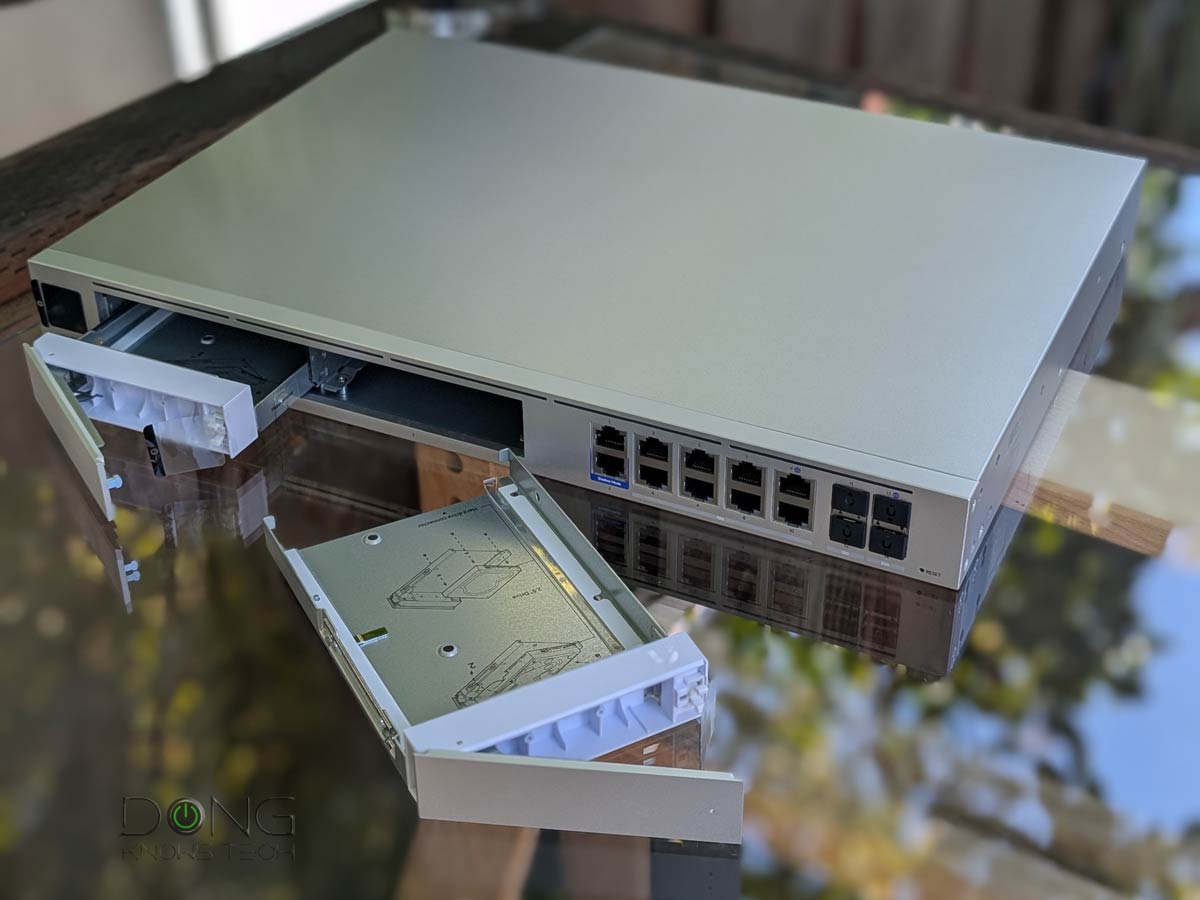


Best non-Wi-Fi UniFi Cloud Gateways at Ubiquiti Store or on Amazon!
A fast update
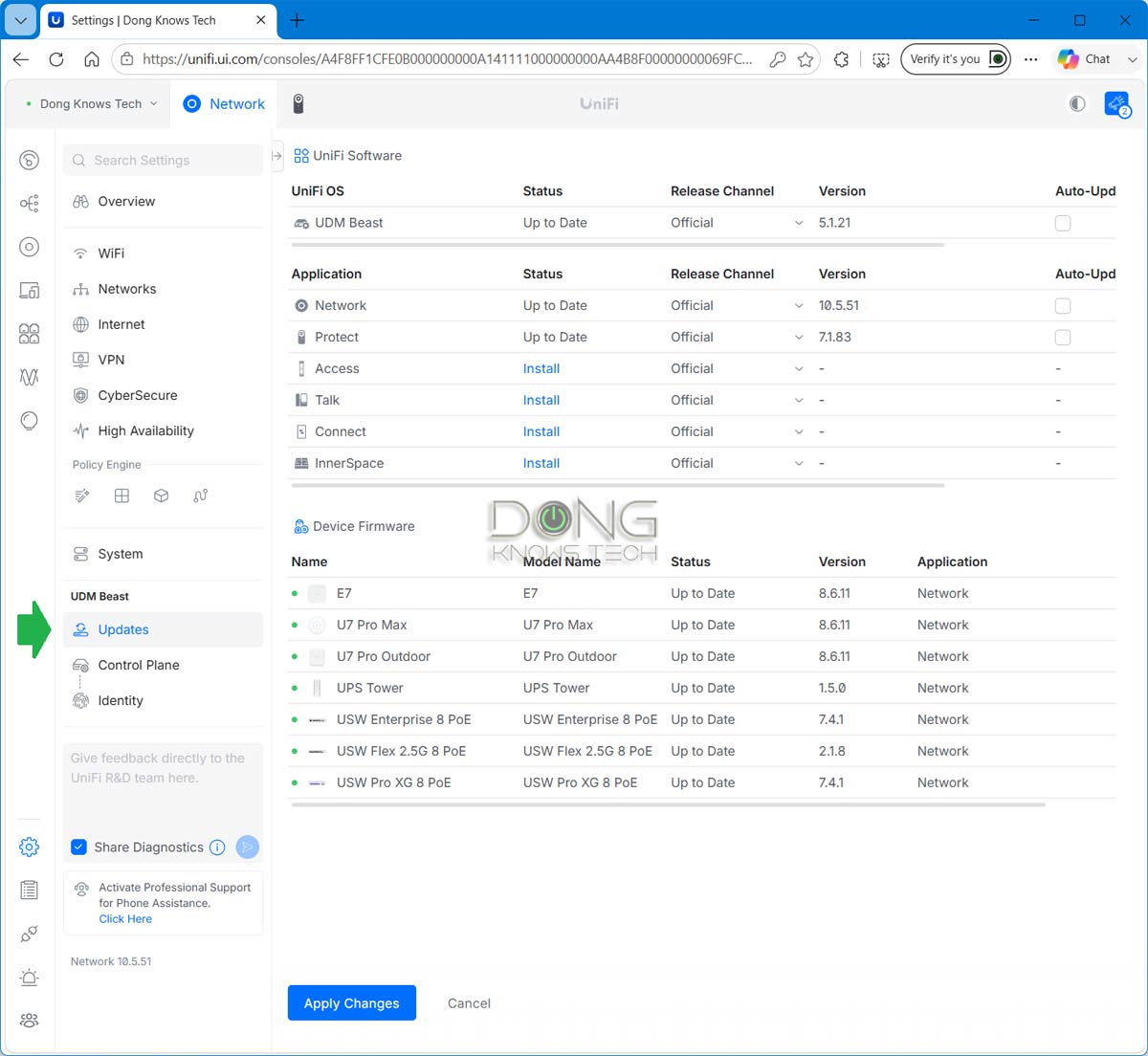
I upgraded my UniFi Dream Machine Beast to the latest version, and the process took just less than 10 minutes. After that, everything works. If you set your UniFi Cloud Gateways to auto-update, the new version will be applied within a day or two.
New to UniFi? This primer post on UniFi Network will explain everything. After that, the two lists of best UniFi Cloud Gateways above (non-Wi-Fi) and below (Wi-Fi-integrated) will help you get the one that fits your needs.
Top 5 Best Wi-Fi UniFi Cloud Gateways (Wi-Fi UniFi routers)
 |  | 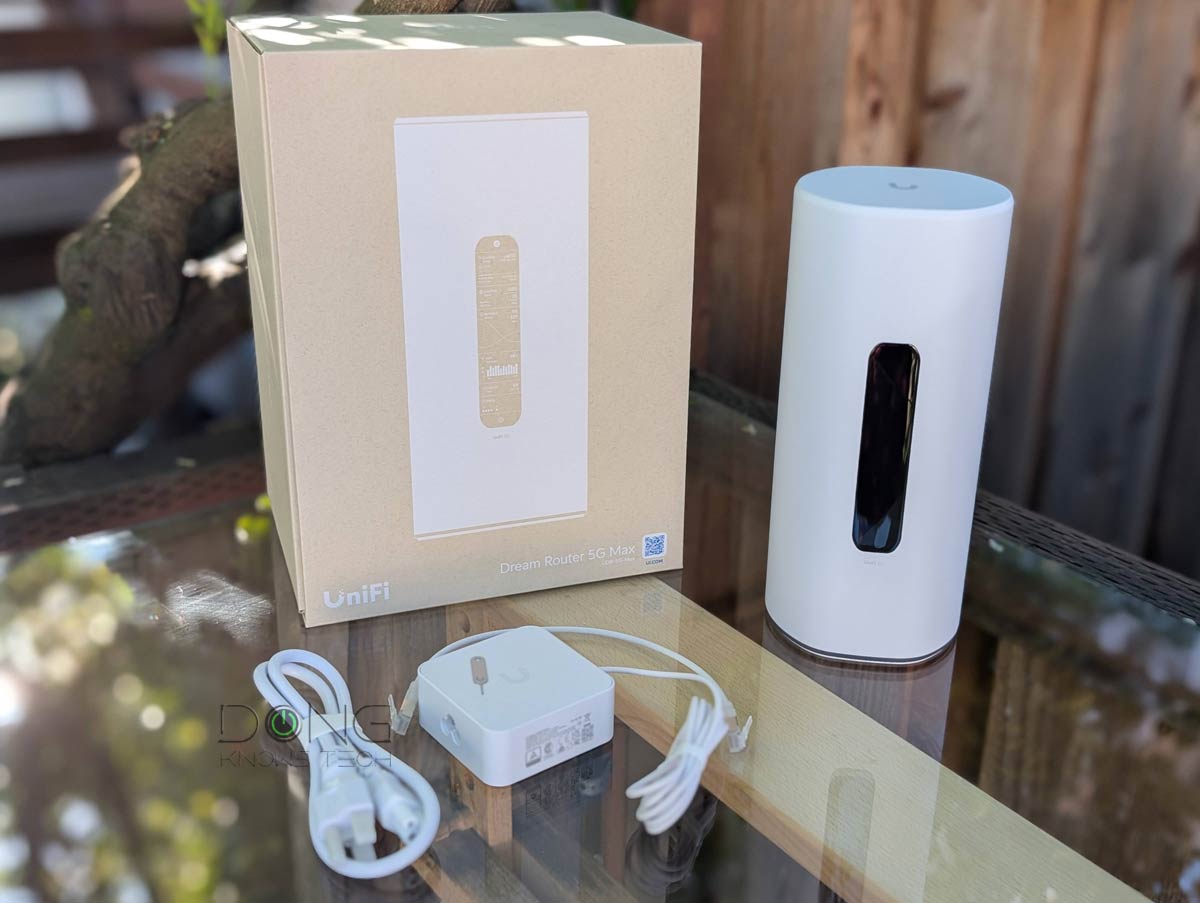 |  |  | |
| Name | Ubiquiti UniFi Dream Router 7 (UDR7)'s Rating | Ubiquiti UniFi Cloud Gateway Industrial (UCG-Industrial)'s Rating | Ubiquiti UniFi Dream Router 5G Max (UDR-5G-Max)'s Rating | Ubiquiti UniFi Express 7 (UX7)'s Rating | Ubiquiti UniFi Dream Router (UDR)'s Rating |
| Price | – | – | – | – | – |
| Rating | |||||
| Description | |||||
| Statistics | |||||
| Buy this product |
Check current prices at Ubiquiti Store or on Amazon!



Comments are subject to approval, redaction, or removal. You're in the no-nonsense zone and that applies BOTH ways.
It's generally faster to get answers via site/page search. Your question/comment is one of many Dong Knows Tech receives daily.
Thank you!
(•) If you have subscription-related issues or represent a company/product mentioned here, please use the contact page or a PR channel.