
This post includes the best portable drives I’ve tested that use a solid-state drive as their storage—they are the best portable SSDs. These are fast external storage devices that generally connect to a host via a USB-C port.
Those mentioned here are generic, convenient storage devices that can hold large amounts of data for offline backups or on-the-go use. If you’re looking for purpose-built storage devices, including desktop options, check out this top five of external drives instead.
Dong’s note: I first published this post on May 26, 2025, and last updated it on July 1, 2026, with the latest picks
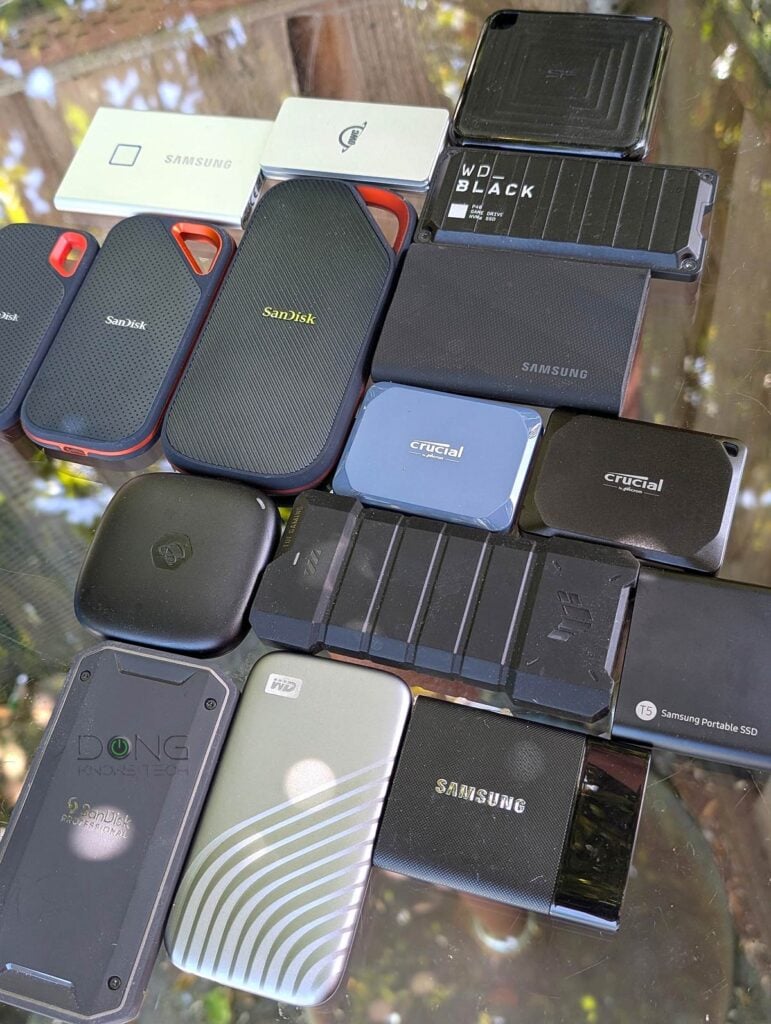
Best portable drives of 2026: The top five mobile SSDs and their alternatives
This top-five list is sorted by rating, with the best shown first—the numbers indicate the hardware’s ranking. When applicable, I’ll also mention their similar alternatives, including those previously on this list.
As general-purpose drives, any of them will work well for anyone, from casual users to prosumers to gamers. But they also differ in various ways—follow the links to the full reviews to learn their nuances.
Top 5 best portable SSDs
 |  |  |  |  | |
| Name | SanDisk Extreme PRO with USB4's Rating | Crucial X10 Portable SSD's Rating | Synology BeeDrive's Rating | Samsung T9's Rating | Sandisk Extreme Fit USB-C Flash Drive's Rating |
| Price | – | – | – | – | – |
| Rating | |||||
| Description | |||||
| Statistics | |||||
| Buy this product |
1. Sandisk Extreme Pro with USB4
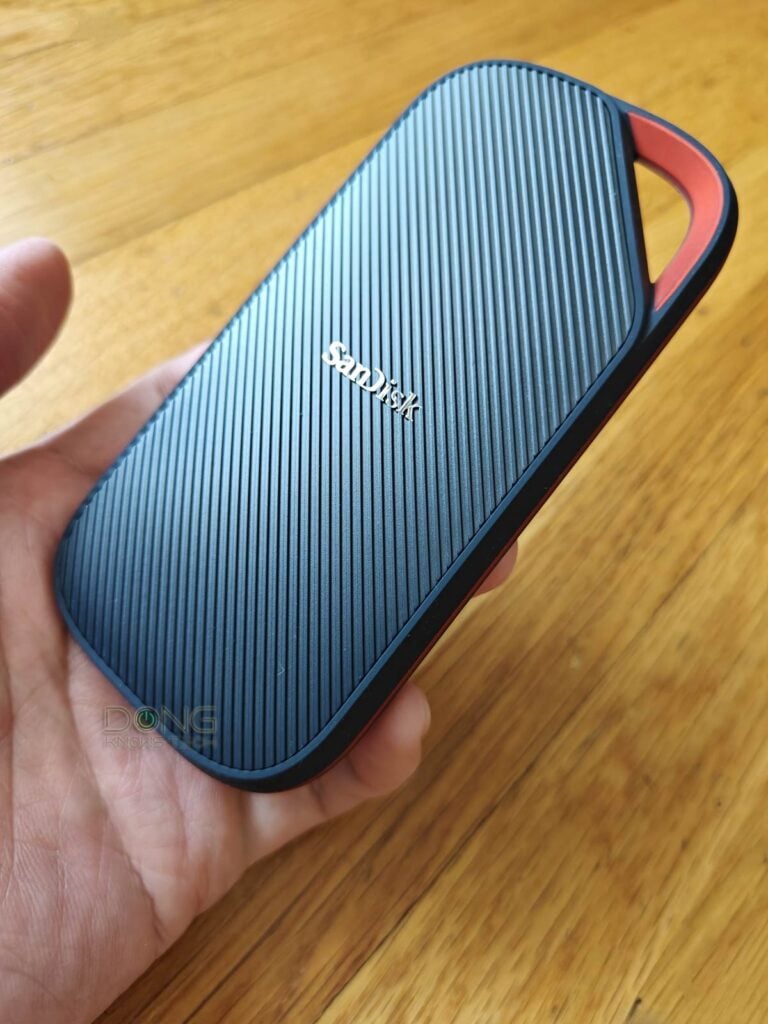
The SanDisk Extreme PRO with USB4 is the only USB4 portable SSD on this list. It’s the continuation of Sandisk’s Extreme lineup, which started almost a decade ago. The drive is super-fast, but it’s comparatively bulky, about the same size as an iPhone 15.
Similar alternatives:
- SanDisk Desk Drive
- WD Black P50 Game Drive
- WD BLACK Game Drive
- SanDisk Extreme Pro
- WD Black D30 Game Drive SSD
- SanDisk Extreme
- WD My Passport SSD
- Shopping link: Compare these drives on Amazon!
SanDisk Extreme PRO with USB4's Rating

Pros
USB4 (Thunderbolt 4) support with top real-world performance
Rugged and convenient design
Universally supported
Cons
A big bulky
No security or user-accessible features
A bit pricey
2. Crucial X10 (USB 3.2 Gen 2×2)
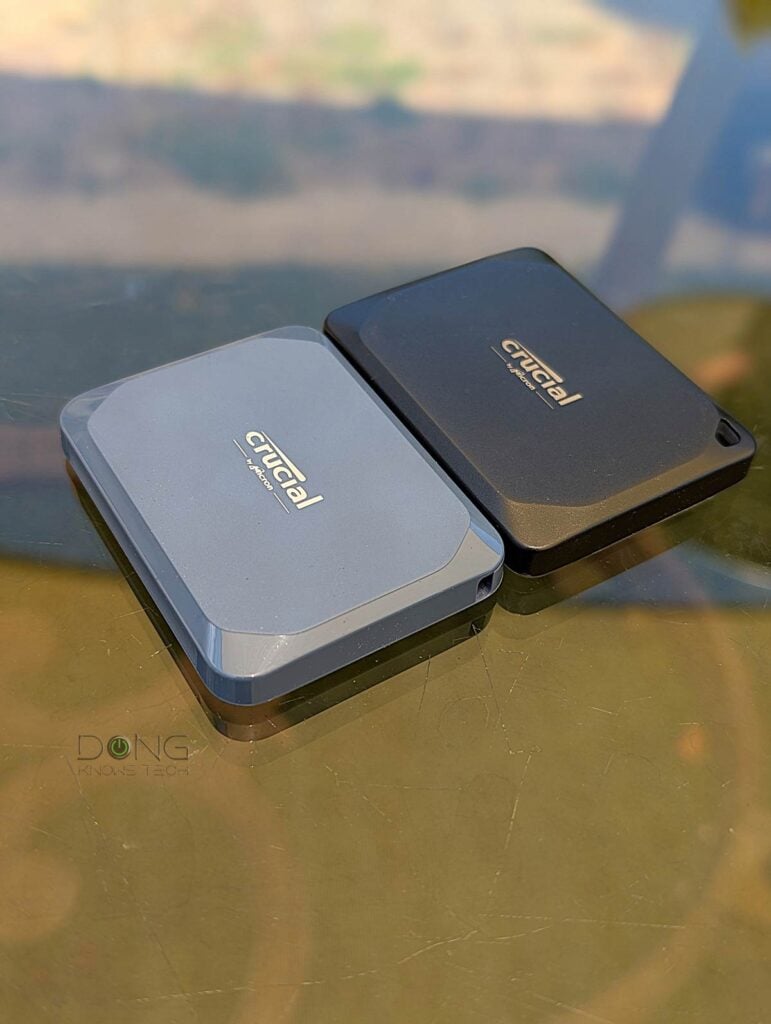
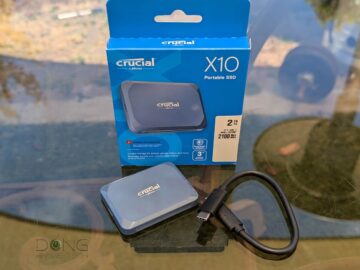
The Crucial X10 is an interesting portable drive. Despite the name, it’s actually a better version of the X10 Pro released in late 2023.
Without USB4 support, the X10 is not the fastest on the market, but it offers an excellent combo of super-compact design, fast performance, and ample storage space.
Excellent and similar alternatives to consider:
- Micron Crucial X10 Pro
- Micron Crucial X9 Pro
- Micron Crucial X8
- Micron Crucial X6
- ASUS TUF Gaming Plus
- Shopping link: Compare these drives on Amazon!
Crucial X10 Portable SSD's Rating
Pros
Top USB Gen 3.2 2×2 performance
Compact and rugged design
Plug and play with all platforms
Cons
No USB4 support, no USB-A cable or adapter included
Only a 3-year warranty
3. Synology BeeDrive (USB 3.2 Gen 2)
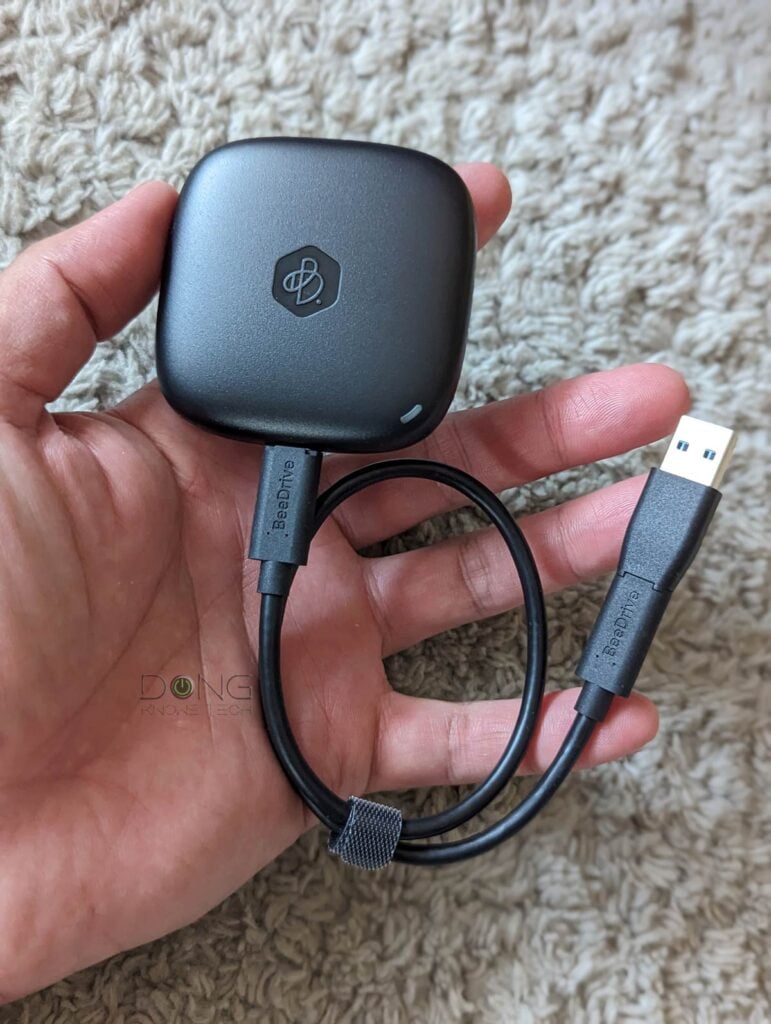
The Synology BeeDrive is quite different from others. Apart from being a typical portable SSD that’s super compact, it comes with an app and software that automatically back up your device’s content, which can come in handy in many situations.
Synology BeeDrive's Rating

Pros
Fast USB 3.2 Gen 2 performance
Robust and effective personal backup/sync solutions, thanks to the well-thought-out BeeDrive for Desktop and mobile app
Compact, practical design; runs cool
Cons
No hardware encryption, no macOS support, no option for system imaging, and users can't exclude sub-folders from a sync; the iOS app could be better
The BeeDrive mobile app only works within the local network; the desktop app doesn't work with third-party hardware
4. Samsung T9 (USB 3.2 Gen 2×2)

The T9 is Samsung’s latest in its T series of SSD-based portable drives and the first that features the USB 3.2 Gen 2×2 standard. It’s a fast drive with lots of options, including built-in security features. The drive is great overall, as long as you can handle that it’s also a dirt magnet.
Similar alternative:
- Samsung T7/Touch and Shield)
- Samsung T5
- Shopping link: Compare these drives on Amazon!
Samsung T9's Rating

Pros
USB 3.2 Gen 2×2 support to deliver top performance; compact and rugged design
Hardware encryption with effective password protection; excellent Samsung Magician 8.0 dashboard desktop software.
USB cables included; run cool
Cons
Expensive; dirt magnet
The Samsung Portable SSD Android app doesn't work at all.
5. SanDisk Extreme Fit USB-C (USB 3.2 Gen 2)
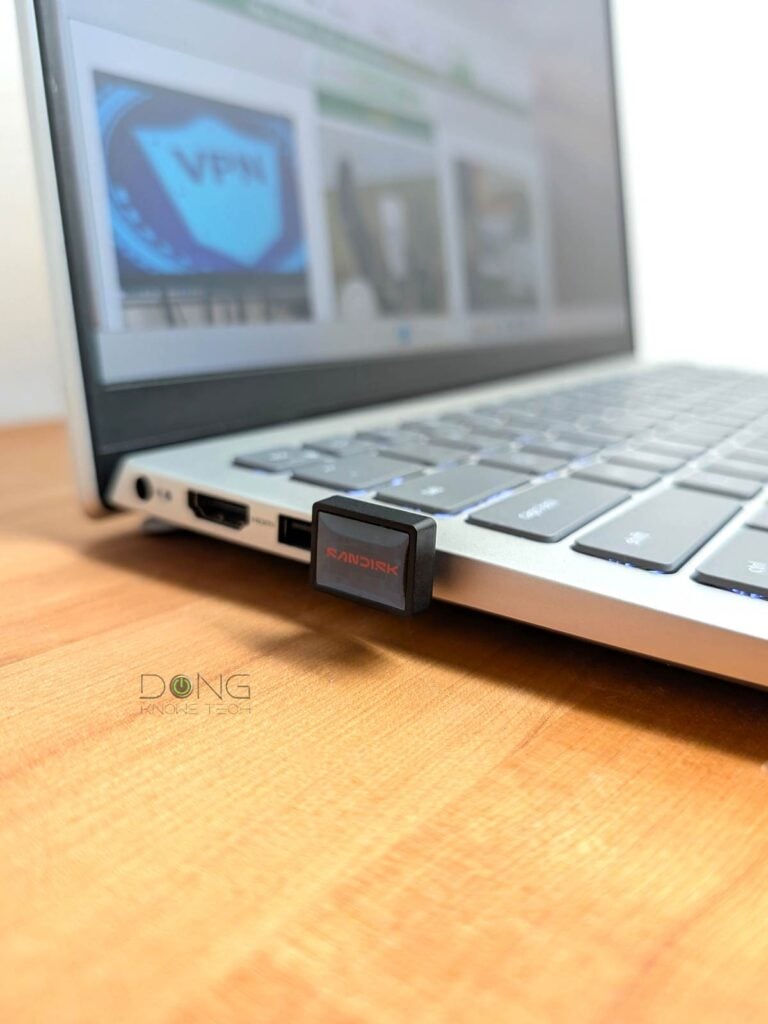
The name says it all: the SanDisk Extreme Fit is a tiny portable drive that’s as cute as a button, designed to attach directly to a host device’s USB-C port. Still, with USB 3.2 Gen 2 (5 5Gbps), it’s a formidable storage device with fast performance and up to 1 TB of storage.
Sandisk Extreme Fit USB-C Flash Drive's Rating
Pros
Super compact design with fast USB 3.0 performance, especially the write speed
Plug-and-play with helpful optional software
Available in various capacities from 64GB to 1TB
Cons
Write speed fluctuates and could be better
No USB-A to USB-C converter included
Best portable drives: The final thoughts
All of the portable drives above are fast because they host an SSD. However, none of them have built-in redundancy—if, for some reason, they fail, you’ll lose all the information they store.
That said, while they are excellent for extra storage for backups, you’re advised not to use any of them to host the only copy of your important data. In this case, at the very least, get a couple of units and use one as the backup of the other.


Just spotted the existence of the ‘MSI DATAMAG 40Gbps’ which is apparently using a PHISON U21 controller, DRAM-less design. MSI’s optimistic R/W specs are 4,000/3,500 but it’d be good to get a proper benchmark.
Hopefully 2026 is finally the year USB4 40Gbps and faster drives become widespread.
Is it me or has the Crucial X10 8TB Portable SSD taken a massive price cut on Amazon?
That happens often, James.
The ghost in the room is of course Thunderbolt 5 performance – 80 Gbit/sec. Plenty of m.2 SSDs match or cap that speed today.
Even for Thunderbolt 4 or USB4, an external m.2 enclosure seems like the better way to go. You can choose SSD, and you know what you get.
Also – as I understand it – 20 Gbit was never part of the USB3 standard. Support is limited. USB4 supports 20Gbit, but that doesn’t necessarily mean a USB 3.2 2×2 device will run at 20 Gbit on a USB4 port. It’s complicated.
That’s because USB4 is basically Thunderbolt 4, which doesn’t support USB 3.2 Gen 2×2, either. It’s complicated indeed, Lars, or simply just a big mess though still much better than what we had before.