
This post includes all deals on computer network and storage equipment. These are items curated from thousands of products with deep discounts during the 2026 Amazon Prime Big Deal Days sale event, taking place from October 6 to 7.
For Prime-related sales, you’ll need a Prime membership to take advantage of the discounts. The cabinet below includes membership options. If you’re not yet a member, consider a trial for this particular event.
Amazon Prime membership signup links
An Amazon Prime membership offers more than just free 2-day shipping. It includes streaming (Prime Video and Amazon Music), Amazon storage with unlimited photos and 5TB of video, discounts on groceries (Amazon Fresh and Whole Foods), and much more. You have a couple of main options:
- The standard plan costs $14.99/month or $139/year with a 30-day free trial. If you’re eligible for government assistance, you can enroll in a discounted plan for $6.99 per month.
- The Prime for Young Adults for those aged 18-24 costs $7.49/month or $69/year, with a 6-month free trial.
All of these options come with a free trial period. You won’t be charged during this time or judged if you cancel the membership before the trial ends—all the benefits you’ve enjoyed during the trial remain yours to keep.
Dong’s note: This post is regularly updated to cover the most recent sale event from Amazon. Dong Knows Tech might earn a commission from your purchase.
Amazon Prime Big Deal Days 2026 sale event: Deals by popular vendors
In the networking and storage categories, Amazon Prime Big Deal Days 2026 has been rather subdued, likely due to rising memory costs driven by the rise of AI and the new US policy on foreign-made routers.
However, there are some worthy deals for those who need new hardware or are looking to replace that dated router or replace that almost full storage device. Let’s look at them by hardware vendors.
Deals from ASUS: Top-tier Wi-Fi 7 routers and more
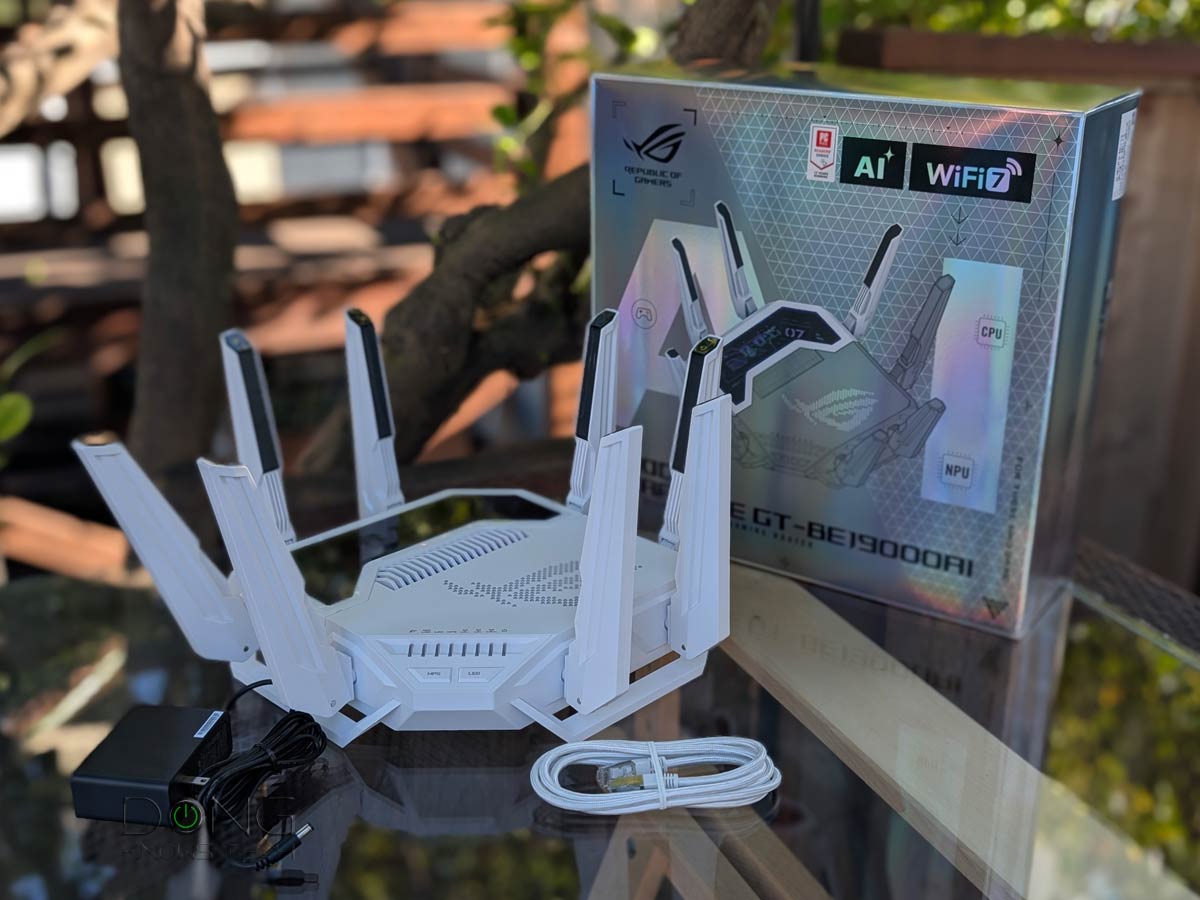
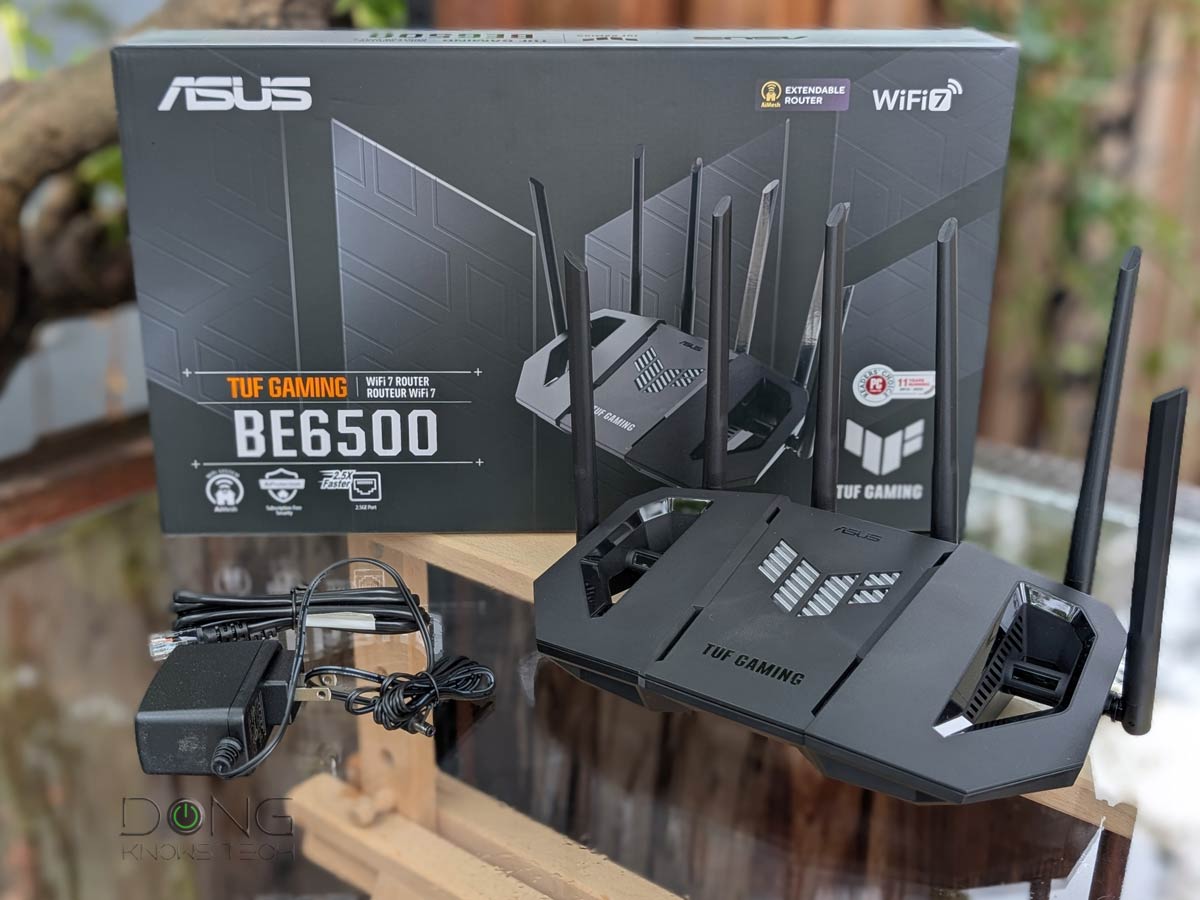
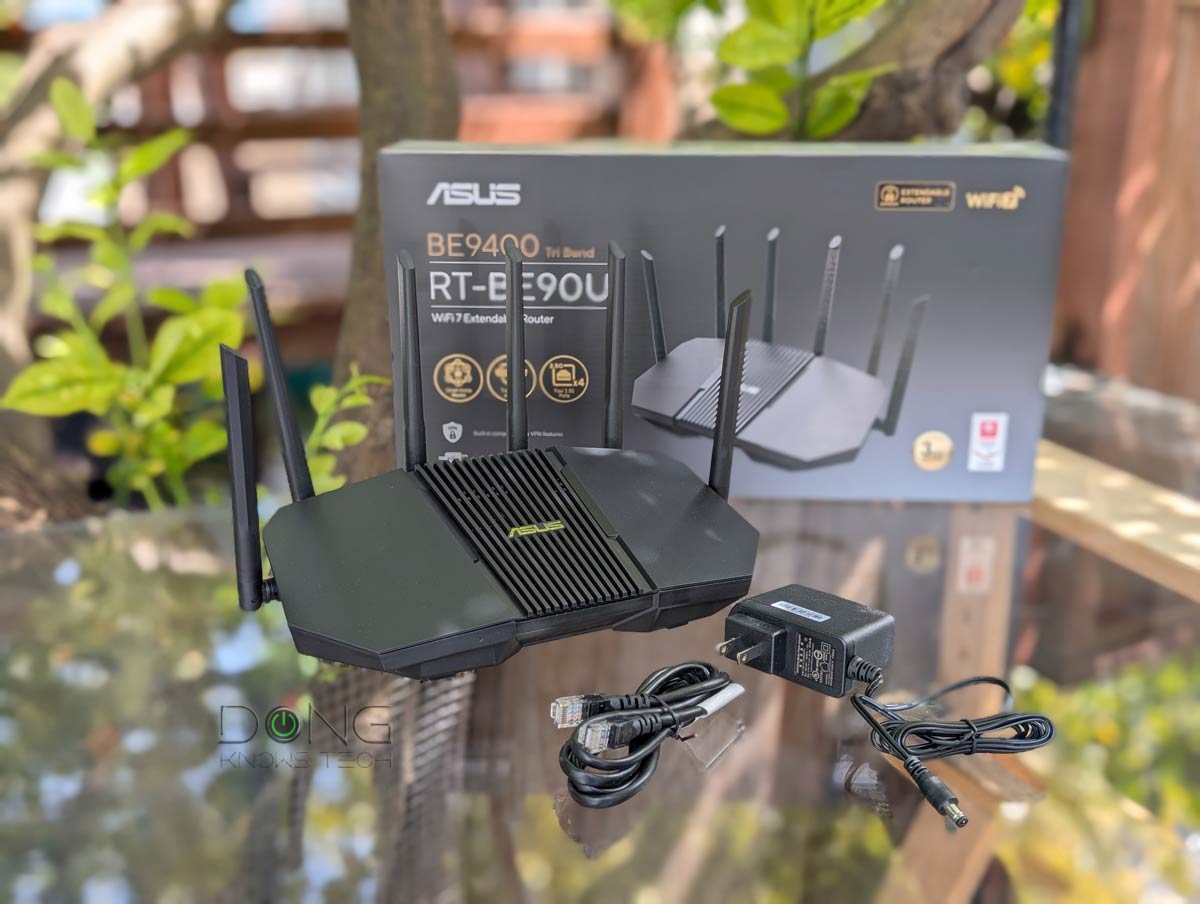
ASUS has the following deals, with the highlight below.
 |  |  |  |  | |
| Name | ASUS ROG Rapture GT-BE19000AI's Rating | ASUS RT-BE88U's Rating | ASUS TUF-BE6500 Dual-Band Wi-Fi 7 Router's Rating | ASUS RT-BE90U's Rating | ASUS GT-BE98 Pro's Rating |
| Price | – | – | – | – | – |
| Rating | |||||
| Description | |||||
| Statistics | |||||
| Buy this product |
Deals from NETGEAR: Wi-Fi 7 systems and more
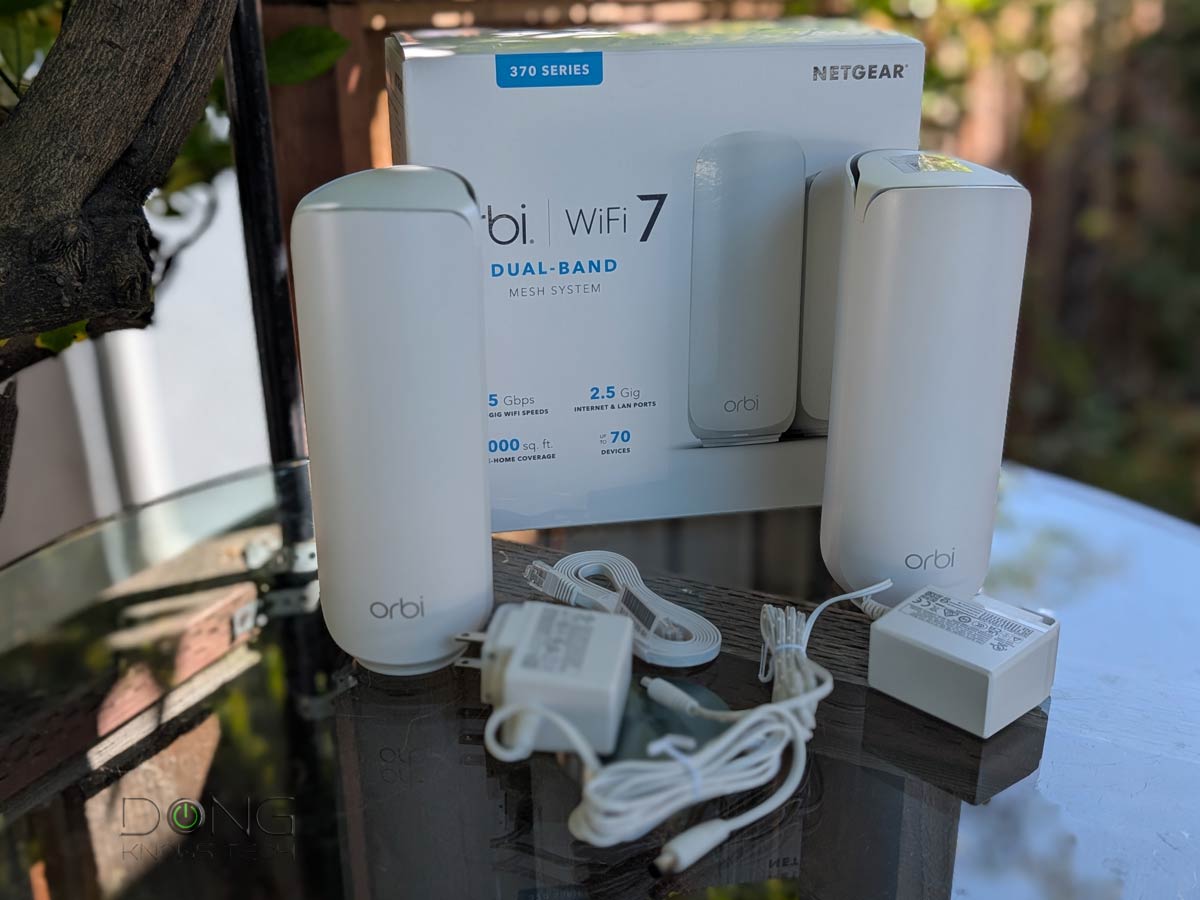
NETGEAR offers over a dozen deals on Wi-Fi routers, mesh systems, and adapters. Including these:
 |  |  | 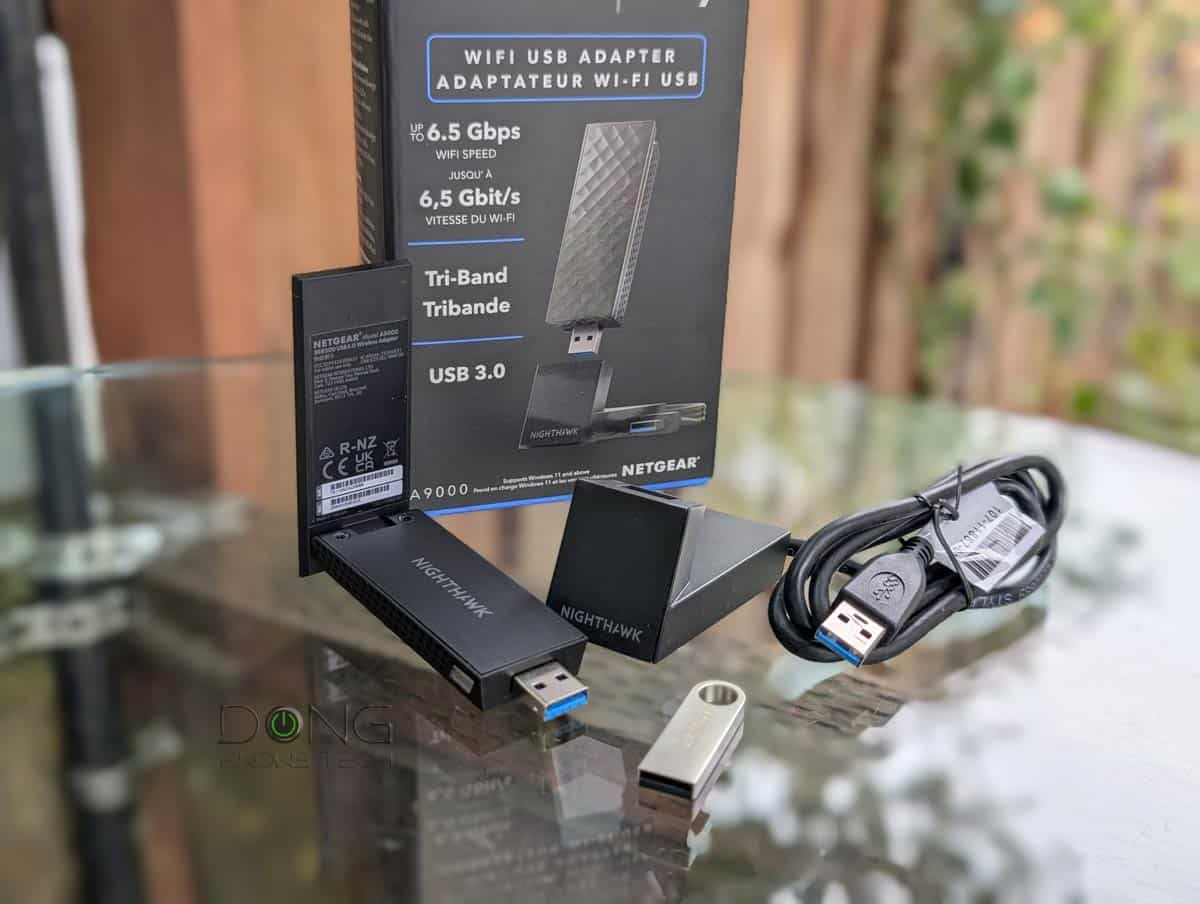 |  | |
| Name | NETGEAR Orbi 770 Series (RBE773)'s Rating | NETGEAR Orbi 370 Series' Rating | NETGEAR Nighthawk RS100's Rating | NETGEAR A9000 Wi-Fi 7 USB Adapter's Rating | NETGEAR A8000 Wi-Fi 6E Adapter's Rating |
| Price | – | – | – | – | – |
| Rating | |||||
| Description | |||||
| Statistics | |||||
| Buy this product |
Deals from Samsung and Sandisk: Lots of SSDs
Samsung and Sandisk offer a few dozen NVMe and portable SSDs, as well as thumb drives and memory cards, including these:
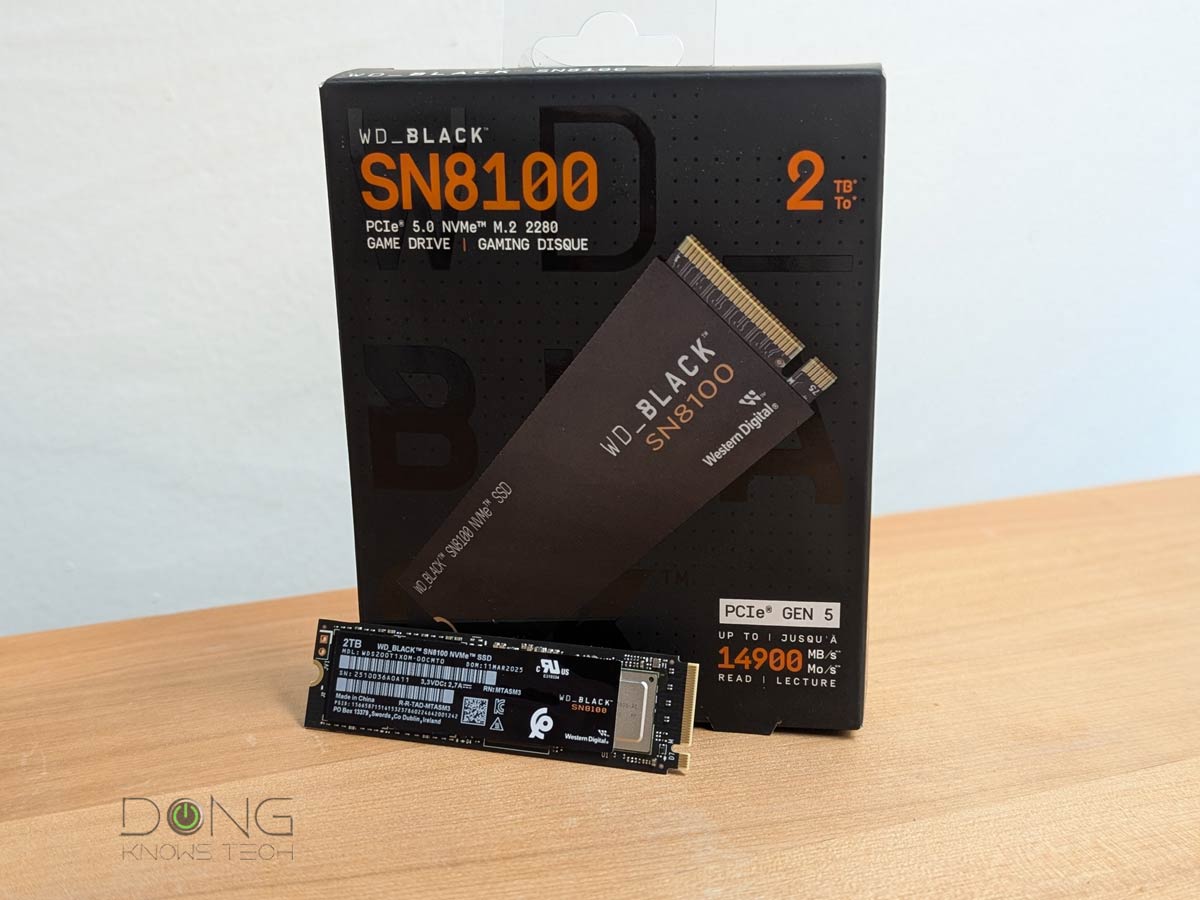 | 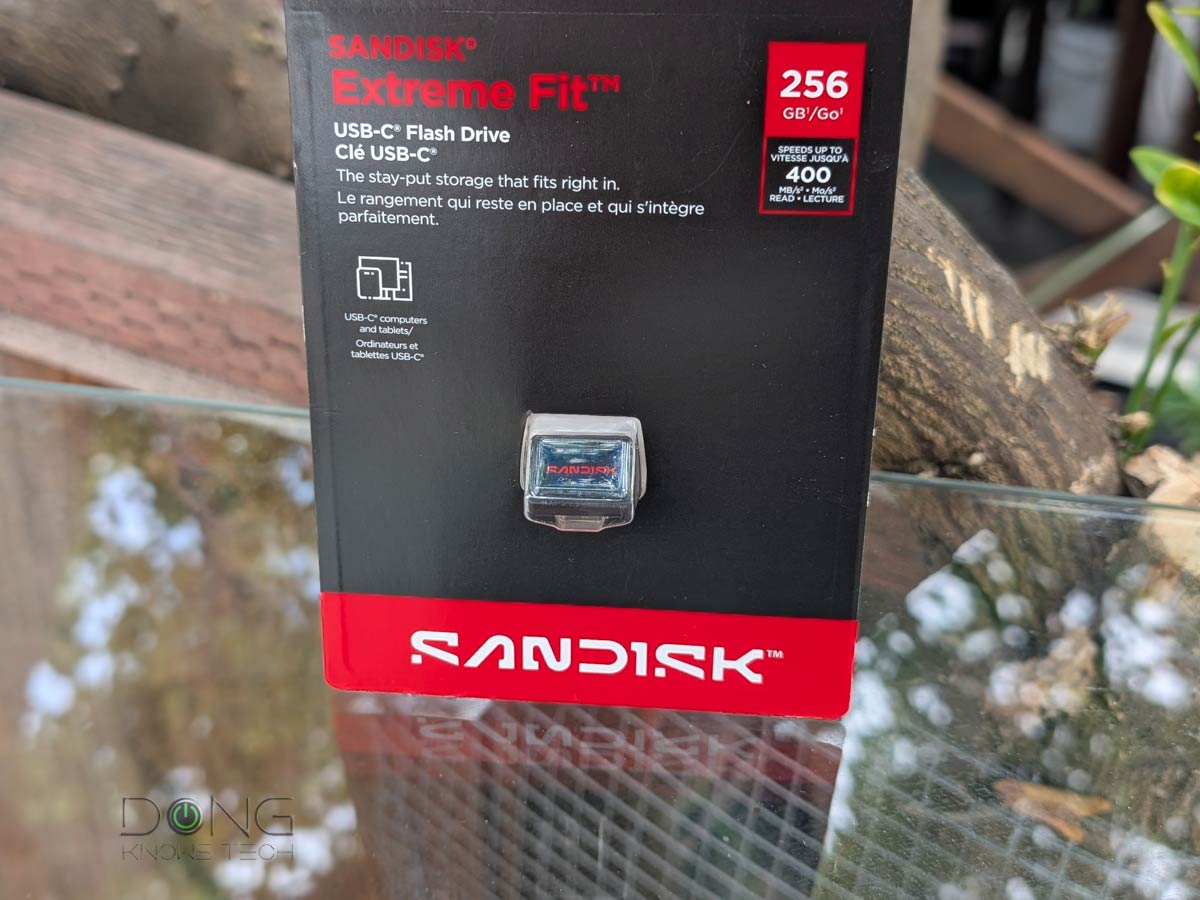 |  |  | 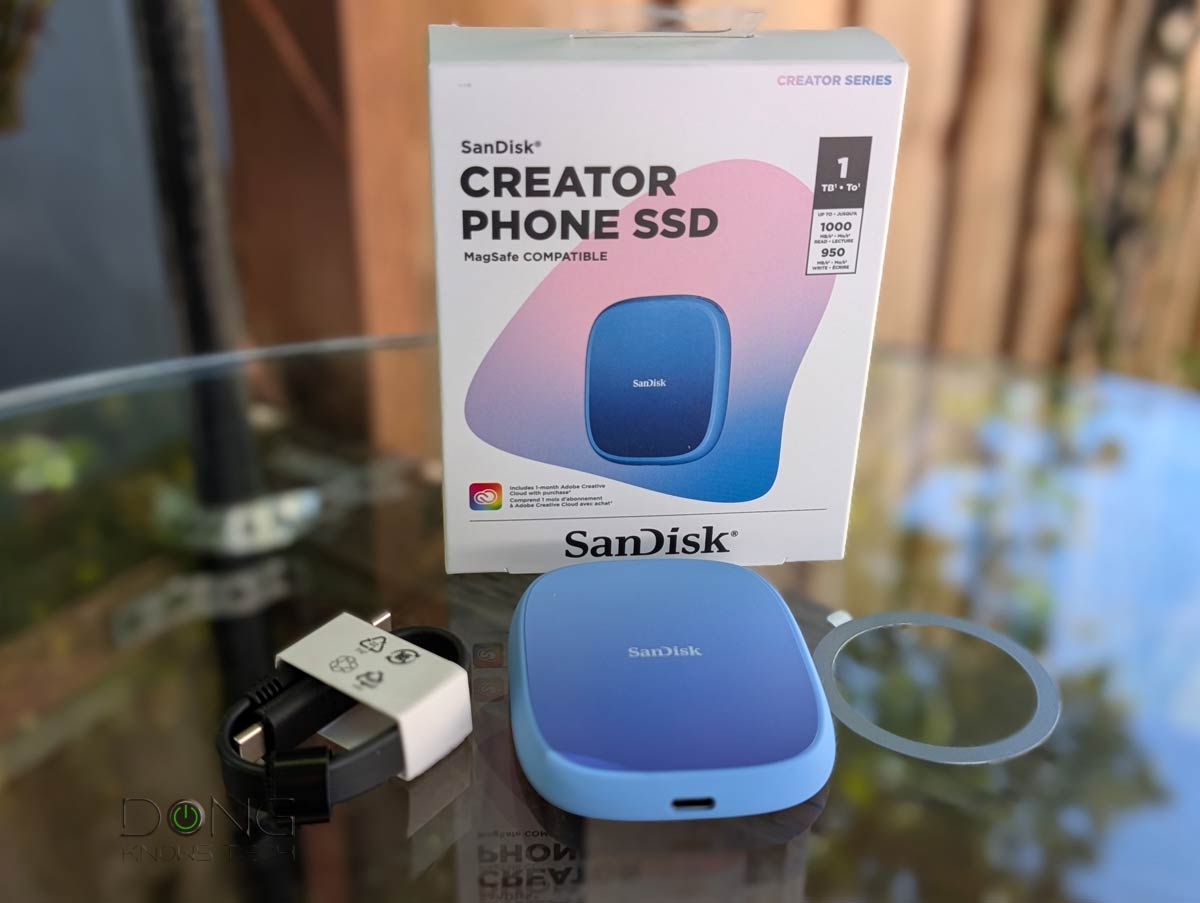 | |
| Name | SANDISK Optimus GX Pro 8100 (formerly WD Black SN8100)'s Rating | Sandisk Extreme Fit USB-C Flash Drive's Rating | Samsung T9's Rating | Samsung SSD 9100 PRO's Rating | SanDisk Creator Phone SSD's Rating |
| Price | – | – | – | – | – |
| Rating | |||||
| Description | |||||
| Statistics | |||||
| Buy this product |
Top Deals from Sandisk and Samsung for Amazon Prime Big Deal Days!
Deals from TP-Link: The largest collection of Wi-Fi routers, mesh systems, and switches
TP-Link, whose first Wi-Fi 8 router won’t be available in the US any time soon, has a good collection of deals on devices using Wi-Fi 7 and previous standards, including the following that you won’t want to miss:
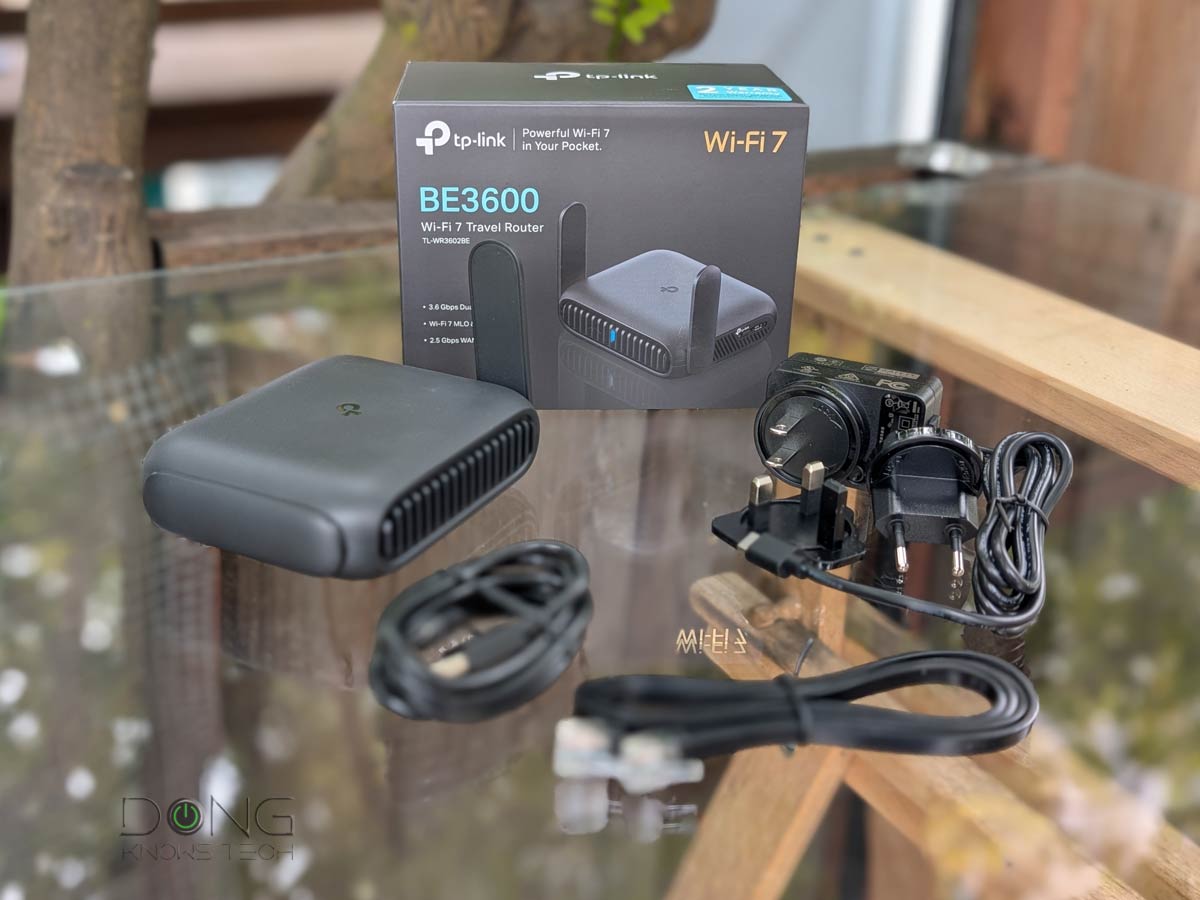 |  | 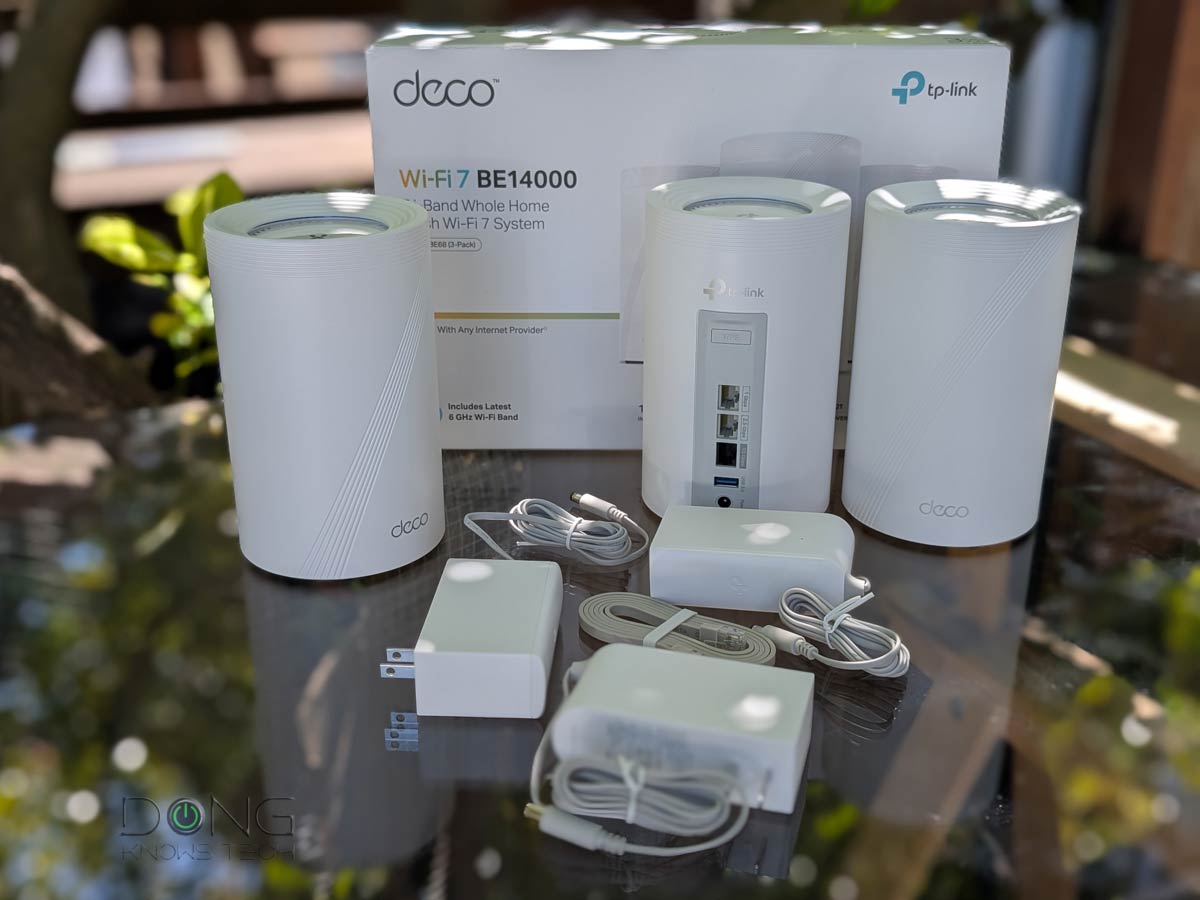 |  | 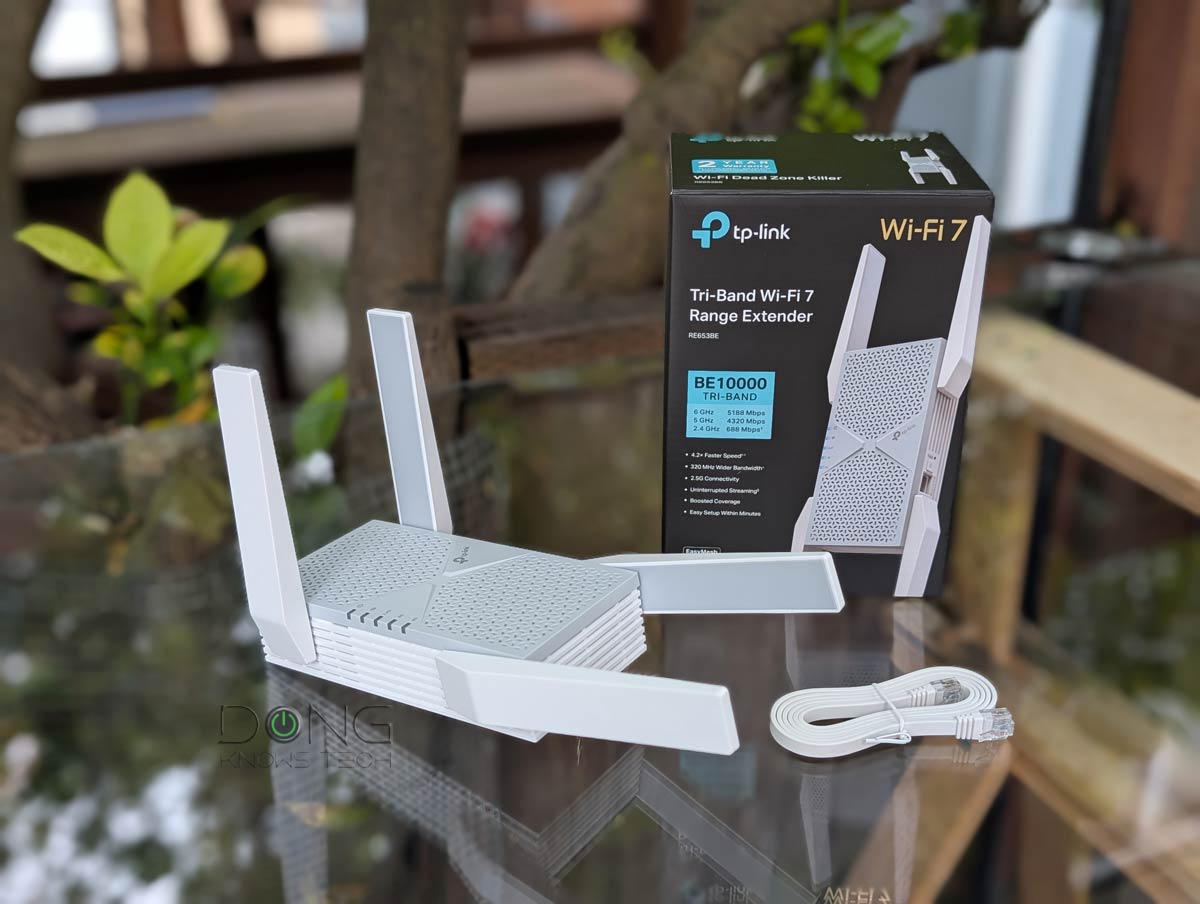 | |
| Name | TP-Link Roam 7 BE3600 (TL-WR3602BE)'s Rating | TP-Link Archer BE800's Rating | TP-Link Deco 7 Pro BE14000 (Deco BE67/68)'s Rating | TP-Link Deco BE25 (Deco BE5000)'s Rating | TP-Link RE653BE's Rating |
| Price | – | – | – | – | – |
| Rating | |||||
| Description | |||||
| Statistics | |||||
| Buy this product |
Deals from Synology and UGREEN: A dozen NAS servers
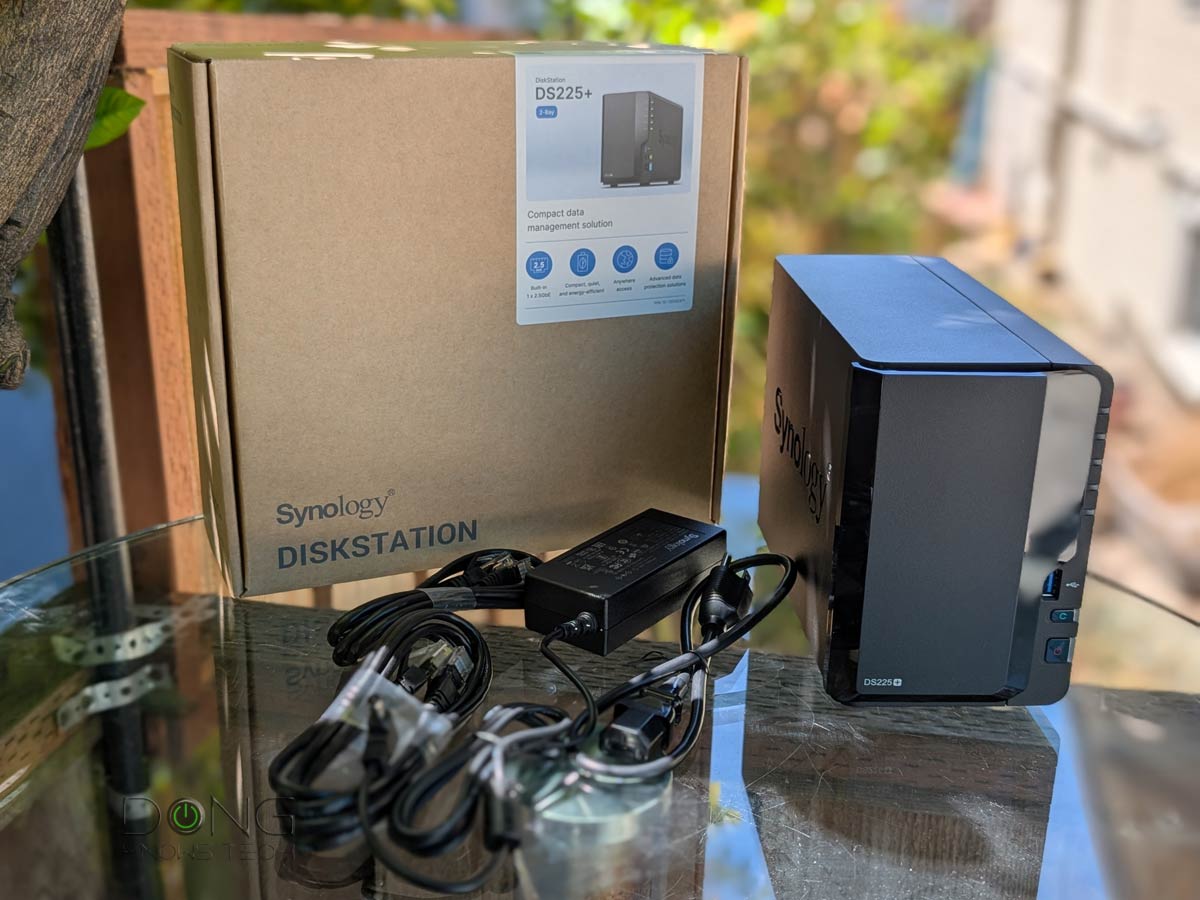
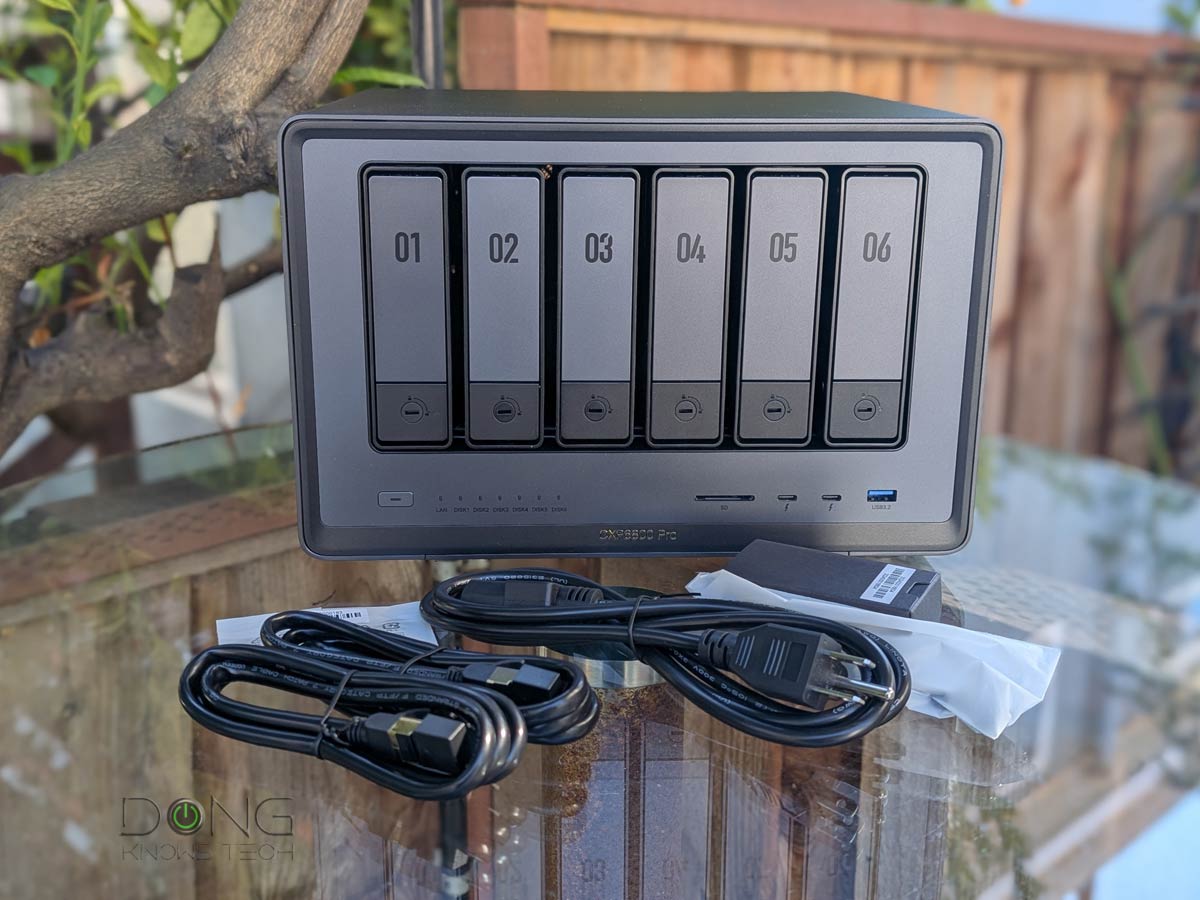
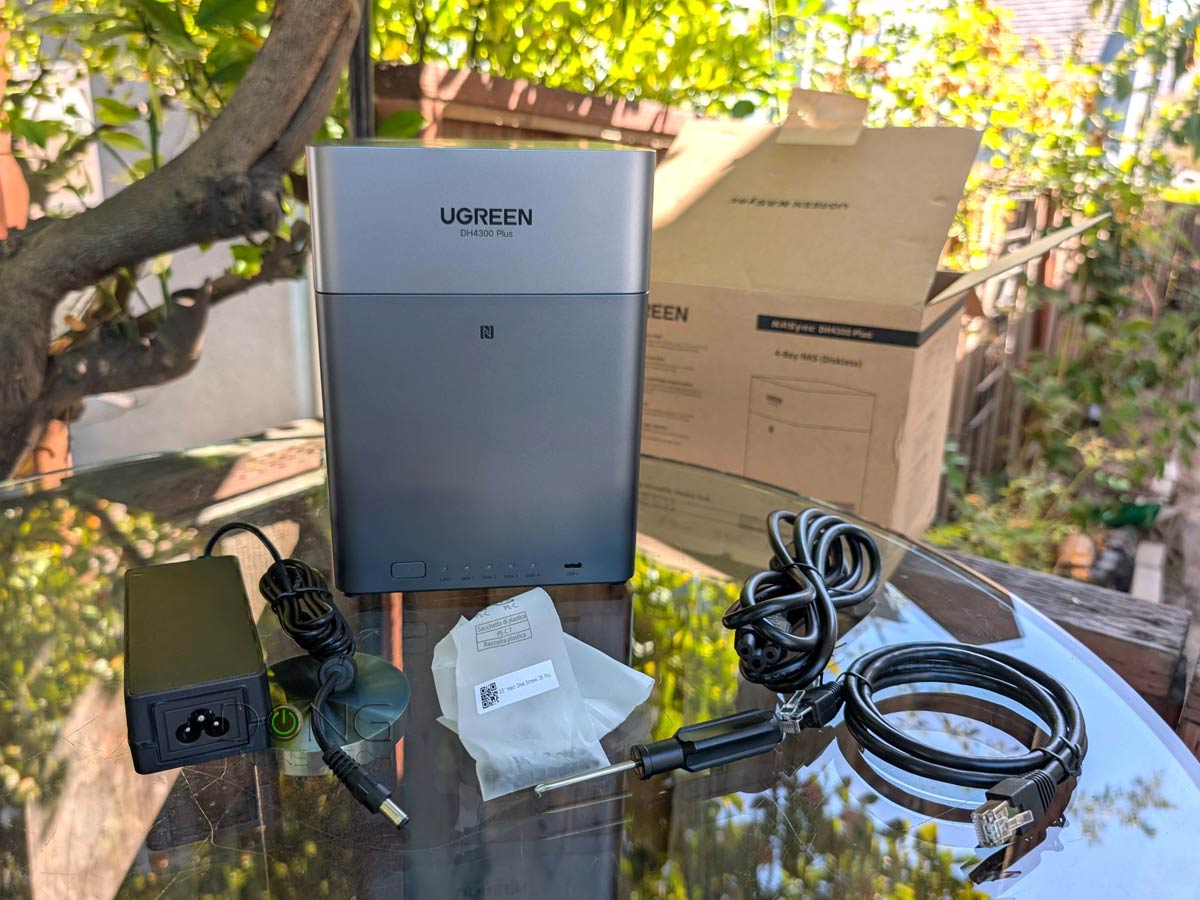
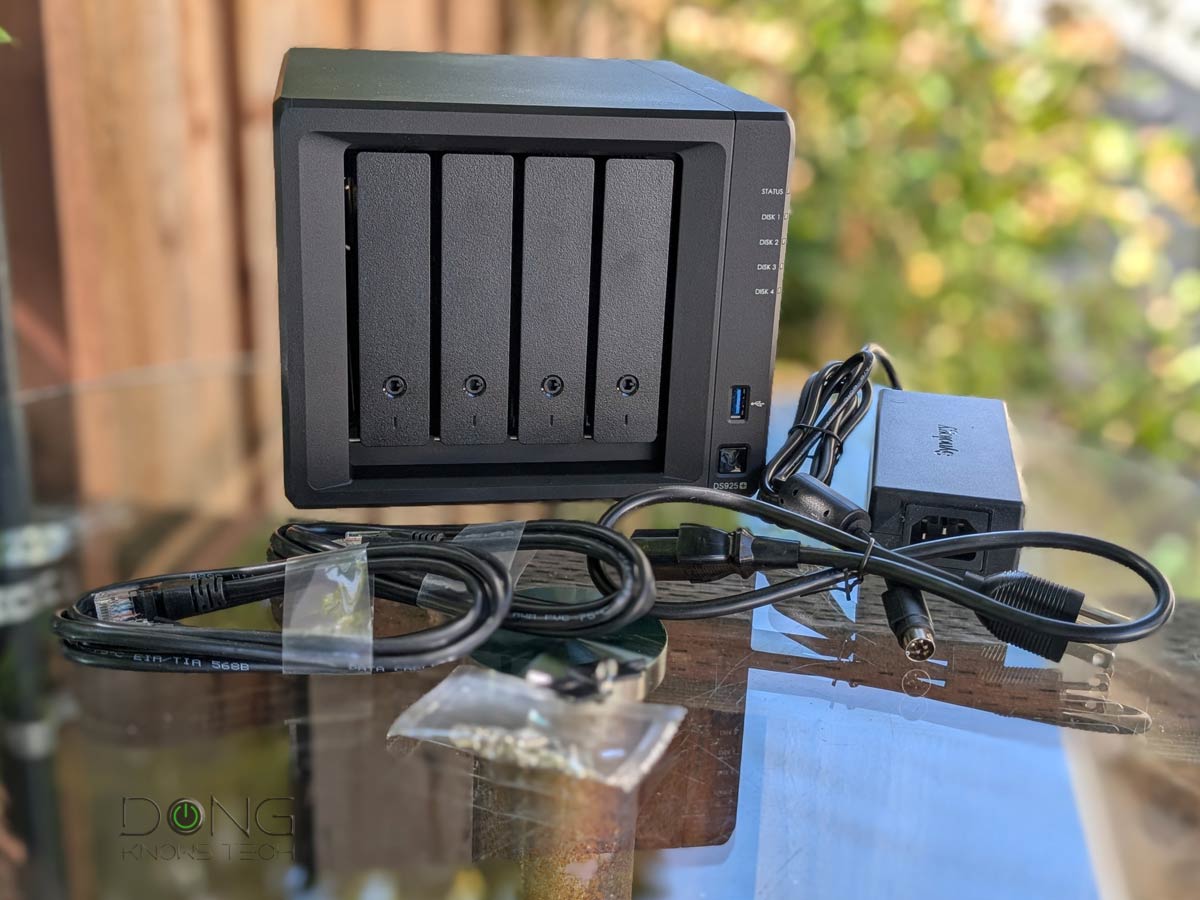
Synology and UGREEN offer many great deals on NAS servers, including these:
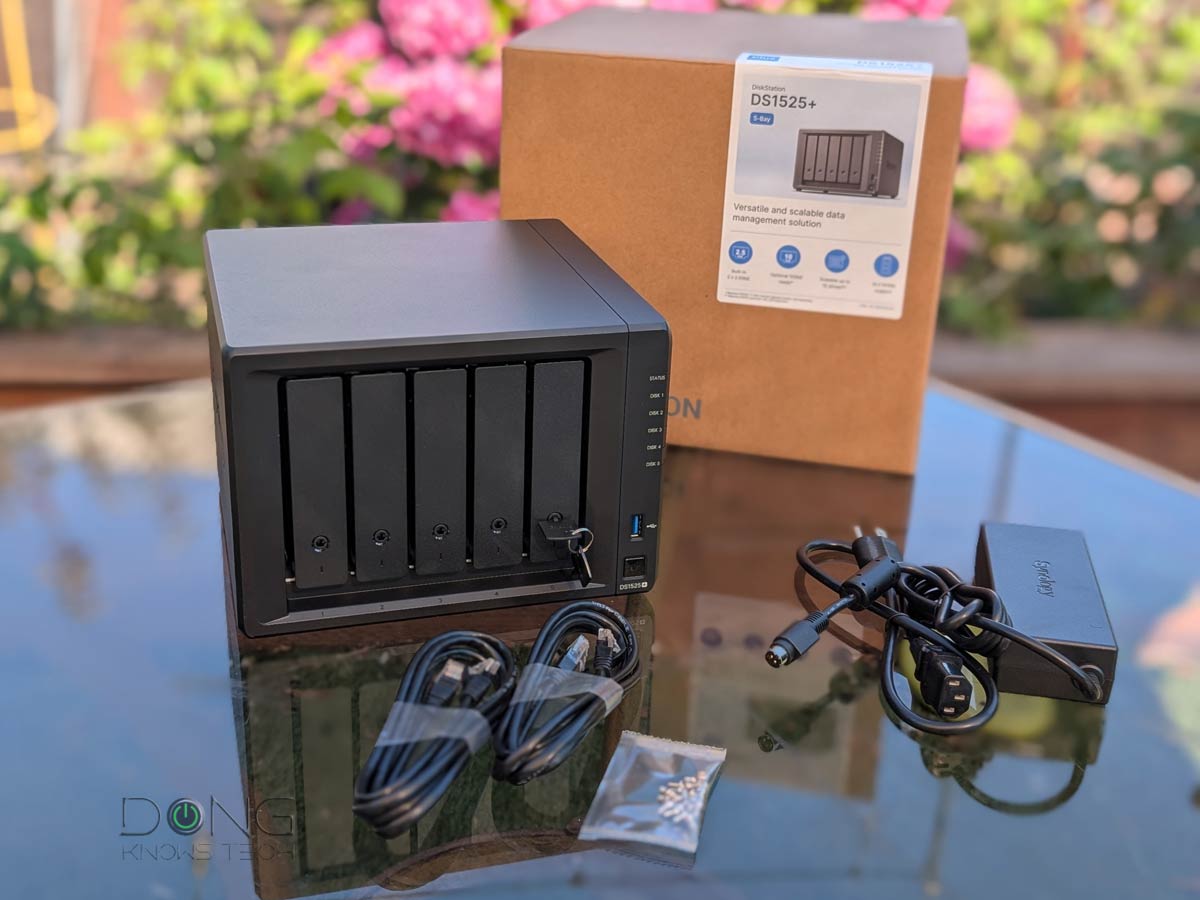 |  |  |  |  | |
| Name | Synology DiskStation DS1525+'s Rating | Synology DiskStation DS225+'s Rating | UGREEN NASync DXP6800 Pro's Rating | UGREEN NASync DH4300 Plus' Rating | Synology DiskStation DS925+'s Rating |
| Price | – | – | – | – | – |
| Rating | |||||
| Description | |||||
| Statistics | |||||
| Buy this product |
Deals from Synology and UGREEN for Amazon Prime Big Deal Days 2026
Happy shopping!
There you go. Any of the products above would be a great deal if you have relevant needs or know someone who does.
By the way, if you need more information, the shopping guide will be helpful. For example, if you’re wondering if it’s time to replace your current router or Wi-Fi system, this post provides a comprehensive answer. The gist is that you only need to get a replacement when the current one no longer meets your bandwidth needs.
In any case, shop responsibly! A deal is only as great as the real-world value you derive from the product.


Dong, your reviews are great and very helpful.
One question about the “stars” you award. Some are green and some are gold. What is the difference?
It’s in the number of them, Bob. Gold means 3.5 or 3 stars.
Thank you! You provide an amazing service. I guess if the satellite is not wired, there would be no way to contact it to turn on or off. I guess if there is a Bluetooth connection an app can do that.
Do any of the top mesh 6E allow you to control the TX rate?
Regarding Mesh vs. router, I could buy one ET12 to act as a standard router and then add satellites or buy an Asus router such as Asus GT-AXE16000 and then add satellites. Am I missing on anything significant by going with the ET12?
That’s not entirely true, Amy. In a mesh, you control all the satellites via the primary router’s unit, including the power or Wi-Fi schedules.
If the hardware can be controlled via a web user interface (not the case of Deco, eero, Google Nest or any app-operated hardware) then chances are you can control the TX rates or even the broadcasting power. Generally, it’s pointless to change these lower than the default (highest). More on AiMesh in this post and the related ones in the series (in the Related Posts box at the beginning of each post). Make sure you read them.
Hey Dong,
Have you heard any word on when the Asus ZenWifi BT10 will be available? Do think it will be worth it over the ET12?
Thanks!
I’d say in a month or two, but only Asus would know. It’s different, if you have wired backhauling, chances are it’ll very similar. If you want the best compatibility, the ET12 is better for the time being and foreseeable future, more here.
I’ll be using MoCA with Ethernet converters to get the 2.5gb backhaul, so I’ll get the ET12 if the BT10 isn’t out when I’m ready to buy.
Thanks!
👍
Hi Dong,
Thank you for this amazing and detailed site. I recently purchased the TP-Link Deco Mesh WiFi AXE11000 (still in the return window). It is great, but I would really like to be able to schedule the WiFi shutting off at night, as at least the satellite is near our heads. I don’t see this feature for Deco. Would it work with ET12? It is on sale now. I can do a wired backhaul.
Also, in the past I have needed mesh, but it could be a new router is strong enough to reach entire apartment. Would there be a benefit to getting a asus router and then expending if needed?
Yes, you can do that, one band at a time, with all Asus routers, Amy, it’s the “wireless schedualer” in the Professional tab of the Wireless section in the web user interface (I generally don’t use the Asus mobile app but you might be able to do that with it too.) As for whether you’d need a mesh, only you would know, but you can start with a router and add more later.