
Ubiquiti today made available its latest Wi-Fi 7 mesh unit, the $199 U7 Mesh Wall (model U7-Mesh-Wall).
As the name suggests, it’s somewhat the wall-mount version of the U7 Mesh that came out in March. From the design, however, it’s more of a continuation of the networking company’s plug-in meshpoing that started with the UniFi BeaconHD (Wi-Fi 5) and then the U6 Extender (Wi-Fi 6).
As usual, neither is wrong nor entirely true. While the U7 Mesh Wall is indeed a UniFi Wi-Fi 7 mesh extender with a familiar design, it has something of its own that’s unlike previous models or, especially, third-party counterparts. Here are some highlights:
- It’s a form-fitting extender designed for an existing wall plate, which is a familiar design.
- It’s designed for the UniFi ecosystem: it likely will not work with a third-party Wi-Fi network.
- It comes with paintable skins (not included) for those not happy with its default white color. This is somewhat of a novelty.
Let’s find out more about this new mesh device in this quick preview. Remember to check back to find out how its real-world performance pans out in hands-on testing.
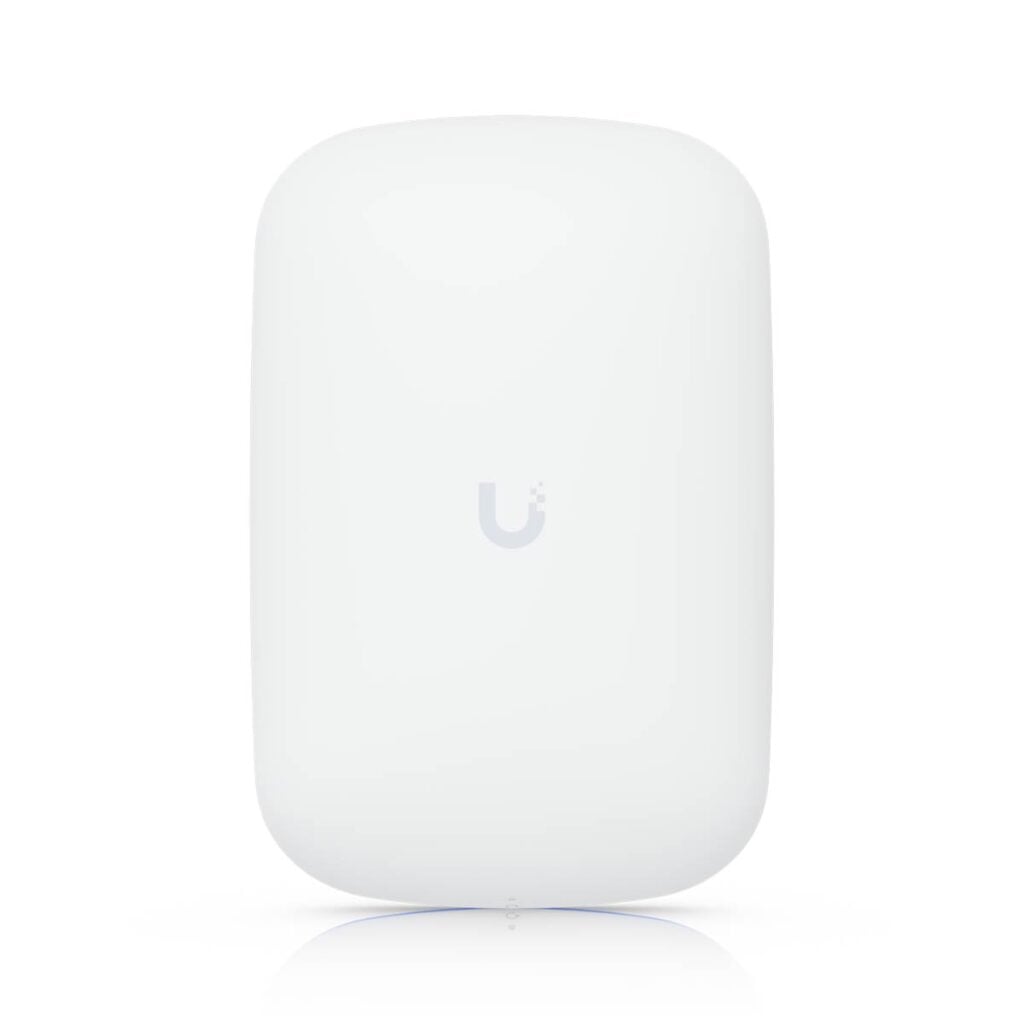
Ubiquiti U7 Mesh Wall: A dual-band Wi-Fi 7 UniFi mesh extender with no wired uplink
The U7 Mesh Wall shares the same design and physical size as the original UniFi BeaconHD. It’s shaped somewhat like half an egg and includes a three-prong to fit snugly into a single or double wall outlet. The device is large enough to take over the entire area, meaning you’ll not be able to plug anything else into the adjacent socket.
This design is convenient when you have a power socket at a reasonable distance from the source access point or Wi-Fi router. If not, you can use a power strip or an extension cord, but in this case, the U7 Mesh Wall can be a bit awkward to use—its form-fitting “Wall” notion no longer applies.
Like the case of the BeaconHD and U6 Extender, the U7 Mesh Wall doesn’t have a network port. As a result, there’s no way to use it with wired backhauling. In other words, the U7 Mesh Wall is made for an area where wireless uplink (backhaul) is the only option.
Backhaul in a nutshell
In network connectivity, there are always fronthaul and backhaul.
Fronthaul (or downlink) refers to the signal from a host device (such as a router) going toward an end device (such as a computer). Backhaul (or uplink) is the signal from an end device going to the host device.
In most cases, the backhaul and fronthaul are the same—it’s just a matter of perspective.
However, a go-between device that relays the signal, such as a network switch or a Wi-Fi access point, has two distinct backhaul and fronthaul ends: the backhaul (the uplink to a single host) determines the max bandwidth (to the router or the Internet) shared between all of its connected end devices on the fronthaul (such as wired computers, Wi-Fi clients, or more go-between devices).
Additionally, keep the following in mind about the uplink for a wireless go-between device, such as a satellite/extender unit (a mesh point or node) of a Wi-Fi system:
- Generally, one of the Wi-Fi bands (2.4GHz, 5GHz, or 6GHz) is used for the uplink (backhaul), resulting in two scenarios:
- If this Wi-Fi band also handles fronthaul simultaneously, only half of its bandwidth is available to either end (and the half used for the uplink is the maximum bandwidth available to all of its connected end devices).
- If this Wi-Fi band is used solely for backhauling, as is often the case in tri-band hardware, the link is called a dedicated backhaul. In this case, this band is no longer available for the fronthaul.
- Some Wi-Fi 7 hardware can combine multiple bands into a single backhaul link via the MLO feature, allowing these bands to operate simultaneously as both backhaul and fronthaul. In this case, half of their combined bandwidth is available to either side.
For the best performance and reliability, network cables are recommended for uplink (a.k.a. wired backhaul), which is only possible when the go-between device has a network port, preferably a Multi-Gig port.
On the inside, the U7 Mesh Walls share the same modest dual-band Wi-Fi 7 specs found in the U7 Mesh (or the U7 Lite). Unlike the U7 Mesh, however, the U7 Mesh Wall can’t work as a standalone extender. Instead, it can only function as a mesh point of a UniFi system. The table below compares the hardware specs of the two.
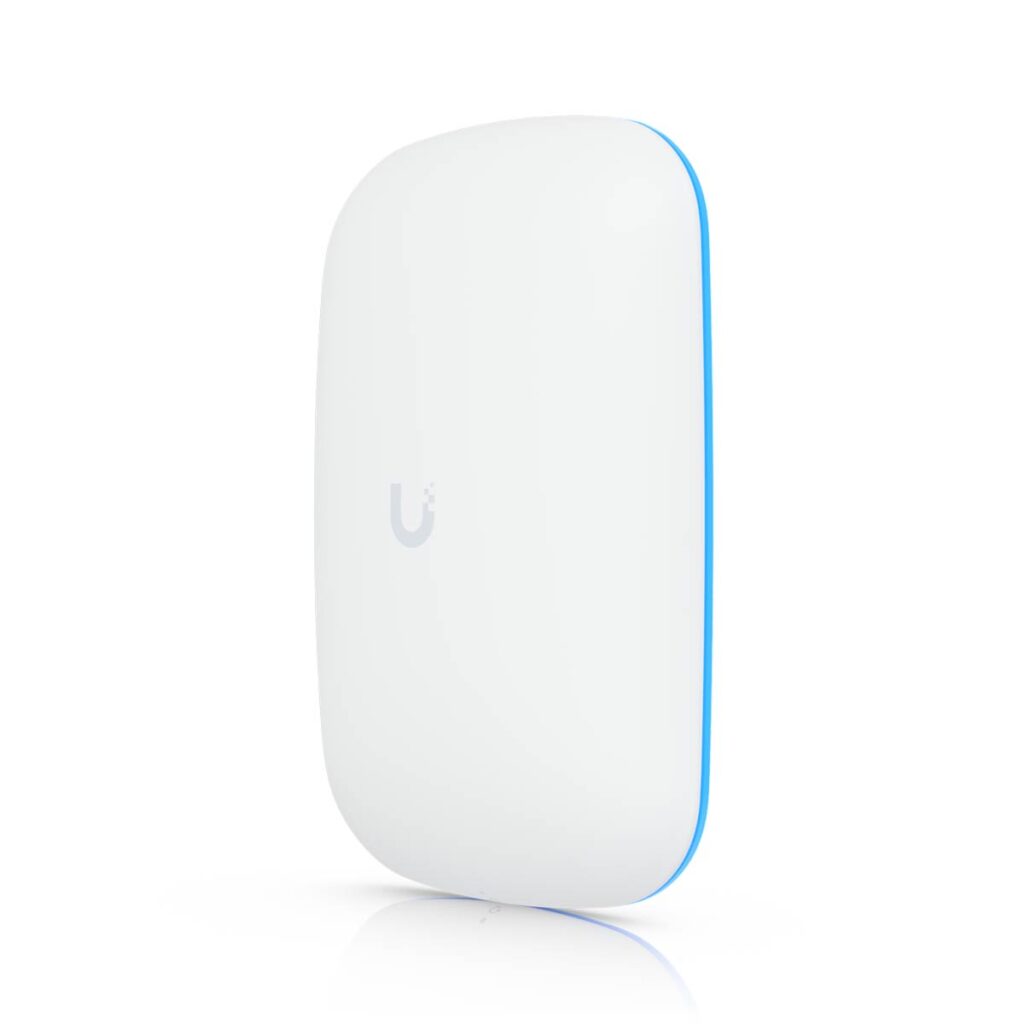
Ubiquiti U7 Mesh Wall vs. U7 Mesh: Hardware specifications
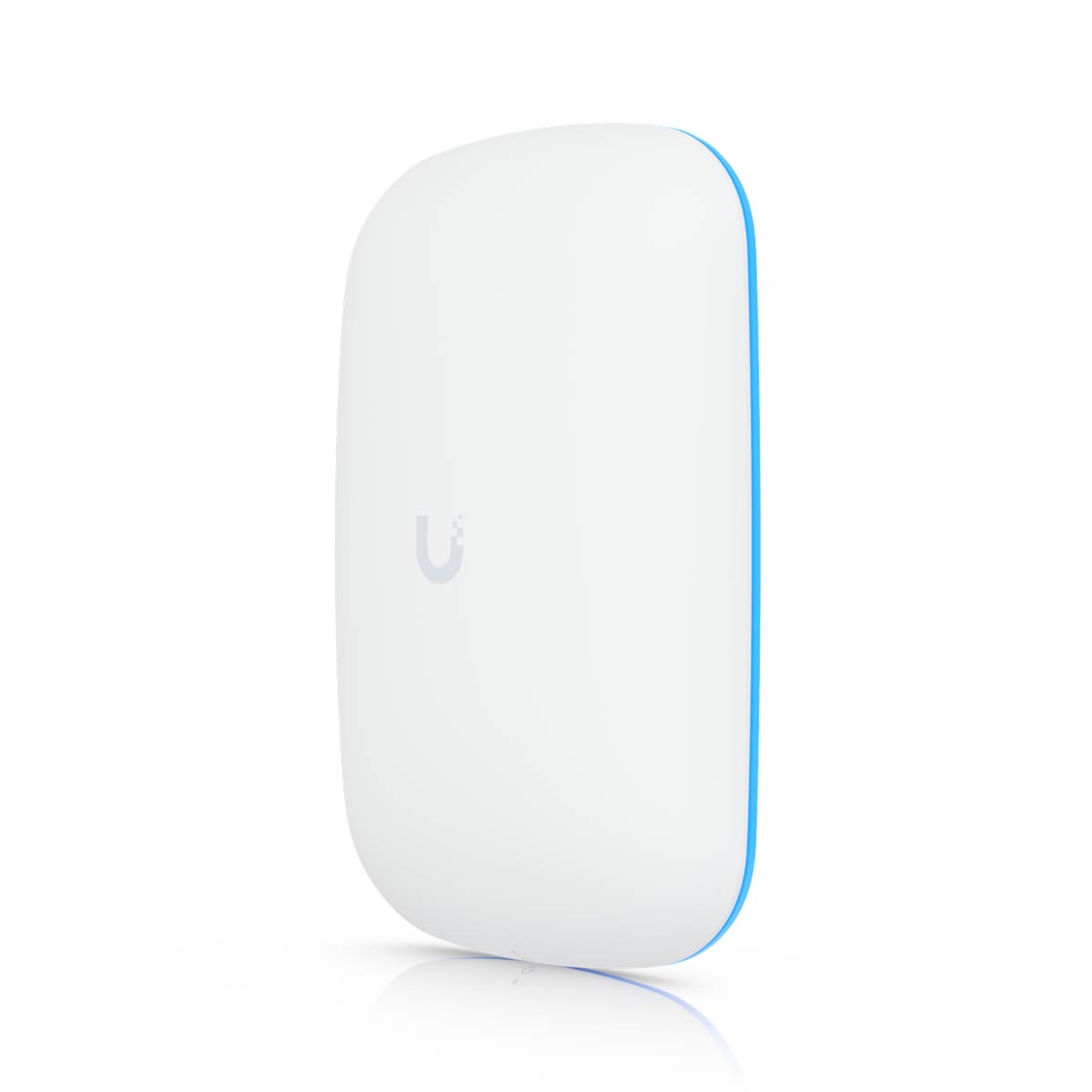 | 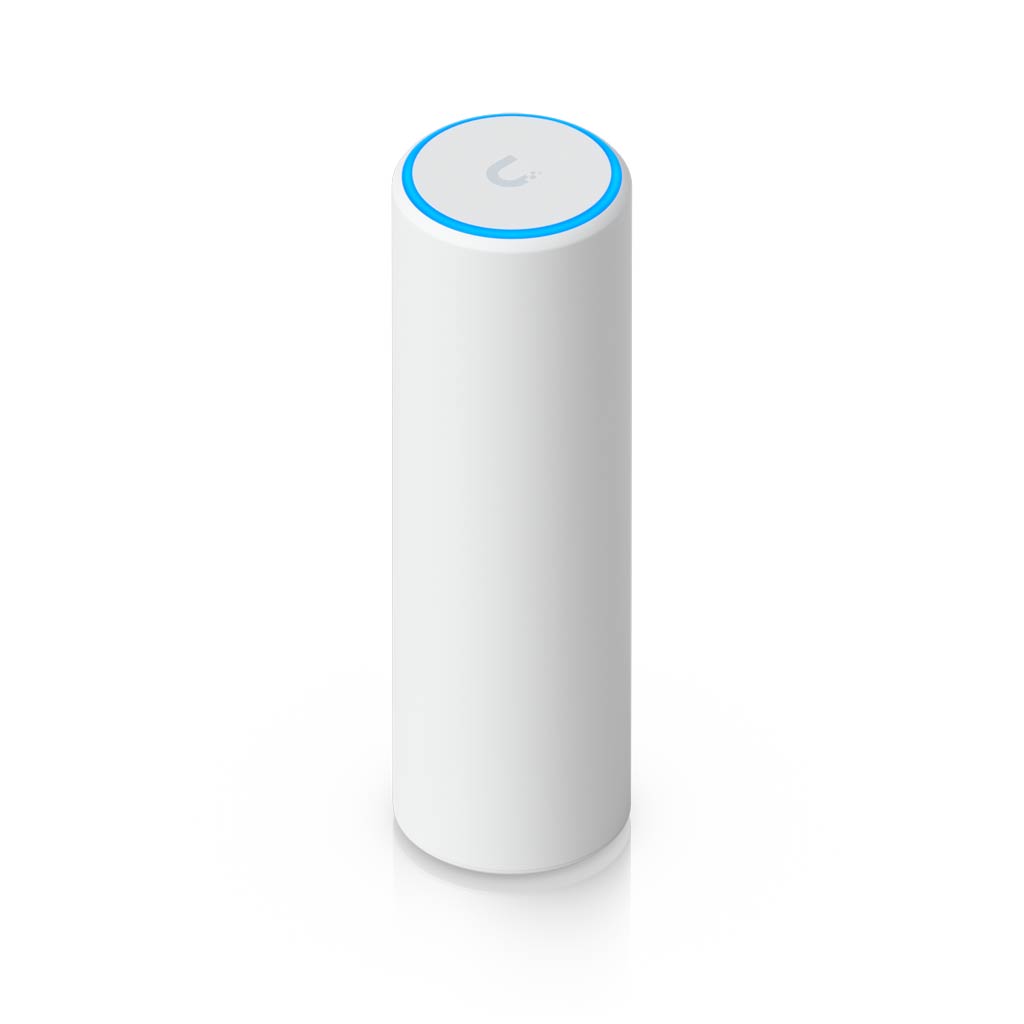 | |
|---|---|---|
| Model | U7 Mesh Wall | U7 Mesh |
| Wi-Fi Bandwidth | Dual-band BE5000 | |
| 1st Band 2.4GHz (channel width) | 2×2 BE: Up to 688Mbps (20/40MHz) | |
| 2nd Band 5GHz (channel width) | 2×2 BE: Up to 4.3Gbps (20/40/80/160/240MHz) | |
| 3rd Band 6GHz (channel width) | None | |
| Dedicated Spectral Scanning Radio | No | |
| Backward Compatibility | 802.11ax/ac/n/g/a/b | |
| Max Concurrent Clients | 200+ | |
| Max SSIDs | 8 per band | |
| Max TX Power | 2.4GHz: 23 dBm 5GHz: 24 dBm | |
| Antenna Gain | 2.4GHz: 6 dBi 5GHz: 6 dBi | 2.4GHz: 3 dBi 5GHz fronthaul: 6 dBi (omnidirectional) 5GHz backhaul: 10 dBi (directional) |
| Extended Uplink Range | No | Yes (via directional mode) |
| Multi-Link Operation (MLO) | Yes | |
| Automated Frequency Coordination (AFC) | n/a | |
| Real-Time Spectral Analysis | Yes | |
| Wi-Fi Coverage (vendor claim) | 1,250 ft² (115 m²) | 1,500 ft² (140 m²) |
| Power over Ethernet (PoE) | None | 802.3af (PoE) |
| Powering Method | Wall Socket 100-240V | PoE |
| Injector included | n/a | Yes (2.5Gbps PoE) |
| Max Power Draw | 13W | |
| Internal Cooling Fan | No | |
| Uplink Network Port | None | 1x 2.5GBASE-T (PoE-in) |
| LAN port | None | |
| Security | WPA, WPA2, WPA3 | |
| Local Web-based Management | No | No (as a standalone AP) |
| Cloud-Management | Yes (free via Dynamic DNS or via a UI account) | |
| Mobile App | UniFi | |
| Mode | UniFi Mesh Point | Standard Access Point UniFi Mesh Point |
| Dimensions | 6.68 x 4.42 x 1.27 inc (169.7 x 112.15 x 32.2 mm) | Ø.19 x 6.3″ (Ø48.5 x 159 mm) |
| Weight (with mounting accessories) | 9.17 oz (260 g) | 18 oz (313 g) |
| Color | White (default) Paintable covers (not included) | White |
| Ambient Operating Temperature | -10 to 40° C (14 to 104° F) | -30 to 60° C (-22 to 140° F) |
| LED | Color-changing (white/blue) ring LED | |
| US Launch Price (Compare prices and detailed specs!) | $199 | |
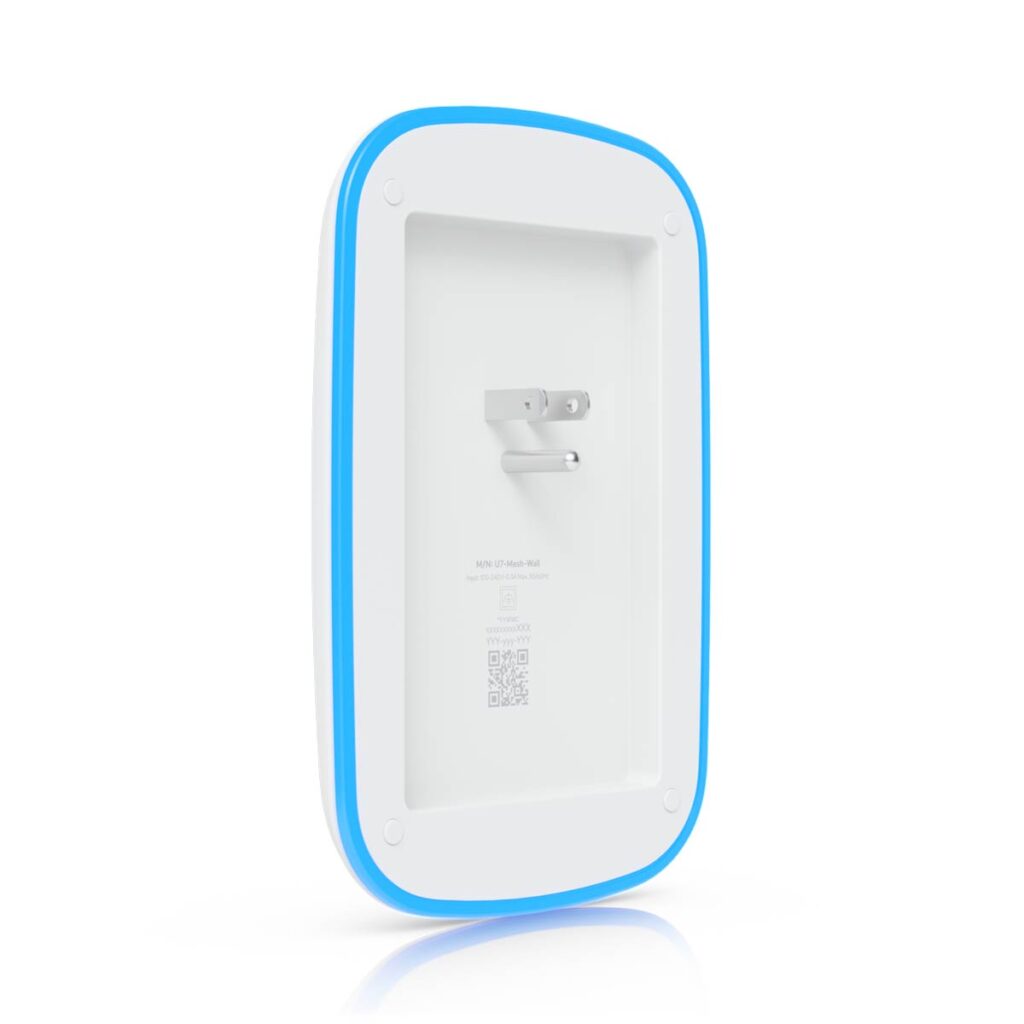
A familiar UniFi mesh point now with paintable covers
As shown in the table above, the U7 Mesh Wall is basically the Wi-Fi 7 version of the previous models. In fact, it shares the same design (and physical size) as the UniFi BeaconHD and the U6 Extender, being a white piece of hardware out of the box. However, it now comes with paintable covers (which cost $14 each) in case you want to customize its look. By the way, these covers will likely also fit the previous models of the same design.
Other than that, it’s safe to say the UniFi Mesh Wall will share the same setup process and management as other UniFi mesh access points.
Specifically, within a UniFi Wi-Fi network, plug it into the power, and it’ll be recognized by the UniFi Cloud Gateway (the “router”), either via the web-based user interface (UI) or the UniFi mobile app. After that, you can adopt it with a single click.
The point here is that, if you have a corner of a home that needs an extra dose of Wi-Fi coverage, which happens to have a free single or dual wallplate, the U7 Mesh Wall is an excellent option.
It’s a given that you need an existing UniFi 7 access point to make the U7 Mesh Wall function as an effective mesh point. After that, considering its modest dual-band specs and the lack of a wired uplink option, it’s likely to deliver sub-Gigabit real-world bandwidth. But we’ll find out soon enough.
The takeaway
I’m in the process of getting a unit for real-world testing. So check back soon to find out the true real-world bandwidth you can expect from the U7 Mesh Wall. In the meantime, it’s safe to say it’ll be a good fit for a home with modest Wi-Fi 7 bandwidth needs, well worth its $199 price tag.
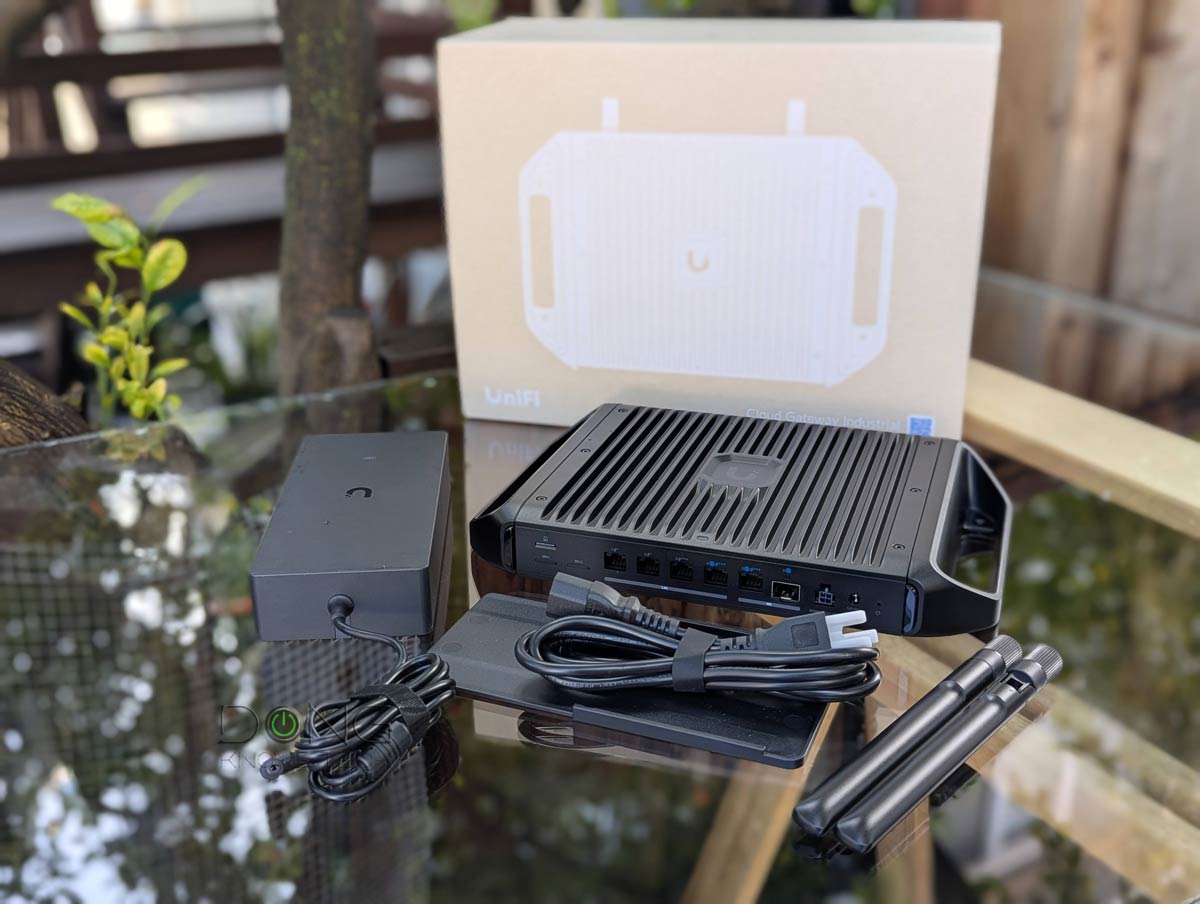
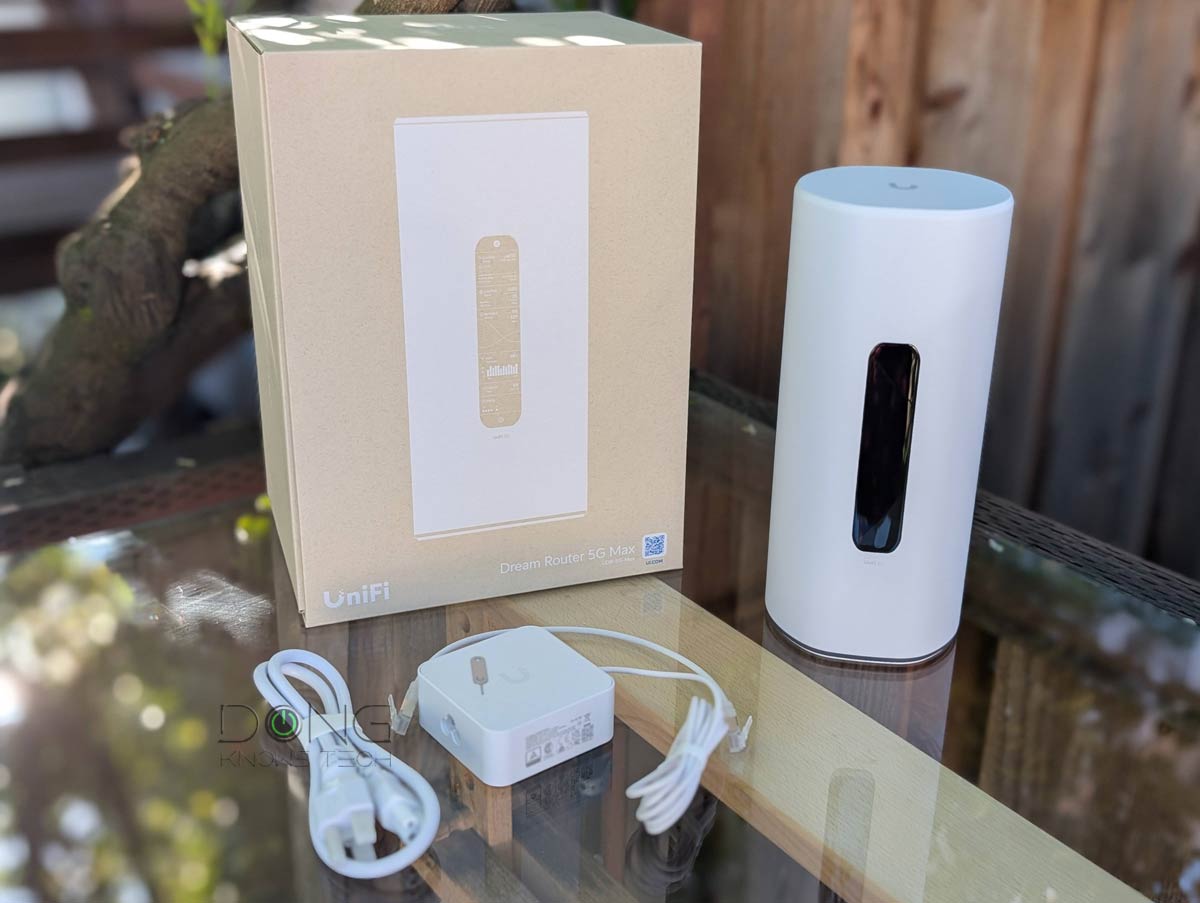
So, if you can’t wait, consider it today. If you’re new to the UniFi ecosystem, below are the top five Wi-Fi-enabled UniFi Cloud Gateways to consider. Of them, the first four feature Wi-Fi 7 and will work well with the U7 Mesh Wall.
Top 5 Best Wi-Fi UniFi Cloud Gateways (Wi-Fi UniFi routers)
 |  |  |  |  | |
| Name | Ubiquiti UniFi Dream Router 7 (UDR7)'s Rating | Ubiquiti UniFi Cloud Gateway Industrial (UCG-Industrial)'s Rating | Ubiquiti UniFi Dream Router 5G Max (UDR-5G-Max)'s Rating | Ubiquiti UniFi Express 7 (UX7)'s Rating | Ubiquiti UniFi Dream Router (UDR)'s Rating |
| Price | – | – | – | – | – |
| Rating | |||||
| Description | |||||
| Statistics | |||||
| Buy this product |
Check current prices at Ubiquiti Store or on Amazon!


Comments are subject to approval, redaction, or removal. You're in the no-nonsense zone and that applies BOTH ways.
It's generally faster to get answers via site/page search. Your question/comment is one of many Dong Knows Tech receives daily.
Thank you!
(•) If you have subscription-related issues or represent a company/product mentioned here, please use the contact page or a PR channel.