
Ubiquiti’s UniFi Travel Router (model UTR), first announced in late December 2025, is unlike any travel router I’ve seen. The little device combines modest specs with a sleek, practical design into an appealing package that ultimately proves to be a little too dated for modern times.
While the UTR is more than passable as a travel router, even excellent if you only need modest bandwidth on the go and have a home network hosted by a UniFi console, oftentimes, you’d sure wish it had better Wi-Fi specs.
Here’s the bottom line: The UTR is worth considering thanks to its friendly $79 price tag, and it will work out decently in most cases. However, those with Gigabit-class or faster bandwidth needs should wait for a better version in the future.
Dong’s note: I first published this post on December 24, 2025, as a preview and updated it to an in-depth review on January 25, 2026, after thorough hands-on testing.

Ubiquiti UniFi Travel Router: A straightforward UniFi extension device with modest specs
Out of the box, there are immediately two things to note about the UniFi Travel Router.
First, it’s literally a palm-sized device, significantly smaller than you might expect from its marketing photos.
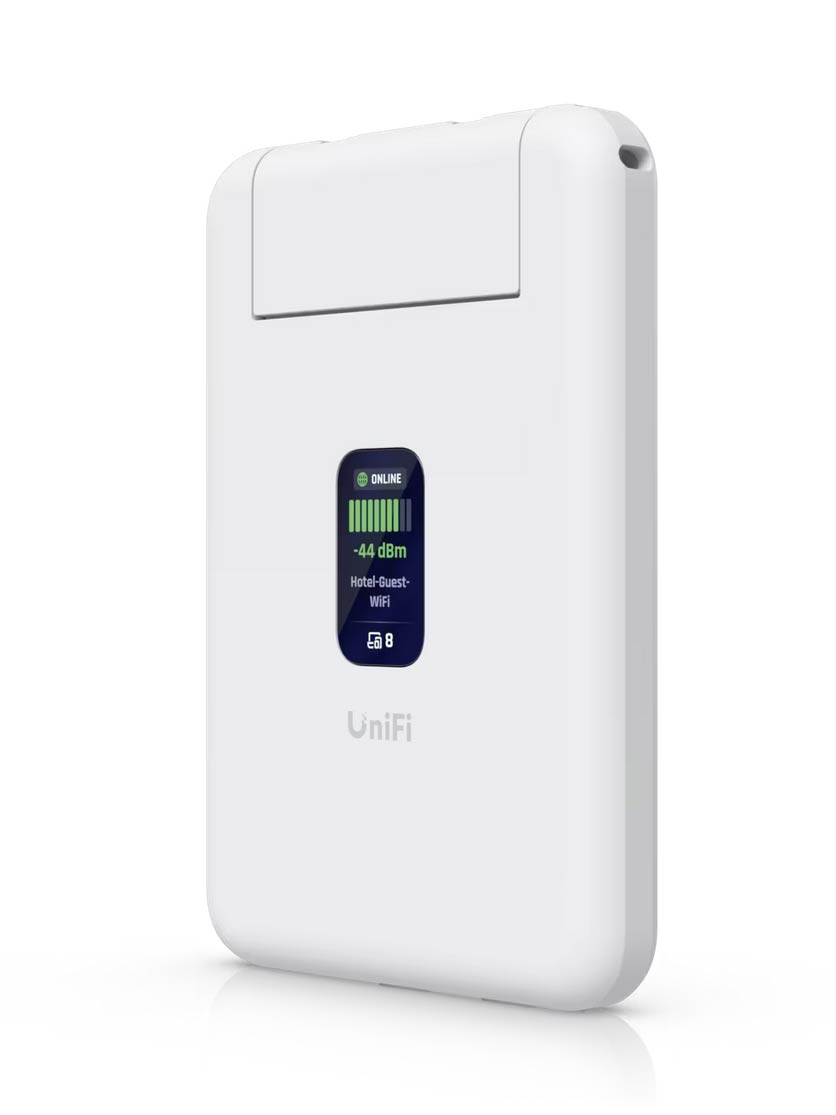
The UTR is so small and light that you can easily tuck it away among your luggage, or even hang it with a lanyard (not included). In fact, the mobile router is thinner than a standard network jack: its two Gigabit ports (one WAN and one LAN) come with a cap that rises to accommodate an RJ45 connector.

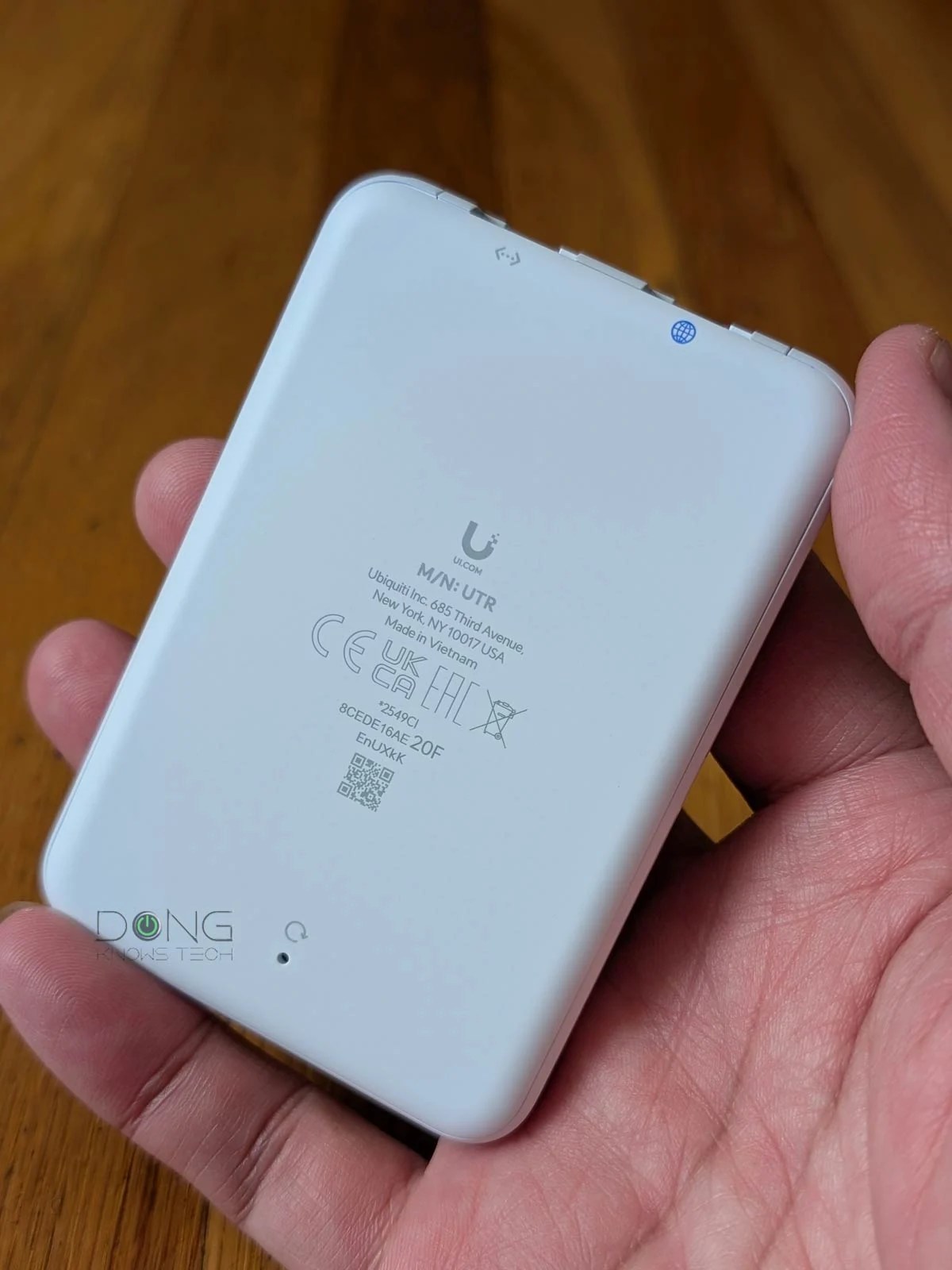
Secondly, the UTR is modest in hardware specs. The Gigabit ports aside, it comes with a built-in 802.11ac access point for the 5GHz band and a Wi-Fi 4 access point for the 2.4GHz band. Both are dual-stream (2×2) specs that, in theory, deliver up to 866 Mbps and 300 Mbps, respectively.
This mid-tier Wi-Fi configuration wasn’t impressive even over a decade ago. To put this modesty in perspective, Wi-Fi 7 has been the norm for a couple of years, accompanied by Multi-Gig Ethernet, and Wi-Fi 8 is already on the horizon.
To be clear, Wi-Fi 5 is not exactly bad or dead—a well-performing access point of this standard can still deliver respectable bandwidth. In fact, on the hosting side, Wi-Fi 5 is highly compatible, as clients on a newer standard never have trouble connecting to an access point running an older standard.
Notes on Wi-Fi and backward compatibility
Via extensive real-world Wi-Fi testing, it’s evident that newer isn’t always better when it comes to compatibility.
Specifically, Wi-Fi receivers (a.k.a. clients or devices) often work better with a Wi-Fi access point (standalone or housed in a router) of the same or an older standard than with one of a newer standard. The further away in generations, the worse things become.
For example, a Wi-Fi 4 client generally gets a faster connection speed from a Wi-Fi 4 router than a Wi-Fi 5 or Wi-Fi 6 access point of the same tier, and it can’t even connect to a Wi-Fi 7 access point.
However, the other way around is hardly an issue. You can connect a Wi-Fi 7 client to a Wi-Fi 4 or even older point, at the maximum supported performance.
In other words, Wi-Fi backward compatibility is often a concern on the broadcasting end, not the receiving end. Specifically, the older the Wi-Fi standard of an access point, the less likely it is to have compatibility issues.
So, from the specs shown in the table underneath, the UTR seems the “just-right” approach for a travel router. Is it, though? The answer is in the performance section below.
UniFi Travel Router: Hardware specifications
 | |
|---|---|
| Full Name | UniFi Travel Router |
| Model | UTR |
| Operating Roles | Wi-Fi Router VPN Client WISP mode Tethering mode |
| VPN (client only) | WireGuard Teleport |
| Antenna | 2x internal Wi-Fi antennas |
| Dimensions | 3.8 x 2.6 x 0.5″ (95.95 x 65 x 12.5 mm) |
| Weight | 3.1 oz (89 g) |
| Wi-Fi Bandwidth | Dual-band AC1200 |
| 5GHz (channel width) | 2×2 Wi-Fi 5: Up to 866Mbps (20/40/80MHz) |
| 2.4GHz (channel width) | 2×2 Wi-Fi 4: Up to 300Mbps (20/40MHz) |
| MIMO | Yes |
| Max. TX Power | 2.4G: 13 dBm 5G: 13 dBm |
| Gigabit Port | 2 |
| Power Method | USB-C, 5V/2A PD (adapter not included) |
| Max Power Consumption | 5W |
| Notable Design | 1.14″ status display |
| Release Date | December 29, 2025 |
| US Launch Cost (check current price) | $79 |
USB-C for power and cellular tethering
Like many other travel routers, the UniFi Travel Router doesn’t have built-in cellular support or a battery.
To make up for that, it comes with two USB-C ports: one (located in the middle middle) for standard USB P D charging and another (to the side) for tethering—you can use it to host a cellular modem or a smartphone as the mobile Internet source.
It’s worth noting that the UTR’s power requirement is pleasantly low. In my trial, it can power up when plugged into any USB port, including a phone’s. Needless to say, you can use any power bank with it.


Simple app-based setup and management
The UniFi Travel Router is fully app-operated.
To get it up and running, you’ll need to use the UniFi mobile app (available for iOS and Android). Plug the UTR into power, and the app will automatically detect the router, the way it does with any UniFi device, when you hold the phone near. Now you can choose to “Tap to Connect” to it.
After that, the rest is self-explanatory. You can set it up using a short, step-by-step wizard that includes selecting an Internet source and creating an SSID (a Wi-Fi network name).
Note: The router automatically updates its firmware to the latest version when connected to the Internet for the first time, which can take up to 10 minutes depending on the connection speed. During this time, it’s imperative that you don’t unplug it from power.
On this front, like most travel routers, the UTR offers three ways to connect to the Internet, called “uplink interfaces”, including:
- Its WAN Gigabit port: This is the traditional way, in which you simply plug in a network cable.
- By hosting a cellular modem or mobile phone connected to its USB-C port, a.k.a. tethering.
- By connecting to an existing Wi-Fi network, such as a hotel’s or a public hotspot’s, often referred to as the WISP mode.
Tip
WISP stands for Wireless Internet Service Provider. It’s an operating mode in which a supported router receives an Internet connection via Wi-Fi and then distributes it to multiple devices via its own Wi-Fi network. It works similarly to a Wi-Fi extender (or repeater) with two added elements:
- The WISP router’s Wi-Fi network is shielded from the existing Internet-providing Wi-Fi network to keep its connected clients safe and private.
- The WISP router can handle an incoming Internet-enabled Wi-Fi connection that requires a particular authentication method, such as a captive portal or via a paid login account.
When you use a public Wi-Fi network or one with ambiguous security, WISP is recommended.
In my trial, the UTR could maintain all three simultaneously, but only one was used in real time, with the other two being optional backups. It’s easy to change the priority of these “uplink interfaces” by moving them up or down.
In all, I got the UniFi Travel Router up and running within a few minutes, with all three uplinks functioning as expected. And for the most part, that’s all you’d need to do with this router.


Limited feature set, Teleport support
Compared to other travel routers I’ve reviewed, the UniFi Travel Router doesn’t offer many features.
Specifically, the following are all you can do with it, managed via the UniFi mobile app:
- Customize the Internet connection as mentioned above.
- Customize the default LAN IP addresses and IP pool if you want to change from the default of 192.168.2.1.
- Customize a single SSID (for both bands) by assigning a name and a password. Alternatively, if you have an existing UniFi console managed by the same UI account, you can bind the UTR to an existing network via the “Bind to Site” button, which replicates the current (home) network’s Wi-Fi settings, allowing for seamless connection when on the go.
- Specify the channel, channel width, and transmit power of each band if you don’t want to accept the default settings. Note that there’s no option to turn off a band or use a separate SSID for each.
- Use the UTR as a VPN client. In this case, all of its connected devices will become part of the remote network.
That said, there’s no Dynamic DNS, online protection, IP reservation, port forwarding, VPN server, or anything else. While that seems extremely limited for a router, it makes sense if you consider the UTR as an extension of a UniFi network.
In my trial, once I turned on Teleport, which required only a few taps, the router became part of my home network, hosted by a UCG-Fiber, with all its existing features automatically applied. In other words, the UTR itself and the rest of the connected device became part of my home local network, as though they were still at home.
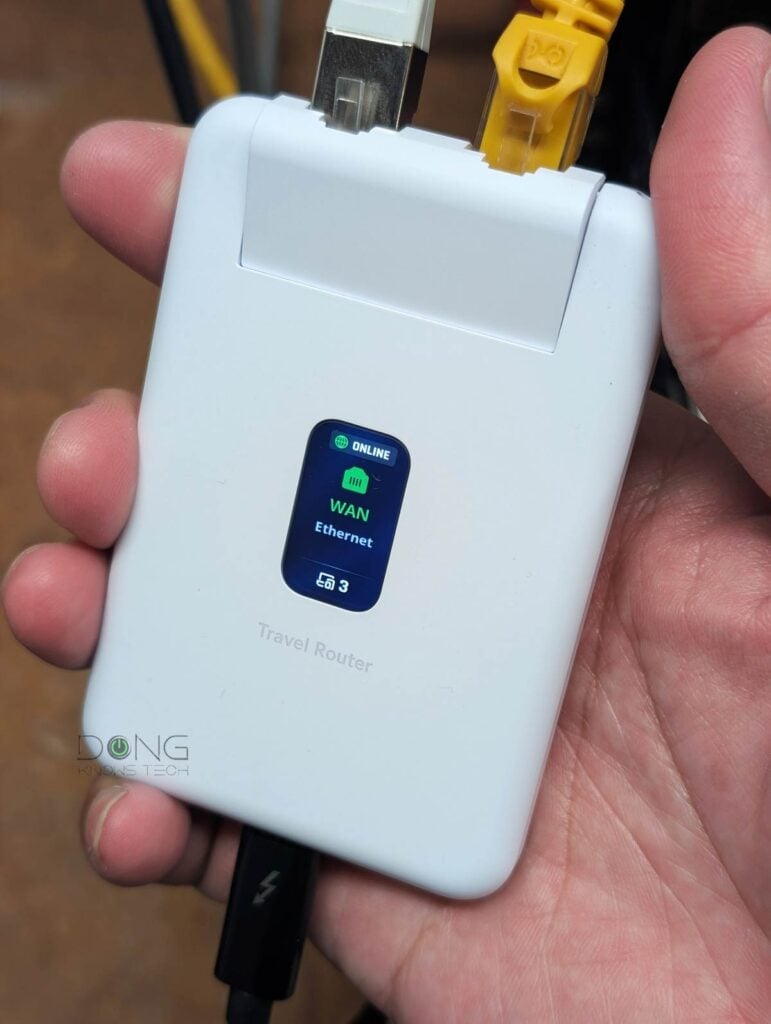
The point is this: while the UTR works well for all users, those with a UniFi network at home will get a seamless experience even on the go, thanks to the router’s Teleport support and the “Bind to Site” function mentioned above.
How well this experience pans out depends on how much you expect from the UniFi Travel Router’s real-world performance. And on this front, I’d say it’s rather subdued.
UniFi Travel Router: Reliable but subdued performance
I tested the UTR for over a week, and most of the time I wished it were faster. It’s important to note, though, that I have 10Gbps broadband at home and generally have high expectations for real-world throughput.
Considering the UTR’s modest hardware specs as mentioned above, I lower my expectation greatly—the router is sub-Gigabit at best—and even then, it fell short.

The first thing to note is that its Gigabit ports deliver a sustained wired speed of around 600Mbps or about half what a true Gigabit connection can do. Still, using it as a wired router (you can add more ports to it via a switch) is the best way to use the UTR, especially if you intend to link back home via VPN.
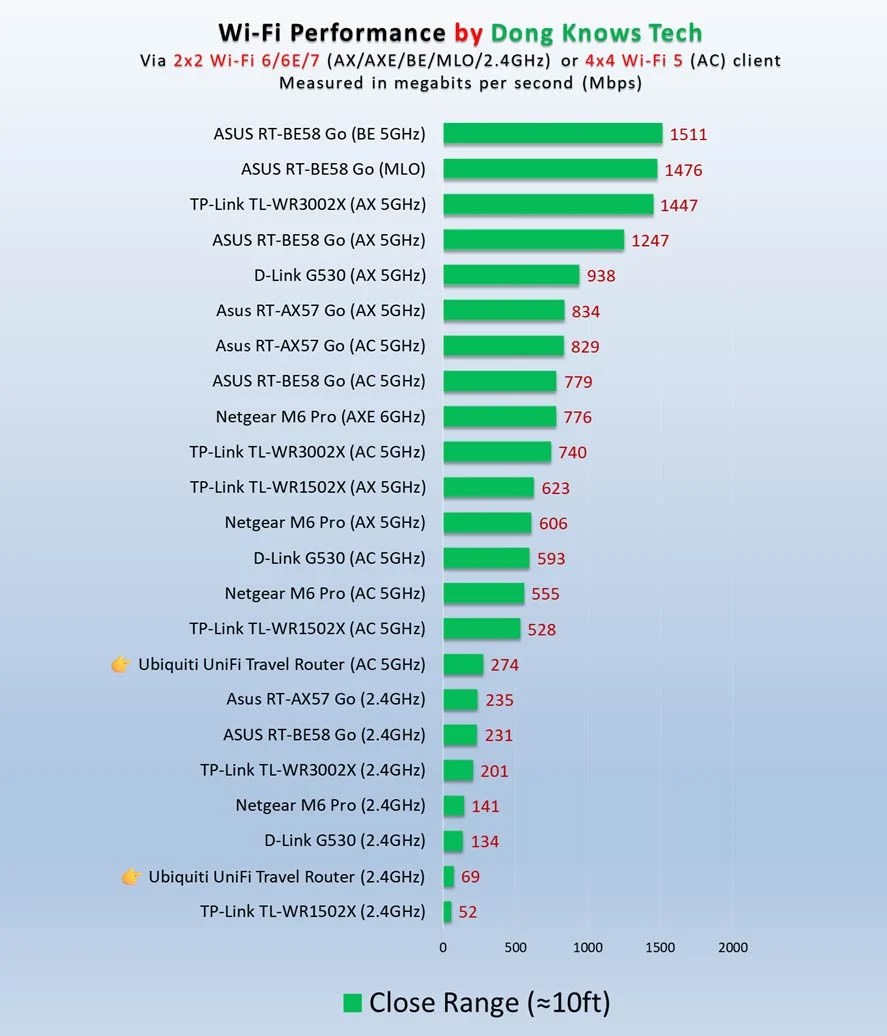
As for Wi-Fi, the fastest I could get from the router, regardless of the client I used or the Internet uplink, was around 300Mbps. Most of the time, sub-200Mbps was the norm, even when the client connected to the 5GHz band. Things got even worse when I used the router in WISP mode, since the uplink took half of its 5GHz bandwidth.
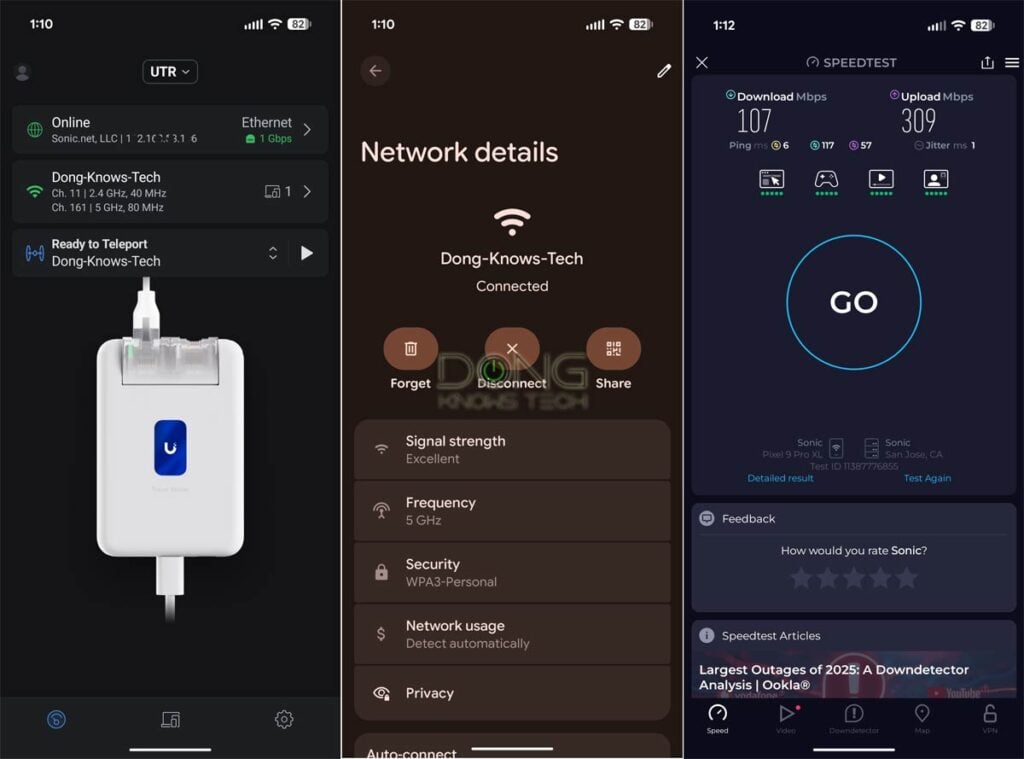
As for range, the UniFi Travel Router is also modest. It’s hard to put Wi-Fi coverage in numbers, but it’s safe to say it had the shortest range of any travel router I’ve reviewed. If you’re staying in a hotel room, it’ll suffice, but for anything larger, you’ll likely get a connection speed that’s too slow to be useful.
Other than that, the UTR proved to be reliable. Once set up, it worked without any hiccups, and all of its functions, including the Internet uplink, worked as intended. The device became slightly warm during extended operation, but never hot enough to raise concerns.
Ubiquiti UniFi Travel Router's Rating

Pros
Compact design with low-power USB-C charging requirement and cellular tethering support
Reliable performance, excellent VPN client support, including Ubiquiti's Teleport
Simple to set up and manage via the UniFi mobile app
Cons
Dated Wi-Fi 5 and Gigabit port with modest real-world throughput rates and coverage
No built-in cellular modem, SIM slot, or battery option
No local web-based user interface, UniFi mobile app required
Conclusion
Ubiquiti’s UniFi Travel Router is a well-designed device for travellers. Unfortunately, featuring the mid-tier specs of the now-dated Wi-Fi 5, it fails to keep up with the demand of modern devices in terms of bandwdith, in most cases.
While it’s still an excellent travel router for those with modest needs, considering its friendly price tag, it’s a safer bet to consider one of those with more “modern” Wi-Fi specs below, or wait until a newer version with Wi-Fi 6 or newer standards.
Top 5 best travel routers
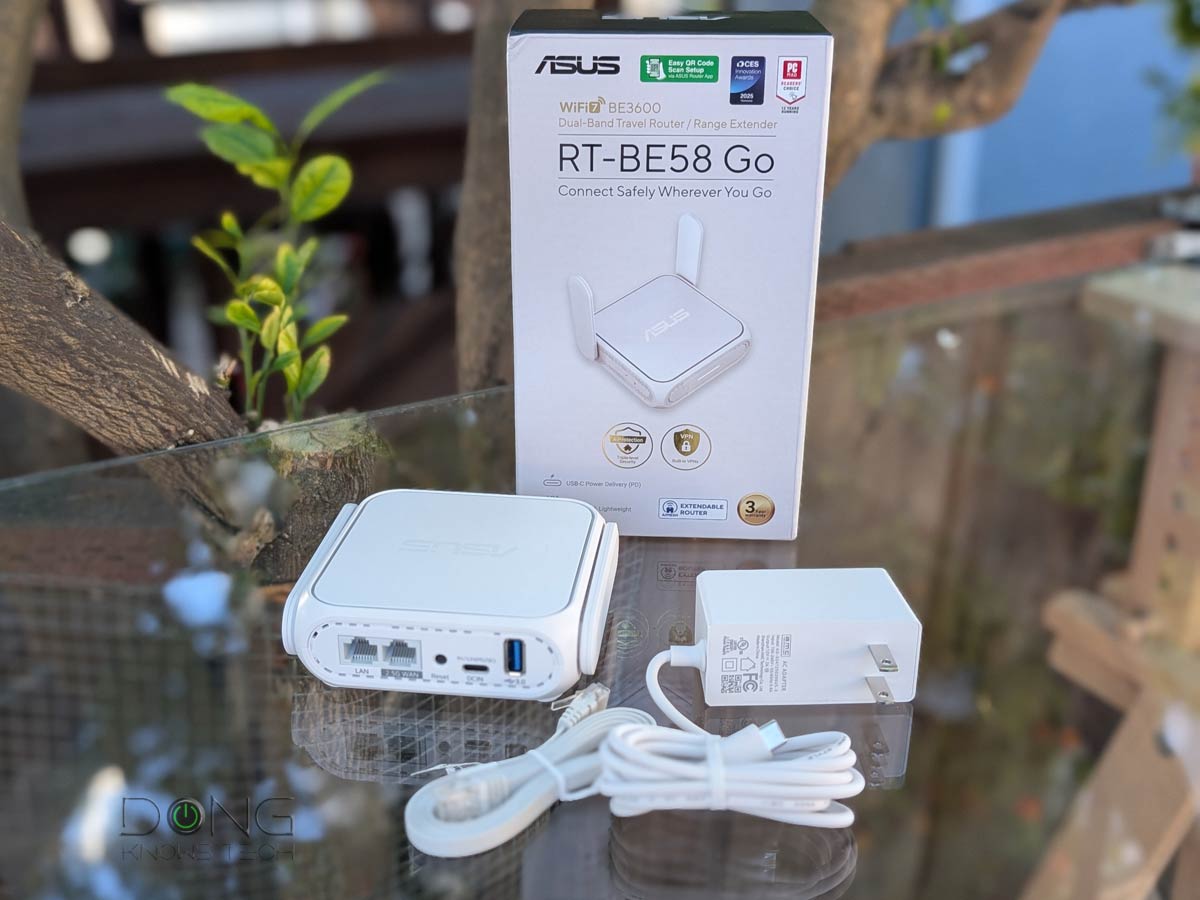 |  | 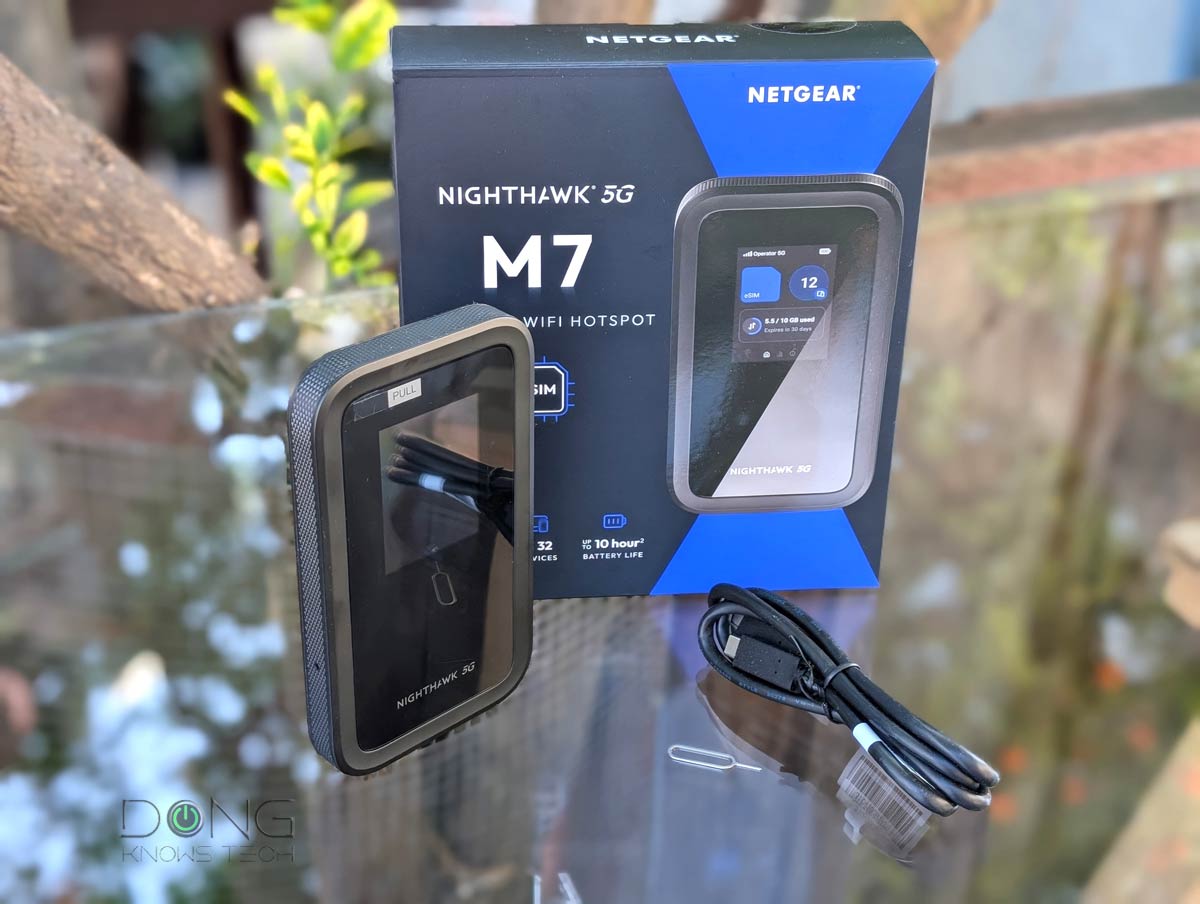 | 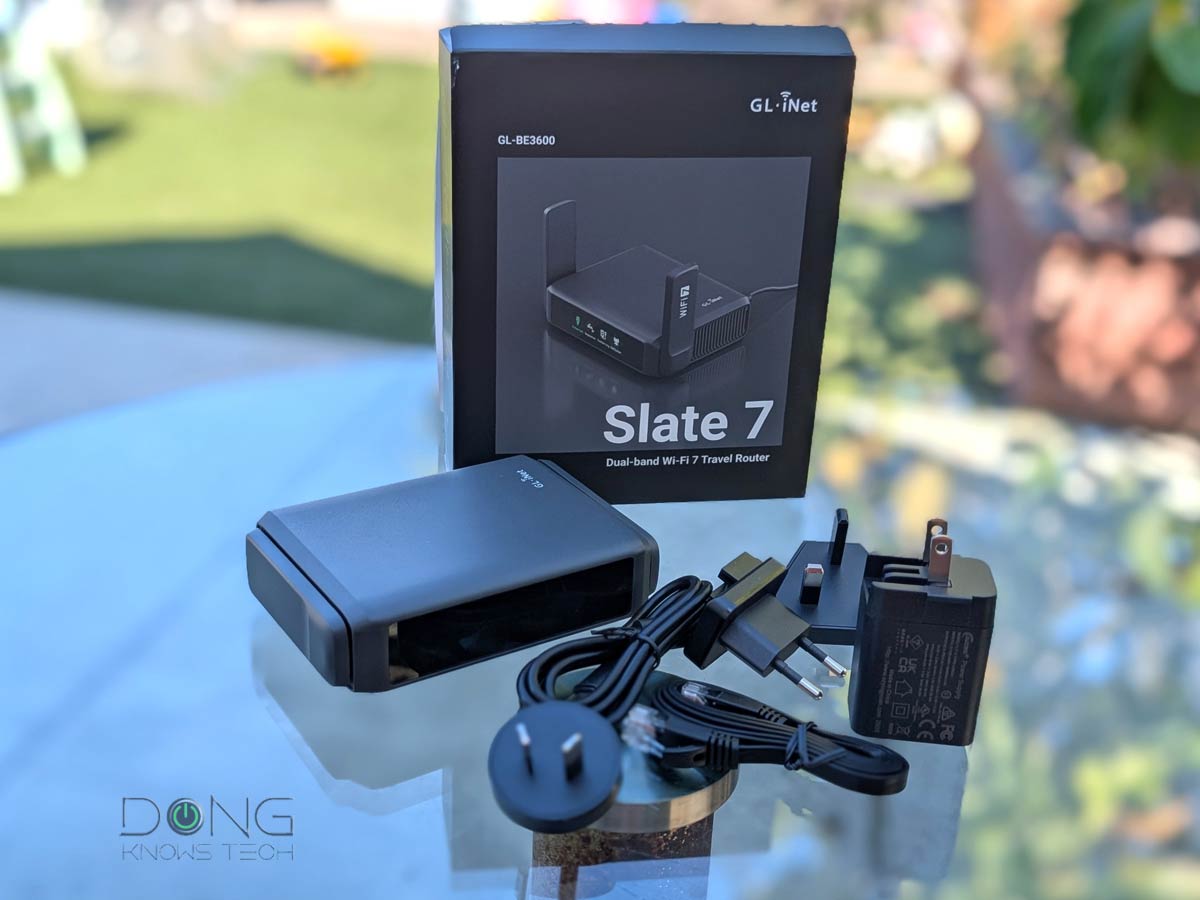 |  | |
| Name | ASUS RT-BE58 Go’s Rating | TP-Link TL-WR3002X’s Rating | NETGEAR Nighthawk 5G M7’s Rating | GL.iNet GL-BE3600 Slate 7’s Rating | ASUS RT-AX57 Go’s Rating |
| Price | – | – | – | – | – |
| Rating | |||||
| Description | |||||
| Statistics | |||||
| Buy this product |


Hey Dong, please review the newly released GL.iNet Beryl 7. I got it for $100 from aliexpress CN version but managed to convert it to US with few SSH commands following reddit guide. It’s got two 2.5G ports and hits 1Gbps Wireguard performance. It’s Wifi 7 performance on 5Ghz is also good. Please review it for us. It runs circles around Ubiquiti’s Travel Router.
I learned that being a fan of Ubiquiti doesn’t mean we should buy their all products blindly.
I’ll see what I can do.
Bonus points for getting Tricascade VOS 5G USB modem to plug into Beryl 7 for complete travel internet solution. This dongle costs $50 on aliexpress.
Wish it has more ‘truth’ as a mobile router by having a 5G sim slot and also a passthrough mode so that one can truly take it anywhere and use our own data plan or network rather than some public wifi or someone’s local network connection. With these two features, it can even replace the home/ISP router entirely. It is just way too lacking in the current form.
Being able to provide a simple mobile wifi connection is way too limiting.
You can tether a phone or a cellular modem, J. That worked well in my trial. Also, it protects connected device when you use someone else’s Internet connection.
Yes, i agree but it has limitations. As a mobile device, it is good to have true independent mobile capability.
Tethering to a phone will slow it down esp when the phone is in use or if it only 4G capable. Limited battery power and walking around a premises will affect the connection to the tethered devices too. A 5G cellular modem comes preloaded with lots of features, making it currently very expensive unfortunately. So a dedicated mobile router positioned as a spot with optimal mobile signal reception will be ideal, effectively replacing the need to have a fibre cable and ISP router into a premises. One can then lan-connect it to a secondary router/switch to spread the signal network. At my part of the world, except for corporate and extreme consumer use, 5G mobile network is good enough to replace home fibre connection.
There’s no such thing as true independent mobile capability, J, or you’ll start thinking about Starlink integration, etc. This thing costs $79.
Wished it had dual 2.5G ethernet ports at maybe slightly higher price like $89
And maybe Wi-Fi 6. 🙂
For a travel router, though, I think these specs are acceptable.