
Multi-Link Operation, or MLO, is arguably the most exciting and promising feature of Wi-Fi 7 on paper. In reality, its real-world applications can be complicated.
This post will explain this feature in detail and set the right expectations, including when you can expect MLO from your hardware, and what that actually means in terms of real-world throughput rates. All of this is based on my years of real-world testing and serious use of Wi-Fi 7 hardware.
Unfamiliar with Wi-Fi 7? Check out the primer post on this Wi-Fi standard first.
Dong’s note: I first published this piece on April 18, 2025, and last updated it on April 6, 2026, with the latest information.
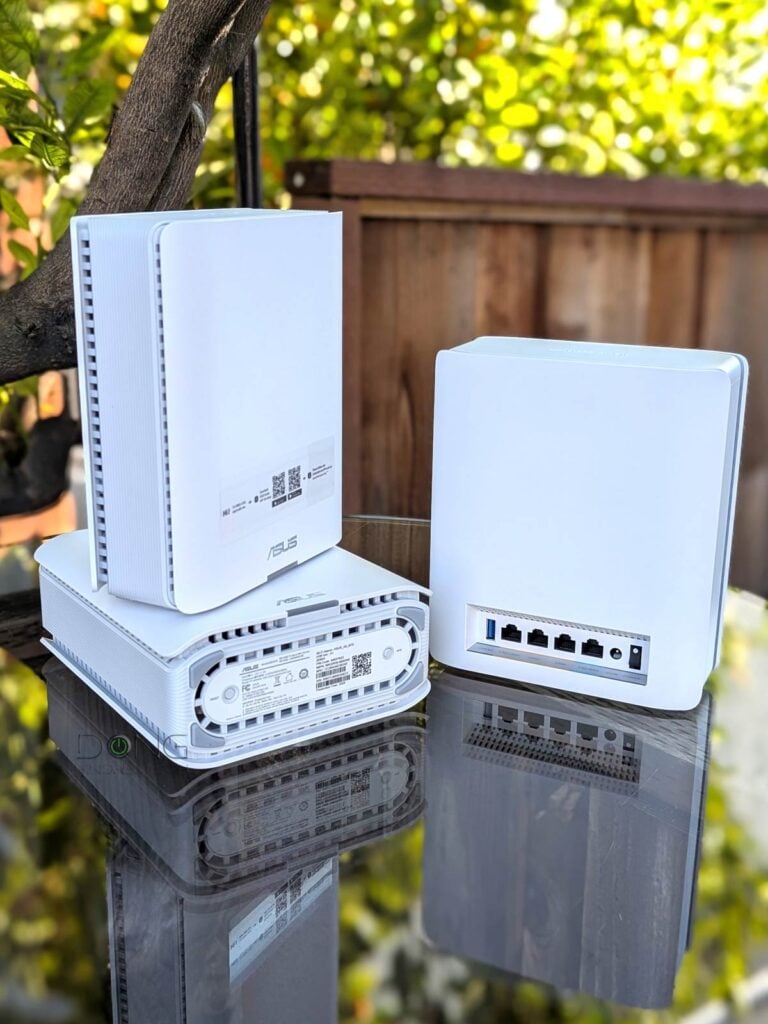
Multi-Link Operation: A close look at the first bonded Wi-Fi link
To understand Multi-Link Operation (MLO), we first need to be aware that, up to Wi-Fi 6E, a Wi-Fi connection between two directly connected devices occurs in a single band at a time. Specifically, regardless of the number of bands an access point (or Wi-Fi router) supports—dual-band, tri-band, or even quad-band—a particular client will only use one band at a time to connect.
Multi-Link Operation changes the norm by combining two or more bands into a single wireless link via a bonded SSID, enabling a client supporting this feature to use multiple bands simultaneously. In that sense, MLO to Wi-Fi is like Link Aggregation to wired connections.
That said, MLO is possible as long as the hardware supports multiple bands, which is always the case with Wi-Fi 7: access points are always dual-band, tri-band, or quad-band, and standard clients (receivers) such as the Intel BE200 or Qualcomm NCM865 are always tri-band.
So, the idea of MLO is simple enough. Unfortunately, the devil is always in the details.
Multi-Link Operation and its complex details: STR MLO vs. eMLSR MLO
The first thing to note is that MLO is firmware-based and not a required feature, meaning it may or may not be supported by a particular device. That means:
- Some Wi-Fi 7 devices may not initially have this feature—it can be added via a firmware update.
- When 6GHz is involved, the hardware must comply with local additional regulations, as with Wi-Fi 7’s other significant feature: Automated Frequency Coordination (AFC).
Secondly, with simplification, there are two main MLO operation modes:
- MLSR (Multi-Link Single-Radio) MLO: A multi-link technique that allows clients to dynamically switch among all available bands (2.4 GHz, 5 GHz, and 6 GHz). MLSR is often available in enhanced mode—Enhanced Multi-Link Single Radio (eMLSR)—where clients listen across all available bands to reduce latency in crowded airspace. In either case, this mode does not increase data rates between connected devices. (e)MLSR requires little energy to operate and is therefore widely implemented in client devices, including popular internal Wi-Fi 7 adapters and their variants.
- STR (Simultaneous Transmit and Receive) MLO: A multi-link technique that enables clients to use all available bands, though often the 5GHz and 6GHz bands, simultaneously to deliver higher throughput, lower latency, and improved reliability. This mode requires more power and, when available, is often used to link devices with an external power source, such as an access point, mesh node, or bridge client. It’s also referred to as MLMR (Multi-Link Multi-Radio) MLO and has two sub-modes:
- Asynchronous Multi-Link Multi-Radio (Async MLMR): A client uses multiple bands simultaneously to transmit and receive data, with each operating independently.
- Synchronous Multi-Link Multi-Radio (Sync MLMR): A client uses multiple bands simultaneously to transmit and receive data, with transmissions coordinated and synchronized across the bands.
Thirdly, for MLO to work, at least one of the modes above must be supported by the devices involved, and eMLSR is generally the case for end devices (laptops, smartphones, etc.).
Up to early 2026, Ubiquiti’s bulky and power-hungry AirWire is the only Wi-Fi 7 “adapter” to feature STR MLO. However, it requires a USB-C port, a high power draw, and most importantly, a supported UniFi access point to work—you can’t use it with a third-party Wi-Fi 7 access point or router.
As a result, regardless of the mode used, in practice, MLO generally doesn’t increase bandwidth from the end device’s perspective. The fastest link a typical client (such as a laptop or smartphone) can establish on an MLO SSID is still limited by the speed of the fastest available band at any given time, typically 6GHz or 5GHz.

The point is that, for clients, the safest thing to expect from MLO is the highest probability of connecting to the best band at any given time and under any circumstances, which has been consistently the case in my testing.
Before continuing, though, here’s the breakdown on MLO in real-world use:
- By nature, link bonding is more complicated than single-band connectivity—there are just too many variables.
- MLO only works with Wi-Fi 7 clients that support this feature. (Windows computers must run Windows 11 24H2 or later.) Again, most clients don’t STR MLO to increase data rates, but only eMLSR.
- Wi-Fi 6 and 6E, as well as older clients, will still use a single band at a time when connecting to an MLO network (SSID) and will automatically select any available band in the bonded link.
- An MLO SSID that involves the 6GHz band must use WPA3 and won’t allow any legacy clients to connect. Even when the lower security requirement, WPA2/WPA3, applicable to an MLO SSID spanning the 5GHz and 2.4GHz bands, can still be prohibitive for many legacy clients.
- The reach of the bonded wireless link, its range(*), is limited by the shortest band in the bond (often the 6GHz band).
(*)Wi-Fi coverage can be tricky. Since the 6GHz band has approximately 75% of the range of the 5GHz band at the same transmit power, MLO is truly meaningful with the help of Wi-Fi 7’s other optional feature, Automated Frequency Coordination (AFC). Based on my experience with the first official AFC-ready hardware, such as the Ubiquiti UniFi E7 or the ASUS GS-BE18000, the effective range of an MLO link is generally that of its 5GHz band.
Multi-Link Operation in real-world usage
In my trial, MLO has proven to be quite fastidious. It’s not as rosy as it’s cracked up to be by hardware vendors. The gist is that this feature is excellent in a wireless mesh system and relatively insignificant, if not a drawback, in serving clients.


Multi-Link Operation on the broadcasting side (access points): A game-changer in wireless mesh backhaul, when available
For those who need to extend their Wi-Fi coverage without running network cables, which is common in most homes, MLO can play a significant role. It helps improve the wireless backhaul link between a Wi-Fi system’s hardware units.
Not sure what backhaul is? The cabinet below holds a quick refresher.
Backhaul vs. fronthaul
In network connectivity, there are always fronthaul and backhaul.
Fronthaul (or downlink) refers to the signal from a host device (such as a router) going toward an end device (such as a computer). Backhaul (or uplink) is the signal from an end device going to the host device.
In most cases, the backhaul and fronthaul are the same—it’s just a matter of perspective.
However, a go-between device that relays the signal, such as a network switch or a Wi-Fi access point, has two distinct backhaul and fronthaul ends: the backhaul (the uplink to a single host) determines the max bandwidth (to the router or the Internet) shared between all of its connected end devices on the fronthaul (such as wired computers or Wi-Fi clients).
Additionally, keep the following in mind about the uplink for a wireless go-between device, such as a satellite/extender unit of a mesh system:
- Generally, one of the Wi-Fi bands (2.4GHz, 5GHz, or 6GHz) is used for the uplink (backhaul), resulting in two scenarios:
- If this Wi-Fi band also handles fronthaul simultaneously, only half its bandwidth is available to either end (and the half used for the uplink is the maximum bandwidth for all of its connected end devices).
- If this Wi-Fi band is used solely for backhauling, as is often the case in tri-band hardware, the link is called a dedicated backhaul. In this case, this band is no longer available for the fronthaul.
- Some Wi-Fi 7 hardware can combine multiple bands into a single backhaul link via the MLO feature, allowing these bands to operate simultaneously as both backhaul and fronthaul. In this case, half of their combined bandwidth is available to either side.
For the best performance and reliability, network cables are recommended for uplink (a.k.a. wired backhaul), which is only possible when the go-between device has a network port, preferably a Multi-Gig port.
Using my testing method, I’ve seen sustained MLO backhaul links exceeding 5Gbps at 40 feet with line of sight. On modest-spec hardware, this link can still sustain Gig+ or low multi-Gigabit speeds. It’s worth noting that in a mesh setup, the bandwidth-increasing STR MLO can be a game-changer, and even eMLSR MLO is helpful, as the mesh point can generally use more streams than end-clients.
Still, wireless backhaul is inherently problematic. With a wall between the hardware units, the signal will be significantly reduced. Most importantly, just because you use a Wi-Fi 7 mesh system doesn’t mean MLO is available.
Indeed, for MLO to serve as the backhaul link in a mesh network, all units in the system must use the same Wi-Fi specifications—especially when the 6GHz band is involved.
As a result, you generally can expect MLO only when you use the same hardware units (the same model) or units of a purpose-built MLO-enabled mesh pack. If you mix Wi-Fi 7 access points from different tiers, bands, or, oftentimes, even hardware models, MLO is highly unlikely to be available over the backhaul link.
For example, MLO backhaul is unavailable when you use an ASUS GT-BE98 Pro and an ASUS ZenWiFi BQ16 Pro together via AiMesh, even though both share the same Wi-Fi specs. To have MLO, you need multiple units of each, not a mix of the two.
Furthermore, even with supported hardware, you generally need to arrange the units in the star topology, with the satellites placed around the primary router. If you place them in a linear (daisy-chain) arrangement, MLO is not available as backhaul starting at the second hop.
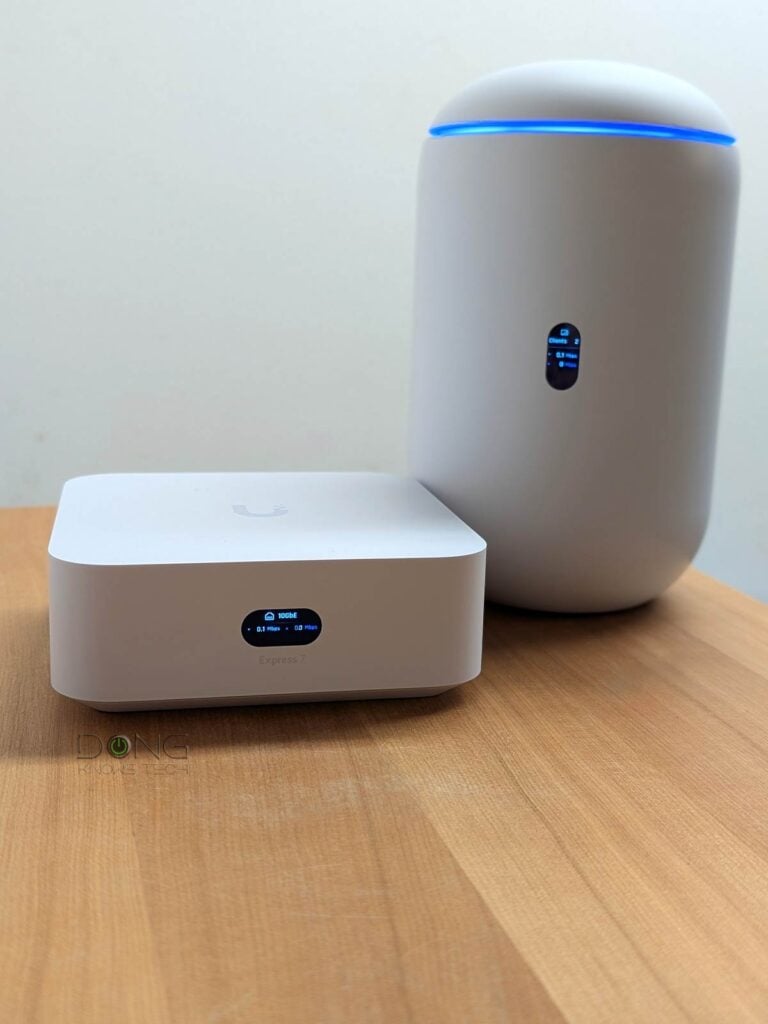
Since the MLO backhaul can be finicky, some vendors, such as Ubiquiti, have opted not to use the feature until they can leverage STR MLO as the backhaul link.
So, MLO can be excellent for a wireless mesh system, but only when it’s available, which is not always the case.
Multi-Link Operation on the receiving end (clients): Comparably unimpressive real-world data rates at the expense of backward compatibility
If you think MLO mesh backhaul is complicated, you’d be disappointed to learn of its impact on end clients if “faster” is what you had in mind.
In my experience, MLO has proven ineffective as the fronthaul. In fact, with it, you trade the sure lack of backward compatibility for (almost) no impact on performance.
Indeed, devices with built-in Wi-Fi 7 adapters, such as the Intel BE200 or Qualcomm NCM865 chips do not benefit from improved data rates over an MLO link due to the lack of STR MLO support.
Specifically, despite the high negotiated speed shown in the bonded link’s status, an MLO-enabled SSID can yield a lower real-world rate than a 6GHz or 5GHz SSID from the same access point. In other words, as mentioned above, an MLO connection can give you a good feeling when checking the link’s status, but it won’t actually improve real-world data rates of any particular application.

As for the “low latency” notion, that’s presumptuous. I’ve been able to meaningfully prove that an MLO performs better in terms of lag than a pure 6GHz or 5GHz connection. Still, considering the airspace can be temperamental, the ability to automatically switch between these two bands never hurts.
As such, on the client front, MLO, eMLSR MLO to be specific, seems more like an enhanced version of the finicky “Smart Connect“, which uses a single SSID across all bands, than a performance upgrade. In fact, to use MLO as the primary SSID, you must either enable Smart Connect or use the same network name (SSID) for the bands you want to be part of the bonded link.
Aside from all that, the use of MLO can be problematic, given the security requirements mentioned above. Using WPA3 (required by the 6GHz band) as the authentication method prevents millions of legacy devices that support only WPA2 or lower from connecting.
Many home-grade routers, such as those in the NETGEAR Orbi or Amazon eero families, do not have enough virtual SSIDs beyond the primary ones, further complicating support for legacy clients.
In any case, keep the following in mind when considering MLO, especially for the fronthaul (clients):
- Turn MLO off to get the most flexible SSID configuration options for each band, including support for legacy clients (Wi-Fi 5 and older).
- Turn MLO on and:
- Use the primary SSID with MLO, but be aware that it may not support legacy devices. Or
- When possible, use the bands’ primary SSID(s) without MLO, and use a virtual SSID with MLO for Wi-Fi 6 and newer clients. Or
- When possible, use the primary SSID with MLO and separate non-MLO virtual SSID(s) with lower requirements for legacy clients.
- If you care about real-world rates, include only the 5GHz and 6GHz in an MLO SSID. Adding the 2.4GHz to the mix generally only makes the connection slower.
Top 5 best full-band Wi-Fi 7 mesh systems
 |  |  | 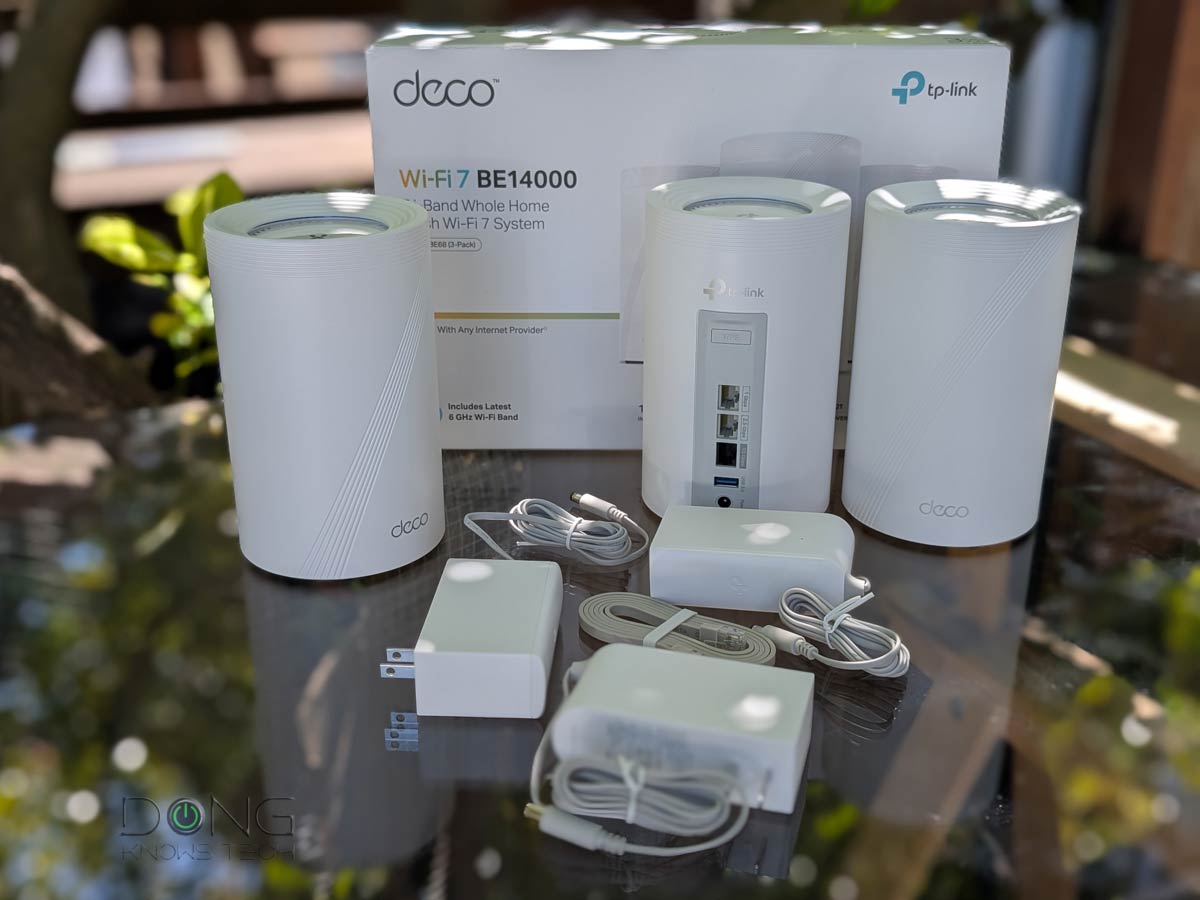 |  | |
| Name | Ubiquiti UniFi Network Wi-Fi System's Rating | ASUS ZenWiFi BT10's Rating | MSI Roamii BE Pro's Rating | TP-Link Deco 7 Pro BE14000 (Deco BE67/68)'s Rating | NETGEAR Orbi 870 Series' Rating |
| Price | – | – | – | – | – |
| Rating | |||||
| Description | |||||
| Statistics | |||||
| Buy this product |
The takeaway
The idea of Wi-Fi 7’s Multi-Link Operation is great, but its real-world application is nuanced and varies by hardware and your clients.
It’s safe to say that when MLO is available in a mesh system, it greatly improves the wireless backhaul links. However, just because you use a Wi-Fi 7 mesh system doesn’t mean MLO backhaul is a given—among other things, you generally must use hardware of the same specs (same models) and arrange them in the star topology.
The point is that Multi-Link Operation has proven to be more of an aspirational feature than a sure real-world benefit. If you have it, it’s great, but your feelings might get seriously hurt if you assume it will be there just because you have a shiny Wi-Fi 7 router or mesh system.


This is exactly what I’ve observed using a 2-node BT10 mesh. The MLO wireless backhaul is very fast, but I don’t use MLO for fronthaul since everything’s very fast without that. And while I have wifi-7 enabled (but no MLO) for my main fronthaul/client subnetwork, I do have a couple of IoT subnetworks available for legacy devices. Those don’t have wifi-7 or wpa3 enabled, and only 2.4 and/or 5GHz. bands…some legacy clients do support 5GHz., so I can use that and get more speed for them.
Anyways, very happy with the MLO backhaul. That gives me almost full speed throughout the house for wifi-6 and wifi-7 clients.
-Roger
Roger that, Roger! 🙂
Since wifi 6 I’ve preferred using ‘smart connect’ and used built in Guest or IOT virtual ssid’s for cameras/legacy devices. It wasn’t until writing this comment that if finally clicked with me why my phone will often hang as I move around the house.
the difference between this approach and separate ssid’s for separate bands; smart connect = router picks band vs separate ssid’s = client picks band by saving all the ssid’s.
I still prefer the simplicity of a single ssid for the primary network.
I’ve read and re-read here and elsewhere, but left with a couple thoughts / questions on the fronthaul side. I picked up a BE3600 last year and have been super happy with it compared with past eero and NightHawk AX. I’m playing with my homelab for the winter and revisited my router settings. Do I enable MLO with the single router? would it matter if I add another BE3600 (or better presuming mix/match tplink easy mesh is ok) Backhaul will be wired. I’m not worried about bandwidth, just like the range of 2.4.
Any benefit or downside of MLO (MLSR) on either wifi 6(e) or wifi 7 clients? Primarily phones since they do the most active roaming.
My understanding is that the wifi 7 devices (s24+/s25+) would basically get the fulfilled promise of smart connect and both router and client could seamlessly switch bands as they roam.
wifi 6(e) devices (s21/s23+) already ‘smart connect’ better on the BE3600, would MLO enhance it a bit?
MLO will help, Matt, as long as you’re OK with *not* consistently getting your (pre-7) devices connected using the band you want. Otherwise, it’s best to separate the bands. Many systems allow you to have both MLO and separate SSID for each bands.
Hi Dong,
I finally replaced my netgear 8500 & e7000 with a Orbi 770. It is significantly faster and I hope more stable.
It seems MLO is turned on for wireless backhaul because the only option is to enable 240MHz bandwidth. I searched your article and comments and saw nothing about it.
Looking on the web it seems it is bad idea if you live next to a airport and while I am in the NYC I am not near any airport or radar dome. I am in a old brick building so the satellite’s have to go through real walls but are within 20-30 feet of the router. Also given I am in the city the spectrum is saturated by my neighbors.
Do you have any thoughts or facts around enabling 240MHz for MLO Backhaul?
As always, thank you.
Daniel
You should use that channel width for the backhauling, Daniel. That’s the only place it’s good for since, so far, no client support that width. Good luck!
I have also noticed that I can connect any 802.llac or ax client to my TP-Link BE3600 MLO network. They all connect like regular clients on an ac or ax spec’d network. Is that backwards compatibility or just an example of more marketing hype on this low-grade Wally World router? If it utilized the same radios as the standard ac and ax networks, is it creating just useless overhead? Trying to find any detailed information on how Wi-Fi 7 is being implemented in the Real World is mind numbing. On the surface, it is all about the 46Gbps theoretical hype. We need to go back to our friendly wire, Mr. Ethernet.
“Multi-Link Single Radio (MLSR): It’s a multi-link system that utilizes dynamic band switching between 5 GHz and 6 GHz to deliver load balancing and lower latency. (For dual-band hardware, this mode switches between the 2.4GHz and 5GHz bands.) This mode does not increase data rates between connected devices.”
This is exactly why the TP-Link BE3600 Wi-Fi 7 Router is nothing more than a sales gimmick. The upgraded Intel BE200 Wi-Fi 7 card on my laptop only connects to one band at a time and gives the same speed/bandwidth connection as the Intel AX200 that it replaced. If it is NOT a Tri-Band router with a 6GHz radio, don’t waste your money.
HI you mesnion that currently no client support EMLMR but qualcomm fastconnect 7800 should support this, it has 2 radios integrated, do you think that in meantime drvier will be suporting EMLMR.
Thanks
It’s one of my test clients, Oso. It’s unclear if it supports it since, so far, no broadcaster has had EMLMR for client yet.
I have ask AI and it is 🙂 but as you say no broadcester is supporting this but i think it can be supported in future =, I have found that Cisco Meraki is supporting this modes{…}
On this front, AI only plagiarizes, it doesn’t know anything. Technical guide is what it is, technical guide, which everybody knows.
And no, there’s no way to experience faster speed with MLO yet. My take is even when that’s supported on both ends, things will be complicated, certainly more complicated than Link Aggregation with wired connectivity which doesn’t necessarily give you faster speed anyway. I’d not count on MLO for data speed on the end client, or at least not use it as the reason to buy Wi-Fi 7.
No spamming please.
As it stands now, is it possible that EMLMR is utilized for wireless backhaul of meshed networks and/or extended networks (WiFi extenders)?
Some do. It depends on the chipset.
Hello Dong,
I recently upgraded my AiMesh to BE98 Pro as main router and two BQ16 pro as nodes in full wireless setup. However I found that MLO backhaul is not available. After searching, I found the ASUS website states MLO backhaul is only available between same models.
I am wondering if it’s technically difficult to add MLO backhaul feature between different models. How likely will ASUS add the feature in a future firmware?
That’s to be expected, Wei. More here. That particular combo only makes sense, financially among other things, when you use it via wired backhauling.
> despite the high negotiated speed shown in the bonded link’s status, an MLO-enabled SSID often yields a lower real-world rate than a 6GHz or 5GHz SSID from the same broadcaster.
omg I thought I was doing something wrong. especially when I switched to dedicated 6ghz and got better speeds and signal strength too. why is that though? even tplink mentions on all FAQ that this could happen with MLO. will existing MLO APs do ok with better client implementation in the future? the faq from tplink seemed to suggest the issue was mostly down to implementation as the standard is so new. or is MLO as standard itself flawed and we’ll never see things like the negotiated phy rate as actual speed or better stability or something?
That happens in Link Aggregation, too. Its bandwidth vs. speed, similar to the case of dual-WAN. So, it’s not flawed, it’s just physics.
oh interesting. Sorry, I missed that where you said that, i see it now:
> client’s particular application still uses one band at a time.
But let me ask you then, what is the “best case future scenario” you see for MLO? Like let’s say we have the best Wifi7 broadcasters from today and some future wifi7 device that implements MLO in a good way, what can i *hope* to see as an improvement over non MLO, just using 6ghz wifi? Or, if i could put it a bit bluntly: what is the point of MLO, ultimately? (beyond the marketing hype etc)
As mentioned above, that would be when you use MLO as the backhaul in a mesh system. In my experience, the satellite unit can use the link as its backhaul which had more (and more reliable) bandwidth than when one band is working as such at a time. For clients, the point of MLO is convenience and the chance of the best-possible given the airspace. It doesn’t mean it’s *always* the best in data rates, but it’s collectively the best. And of course, it’s also a nice marketing ploy (again, as mentioned in the post).
In any case, make sure you read the entire post first. Else, you’ll miss a lot more. One of the rules is that you need to first read before leaving a comment.
This all gives the Microsoft vibes way too much.
‘Let’s put an unfinished product on the market, tout it as the bee’s knees to get as many suckers… I mean, customers, and have them work out all the kinks for us. At Microsoft, our customers ARE our Beta testers!’
Hello Dong,
My question is about the two MLO options I have with my ASUS BQ16 twin set.
One option is to use “2GHz, 5GHz and 6GHz” bands as MLO, and the other (Default) is “5GHz-1, 5GHz-2 and 6GHz”.
I wonder what would be the recommendable choice, having in mind I plan to use MLO only as a backhaul.
Thanks for your help and commitment.
Those are two different modes as mentioned above, Steve. In my experience, they are similar in terms of performance at a certain range. You can use either and it’s no the end of the world to switch between them when you change your mind.
Well, of course I switched the MLO bands several times and didn’t see any notable difference.
In fact, my curiousity to ask such a question, was inspired by the presence of this snail-slow, obsolete and trimmed 2.4GHz band, as a part of the top-of-the-tier, ultra modern and speedy Wi-Fi 7 feature, as MLO is.
In other words – how can this archaic slow 2.4 GHz band play any role at all in the super-speed world of Wi-Fi 7?
2.4 GHz is mainly a legacy band for Wi-Fi 7; it’s mostly used by older devices that weren’t made for 5 GHz (like IoT devices not made for true “wireless mesh” networks like Z-Wave, Zigbee, Matter or Thread), or for extended range (greater than the other two frequencies). The Wi-Fi 7 protocol alone only slightly boosts speeds at 2.4 MHz, and may actually be a hindrance to devices expecting older Wi-Fi protocols. There’s not a lot of benefit for 2.4 GHz in future years.
As far as MLO, my guess is you have more than enough bandwidth & signal that your 6 GHz band plus one of your 5 GHz bands is all the wireless backhaul you can use; it makes no difference if you add the other 5 GHz band or the 2.4 GHz band. (Probably best to avoid the 2.4 GHz band for MLO in that case.) If you’re still not getting most of your Internet speed to your satellite BQ16, try wired backhaul.
Thank you for your opinion and advice. In fact I don’t have any connection issues, BQ16 AiMesh is doing fine, speeding right to the top.
I was just wondering what has to do granny old and slow 2.4 GHz band amongst the WiFi-7 MLO standards. Simply I can’t find any technical logic and explanation for 2.4 GHz participation in MLO tier bands.
It’s obvious why Wi-Fi 7 routers still have a 2.4 GHz band in general—backwards compatibility; some of them retain Wi-Fi 6 protocols on that band while others support Wi-Fi 7 protocols there as well. And though including 2.4 GHz in MLO can slow down performance especially for backhaul (as my latest Deco firmware update appears to acknowledge), my guess is it’s included to help Wi-Fi 7 clients on the edge of the AP’s range more easily maintain a connection; even though 2.4 GHz will never be as fast as the other two bands, it can’t be beat on range.
As mentioned in the post, Steve, it’s part of what that makes MLO the “enhanced version” of Smart Connect. When you’re at a distance out of the 6GHz and 5GHz’s range, you’ll still get connected without having to manually switch the SSID. There’s more in a connection than just speed.
Great info on the MLO. I hooked this up on a mesh, wired network, between an Asus BE7200 and an AX89X. Had been informed previously that the AX89X supported MLO, but when signals began to drop repeatedly I did some further investigation and found that that information on the AX89X was incorrect. It just didn’t work at all. Needless to say, had to turn the MLO off, and once I rebooted everything, the mesh was good again.
From what I read in your post, it sounds like the concept is good but the functionality will only benefit when everything is perfect, and I think that is still going to be a stretch for most of us.
Appreciate the great research and write up, as always.
MLO is only available in Wi-Fi 7, John. Whoever told you the RT-AX89X had it had no idea what they were saying or simply lied to you.
I should note that TP-Link Decos with Wi-Fi 7 treat their “Backhaul Aggregation” feature as separate from MLO, as it potentially aggregates all Wi-Fi bands plus even a wired connection as backhaul—though I can’t see what benefit adding Wi-Fi to 2.5GbE wired backhaul can bring to my BE63 (perhaps Decos with faster WAN ports can use it), and its newest firmware update defaults to disabling 2.4 GHz backhaul as they say it can impair legacy clients. That does sound a lot like MLO, but maybe just slightly different? It did allow me to move my two BE63s from my old house to a small apartment where my 1 gig fiber Internet is in the back while my TV is in the front; they’re close enough that wireless backhaul alone delivers nearly full speed to my wired streaming boxes & a few Wi-Fi 6E/7 clients.
👍