
This post includes the five best Wi-Fi 7 adapters I’ve tested and used extensively.
Wi-Fi 7 has been available for a couple of years, and if you buy a new computer today, chances are it’ll come with this standard built in. However, if you have an older machine, such as one not compatible with Windows 11, it’s definitely an older Wi-Fi adapter or no Wi-Fi at all.
As you can install Windows 11 on unsupported hardware that can run Windows 10, you can add Wi-Fi 7 to any computer. And at least one of the options below will fit in your current situation.
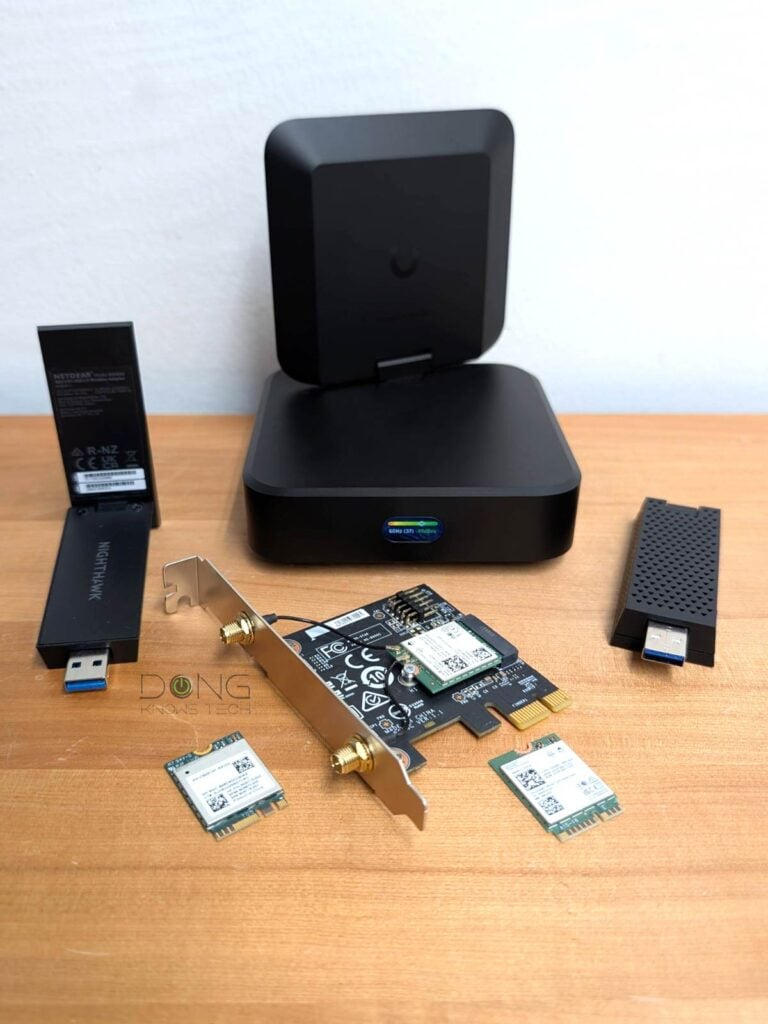
Best Wi-Fi 7 adapter: 2026’s top options
You can add Wi-Fi 7 to a computer via an M.2 slot, a PCIe slot, or a USB port. For the first two, I detailed the process in my takes on the Intel BE200 and Qualcomm NCM865 (links below).
As for the USB adapter, all you have to do is plug it in like a thumb drive. The only thing to keep in mind is to use a USB 3.2 Gen 2 (5Gbps) or faster standard—all computers have at least one of these ports nowadays.
With that, here are the current top five options and their performance chart.
Top 5 best Wi-Fi 7 adapters
 |  |  |  |  | |
| Name | Intel BE200 Wi-Fi 7 Adapter's Rating | Qualcomm NCM865 Wi-Fi 7 Adapter's Rating | ASUS ROG USB-BE92 Wi-Fi 7 USB Adapter's Rating | NETGEAR A9000 Wi-Fi 7 USB Adapter's Rating | Ubiquiti AirWire (U-AirWire) Wi-Fi 7 USB Adapter's Rating |
| Price | – | – | – | – | – |
| Rating | |||||
| Description | |||||
| Statistics | |||||
| Buy this product |
The list below is sorted by rating, with #1 being the highest rated. However, any of the adapters below will work, and each is suited to a particular situation. In other words, not all of them can work interchangeably in hardware installation alone.
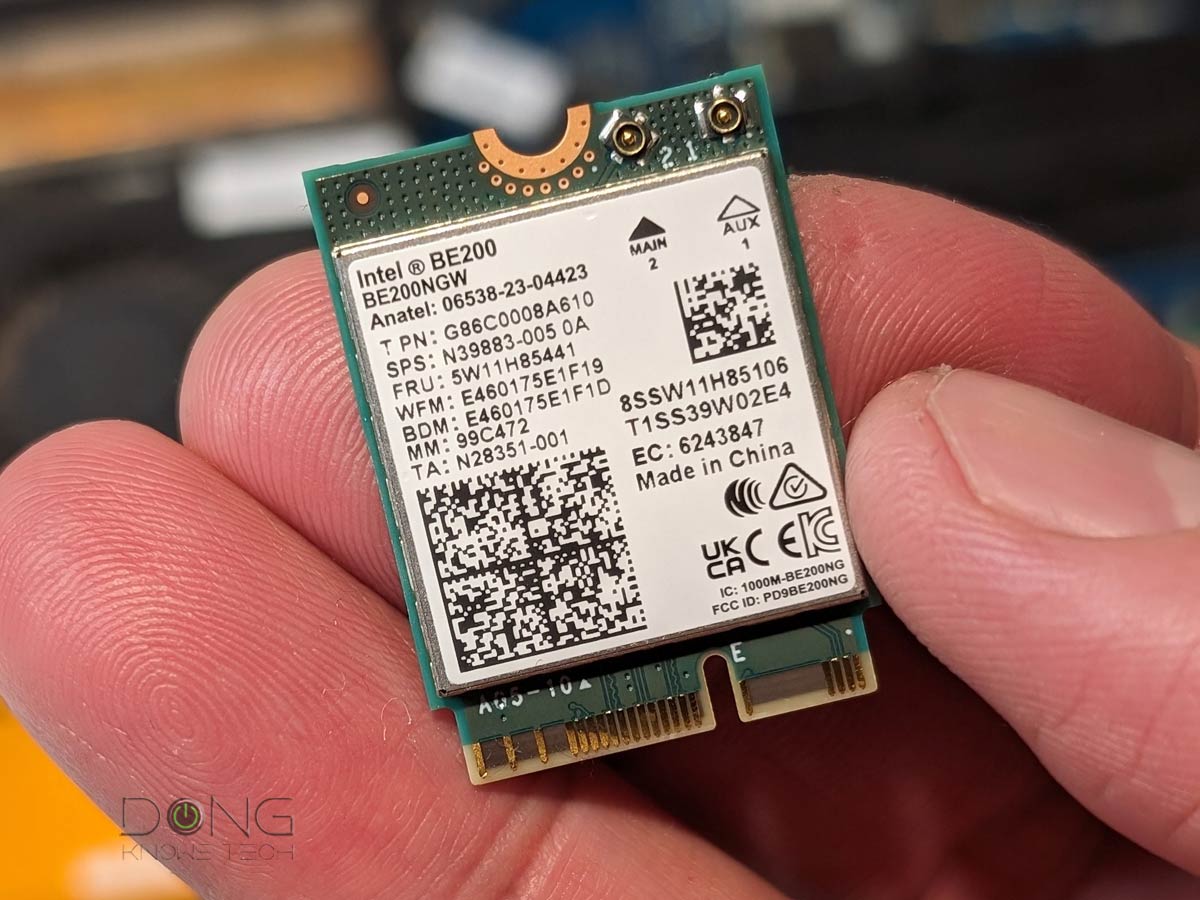
1. Intel BE200 (M.2 or PCIe)


The Intel BE200 is the first Wi-Fi 7 on the market. Available as an internal M.2 adapter, it can be installed in any computer with an E-Key M.2 slot. Alternatively, you can add it to a generic PCIe card for use with a computer via a PCIe slot. This card, as well as its other variant (Intel BE202, etc.), generally only works on a computer powered by an Intel CPU.
2. Qualcomm NCM865 (M.2 or PCIe)


The Qualcomm NCM865 was first available as part of a PCIe adapter, but is now also available as a standalone E-Key M.2 card. You can use it on any computer, AMD or Intel.
Qualcomm NCM865 Wi-Fi 7 Adapter's Rating

Pros
Adds Wi-Fi 7 to a computer with up to 320MHz channel width; supports both Intel and AMD platforms
Flexible application via E-key M.2 or PCIe adapter
Backward compatible with Wi-Fi 6E and older broadcasters
Cons
Limited availability; Windows 11 (and later) required
No USB option
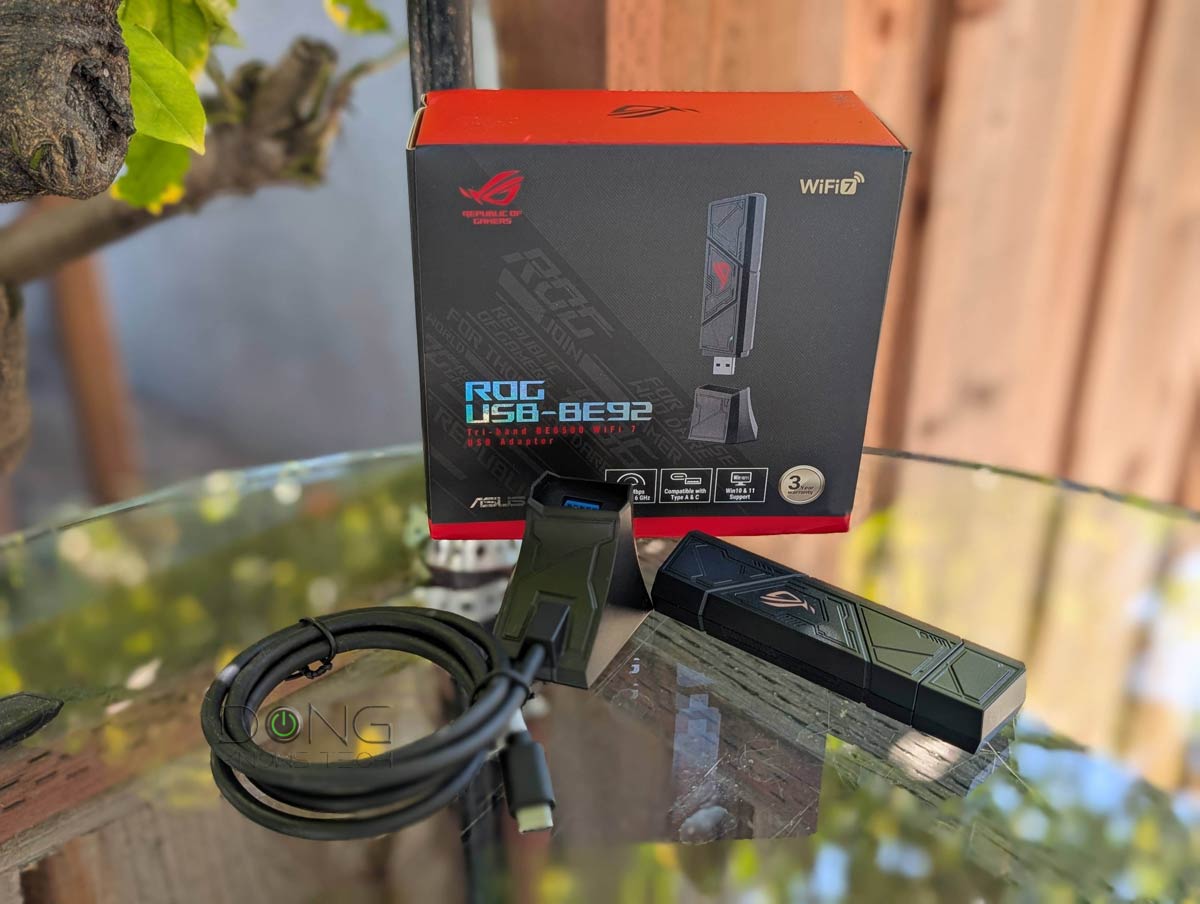
3. ASUS ROG USB-BE92 (USB-A)
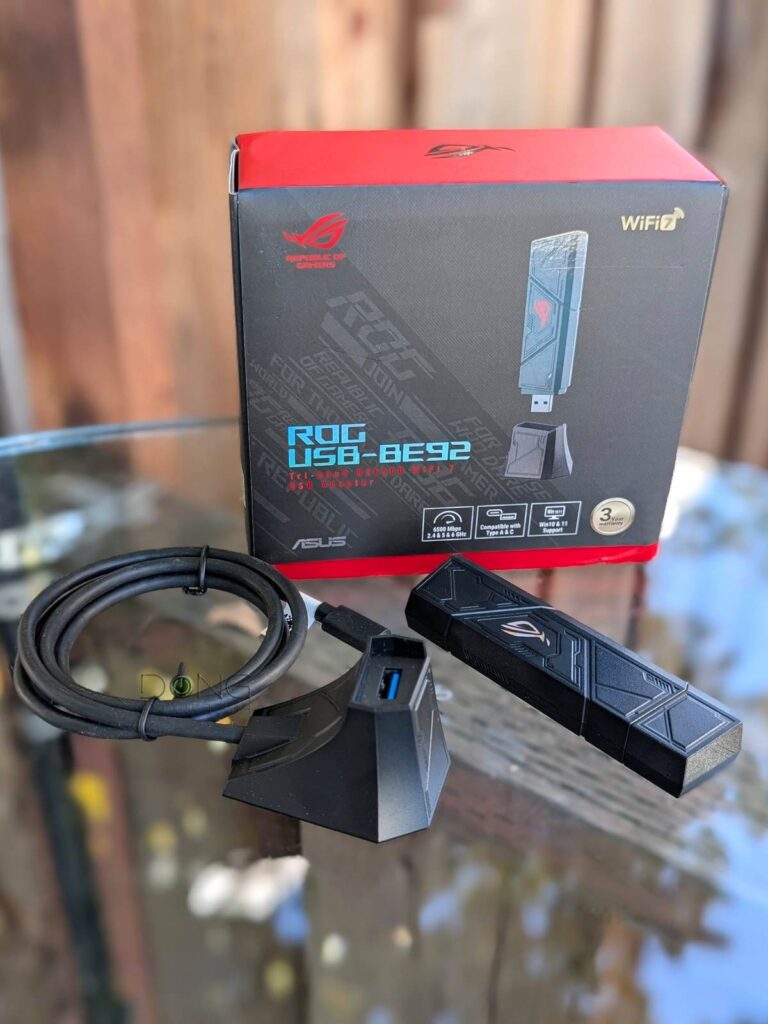
The ROG USB-BE92 is a USB Wi-Fi 7 adapter. It comes with a USB-A connector but will also work with a USB-C port via an adapter (not included). You can use it with any computer as long as there’s a software driver for it (Windows driver embedded).
ASUS ROG USB-BE92 Wi-Fi 7 USB Adapter's Rating
Pros
Quickly adds Wi-Fi 7 to a Windows computer with fast and reliable real-world performance
Built-in software driver for true plug-and-play
USB-C cradle included
Cons
Only works with Windows
No 240MHz or wider channel support
A bit bulky
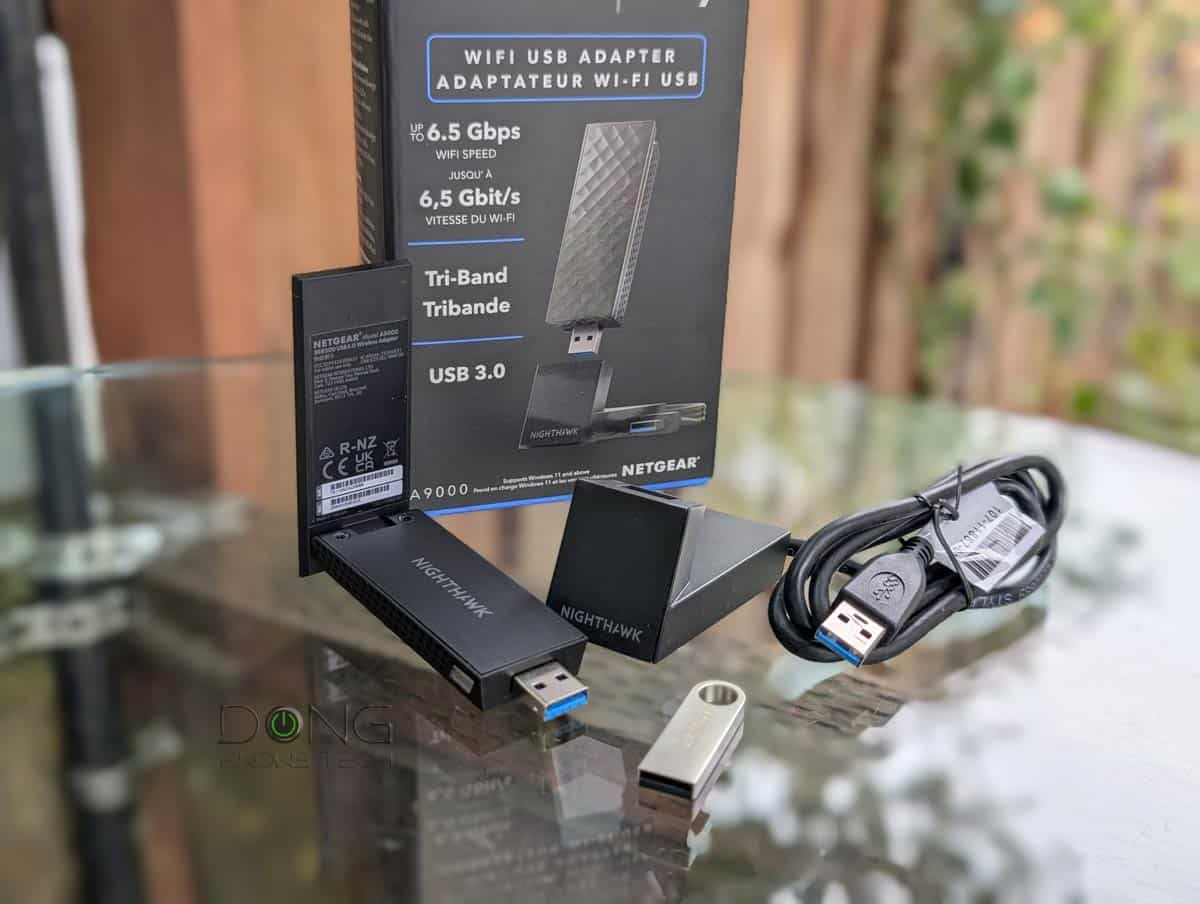
4. NETGEAR A9000 (USB-A)
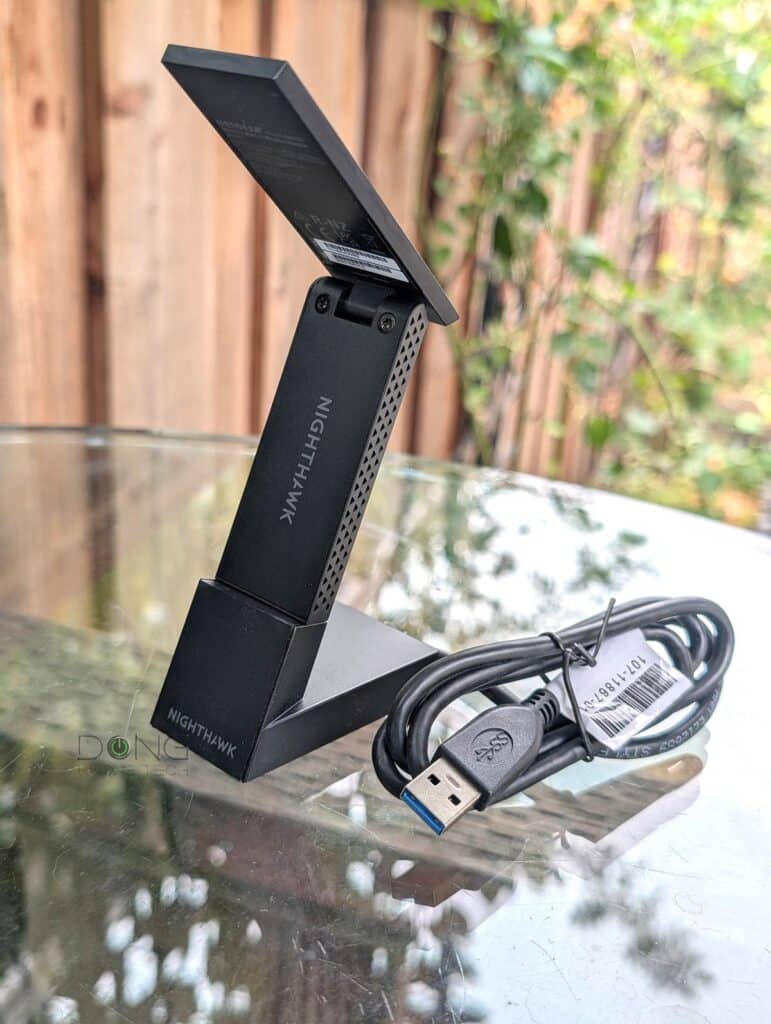
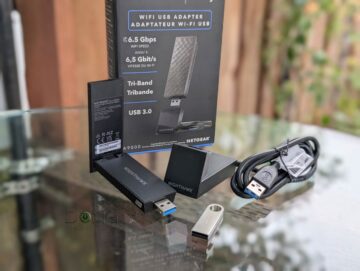
The NETGEAR A9000 is another USB Wi-Fi 7 adapter with a USB-A connector. It works with any computer that has compatible software driver (Windows driver thumb drive included).
NETGEAR A9000 Wi-Fi 7 USB Adapter's Rating
Pros
Quickly adds Wi-Fi 7 to a Windows computer
Fast and reliable Gig+ real-world performance
Software driver included
Cons
Only works with Windows (for now)
No 240MHz or wider channel support, no USB-C adapter included
A bit bulky
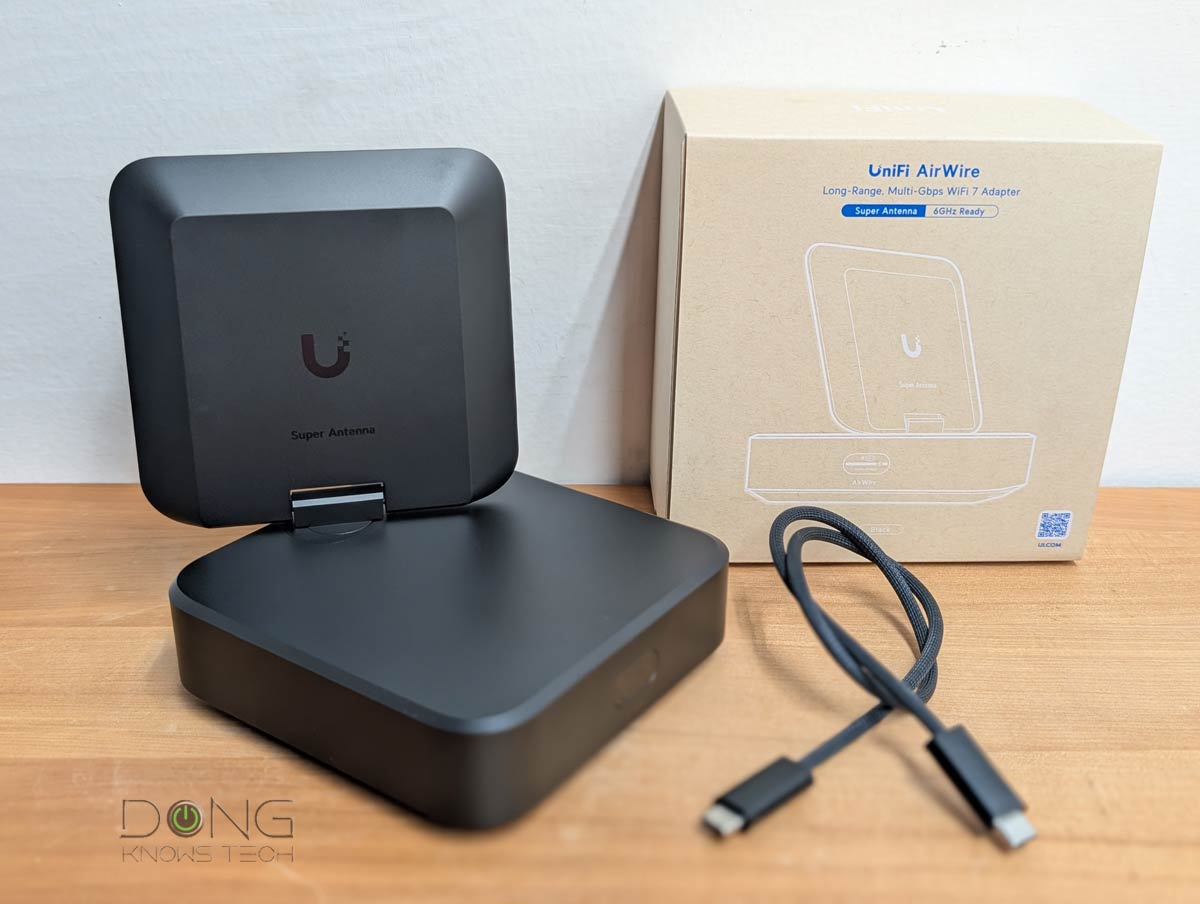
5. Ubiquiti AirWire (USB-C)
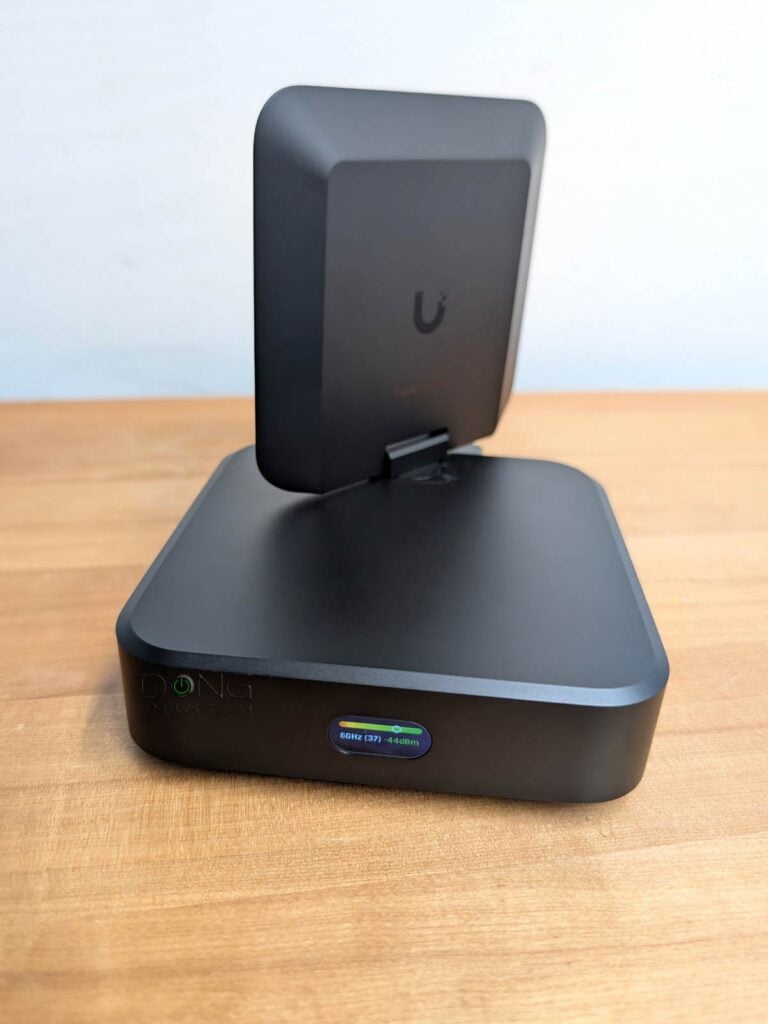
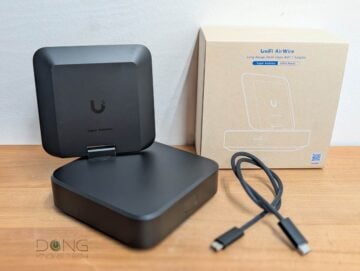
The AirWire is a unique USB Wi-Fi 7 adapter for two reasons: It uses USB-C, and it only works within Ubiquiti’s UniFi ecosystem.
Additionally, it’s also the only Wi-Fi 7 adapter that features STR MLO for ultra-fast uplink connection. Still, its performance is limited to its USB 32. Gen 1 connection, which theoretically supports 5 Gbps.
Ubiquiti AirWire (U-AirWire) Wi-Fi 7 USB Adapter's Rating
Pros
Fast Wi-Fi uplink, STR MLO support
Plug-and-play, up to 5Gbps USB connection
Flexible high-range uplink antenna with optional auxiliary USB PD power input, USB-C cable included
Cons
Uplink requires a Wi-Fi 7-enabled UniFi network, no 2.4GHz band
Auxiliary power and an updated driver (not included) are required for top performance
Raw speeds limited to 5Gbps (USB 3.2 Gen 1) with real-world rates significantly lower
Bulky design, expensive, long boot time, power adapter not included
Best Wi-Fi 7 adapters: The real-world performance chart
Generally, a PCIe or M.2 adapter has better performance than a USB adapter. In return, a USB adapter is much more convenient to use as you don’t need to open up a computer to install it. In any case, most Wi-Fi 7 adapters can deliver sustained multi-gigabit real-world rates at a reasonable distance from the access point.
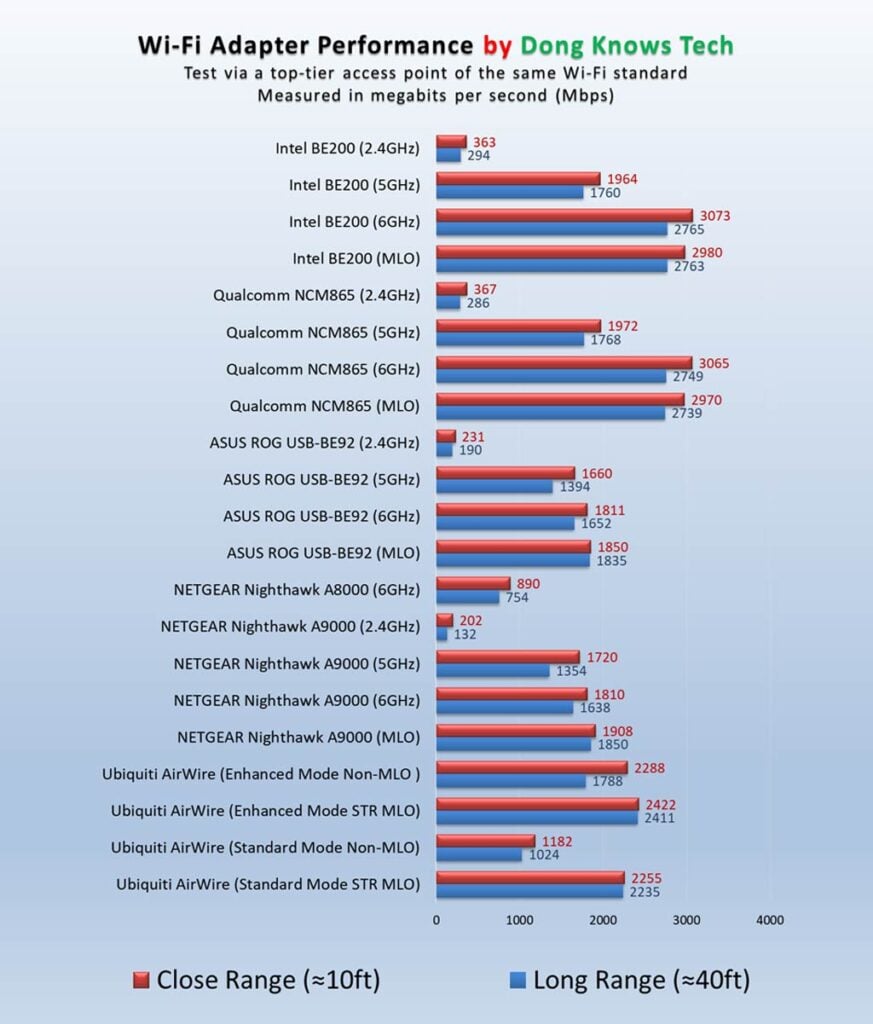
Note that the MLO performance on the chart of eMLSR MLO. The Ubiquiti AirWire uniquely features STR MLO.
The final thoughts
Wi-Fi 7 is not a must-have. If your computer has a wired connection, it’s best to use that instead of Wi-Fi. Also, if it has Wi-Fi 6 or 6E, you won’t see a huge improvement when upgraded to Wi-Fi 7. However, if Wi-Fi is what you need, and you already have a Wi-Fi 7 access point (or router), it never hurts to upgrade your computers to Wi-Fi 7.



Hey Dong,
As you pointed out the Qualcomm NCM865 is available as on the MSI Herald-BE and works in laptops if you remove it from the board. Gigabyte also has a card with it too the GC-Wifi 7 version 1.0. It’s important to get the 1.0 version as 1.1 is Mediatek (junk IMO) and 1.2 is Intel. They also released a version 2.0 that’s also Qualcomm – main difference seems to be it’s PCI-e 4.0 x1 and has something called Wifi EZPlug for easier antenna installation.
The newer Herald BE9400 MSI just released is based on Mediatek.
For drivers, it’s good to check both Gigabyte’s and MSI’s websites for the latest drivers. Gigabyte’s been a lot better about newer drivers, as they have one from January 2026 while MSI is still back at June 2025.
👍
Dong,
I was looking at the Media Tech MT7925 and MT7927. Have you seen these?
All of my computers are amd. So I’m looking for an alternative to be200.
Thanks,
Larry
I haven’t tested those you mentioned, Larry, but you can go with the Qualcomm on this list (#2).
Wifi 6 or 7 routers are on FCC lockdown untill USA manufactured. I only buy Asus or secondary Netgear. Netgear was for a WiFi extender for my Mackinac Island Sailboat Mooring. The island controls wifi from 6pm to midnight. Only drinking allowed during those times. I am 1000 yards from shore. I need to bump up 1 bar. signal strength. Keep in mind on a ball. But the wind is usually constant. What is your recommendation.
I’d get a UDR7 or the UCG-Industrial and one or a pair of the U7 Mesh.