
There are so many Wi-Fi systems on the market, and this post will point you in the right direction and help you pick the best mesh for your home.
A suitable network system is more than just the performance or Wi-Fi coverage. It’s also about the cost, features, customizability, and, most importantly, your privacy.
Let’s dig in!
Dong’s note: I first published this post on Feb 21, 2024, and last updated it on December 15, 2025, to add the latest relevant information.

How to pick the best mesh Wi-Fi system: The crucial hardware rule and four critical criteria
Generally, if you buy a brand-new mesh system, you’ll get a 2-pack or 3-pack, with the hardware units identical or purposely designed to work together. There’s no need to worry about hardware compatibility.
However, if you start with a single router or a 2-pack and then want to expand the system by adding more broadcasters, remember the first hardware rule:
Avoid using hardware of different Wi-Fi standards!
In some cases, such as when you go with ASUS AiMesh or Synology Mesh, mixing Wi-Fi standards can work, especially with wired backhauling, but often only to an extent, and your luck will vary.
For example, Wi-Fi 6 hardware generally won’t work well with the Wi-Fi 5 counterpart in a system—the two use the shared 5GHz band differently. The more standards are used together, the worse it gets—things can be unpredictable.
If you use Wi-Fi 7 hardware, it’s best to use Wi-Fi 7 throughout. In fact, if you want to use the MLO feature as the wireless backhaul link, you’ll need to use hardware units belonging to the original set (a 2-pack or a 3-pack) or, when applicable, multiple identical mesh routers. In other words, mixing hardware models alone can yield unexpected results.
After that, there are four additional things you should consider when getting a Wi-Fi system: The number of hardware units, the performance grade, the features, and the privacy.
Let’s start with the number of hardware units.
1. Number of hardware units: Wired vs. Wireless
A home Wi-Fi broadcaster emits signals outward, somewhat like a sphere. The Wi-Fi range varies greatly depending on a home’s layout, the number and type of walls, and other factors.
Each home is different, but you can use the information in this post on Wi-Fi range to estimate how a mesh unit would perform in yours. That, plus these tips on how to arrange the hardware, will be a good base for determining how many hardware units you’d need.
On the safe side, you can assume each mesh node covers about 1,500 ft2 (140 m2). After that, consider these:
- In a wireless setup (a.k.a. wireless backhaul, which is when you use Wi-Fi to link the mesh hardware units): You need to place the hardware units relatively close to each other. Specifically, the satellite unit must be within the primary router’s (or another satellite’s) good coverage area before it can meaningfully extend the signal. But you don’t want to put it too close, either. That will reduce the total combined coverage of the two or negate the need for the second unit. Note that a mesh is not an upgrade to a single router.
- In a wired setup (a.k.a. wired backhaul, which is when you use network cables to link the mesh hardware units): The satellite doesn’t have to be within the coverage of any existing broadcaster. You can place it far enough—as far as the network cable between the two allows—so that its signals don’t overlap with the existing Wi-Fi network. As a result, you’ll get extensive coverage without signal degradation and less interference.
The gist is that wireless backhaul is convenient but doesn’t provide the best performance or flexibility. You have to find the sweet spots to place the satellite mesh hardware units from one another.
On the other hand, with wired backhauling, which requires getting your home wired with network cables, you can place a broadcaster at the exact location to deliver Wi-Fi coverage.
For example, if you have a primary residence and an outhouse that’s far apart in a large property, no wireless system can work. However, a single network cable connecting a pair of broadcasters placed in the two locations will make both well covered—you can skip the area in between.
That aside, consider the following when it comes to the number of hardware units you will need:
- If currently a single router is almost enough, then a 2-pack mesh will do.
- If currently a 2-pack of low-end hardware is barely enough, a 2-pack of higher-end or better Wi-Fi standards will be perfect.
- If you’re comfortable with a low-end 3-pack, a high-end 2-pack likely won’t cut it—you’ll need a new 3-pack set of a similar higher tier.
- If your current high-end 3-pack of an older system (Wi-Fi 5) is almost enough, a newer high-end of a better standard (Wi-Fi 6 or 7) will work out better, but you might also want to consider a 4-pack.
It’s often tricky to determine how many broadcasters are needed. The good news is that with most mesh options, you can start with a 2-pack and add more units later to scale up coverage.

2. Performance grade: Number of bands vs. Multi-Gig ports vs. needed bandwidth
Wi-Fi speed is, by far, the most critical factor in building a network. And that depends a lot on whether your home is wired with network cables.
Here are some quick bullet points based on the bandwidth you want or need:
- Gigabit or faster: Getting your home wired is generally a must.
- 150Mbps to Gigabit: Wiring is recommended, but a tri-band Wi-Fi 6 or a Wi-Fi 7 system in wireless setup will do.
- Slower than 150Mbps: Any Wi-Fi system (Wi-Fi 5 and newer) will do, wired or wireless, though it doesn’t hurt to get your home wired.
After that, the next step is to figure out the hardware suitable for the situation.
Specifically, for a wired home:
- It’s best to start with a non-Wi-Fi router and then a few access points of your favorite Wi-Fi standard. When in doubt, pick Wi-Fi 7.
- Pick hardware that doesn’t have band-splitting, namely dual-band Wi-Fi 6 and tri-band Wi-Fi 6E or Wi-Fi 7
- Wi-Fi 7 hardware with multi-Gigabit wired backhauling is the ideal option for getting the fastest performance. In this case, avoid hardware that does not have multiple Multi-Gig ports, such as the Linksys Velop Pro 7.
For a fully wireless setup: You should never count on the 6GHz band as the backhaul due to its extremely short range and terrible object penetration. After that:
- If you use Wi-Fi 6E or Wi-Fi 6 hardware, it’s generally a good idea to utilize the hardware with an additional 5GHz band—quad-band or tri-band, respectively—which can work as the dedicated backhaul link.
- If you decide to go with the latest Wi-Fi 7, the additional 5GHz or 6GHz band of quad-band hardware, such as the NETGEAR Orbi 970 series, generally plays little or no role other than as a marketing tool. The new standard has vastly more bandwidth, and its MLO feature can significantly improve the wireless backhaul link. Band splitting, in this case, only complicates things unnecessarily.
With that, let’s go into a bit more detail based on the needed bandwidth.
Generally, any mesh system using Wi-Fi 5 or later will do for sharing a modest Internet connection (150Mbps download speed or slower). However, if you pay for a fast Internet plan—300Mbps or higher—you’ll need a mid-tier system that has a dedicated 5GHz backhaul band or a top-tier dual-band Wi-Fi 6 (Tri-band Wi-Fi 6E) system.
If you have a high-speed internet connection (500Mbps or faster), it’s time to consider running network cables, but a top-tier tri-band Wi-Fi 6, quad-band Wi-Fi 6E, or a Wi-Fi 7 wireless mesh system can do the job.
For Gigabit or faster (multi-Gigabit) broadband, using network cables and Multi-Gig-enabled hardware is the only way to go. There’s no way around this.
That’s because even a top-tier Wi-Fi 7 system in a wireless setup won’t give you consistent Gig+ real-world rates on a good day.
Tip
Gig+, or Gig Plus, denotes a speed grade between 1Gbps and 2Gbps. So, it’s 1.5Gbps, give or take a couple of hundred megabits per second, and it’s not speedy enough to qualify as Multi-Gig Ethernet or multi-Gigabit. Intel coined the term to describe its Wi-Fi 6E client chips, the AX210 and AX211, in terms of their real-world speeds.
Gig+ primarily applies to sustained Wi-Fi 6 or Wi-Fi 7 speeds via a 2×2 at 160MHz connection, or to broadband internet speeds.
On the other hand, with wired backhauling, all you need is a modest dual-band system (Wi-Fi 6 or newer) to experience Gigabit-class bandwidth.
Top 5 best dual-band Wi-Fi 7 mesh systems
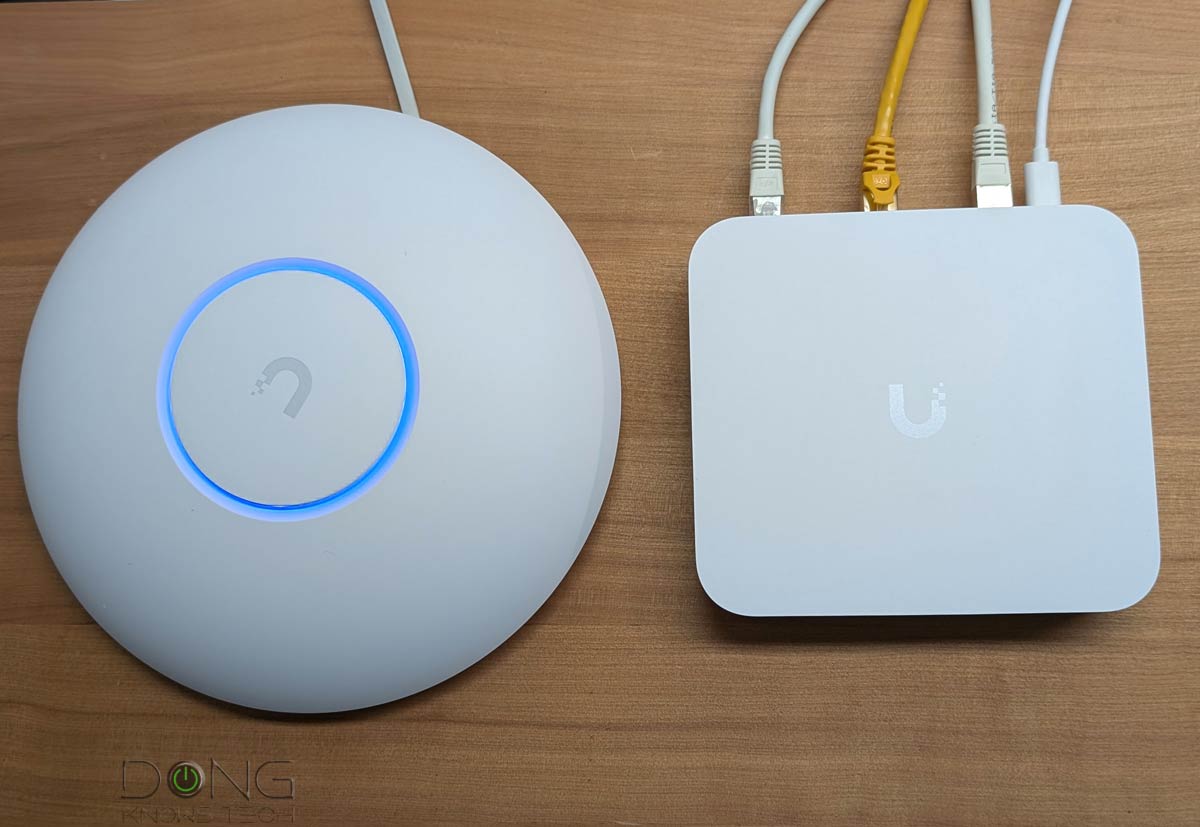 | 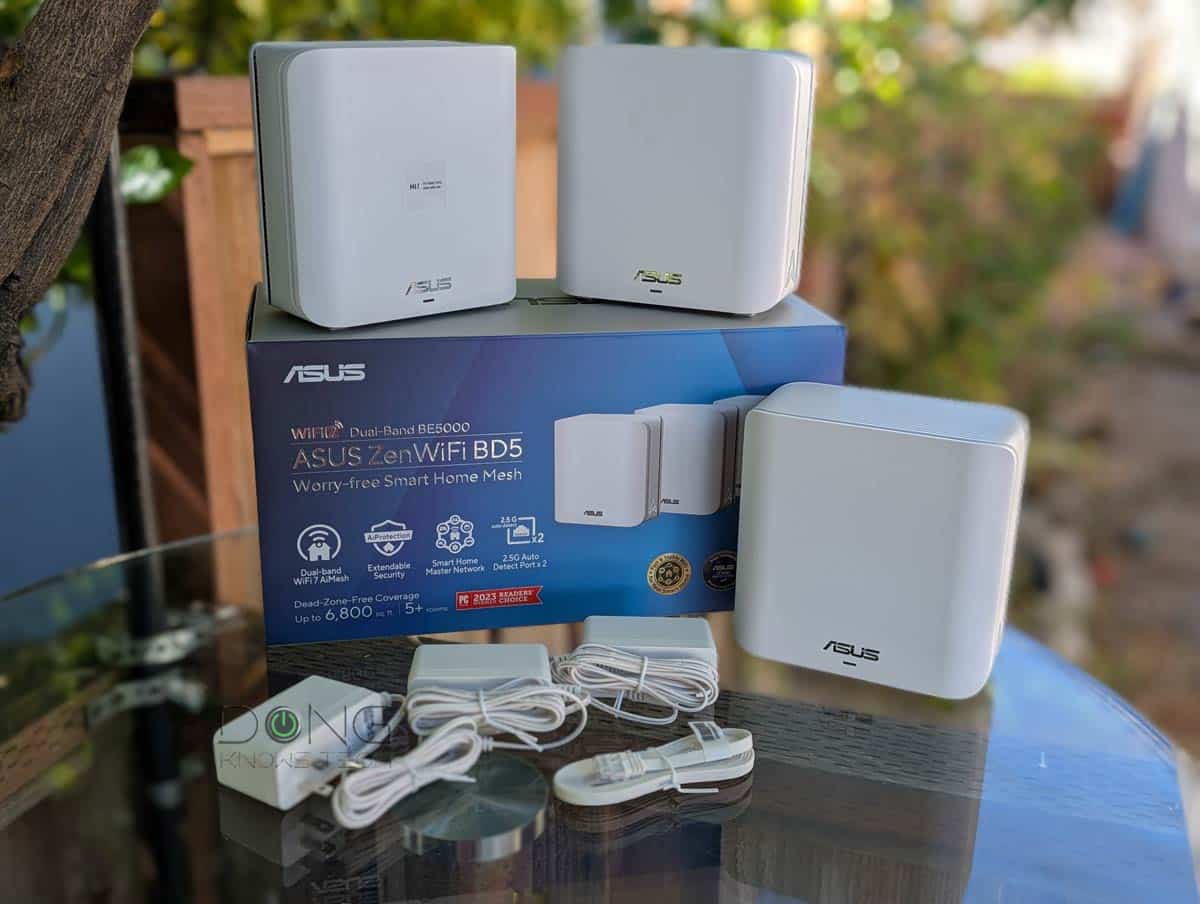 | 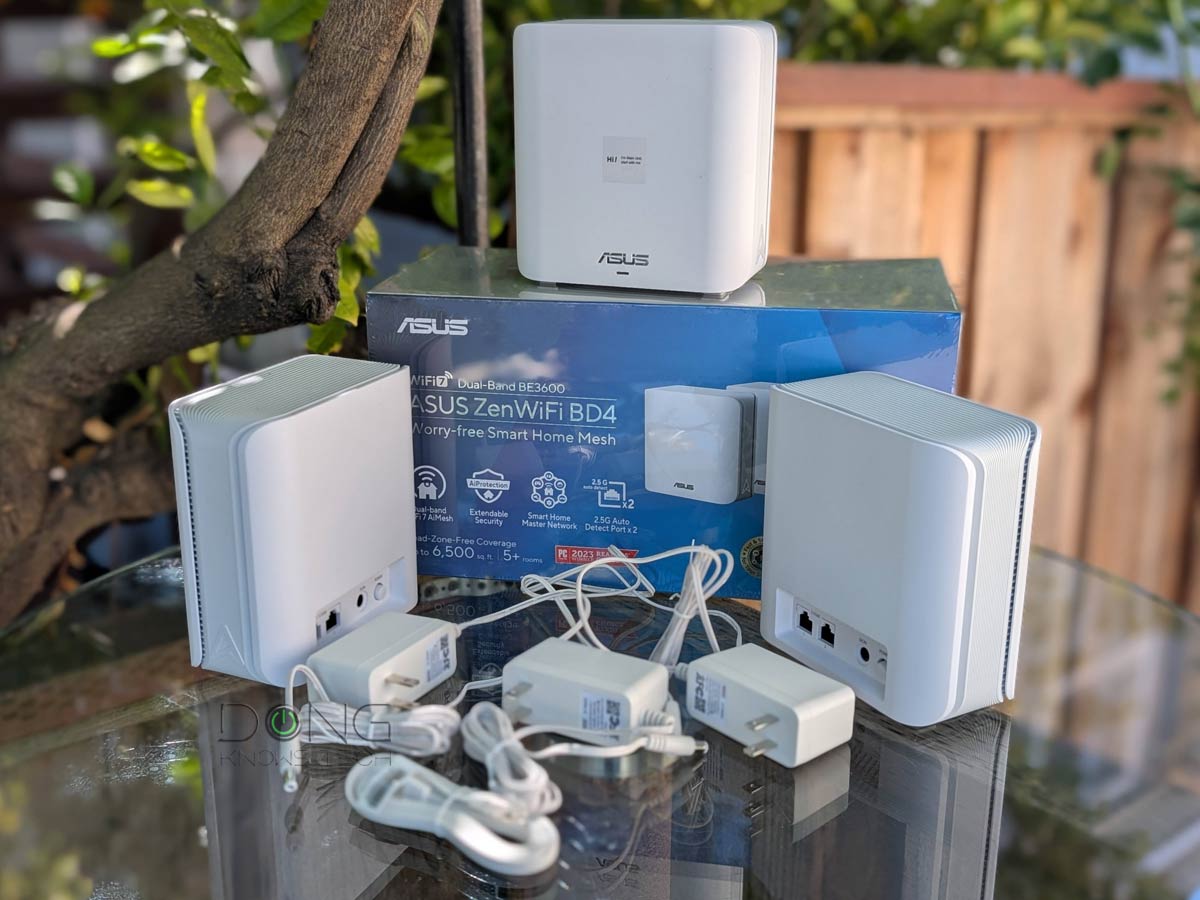 |  | 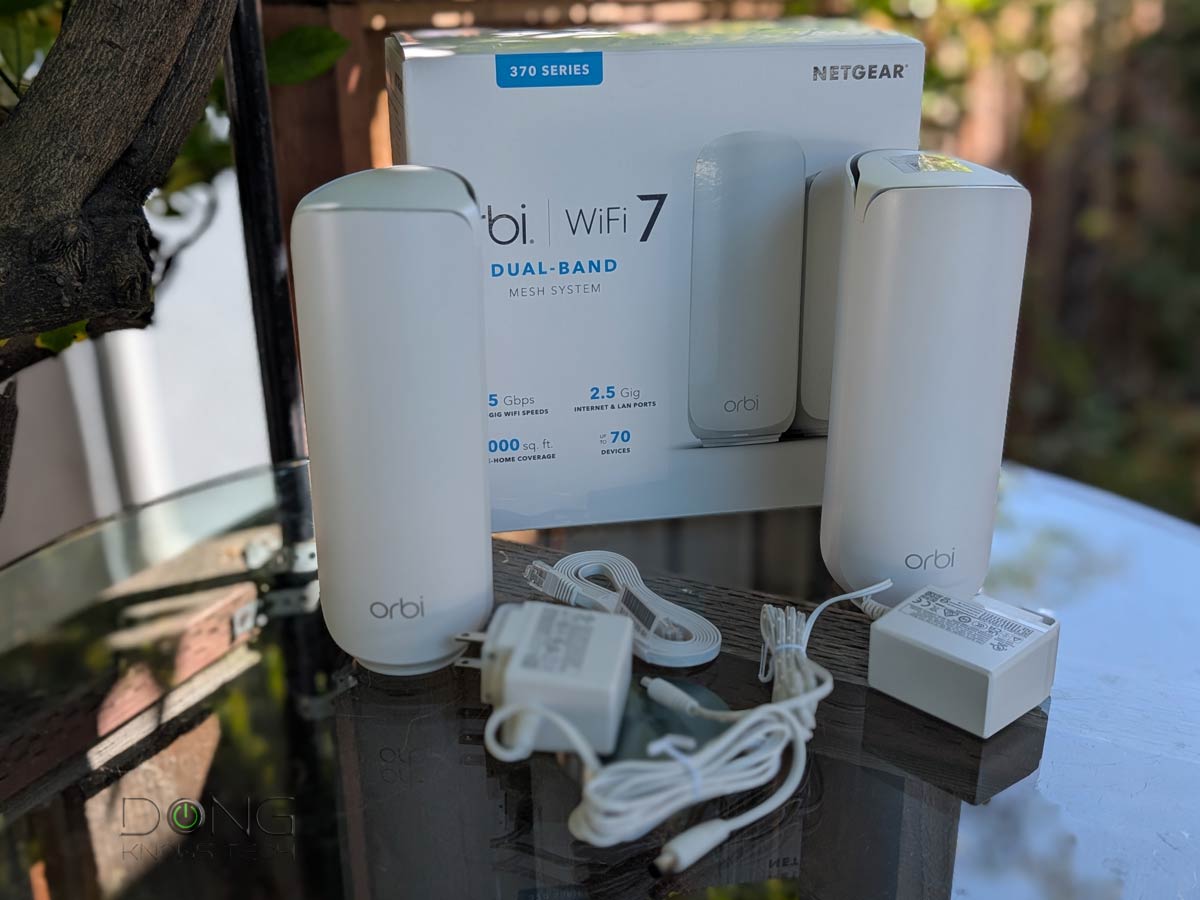 | |
| Name | Dual-Band UniFi Wi-Fi 7 System's Rating | ASUS ZenWiFi BD5's Rating | ASUS ZenWiFi BD4's Rating | TP-Link Deco BE25 (Deco BE5000)'s Rating | NETGEAR Orbi 370 Series' Rating |
| Price | – | – | – | – | – |
| Rating | |||||
| Description | |||||
| Statistics | |||||
| Buy this product |
Ultimate mesh system: Quick notes on hardware requirements
If you want true Gigabit or higher bandwidth out of a mesh Wi-Fi system, multi-Gigabit wired backhauling is necessary. Such a mesh requires at least two Multi-Gig ports at the primary router unit and at least one Multi-Gig port at each satellite unit.
The router uses the first Multi-Gig port to host the fast WAN connection and the second to host the satellite unit in a 2-pack setup.
If more coverage than a 2-pack is needed, the router’s 2nd Multi-Gig port can host a Multi-Gig switch to increase the number of supported satellites. Alternatively, you can use satellites with two or more Multi-Gig ports and daisy-chain the units.
Entry-level Multi-Gig (2.5Gbps) wired backhauling is fast enough for mid-tier (2×2) Wi-Fi 6/6E broadcasters to deliver their bandwidth in full. If you want to enjoy the bandwidth of top-tier Wi-Fi 6/6E or Wi-Fi 7 broadcasters, 10Gbps wired backhauling is the only way.
Top 5 best Wi-Fi systems with 10Gbps Multi-Gig ports
 |  |  |  |  | |
| Name | Ubiquiti UniFi Network Wi-Fi System's Rating | ASUS ZenWiFi BQ16 Pro's Rating | ASUS ZenWiFi BT10's Rating | TP-Link Deco 7 Elite BE85's Rating | NETGEAR Orbi 970 Series (RBE973S)'s Rating |
| Price | – | – | – | – | – |
| Rating | |||||
| Description | |||||
| Statistics | |||||
| Buy this product |
3. Features
The feature set of a system means what you can do with your home network.
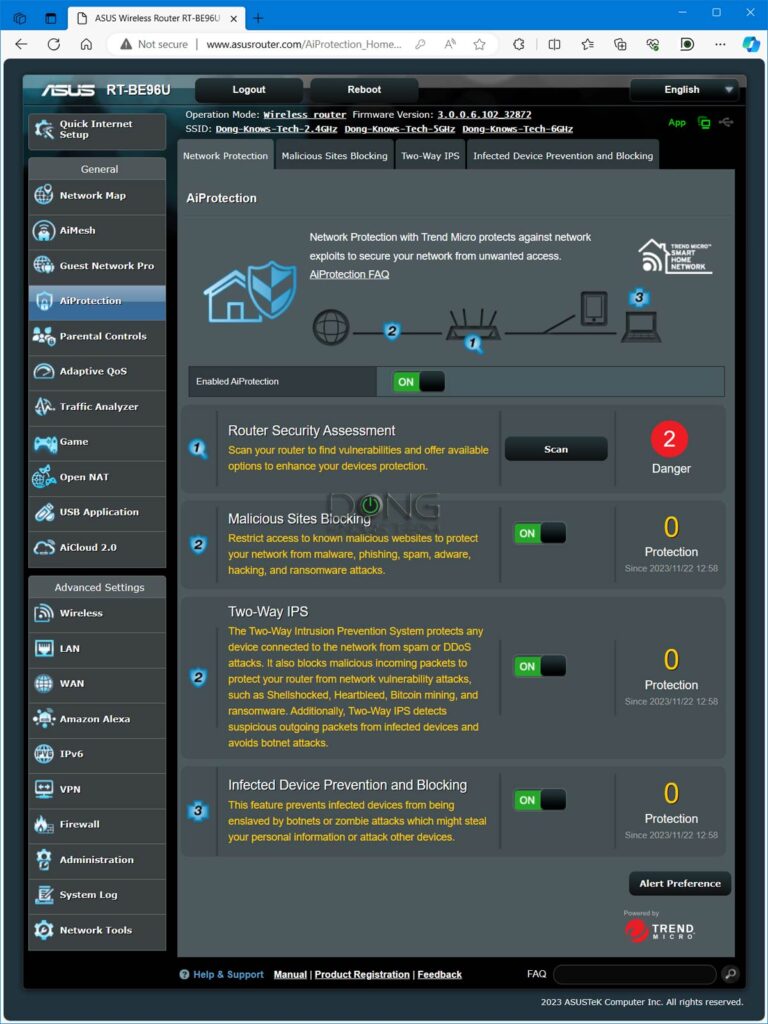
If all you want is Internet access, there’s no need to worry about the features. However, it’s always helpful to have a system that includes lots of customization and built-in online protection.
I’m not a fan of mesh systems (or routers) without a web interface since they don’t offer users complete network control.
If you want many valuable features and network settings, use one of these advanced DIY mesh approaches, especially Ubiquiti’s UniFi. The runners-up are those from ASUS, Synology, Linksys, or Netgear. Others—eero, Google Nest, ARRIS SURFboard, etc.—tend to be poor in features and customizability.
4. Privacy
All Wi-Fi systems requiring you to register a login account for setup and ongoing management can cause privacy risks.
If your network connects to the vendor at all times, a third party may at least be able to monitor what you do online. What happens behind the scenes is generally unknown, and some vendors are worse than others.
Examples of this type of Wi-Fi system that require being connected to the vendor to work are those from Google, Amazon, or TP-Link (which is subject to a potential ban in the US). These also tend to have lackluster performance, few features, and low or zero customization options.

The takeaway
No matter how hard you try, no Wi-Fi system gives you everything you want. It’s always about balancing what you need and how much you can spend.
Need to make a quick decision? Follow the link below to our top-5-best collection.



What are your thoughts on AiMesh/range extenders (e.g. Asus RP-AX58 or TPLink RE700X)?
I was thinking of getting one ASUS ZenWiFi BQ16 Pro, and then a few AX58’s to expand the mesh/range. All I need is a router (to connect wired networks) + satellites (extend range). I don’ t think I need to buy two BQ16 ‘s.
I like that the AX58 hangs from the electrical outlet.
But my hold back on the Mesh/RangeExtners is no WiFi7.
My other holdback on a single BQ16 is the lack of 2.5Gbe LAN ports, and the number of ethernet ports. I have a lot of wired devices, and I really don’t want the clutter of a network switch.
Also considering TP-Link Archer BE24000. Similar to BQ16, but has more ports and 2.5Gbe for LAN.
This post on AiMesh combos will help, James.
“Need to place the hardware units relatively close to each other”
What is a guideline for the distance? How many walls+distance?
I am strongly considering Ethernet Over Coax for my two story 2500 sqft home (just plywood and sheet rock). However, the cost is having me thinking of investing in purchasing more wireless nodes placed closer together.
Follow the links as you read, James, like this one. MoCA is generally better than fully wireless.
Hi Dong! Great article. I was wondering your thoughts on if a tri-band wifi 6 would benefit IoT devices better than a dual band? I have two buildings that can’t be wired, and many Ring and blink cameras ,thermostats, irrigation system, that I need stable connections to. Am I better off buying many dual-band mesh routers to expand range, or going tri-band? Will any mesh system’s IoT network, like tp-link deco, really make a difference? What about guest networks? My current eero wifi5 system is poor in range and stability. FYI my ISP speed is 180 up/down. Thanks! I’m so terribly confused.
It’s hard to tell, Sabrina, IoT devices are tricky. Give this post on the subject a good read.
Is it better to have Dual WAN integrated into a mesh network, or separate Dual WAN wired router connected to the mesh?
I have problems with internet bandwidth and wifi.
My main questions is:
– is it better to buy a dual WAN mesh network, or to buy a cheap dual WAN router and connect this to my preferred wifi solution?
-Background-
I live in a 60 year old 2000 sq ft apartment with THICK walls.
There are also no wired internet services available in my area.
I have an unlimited data 5G mobile connection via a ZTE MC888 5G CPE modem (with wifi turned off to avoid interference). This is connected via ethernet cable to a TP-Link AX6600 Wi-Fi 6 Tri-Band Gaming Router.
I’ve got an Apple TV connected by ethernet to the TP-Link router, all other connections are via wifi. There are three people in the house (each with phones / laptops), plus two 1080p Apple HomeKit security cameras and one 1080p baby monitor running 24/7.
I don’t have any wifi 6E devices, so no need for anything better than wifi 6.
– The Problems –
Issues are twofold:
1. The internet bandwidth is not enough for all of the devices in the house. Without the 3x cameras, it’s passable, but with the cameras turned on internet is barely useable. Netflix, Youtube, Zoom, etc – all don’t work properly. Sometimes even loading a google search takes multiple tries.
2. Wifi coverage from my router doesn’t reach all corners of the house
-My thoughts on the problems-
For problem 1 (not enough bandwidth) I can fairly cheaply get a second 5G service with a different mobile network.
Unfortunately all other networks only offer 250gb of data – and I might get slowed down after that depending on the fair use policy.
I would need some kind of Dual WAN system where I can either load balance (in favour of my unlimited data service) or assign certain MACs (like the 3x security cameras) to the unlimited data service – and things like phones which don’t use so much data to the data-limited internet service.
For problem 2, I need a mesh network.
– A solution?-
I am thinking of getting something like the TP-Link ER 605 to give Dual WAN capabilities.
For the wifi, I am thinking of trying the TP-Link One Mesh RE815X. This seems to have a dedicated backhaul channel and high broadcasting power so (even though an “extender”) seems like a fairly decent and cheap way to expand my current wifi network into the corners of my apartment.
I’m hopeful the One Mesh extender will work – but if it doesn’t, I’ll have to replace the whole wifi system with a proper (and far more expensive) mesh network. Very much hoping to avoid this.
-My questions-
1. Is it possible to connect a wired dual WAN router (like the ER 605) into a wifi router (like the AX6600)? Can I still assign MACs via the load balancing dual WAN router to one internet connection or the other (even though those devices are connected by wifi to the separate router)? Is this simple to do? Does the ER 605 support this (load balancing options seem very limited in the manual)?
2. Are there any advantages of having the dual WAN system integrated with the wifi? It seems that there are very few dual WAN mesh wifi systems available (and they’re quite expensive). As above, Im hoping to fix the wifi coverage issue with the relatively cheap One Mesh extender (and not a whole new wifi mesh network). It seems sensible to get the best wifi solution for my house (whether it has dual WAN or not) if it’s easy to add dual WAN capability to a wifi network with a cheap separate device (like the ER 605).
3. Will 2x 5G connections via dual WAN actually help with the internet usability issues I’m having?
Any other suggestions very much welcome!
Thanks in advance
Hi Brok, I’ll address your message as a whole—you asked some odd questions presumably due to wrong assumptions. The numbers below are not corresponding to your questions.
1. I think you were thinking of some fantasies when saying “Dual WAN integrated into a mesh network”. Mesh or not, Dual-WAN (or WAN in general) is always handled by the router. More on Dual-WAN in this post. More on what a mesh network is in this post.
2. You need to remove those IP cams. You can’t use them in your network. Data cap aside, they will kill your upload pipe really fast. No upload, no download, either. Here’s how Internet bandwidth works and how to conserve it.
3. Dual-WAN when set up properly will help. See #1.
For your case, get an AiMesh system—most if not all Asus routers can handle Dual-WAN and has the Statistic section for you to monitor bandwidth use. Good luck!
It’s definitely interesting. Myself I have tried the BE95, the xe75pro, the x50 3 port and ended up sending them all back because the 6e and 7 offerings showed no value where I lived. 6ghz speed tests were always less than 95 mbps only 6ft away from the units and yet 5ghz would get 850+ mbps right after on my 3gb up/down internet. Not to mention the decos seemed to go offline but yet the lights were still green (except BE95, always rock solid on app) I finally settled on two 3 packs of X55 pros this week and it seems to be the sweet spot of good enough and cheap enough.
👍
Hello,
I’m wondering if a single wireless router today could cover my whole house better than a single wireless router from about 6 years ago? The last wireless router I used was the Asus RT-AC86U and it could never cover all 3 floors and garage properly. Would today’s technology change that or am I best to upgrade to another MESH system again?
{…} Situation: 3 floors for total of 2800 sq ft. Garage about 30 ft from house. Radiant heated floors so probably challenging to cover through floors. Will need to use wireless backhaul, might be able to use MOCA for one segment of backhaul.
Thank You
The quick answer is no, DL. More here.